
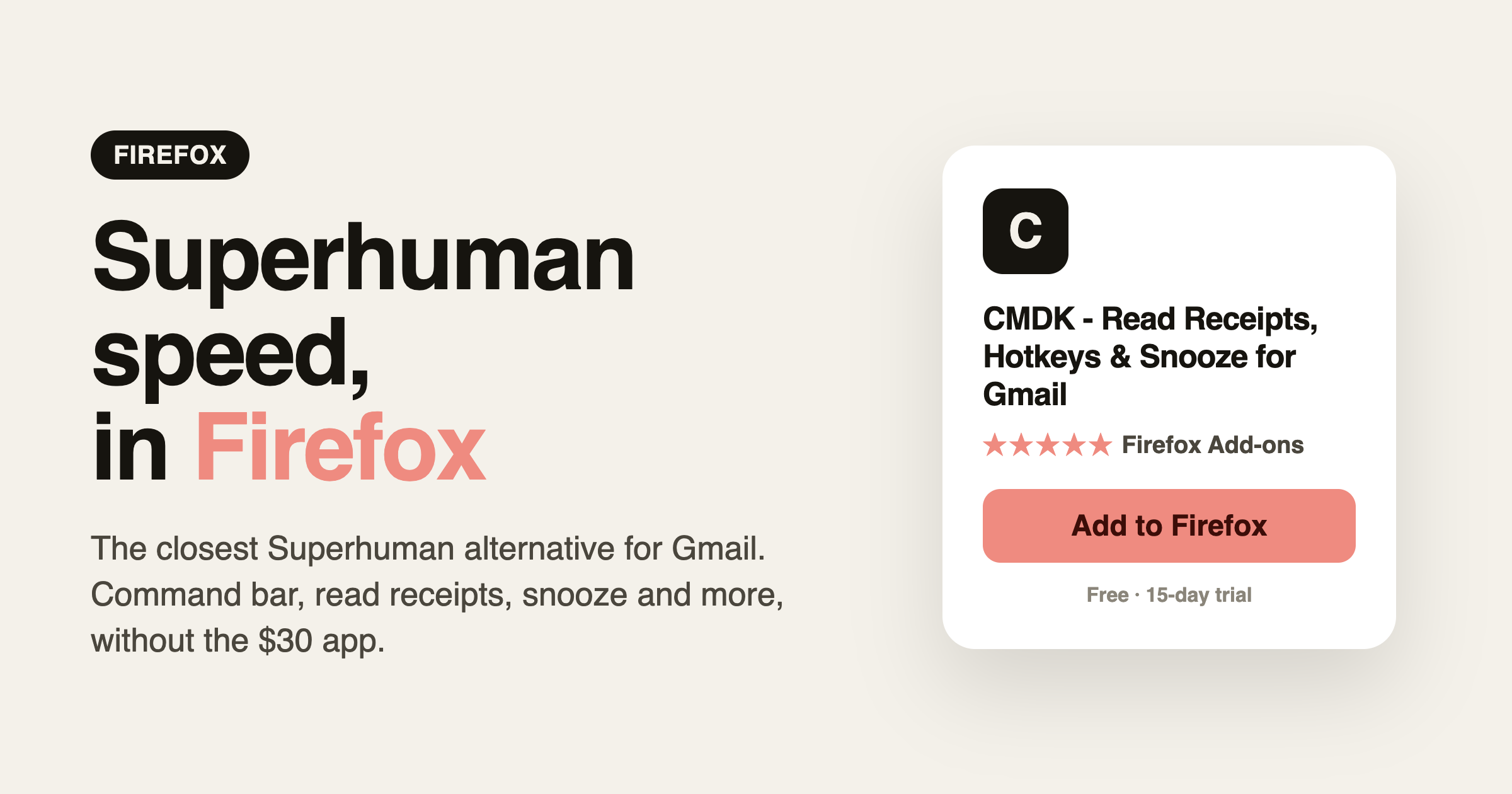
If you use Firefox and want the speed people rave about with Superhuman, there is one thing to know up front: there is no Superhuman extension for Firefox. Superhuman is a separate email app that replaces Gmail, and it costs $30 a month. What most people searching for “Superhuman for Firefox” actually want is the fast, keyboard-driven feel of Superhuman inside the Gmail they already use. On Firefox, the closest way to get that is CMDK.
The closest option is CMDK for Firefox, a native add-on that brings Superhuman-style speed to the Gmail you already use.
Why there is no Superhuman for Firefox
Superhuman is not a browser extension. It is a standalone email client with its own apps for Mac, Windows, iPhone and Android, plus a web app. You can open the web app in Firefox, but you are still leaving Gmail behind, importing your mail into a different interface, and paying $30 a month for it. There is no “Superhuman add-on” you install into Gmail on Firefox, because that is not how Superhuman works.
So the real question is not “where is Superhuman for Firefox,” it is “how do I make Gmail feel like Superhuman in Firefox without switching apps or paying $30 a month.”
The closest alternative: CMDK
CMDK is a browser extension for Firefox (and Chrome) that adds Superhuman-style features directly inside Gmail. You keep your inbox, your labels and your filters, and you get the speed layer on top.
What you get that maps to Superhuman:
- Command bar (Cmd+K). The same idea as Superhuman’s command palette, running inside Gmail.
- Keyboard-first triage. 25+ shortcuts for reply, archive, delete, label and snooze so you rarely touch the mouse.
- Read receipts. Know when your sent email is opened, like Superhuman’s read status.
- Snooze and follow-up reminders. Type “next Monday 9am” and move on.
- Split inbox tabs. Separate work, personal and project mail, the way Superhuman splits your inbox.
- Snippets. Reusable templates you drop in with a keystroke.
The difference is that CMDK sits on top of Gmail instead of replacing it, works on Firefox as a real extension, and starts at $5 a month instead of $30.
Superhuman vs CMDK on Firefox
| Superhuman | CMDK | |
|---|---|---|
| Runs in Firefox | Web app only, replaces Gmail | Yes, native Firefox extension inside Gmail |
| Keeps your Gmail | No, separate app | Yes |
| Command bar | Yes | Yes (Cmd+K) |
| Read receipts | Yes | Yes |
| Split inbox | Yes | Yes |
| Price | $30/month | From $5/month |
| Setup time | Import and learn a new app | 30 seconds, sign in |
How to set it up in Firefox
- Open the CMDK listing on Firefox Add-ons.
- Click Add to Firefox and confirm.
- Open Gmail, reload the tab, and press Cmd+K or Ctrl+K.
- Sign in to start your 15-day free trial. No credit card needed.
If you also use Chrome, you can install CMDK from the Chrome Web Store and use the same account across both browsers.
Frequently asked questions
Is there a Superhuman extension for Firefox?
No. Superhuman is a standalone email app, not a browser extension, so there is nothing to add to Gmail in Firefox. CMDK is the closest option: a Firefox extension that brings Superhuman-style features inside Gmail.
Can I run Superhuman in Firefox at all?
You can open Superhuman’s web app in Firefox, but it still replaces Gmail with its own interface and costs $30 a month. It is not an add-on for your existing Gmail.
Is CMDK a good Superhuman alternative on Firefox?
Yes. It covers the core of what makes Superhuman fast, the command bar, keyboard shortcuts, read receipts, snooze and split inbox, without leaving Gmail and at a fraction of the price.
How much does CMDK cost?
CMDK has a 15-day free trial, then plans start at $5 a month, with a lifetime option. Superhuman is $30 a month.
Want Superhuman-style speed in Firefox without the app or the price? Install CMDK and press Cmd+K.




