
Introducing Paste as Link: Turn Selected Text Into Hyperlinks
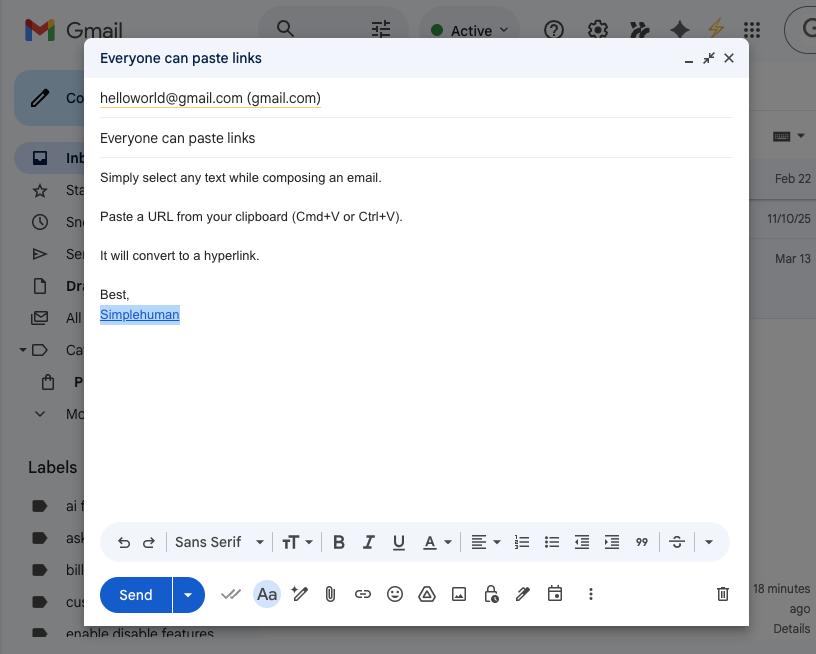
You’re composing an email. You want to link some text to a URL. In Gmail, this means: That’s five steps for something that should take one. Every modern productivity app—Notion, Slack, Confluence, GitHub—lets you simply paste a URL over selected text to create a link. Gmail still doesn’t. With CMDK, this is now one step. […]
How to Copy and Paste in Gmail (Whole Emails, One Keystroke)
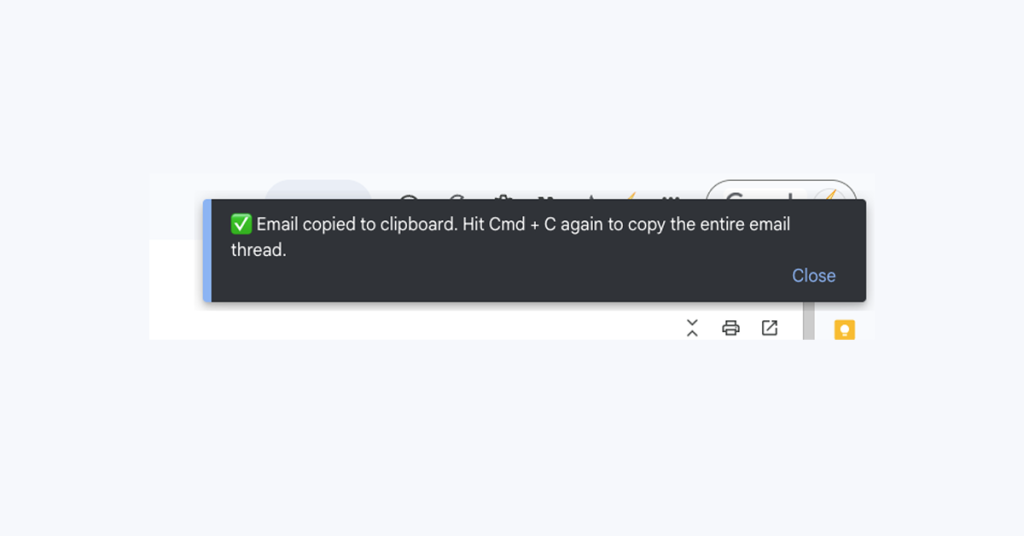
Copy and paste in Gmail: shortcuts for text, pasting without formatting, copying on mobile, and one keystroke to copy an entire email.
Introducing Quick Quote: Quote Any Email Text in One Keystroke
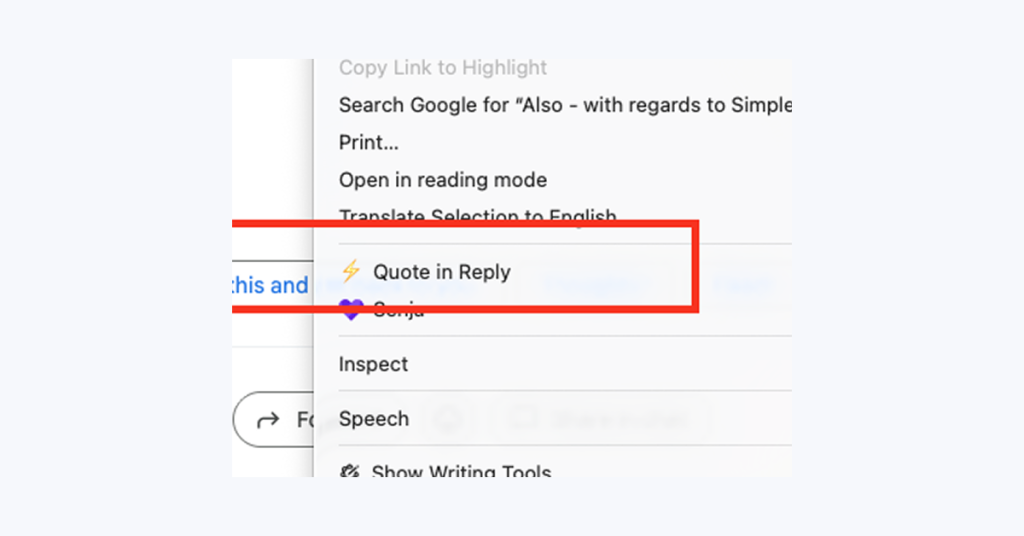
We’re excited to announce Quick Quote, a powerful new feature that makes replying to emails faster and more efficient. With a single keystroke, you can now quote any text from an email directly into your reply. What is Quick Quote? Quick Quote lets you select any text from an email and instantly insert it as a properly formatted quote in your reply How simple is it? Select text, press Q, and you’re done. The selected text appears in your reply […]
How to Find and Delete Large Gmail Attachments in Seconds
Find every oversized email with has:attachment larger:10M, decide fast, and delete in bulk. The 5-minute fix when Gmail says storage is full.