CMDK for Gmail

Email tracker for Gmail

Know when your emails are opened. WhatsApp-style checkmarks and real-time notifications, right inside Gmail.

Watch the whole flow, from install to the first blue checks:
youtube placeholder image

How it works

WhatsApp-style checkmarks

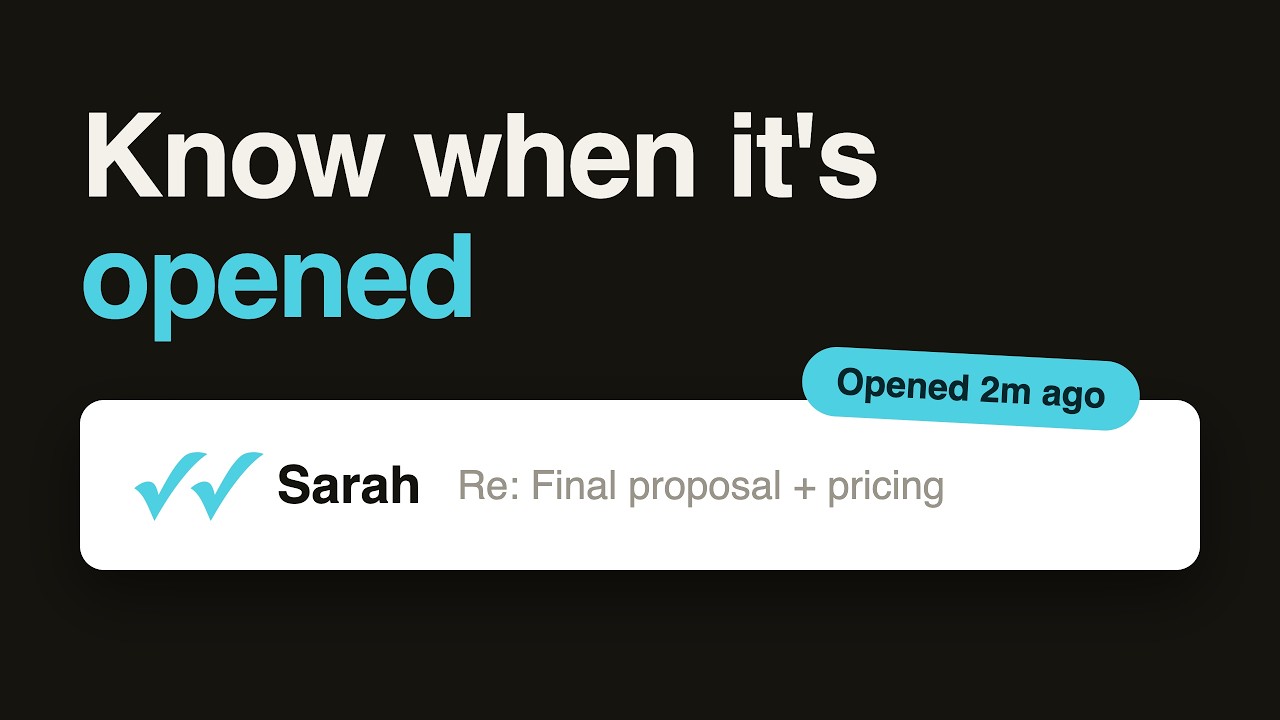
One gray check when sent. Double blue checks when opened. Visual status appears right next to each email in your inbox, just like WhatsApp.

Real-time desktop notifications

Get a Chrome notification the moment someone opens your email. Works even when Gmail is not open. Click the notification to jump straight to that email.

Smart notification types

Four categories: First Open (within 7 days), Cold Revival (first open after 7+ days), Re-engagement (re-opened after 24h+), and Old Email Reopened (30+ days). Enable only the ones you care about.

Toggle per email

Click the read receipt button in the compose toolbar to enable tracking for that specific email. Or turn it on globally so every email is tracked by default.

Works in replies and forwards

Read receipts work in new emails, replies, and forwards. Every compose window gets the tracking toggle. Track entire threads, not just initial sends.

No one knows you are tracking

The tracking pixel is invisible to the recipient. No "read receipt requested" popup. No notification to the other person. Completely silent.

Follow up at the right time

Stop guessing whether someone saw your email. When you see the blue double checks, you know they read it. Follow up when they are engaged, not when you are anxious.

Privacy-first design

CMDK does not read or store your email content. The tracking pixel only records open events (timestamp, count). Your emails stay private. Works locally in your browser.

Want the details behind the checkmarks? Read how Gmail read receipts actually work.

CMDK vs other Gmail email trackers

FeatureCMDKMailtrackBoomerangGmail on its own
Best forRead receipts plus Gmail speed (command bar, snippets, split inbox)Open tracking onlyScheduling plus read-receipt creditsNothing extra to install
Read status on personal GmailYesYesYes (credit-based)No
Branding added to your emailsNoneFree tier adds a “Sent with Mailtrack” lineNo footerNone
Recipient asked to confirmNoNoNoYes, on Workspace when an admin turns receipts on
Cost$79/year or $169 once, 15-day free trialFree tier, paid plansCredit-based add-onFree
Full comparisonCMDK vs MailtrackCMDK vs BoomerangGmail read receipts guide

cloudHQ and Streak are covered in the Gmail read receipts guide.

Common Questions

When you send an email with read receipts enabled, CMDK embeds an invisible 1x1 tracking pixel. When the recipient opens the email and their email client loads images, the pixel fires and CMDK records the open. You see the status change from a single gray check to double blue checks in your inbox.

No. The tracking pixel is invisible and does not trigger a popup for the recipient. Tracking stays silent.

No. CMDK does not read or store your email content. The only data recorded is whether the email was opened, when, and how many times. Your email content stays private and is never sent to CMDK servers.

CMDK offers four notification types based on when the email is opened: First Open (within 7 days of sending), Cold Revival (first open after 7+ days, useful for follow-up sequences), Re-engagement (re-opened after 24h+ gap), and Old Email Reopened (re-opened after 30+ days). You can enable or disable each type individually.

Yes. You can enable read receipts globally in Settings so every email you send is tracked by default. Or you can toggle tracking per email using the button in the compose toolbar.

Both. CMDK records when your sent email is opened and how many times, which is what an email tracker does, and shows it as read receipts: checkmarks next to each email in Gmail. It adds no branding to your emails.

Yes. 15-day free trial with full access to all features including Read Receipts. No credit card required.

Have more questions? Contact Us ›

Wall of love

Loved by customers all across the world

Nice app. I like Gmail UI, but the shortcode options of Superhuman. So your app is the best of both worlds!
Email Read Receipts for Gmail
Brian Dainis
Literally the best email extension you could get. Amazing alternative to Superhuman. Super clean and just works. Definitely worth the price and they are super responsive to feedback.
Email Read Receipts for Gmail
Danny Nielsen
Solid extension that provides many of the key benefits of MUCH pricier tools. Even better that this lives in Gmail, so you can use other extensions as well.

Email Read Receipts for Gmail
Zachary Eisenstat
Great - simple as it says, but adds a bunch of convenient time saving features. I don't need a full on client, I just need my Gmail to be fast, and this does it.

Email Read Receipts for Gmail
Dilip Goswami
Really good and helpful. And the developer was even very responsive to feedback!

Email Read Receipts for Gmail
Dominic Roser
This is awesome. It massively speeds up and simplifies usage of Gmail. Great pricepoint too, and the developer is super active and amazing at feedback and improvements.
Email Read Receipts for Gmail
Brent Maxwell
Love it! This extension helps me fly through my emails so I can get out of my inbox and back to revenue producing work. And great support!
Email Read Receipts for Gmail
Bill Brelsford
Works like a charm! Exceptionally GREAT SUPPORT - even for as small language as Hungarian. It can totally replace Superhuman.

Email Read Receipts for Gmail
Zoltán Szabó
I have started using CMDK as a layer over my gmail. Once I got used to it I love it. CMDK provide real-time support - most impressive!

Email Read Receipts for Gmail
Chris Hallowes

    
“Incredibly useful.”

    
“Gmail superpowers without the cost or opacity”

    
“This tool is elite!”

Stop guessing if your emails were read

4.9/5


From 1000+ founders