
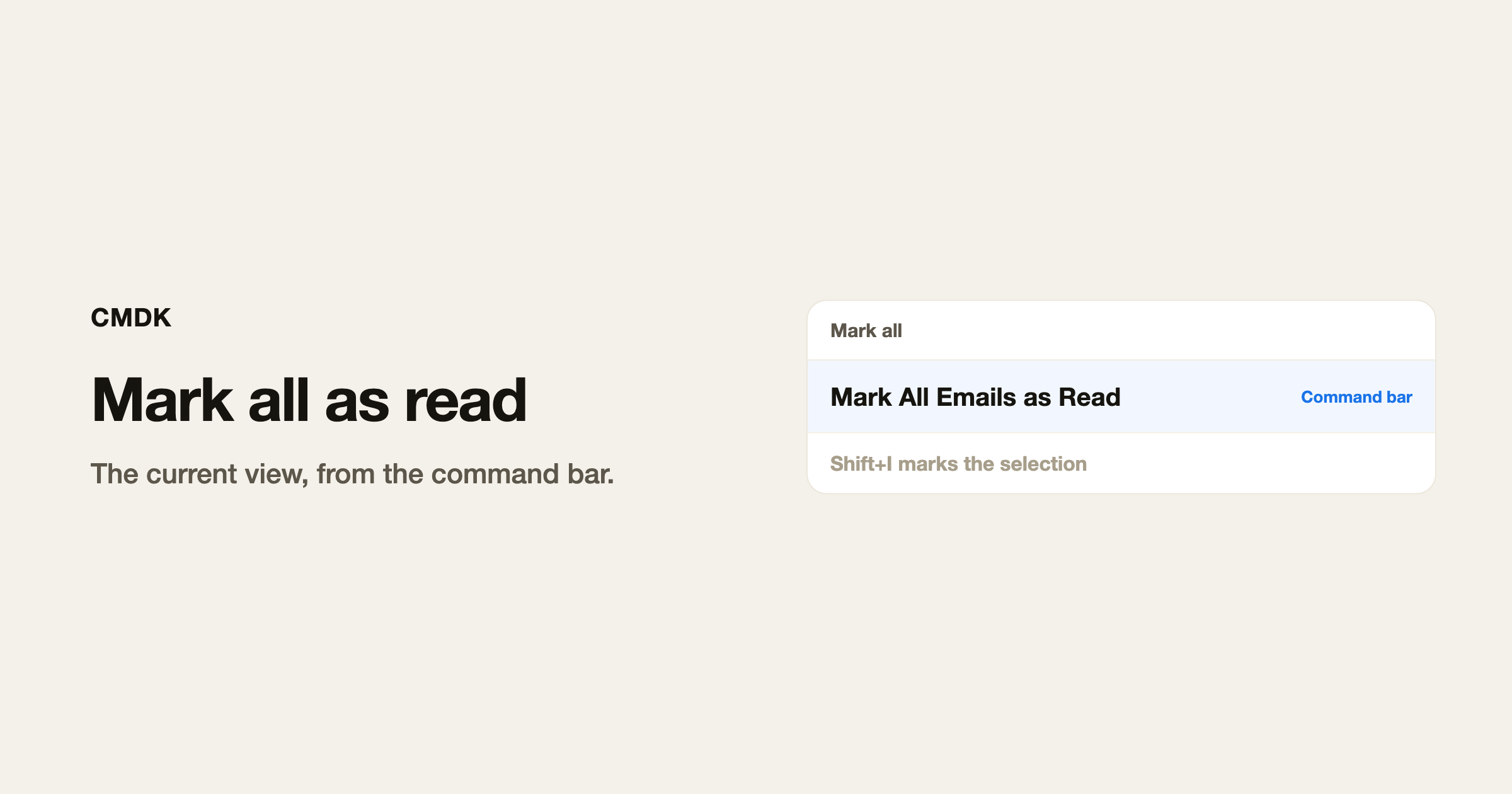
Gmail marks mail as read when you open it. It will not clear the whole Inbox unread count unless you tell it to. You can do that for the current view from the list, from the keyboard, or from the CMDK command bar.
This acts on the view you are in. Inbox marks Inbox. A search marks the search. It does not mark every message in the account unless that is the view you opened.
From the list
- Open Inbox, a label, or a search.
- Check the box at the top of the list. That selects the conversations on this page (usually 50).
- If a bar appears that says you can select every conversation in the view, click that. That is the step that goes past the first page.
- Open the More menu (the three dots) and choose Mark as read.
Gmail may ask you to confirm when the set is large. Confirm it.
From the keyboard
Keyboard shortcuts have to be on. CMDK turns them on at setup.
Shift+Imarks the selected conversations as read.Shift+Umarks them unread.
To mark the whole view: select everything on the page (* then A, or CMDK’s Select all), click the “select all conversations” bar if it appears, then Shift+I.
Selecting a range is covered in how to select multiple emails. Unread-only selection is * then U, in how to find unread emails.
From the CMDK command bar
CMDK adds a command named Mark All Emails as Read. Open the command bar, type that name, run it.
It selects the current page, clicks the “select all conversations” bar when Gmail shows one, presses Shift+I, and confirms the dialog. Then it deselects. Same result as the list steps, without hunting the More menu.
There is no extra key bound to that command. The command bar is the entry.
If the unread count does not move
- You marked Inbox and the count includes other labels or All Mail. Search
is:unreadand run it on that view. - You only selected the first page. Click the bar that selects every conversation matching the view.
- A tab or a split-inbox section is a different view. Repeat there, or search
is:unread in:anywhere.
Frequently asked questions
How do I mark all emails as read in Gmail?
Select every conversation in the current view, then Mark as read. More menu, or Shift+I. CMDK’s Mark All Emails as Read command does those clicks for you.
Does mark all as read affect archived mail?
Only if archived mail is in the view you ran it on. Inbox does not include archived mail. is:unread does.
Can I undo it?
Gmail’s Undo toast appears for a few seconds. After that you would mark those threads unread again (Shift+U), which is slower.
Is there a shortcut for mark all as read?
Shift+I marks whatever is selected. There is no Gmail key that also expands the selection to the whole view. That extra step is the CMDK command.
The shortcuts cheat sheet lists Shift+I with the rest of the keys.




