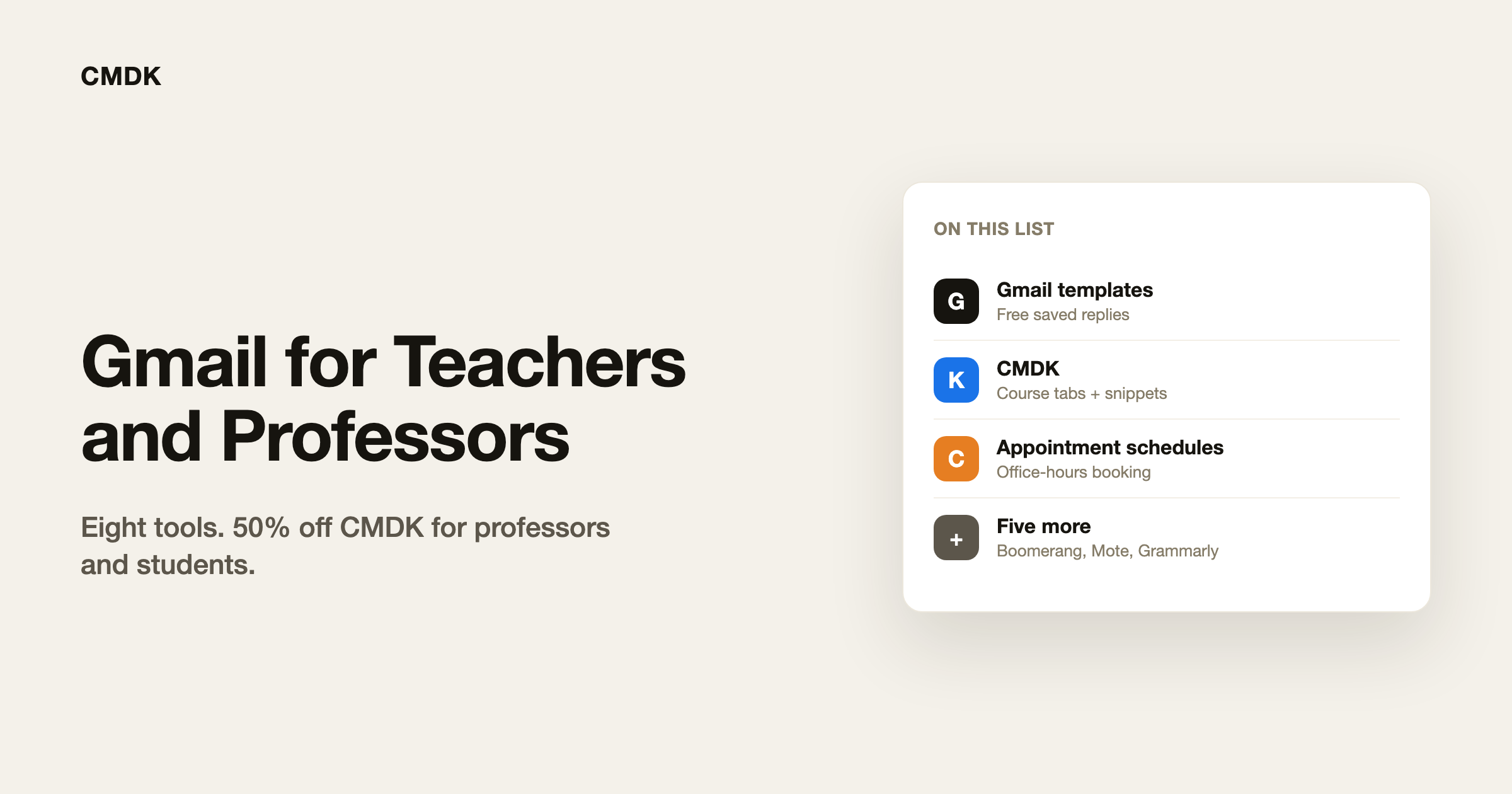
The best Gmail tools for teachers and professors handle the same four jobs: answering the questions students ask every week, booking office hours, sending email at a sensible hour, and keeping course mail apart from everything else. Gmail’s built-in templates and scheduled send cover a lot of it for free. The 8 picks below fill the gaps, with prices checked on each vendor’s site on November 18, 2026.
One thing to check first: on a school or university account, your IT admin decides which extensions you can install. Many schools block all extensions until IT approves them, so if an install button is greyed out, ask your IT team.
The picks at a glance
| Tool | Job | Price |
|---|---|---|
| Gmail templates and schedule send | Saved replies, send in the morning | Free, built in |
| CMDK | Tabs for students and admin, snippets, fast triage | $79 a year, 50% off for professors and students |
| Google Calendar appointment schedules | Office-hours booking page | Included with Google Workspace for Education |
| Boomerang | Send later, snooze, reminders | Free tier; Pro $14.98 a month |
| Mailtrack | See if an email was opened | Free with a signature; from $2.99 a month |
| Grammarly | Tone and grammar checks | Free tier |
| Mote | Voice notes instead of long typed feedback | Free tier; $99 a year |
| Checker Plus for Gmail | Notifications across school and personal accounts | Free |
1. Gmail templates and schedule send: free and already there
Gmail can save replies you send over and over, such as “the syllabus is on the course page” or “office hours are Tuesday at 2”. Turn it on in Settings, See all settings, Advanced, Templates. Schedule send, in the arrow next to the Send button, lets a reply you write at midnight arrive at 8 in the morning.
- Best for: every teacher, before installing anything
- Price: free
- Downside: templates are off by default, can only be turned on from a computer, and don’t fill in the student’s name
2. CMDK: a faster Gmail for course mail
CMDK is a Gmail extension that adds a command bar, 80+ keyboard shortcuts and split inbox tabs. Professors use the tabs to keep students, grants, applicants and department mail apart, as described in how to organize Gmail as a professor. Snippets work like Gmail templates but fill in the student’s first name and can add a follow-up reminder, and you insert one by typing a semicolon in the reply. Full disclosure: we make CMDK.
- Best for: professors and teachers who answer dozens of emails a day
- Price: 15-day free trial, then $79 a year. Professors and students get 50% off every plan; email hello@cmdk.email to claim it.
- Downside: it works in Gmail on a computer, not in the Gmail mobile app
3. Google Calendar appointment schedules: office-hours booking
Appointment schedules give you a booking page for office hours, so students pick a slot instead of emailing back and forth. It is included with Google Workspace for Education editions, including the free Education Fundamentals.
- Best for: office hours and thesis meetings
- Price: included with Google Workspace for Education
- Downside: some premium options, such as multiple schedules, may depend on your school’s edition
4. Boomerang: send later, snooze and reminders
Boomerang adds send later, inbox snooze and a reminder when someone doesn’t reply. It is one of the oldest Gmail extensions, with more than 900,000 users on the Chrome Web Store.
- Best for: reminders when a student or colleague goes quiet
- Price: free for 10 messages a month; Personal $4.98 a month, Pro $14.98, billed annually
- Downside: Personal only works with @gmail.com accounts, so a school account needs Pro. No education discount is listed.
5. Mailtrack: know if an email was opened
Mailtrack shows whether an email you sent was opened, which helps when you need to know a deadline reminder reached someone.
- Best for: important notices to students, parents or committees
- Price: free; paid plans from $2.99 per user per month
- Downside: the free plan adds a “Sent with Mailtrack” signature, and tracking students’ email raises privacy questions worth thinking through
6. Grammarly: tone and grammar checks
Grammarly checks grammar and tone as you write, which helps with emails to parents and difficult messages to students. Grammarly is now part of Superhuman, and schools buy it institution-wide.
- Best for: emails where tone matters
- Price: free tier; school plans are priced per institution
- Downside: no self-serve teacher discount is published
7. Mote: voice notes instead of long feedback emails
Mote lets you record a short voice note and share it as a link, which is faster than typing a long piece of feedback. It is used mostly in Google Docs and Classroom, and lists Gmail among its integrations.
- Best for: feedback that is easier said than written
- Price: free for 20 one-minute recordings a month; $99 a year for individuals
- Downside: it is built mainly for Docs and Classroom, not Gmail
8. Checker Plus for Gmail: notifications for several accounts
Checker Plus shows Gmail notifications on your desktop and lets you read and archive from a popup, across several accounts. It suits teachers who juggle a school account and a personal one.
- Best for: keeping an eye on two inboxes without two open tabs
- Price: free, with extra features for any contribution
- Downside: it is a notifier, not a way to process email faster
Frequently asked questions
What is the best Gmail extension for teachers?
Start with Gmail’s own templates and schedule send, which are free. If you answer many emails a day, add CMDK for snippets and split inbox tabs, and Google Calendar appointment schedules for office hours.
Can I install Gmail extensions on my school account?
Only if your school allows it. Google Workspace administrators can block all Chrome extensions until they approve them, so ask your IT team if an install is blocked.
Is there a teacher or student discount for CMDK?
Yes. Professors and students get 50% off every CMDK plan. Email hello@cmdk.email to claim it.
How do I stop answering the same student questions?
Save your most common answers as Gmail templates or CMDK snippets, and link to the course page in each one so the next question has an answer before it is asked.
Spend less of the semester in your inbox with CMDK, 50% off for professors and students.