
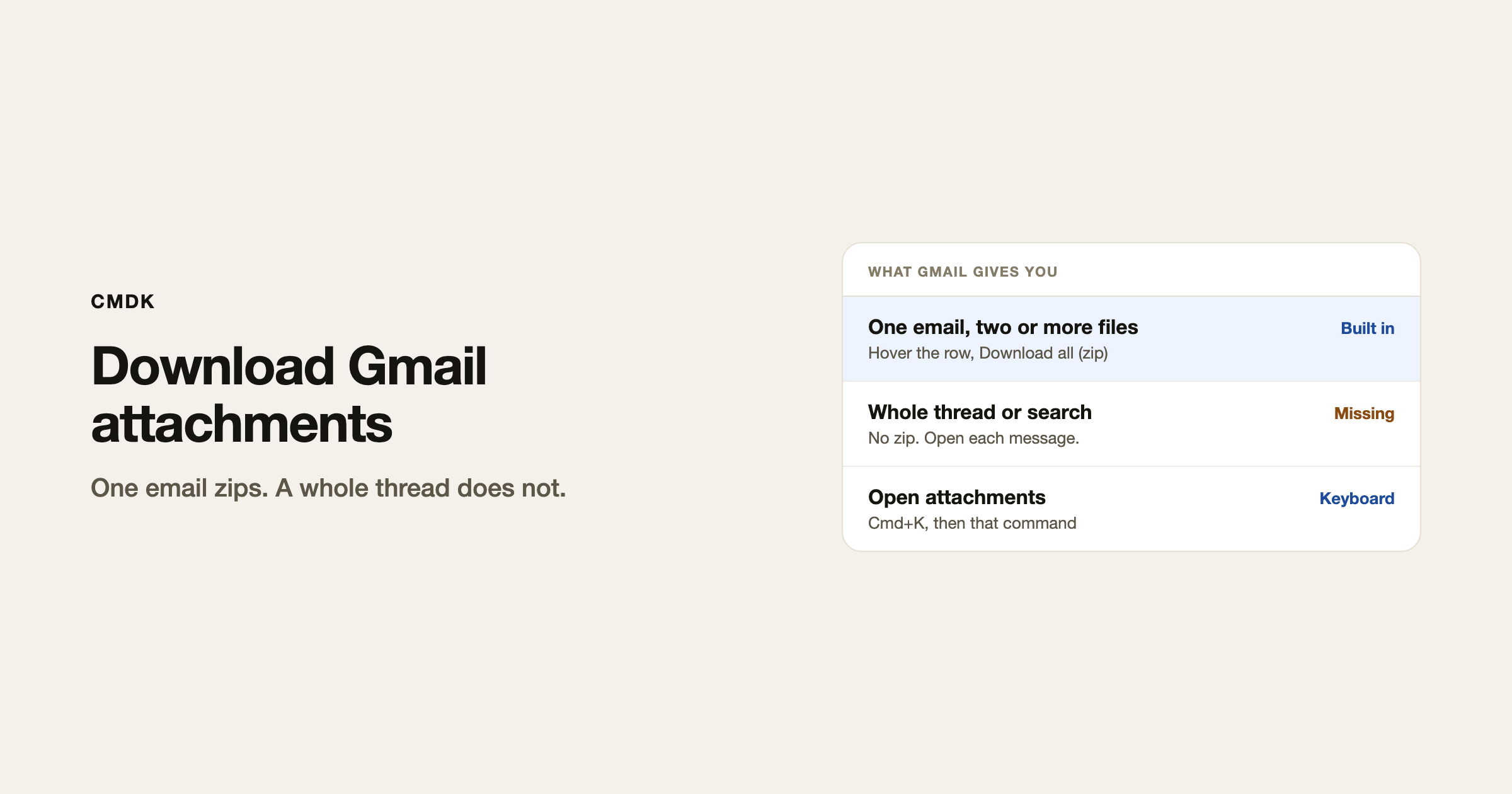
On one open email with two or more files, Gmail has Download all. Hover the attachment row and click the down arrow. You get a zip. There is no button that grabs every attachment in a thread, a search, or the whole mailbox.
If the goal is freeing storage, that is finding and deleting large attachments. This page is how to get the files onto your computer.
Download all attachments from one email
- Open Gmail in a desktop browser and open the message.
- Scroll to the chips at the bottom of that message.
- Hover the attachment row. Two icons show on the right: Download all (down arrow) and Add all to Drive.
- Click Download all. Gmail builds a zip named after the subject.
The zip icons show only when that message has two or more files. One file: hover the chip and click its own download icon.
Add all to Drive puts copies in a Google Drive folder (usually “Email attachments”) instead of your laptop.
Attachments across a thread or many emails
Gmail does not zip a whole conversation, and it does not zip a search. Search:
“ has:attachment “
Narrow it: has:attachment from:[email protected] after:2026/01/01. Open each conversation and use Download all on the message that has the files.
To export years of mail at once, use Google Takeout and include Mail. That is an archive of the account, not a button in the inbox.
With CMDK installed, open the thread, press Cmd+K (Ctrl+K on Windows), and run Open attachments. Gmail opens the files so you can preview them. It does not build a zip of the thread.
If a download fails
- You are looking at a Google Doc, Sheet, or Drive link, not a file attached to the message. Open it in Drive and download from there.
- Confidential mode blocked download. The sender has to resend without it. Gmail confidential mode turns download off on purpose.
- You are on the Gmail app. Desktop Gmail in a browser has Download all and Add all to Drive. The phone app does not.
- Inline images pasted into the body are not attachments. Right-click and save those separately.
Frequently asked questions
Does Gmail have a download all attachments button?
Yes, on one desktop message with two or more files. Hover the attachment row and click the down arrow. It does not cover a thread, a search, or the mailbox.
How do I download all attachments from multiple emails?
Search has:attachment, open each thread, use Download all on each message. Takeout is the export for the whole account.
Can I save Gmail attachments straight to Google Drive?
Yes. Hover the row and choose Add all to Drive, or Save to Drive on a single chip.
Will downloading attachments free Gmail storage?
No. Copies on your computer do not remove the copy in Gmail. Delete the message, or remove the attachment from the conversation, then empty Trash.
CMDK is the Gmail extension that puts Open attachments on Cmd+K so you can preview the files without hunting chips.




