
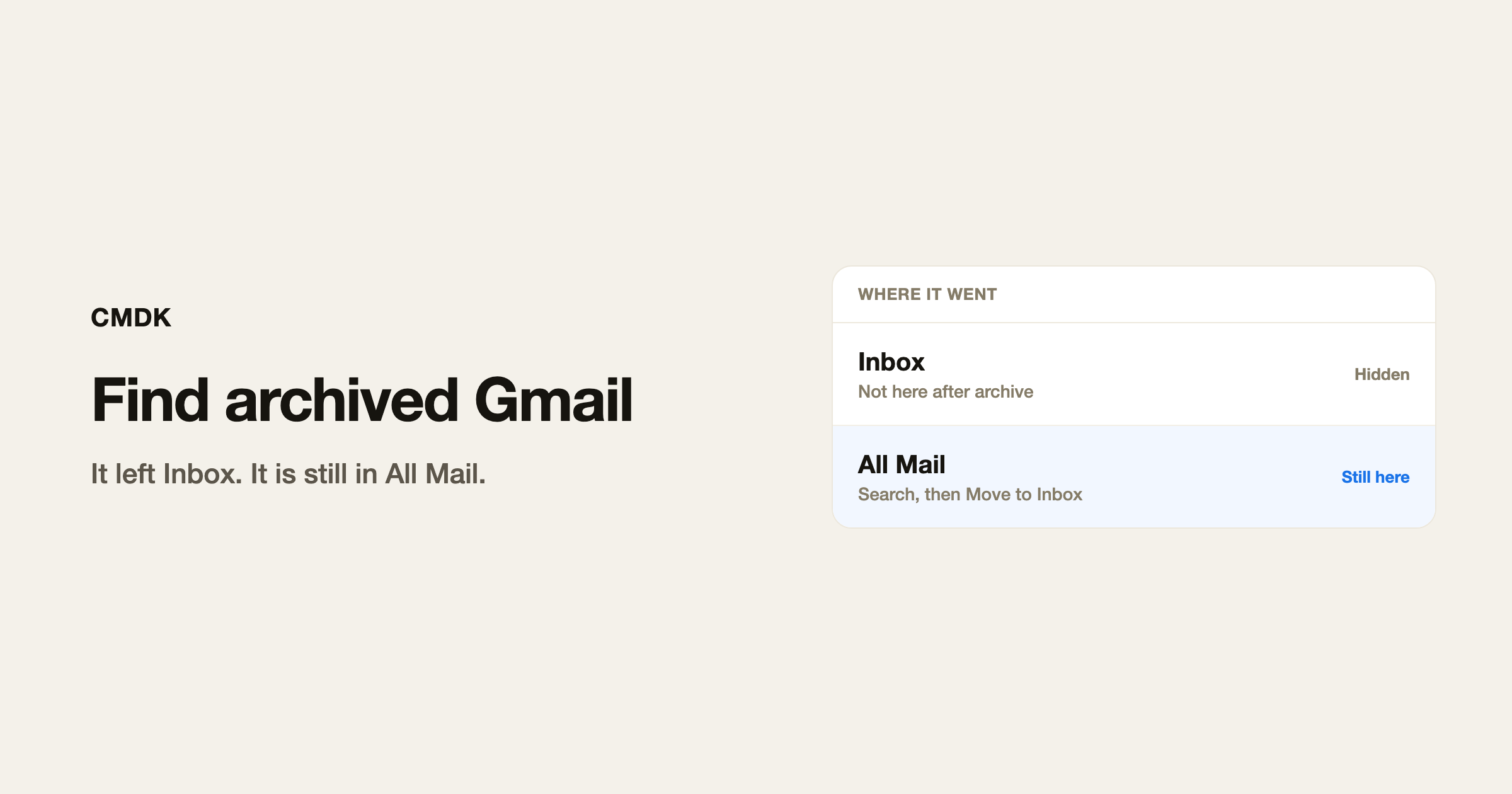
Archived mail is still in your account. Gmail took it out of Inbox and left it in All Mail. Nothing was deleted.
Find archived emails in Gmail
All Mail. Open the left sidebar. If you do not see All Mail, click More. Every message you have not deleted is there, including everything you archived.
Search. Type a sender, a subject word, or a date. Gmail search looks through archived mail too, not only Inbox. To hide what is still in Inbox, add -in:inbox to the query:
from:[email protected] -in:inbox
That is mail from Alex that is not sitting in Inbox. Most of it is archived.
Old threads. If you remember the month, add after:2026/01/01 before:2026/03/01. The operators are in the Gmail search operators cheat sheet.
Archiving is not the same as deleting. Delete sends mail to Trash for 30 days. Archive keeps it. Archive vs delete is the when-to-use version of this.
Unarchive an email
- Find it in All Mail or in search.
- Select the conversation. One click on the row, or the checkbox.
- Click Move to Inbox in the toolbar.
It shows up in Inbox again. Labels you already had on it stay.
Keyboard. Gmail’s Move shortcut is V, which opens the Move to menu. In All Mail, Sent, and similar views, CMDK sends V straight to Move to Inbox, so you do not pick the folder. Gmail keyboard shortcuts have to be on (CMDK turns them on at setup).
To archive from Inbox, press E. That is Gmail. The archive shortcut post is only that key.
If you cannot find it
- You deleted it. Check Trash. After 30 days Gmail empties Trash.
- You are searching only Inbox. Clear the search, or add
in:anywhere. - It is in a category tab (Promotions, Social). All Mail still has it.
- Multiple accounts. The top-right avatar is the account you are searching.
Frequently asked questions
Where did my archived emails go in Gmail?
All Mail. They left Inbox. They did not leave the account.
How do I unarchive emails in Gmail?
Select them in All Mail or in search, then Move to Inbox. In CMDK, V does that in All Mail.
Does searching Gmail include archived mail?
Yes. Add -in:inbox if you only want mail that is not in Inbox.
Is archived email gone after 30 days?
No. Trash is the 30-day folder. Archive has no expiry.
A split inbox helps you archive less by accident. Put newsletters in their own tab so Inbox stays the mail you still intend to open. Gmail multiple inboxes is that setup.
CMDK is the Gmail extension that maps V to Move to Inbox and adds a command bar on top of these shortcuts.




