
Mailman holds your Gmail and lets it through on a schedule. CMDK does not hold anything. It makes the Gmail you already have faster.
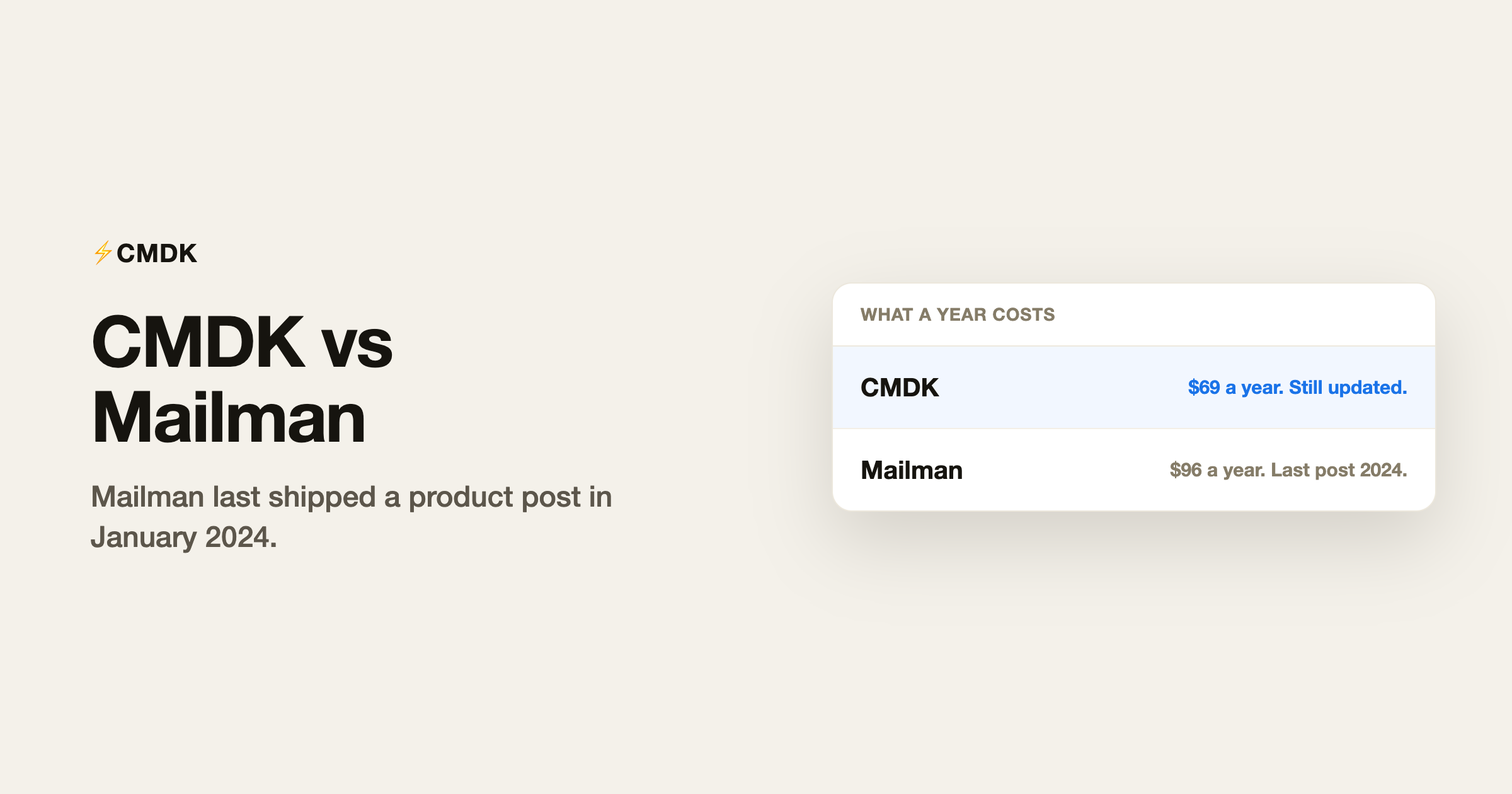
Mailman is also not being maintained. The last product post on its blog is from 19 January 2024, when the founder wrote that he was taking the product over and would publish a roadmap the next month. That roadmap never showed up. The marketing site still says © 2022. A July 2026 blog entry is a broken system page, not a release. Do not pay a subscription to a plugin that stopped shipping.
What Mailman does
Mailman connects to Gmail and decides when mail is allowed to arrive.
- Do Not Disturb holds every message during hours you set.
- Delivery slots release mail on a timer, every few hours or a few times a day.
- It blocks senders you have not written to before, plus newsletters, and sends a daily digest of what it blocked.
- A VIP list lets some people through immediately.
It is not a new mail app. The site says it works with Gmail and with other clients that read that same Gmail account, including Apple Mail, Spark, and Superhuman. The hold happens on the account, so every client sees the delayed inbox.
Standard is $8 a month billed annually, or $10 paid monthly. The trial is 21 days and does not ask for a card. Those prices are still on the pricing page.
What you give up by letting it hold the mail
The point of Mailman is that you do not see mail when it arrives. That is useful for a deep-work block. It is a bad default. A customer, a contract, or a same-day ask sits in the hold until the next slot, unless you remembered to VIP them. The product that would fix a miss is the one that has not shipped an update since January 2024.
You also hand the timing of your inbox to a second company. If that company is not maintaining the plugin, the filters can keep running with nobody shipping a fix.
What CMDK does instead
CMDK does not delay mail and does not file it for you. Shortcuts, the command bar, snippets, split inbox, snooze, reminders, and read receipts run in Gmail. You still see the message when it lands. You just move through it faster. The same idea is in making Gmail work like a fast client.
Blocking a sender is free. Nuke deletes mail from one sender and stops the next ones, and it does not need a paid plan. Undoing it is free too. How to undo a Nuke is the recovery path. Mailman’s block-and-digest is the paid product. Nuke is a button.
CMDK is $9 a month or $69 a year, with 15 days free and no card. That is less than Mailman’s $96 a year, and the tool is still being updated.
| CMDK | Mailman | |
|---|---|---|
| What it does | Shortcuts and tools inside Gmail | Holds mail, then releases it on a schedule |
| Sees new mail immediately | Yes | Only VIPs. Everyone else waits |
| Blocks a sender | Free (Nuke) | Part of the paid plan, plus a daily digest |
| Still shipping | Yes | Last product post: 19 January 2024 |
| Price | $9 a month, or $69 a year | $10 a month, or $8 a month billed annually |
| Trial | 15 days, no card | 21 days, no card |
Where Mailman would have been the better fit
If you wanted the inbox to go quiet for a set number of hours, and you trusted a plugin to hold the rest, Mailman was built for that. CMDK will not hide new mail until 4pm. Snooze is per message, and you choose it.
That fit depended on the plugin still being looked after. It is not.
Frequently asked questions
Is Mailman shut down?
The site and the billing page are still up. The product is not being updated. The last real announcement is 19 January 2024.
Does Mailman replace Gmail?
No. It connects to the Gmail account and holds mail before your client shows it.
Will I be charged for a tool that is not maintained?
The pricing page still sells a subscription. If you start a trial, read the renewal date before it ends. A quiet product can still bill.
Does CMDK hold my email until later?
No. New mail shows up as Gmail delivers it. You snooze the ones you want to see later.
Install CMDK if you want the speed without a second company holding the inbox. The trial does not ask for a card.




