
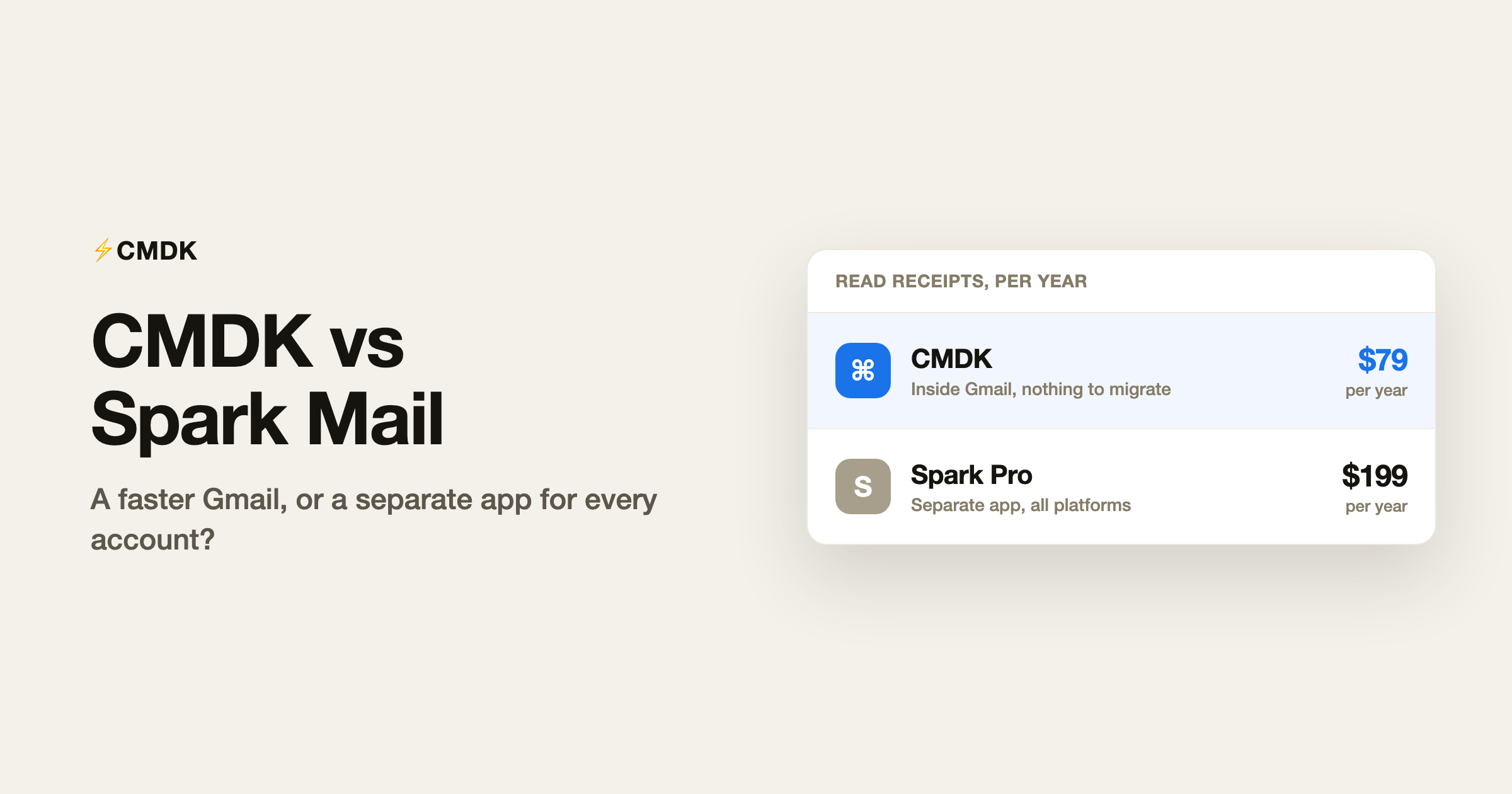
Verdict: Choose CMDK if you live in Gmail on desktop and want a faster inbox without handing your mail to another app, for $79 a year. Choose Spark if you need one client across Mac, Windows and phone and are fine with its servers storing your account credentials.
CMDK and Spark both promise a better email day, but they are different species. Spark, built by Readdle, is a standalone email app for Mac, Windows, iPhone and Android that replaces Gmail’s interface and works with any email provider. CMDK is a Chrome extension that makes Gmail itself faster: a Cmd+K command bar, one-key triage, split inbox tabs, snippets, read receipts and follow-up reminders. Spark’s free plan is the most generous of any premium email app; its read statuses need the $20 a month Pro plan. CMDK is $79 a year with everything included. If you want one app for many accounts across every device, pick Spark. If Gmail in the browser is home, pick CMDK.
The fundamental difference
Spark moves your email into its own apps. That has real advantages: a unified inbox across providers, a polished phone experience, and a free tier that includes unlimited accounts, Smart Inbox, snooze, scheduled send and reminders. It also means your workflow now lives inside Readdle’s ecosystem, with your account credentials stored on Spark’s servers to power its features.
CMDK stays out of the way. It adds its features to the Gmail tab you already have open, your mail never routes through anyone else’s servers, and uninstalling it leaves Gmail untouched.
Feature by feature
| Feature | CMDK | Spark |
|---|---|---|
| Works inside Gmail | Yes | No, separate app |
| Free plan | 15-day trial | Yes, genuinely useful |
| Command palette | Cmd+K in Gmail | No |
| One-key triage | Yes | Partial (swipes, shortcuts) |
| Split inbox / focused tabs | Yes | Smart Inbox grouping |
| Snippets / templates | Yes | Paid plans |
| Read receipts | Yes, included | Pro plan ($20/mo) |
| Mobile apps | No, desktop Chrome | Yes, iPhone and Android |
| Works with non-Gmail accounts | No | Yes, any provider |
| AI assistant | Gmail’s built-in Gemini (free) | Spark +AI, quota by plan |
| Price | $79/year | Free; Plus $99/year; Pro $199/year |
What Spark genuinely does better
Reach. Spark runs everywhere, phone included, and connects Outlook, iCloud, Yahoo and any IMAP account alongside Gmail, which makes it the obvious pick if your email life spans providers and devices. Its free plan is genuinely good, unlimited accounts, snooze, scheduled send and reminders cost nothing, and its $20 per seat team features undercut dedicated shared-inbox tools. Our full Spark review breaks down which paid features are worth it.
What CMDK does better
The paid math and the privacy model. The feature Spark charges $199 a year for on Pro, read statuses, is included in CMDK’s $79 a year, along with snippets, follow-up reminders, split inbox tabs and the command bar. CMDK never stores your credentials or routes mail through third-party servers, because it is an extension running in your own Gmail tab, not a client in the middle. The same logic covers AI: Gmail now ships Gemini built in, with free thread summaries, Help me write and Suggested Replies, so you get first-party AI from the company that already hosts your mail instead of paying a second company for a quota-metered assistant. And for keyboard-driven work, Gmail plus CMDK is faster than Spark: one-key triage and a command palette beat swipe gestures for volume email.
How to switch from Spark to CMDK
Spark is a window onto your Gmail account, so your mail is already in Gmail. The move:
- Recreate anything living in Spark’s own layer: templates, pending scheduled sends and reminders.
- Cancel your Spark plan, then delete the Spark account so your credentials come off Readdle’s servers, and revoke Spark’s access under Google account security.
- Install CMDK in Chrome. Smart Inbox grouping becomes split inbox tabs, templates become snippets, and read statuses, the $199-a-year Pro feature, are included.
- On your phone, the Gmail app takes over, or keep free Spark for mobile triage; the two do not conflict.
The decision in one table
| You | Pick |
|---|---|
| Multiple accounts across providers, heavy phone use | Spark |
| Gmail in the browser is your main workspace | CMDK |
| Want read receipts without a $199/year plan | CMDK |
| Want a genuinely useful free email app | Spark |
| Keyboard-first, high-volume triage | CMDK |
Frequently asked questions
Is CMDK better than Spark?
For Gmail-in-the-browser users, yes: it adds speed, read receipts, snippets and reminders for $79 a year without moving your email into a new app. Spark is better if you need one app across many providers and devices, or if you want a capable free plan.
Can I use CMDK and Spark together?
Technically yes, since Spark on your phone does not conflict with CMDK in desktop Chrome. Many people run exactly that split: Spark for mobile triage, Gmail plus CMDK at the desk.
Is Spark Mail free?
Spark’s free plan includes unlimited accounts, Smart Inbox, snooze, scheduled send and reminders. Paid plans are Plus at $10 a month ($99 a year) and Pro at $20 a month ($199 a year), and read statuses require Pro.
Does Spark store my email credentials?
Yes. Spark stores account credentials on its servers to power features like send later and notifications, which is a standard design for standalone clients. CMDK does not: it runs inside your Gmail tab and your mail never leaves Google’s servers.
If Gmail is where your email lives, make it fast: install CMDK and try everything free for 15 days.




