
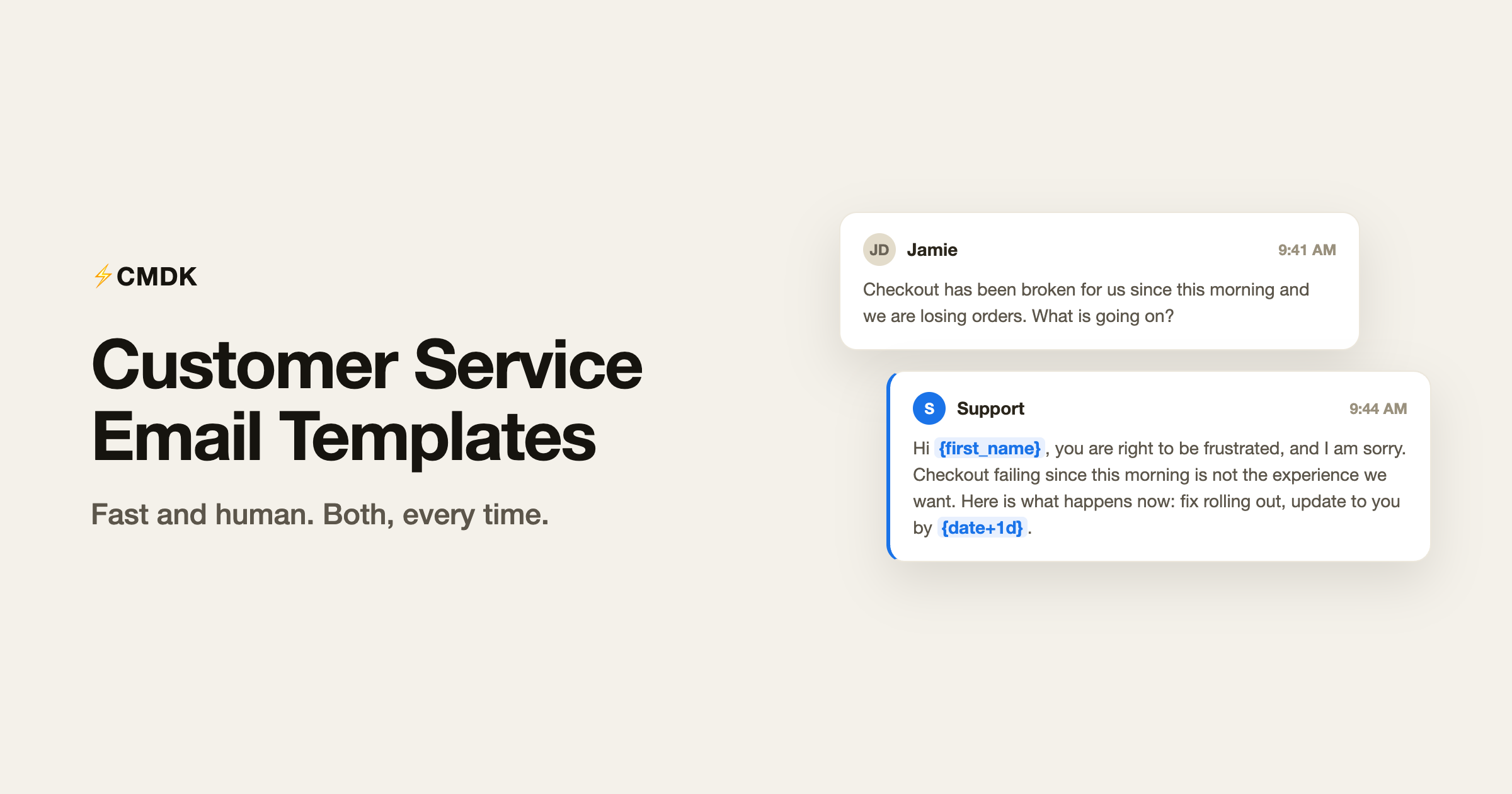
Support email has a specific difficulty: the person writing to you is often frustrated, and your reply speed shapes their mood more than your reply content. Templates are how good support teams answer in minutes without sounding like machines.
Here are 14 templates covering the situations every support inbox sees weekly. Copy them into Gmail as-is; the {braces} mark what you personalize. The universal ones (acknowledgments, follow-ups, scheduling) live in the canned responses hub, and the sales side is in the sales email templates library, with invoice and payment emails and recruiting emails rounding out the set.
Two rules that make support templates work. First, always restate the customer’s problem in your own words; it proves a human read the email. Second, always give a time commitment, even when the honest answer is “I do not know yet, next update Thursday.”
First response templates
1. First response, problem understood
Use it when you know what is wrong and are on it.
Hi {first_name},
Thanks for the clear report. To confirm what I am seeing: {restated_problem}.
This is on me to fix. I will have either a solution or a progress update to you by {date+1d}.
2. First response, need more information
Use it when you cannot reproduce the issue. Ask for everything at once, never in drips.
Hi {first_name},
Sorry you are hitting this. I want to reproduce it on my end, so could you send me three things in one go:
- {detail_1, e.g. the browser and version}
- {detail_2, e.g. a screenshot of the error}
- {detail_3, e.g. roughly when it last happened}
The moment those arrive I can dig in properly.
3. First response, high emotion
Use it when the customer is angry. Acknowledge first; solve second. Do not defend anything yet.
Hi {first_name},
You are right to be frustrated, and I am sorry. {restated_problem} is not the experience we want anyone to have.
Here is what happens now: {immediate_action}. I own this personally until it is resolved, and you will hear from me by {date+1d} at the latest.
Bug and outage templates
4. Bug confirmed and scheduled
Use it once an issue is reproduced and in the queue.
Hi {first_name},
Confirmed: this is a bug on our side, and your report is what caught it. Thank you.
The fix is scheduled and should ship by {estimate}. I have tagged this conversation and will email you the moment it is live.
5. Bug fixed, closing the loop
Use it the day the fix ships. This email builds more loyalty than the fix itself.
Hi {first_name},
The bug you reported is fixed and live as of {date}. {one_line_what_changed}
Could you confirm it looks right on your end? And thanks again for the report; you improved the product for everyone.
6. Outage or incident notice
Use it proactively during an incident, before customers write in.
Subject: {product} disruption today, what we know
Hi {first_name},
Since {start_time} {timezone}, some customers have seen {symptom}. Our team found the cause and a fix is rolling out now.
No action is needed on your side. Live updates are at {status_page_link}, and I will send an all-clear when it is fully resolved.
7. Post-incident all-clear
Use it after resolution. Brief, honest, no melodrama.
Hi {first_name},
All clear as of {time} {timezone}: {product} is fully operational and the issue is resolved.
What happened: {one_paragraph_plain_language_cause}. What we changed so it does not repeat: {prevention_step}.
Sorry for the disruption, and thanks for bearing with us.
Refund and billing templates
8. Refund approved
Use it when the refund is warranted. Grant it fast and skip the friction.
Hi {first_name},
Done: I have refunded {amount} to your {payment_method}. It should appear within {processing_time}.
Sorry it did not work out this time. If you ever want to give it another go, this thread comes straight to me.
9. Refund declined, with an alternative
Use it when policy says no. Never send a bare no; pair it with what you can do.
Hi {first_name},
I looked into this, and because {plain_language_reason}, a refund is not something I can issue here.
What I can do: {alternative, e.g. credit, extension, or a plan downgrade from the next cycle}. Would that help? If your situation has details I am missing, tell me and I will take another look.
10. Billing error, we were wrong
Use it when the charge was your mistake. Say so plainly.
Hi {first_name},
You are right, and this was our error: {what_went_wrong}. I am sorry.
I have refunded the {amount} difference, which lands within {processing_time}, and fixed the setting that caused it so it will not repeat. Anything look off after that, reply here and I will handle it same day.
Apology and escalation templates
11. Apology to a customer, full version
Use it when something genuinely went wrong and the relationship matters. A real apology has four parts: what happened, why, what we did, what changes.
Hi {first_name},
I want to apologize properly for {what_happened}.
What went wrong: {plain_language_cause}. What we have done: {fix}. What changes going forward: {prevention}.
You trusted us with {what_they_trust_you_with} and this fell short of that. If there is anything else this affected, I want to hear about it, and thank you for your patience while we sorted it out.
12. Escalation acknowledgment
Use it when a customer asks for a manager or threatens to leave. Do not block the escalation; make it real.
Hi {first_name},
Understood, and escalating is the right call here. I have briefed {manager_name}, our {manager_title}, with the full history so you will not have to repeat anything.
You will hear from them directly by {date+1d}. Until then I am still on the case, so nothing falls through the gap.
13. Internal escalation to another team
Use it inside the company to hand off a customer issue without losing context.
Subject: Escalation: {customer_company}, {one_line_issue}
Team,
Escalating {customer_name} from {customer_company} ({plan} plan, customer since {year}).
Issue: {two_line_summary}. Impact: {business_impact}. History: {thread_link}.
They have been promised an update by {date}. Who can own this? Reply here so the trail stays in one place.
14. The save attempt
Use it when a customer says they are cancelling. One genuine question, one concrete offer, no guilt trip.
Hi {first_name},
Sorry to see you go, and thanks for being straight about it. One question, purely so we learn: what was the moment you decided?
If the issue is {suspected_reason}, {concrete_offer} is on the table. And if the decision is final, I understand. Cancelling takes effect {cancellation_terms}, and I will make it seamless.
Why fast support teams save these as snippets
Support is where template tooling earns its keep, because volume is high and response time is the metric. Saved as CMDK snippets, each template above inserts into Gmail with a semicolon and two letters. {first_name} fills in from the actual recipient, {date} becomes the real date, and custom {braces} turn into highlighted blanks your cursor jumps between, so the restated problem and the time commitment, the two parts that must be human, are the only typing left.
Snippets can also set the subject line and CC, which suits templates 6, 7, and 13, and an auto follow-up reminder makes sure “update by Thursday” actually happens on Thursday.
Common questions
How do I write a good customer service email?
Restate the customer’s problem in your own words, say what happens next, and commit to a time. Those three elements, in that order, resolve most support emails. Speed matters more than polish: a clear reply in ten minutes beats a perfect reply in two days.
How do I apologize to a customer professionally?
Name what happened, explain the cause in plain language, state what you did about it, and say what changes so it does not repeat. Skip the corporate hedging: “we apologize for any inconvenience this may have caused” reads as no apology at all. Template 11 above follows the full structure.
How do I decline a refund politely?
Give the plain-language reason, then immediately offer what you can do instead: a credit, an extension, or a plan change. A no with an alternative keeps the relationship; a bare no ends it. Always leave the door open for details you might have missed.
Should support teams use canned responses?
Yes, every fast support team does. The trick is templating the structure while personalizing the two parts customers actually read: the restatement of their specific problem and the time commitment. Canned responses fail only when teams paste them whole without touching either.
Answer in minutes, not hours
Copy the templates your inbox sees most, then wire them in: install CMDK, save them as snippets, and the next frustrated customer gets a thoughtful, personal reply while the problem is still fresh. Fast and human is the whole game, and now you can be both.




