Meeting invites pile up in the inbox, and responding to them is more annoying than it should be. You open the invite, find the Yes / No / Maybe buttons, click, and wait for the page to settle, sometimes bouncing over to Google Calendar to do it. Multiply that by every invite in a busy week and it is a real tax on your time.
CMDK lets you RSVP straight from your inbox. Pick Yes, No, or Maybe with a keystroke or a quick command, and move on.
What it does
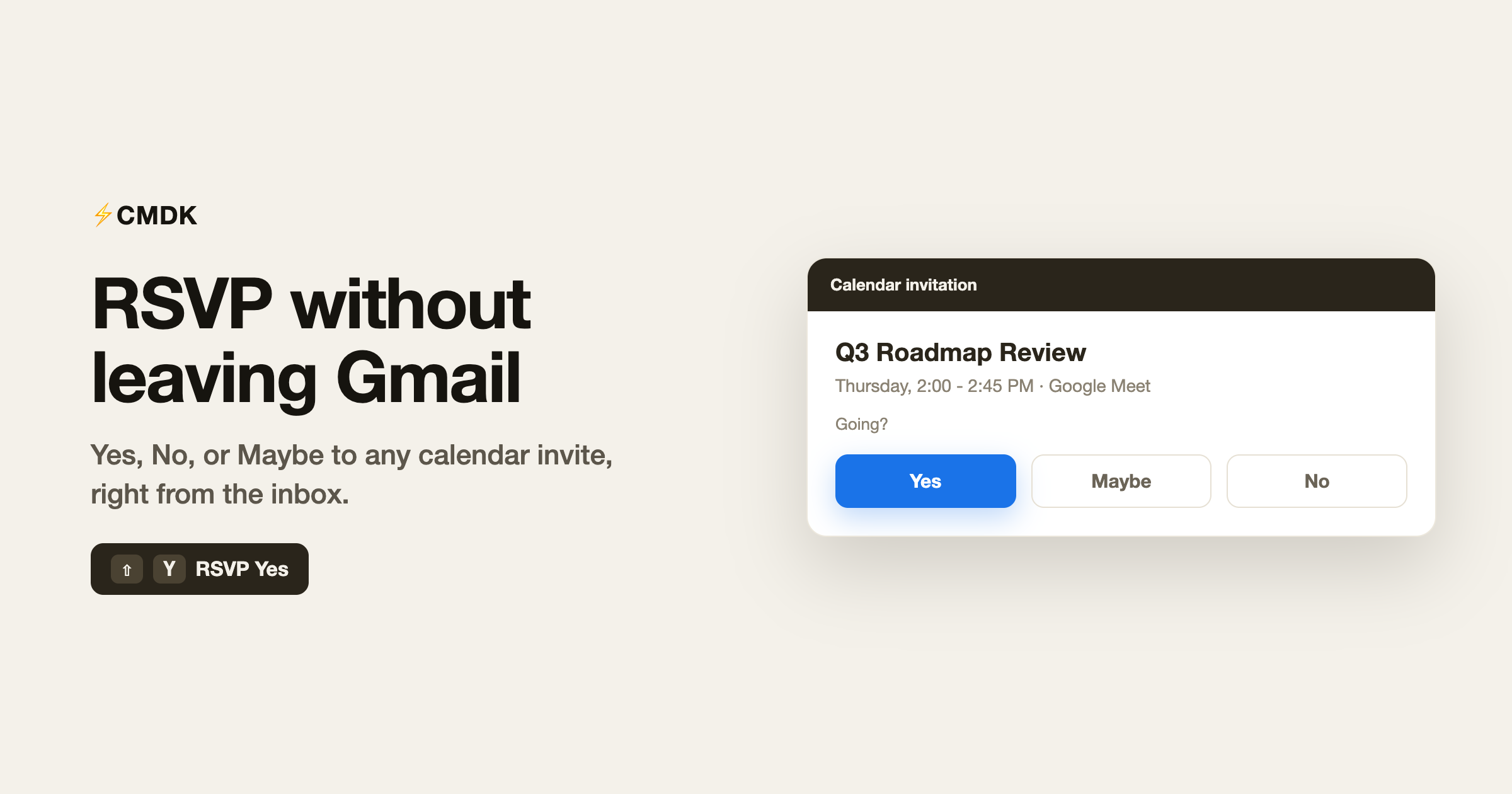
CMDK adds RSVP actions to Gmail so you can respond to a calendar invitation without leaving the message or opening Calendar:
- RSVP Yes
- RSVP Maybe
- RSVP No
Each one sends your response to the invite you are looking at, the same as clicking the button, just faster and without breaking your flow through the inbox.
How to use it
You have two routes, both quick:
- Command bar. Open the invite, press
Cmd + K(Mac) orCtrl + K(Windows), and run RSVP Yes, RSVP Maybe, or RSVP No. - Keyboard shortcut. Use the RSVP shortcut on the open invite, for example
Shift + Yto say Yes, to respond without touching the mouse.
Either way you stay on the email and keep moving.
It works in Workspace too
Plenty of “respond to the invite from Gmail” tricks fall apart on Google Workspace accounts. CMDK’s RSVP is built to work on Workspace Gmail as well as personal accounts, so you can accept that team meeting without hopping into Calendar first.
Where it helps
- Back-to-back schedules where invites arrive all day and each needs a quick yes or no.
- Inbox-first workflows where you triage email and calendar in the same pass.
- Keyboard users who would rather hit a key than hunt for a button.
Common questions
Can I RSVP to a calendar invite from Gmail?
Yes. CMDK adds RSVP Yes, Maybe, and No actions so you can respond to an invitation directly from the inbox without opening Google Calendar.
What is the shortcut to accept an invite?
Open the invite and use the RSVP shortcut, such as Shift + Y for Yes. You can also run RSVP Yes, Maybe, or No from the command bar with Cmd + K or Ctrl + K.
Does it work on Google Workspace accounts?
Yes. RSVP is designed to work on Workspace Gmail as well as personal Gmail accounts.
Will the organizer see my response?
Yes. RSVPing through CMDK sends the same response as clicking Yes, No, or Maybe on the invite, so the organizer gets your reply normally.
Is RSVP free in CMDK?
Yes, it is part of CMDK’s core feature set.
Clear invites as fast as you read them
A calendar invite should not cost you a detour to another tab. Respond where you already are, with a key or a command, and keep moving through your inbox.
Install CMDK, open your next invite, and press Shift + Y to say yes. No Calendar tab required.