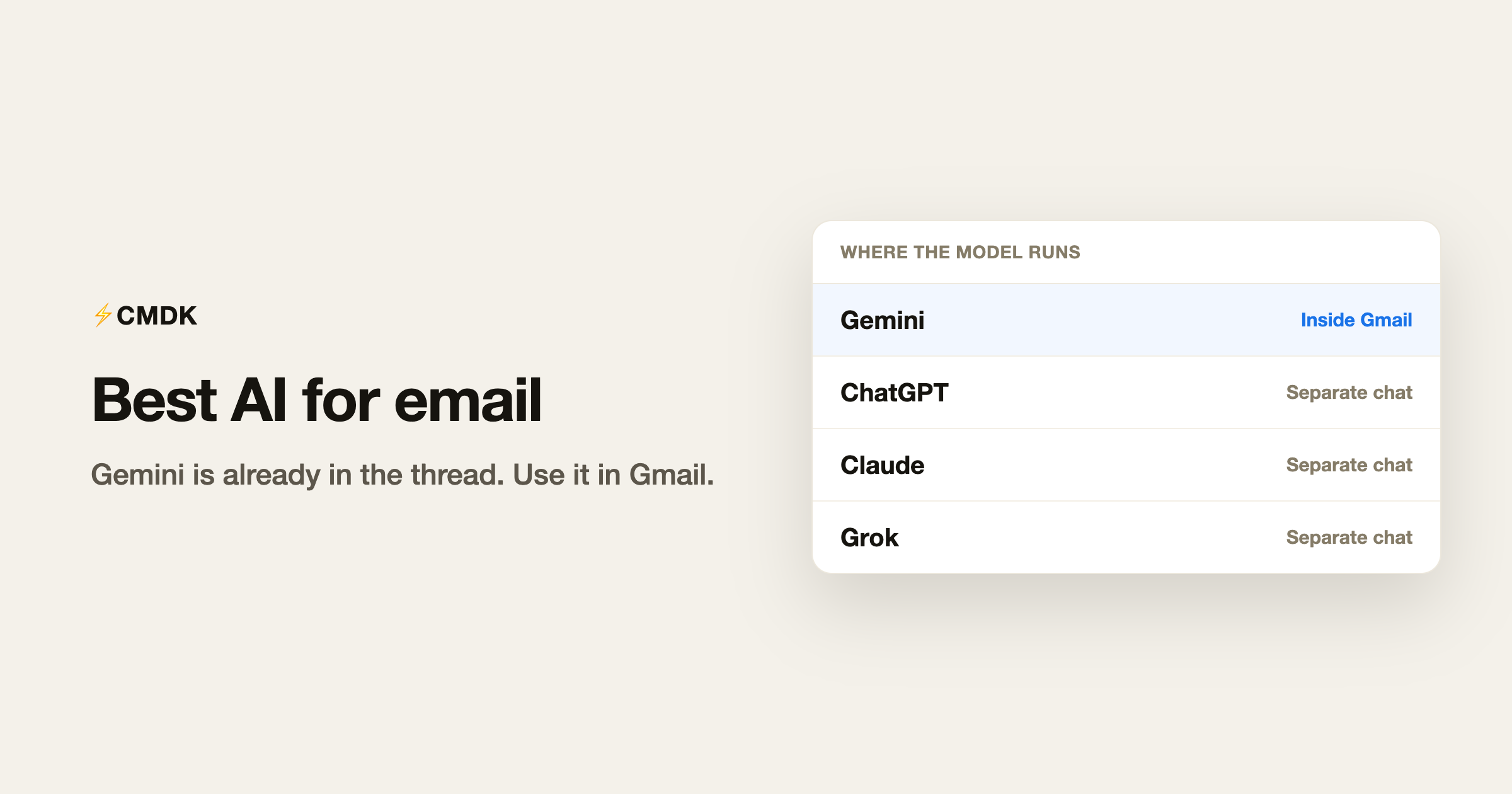
The best AI email assistant for most Gmail users is Gemini, because it is already inside Gmail and its basic writing help and thread summaries are free on personal accounts. If you want AI that drafts replies for you before you open a thread, Superhuman (Business plan) and Fyxer do that. If you want to ask questions across years of mail, Shortwave is strongest. Every one of them sends your email to an AI model, so the last column of the table below matters as much as the price.
Updated November 18, 2026. Prices and privacy details were checked on each vendor’s own pages that day.
The 10 at a glance
| Assistant | Works | Price | Where your email goes |
|---|---|---|---|
| Gemini in Gmail | Inside Gmail | Free basics; Google AI Pro $19.99 a month | |
| Superhuman Mail | Separate app on your Gmail | $25 a month billed annually | Superhuman, which lists OpenAI and Anthropic as subprocessors |
| Superhuman Go (Grammarly) | Inside Gmail | Free; email drafting on Pro, $12 a month billed annually | Superhuman |
| Fyxer AI | Connects to your inbox | Free tier; Pro $37 a month billed annually | Fyxer, which lists OpenAI as a subprocessor |
| Shortwave | Separate app on your Gmail | From $30 per seat a month | Shortwave, with OpenAI and Anthropic among its subprocessors |
| MailMaestro | Inside Gmail (Chrome extension) | Free tier; $12 per seat a month | MailMaestro |
| Ellie | Inside Gmail (Chrome and Firefox extension) | Paid plans | Ellie, which says it is powered by OpenAI |
| Claude | Separate chat app with a Gmail connector | All Claude plans | Anthropic |
| ChatGPT | Separate chat app with a Gmail connector | Sending email needs Plus or higher | OpenAI |
| Canary Mail | Separate email app | Free; AI on paid plans from $36 a year | Canary’s AI server, which uses OpenAI and others |
1. Gemini in Gmail: the one already in your inbox
Gemini lives in Gmail’s side panel and compose window. On personal accounts, Help me write, suggested replies and thread summaries are free, though Help me write and suggested replies are US-only for now. AI Inbox and Proofread need a paid Google AI plan. Gemini only works if Gmail’s smart features are turned on.
- Best for: most Gmail users who want occasional help writing or summarizing
- Price: free basics; Google AI Plus $4.99, AI Pro $19.99 a month
- Downside: which features you get depends on your country, language and plan. If you would rather not use it, see how to turn off Gemini in Gmail.
2. Superhuman Mail: fast app with AI drafts
Superhuman is a separate email app that connects to Gmail or Outlook. Every plan includes AI writing, instant replies, summaries and automatic labels. Auto Drafts, which writes replies before you open the thread, and Ask AI, which answers questions about your mail, need the Business plan.
- Best for: people who answer hundreds of emails a day and want AI drafts waiting
- Price: Starter $25, Business $33 per member a month billed annually ($30 and $40 monthly)
- Downside: you leave Gmail’s interface, and its privacy policy says your content trains Superhuman’s own models unless you opt out. More in our Superhuman review.
3. Superhuman Go: Grammarly’s assistant inside Gmail
Grammarly renamed itself Superhuman in 2025, and its Go assistant now works inside your existing Gmail. Beyond grammar and tone suggestions, the paid Email Assistant sorts incoming mail, leaves draft replies in threads and reminds you to follow up.
- Best for: people who want AI drafting without switching email apps
- Price: Go is free; the Email Assistant is on Pro at $12 a month billed annually
- Downside: the same training default as Superhuman Mail applies
4. Fyxer AI: drafts, sorting and meeting notes
Fyxer connects to Gmail or Outlook and drafts replies in your tone, sorts your inbox into categories, and takes notes in meetings. It does not send email on its own; drafts wait for you.
- Best for: founders and executives who want an assistant-style inbox
- Price: free with 400 credits; Pro $37, Team $64 a month billed annually
- Downside: it trains its own private models on your data unless you opt out. Our Fyxer AI review goes deeper.
5. Shortwave: ask questions across your whole inbox
Shortwave is a separate email app built on Gmail. Its AI search answers questions across your mail (“what did we agree on pricing with Acme?”), and its AI filters sort incoming mail by rules you write in plain English.
- Best for: people who need to find and summarize things across years of email
- Price: Business $30, Premier $45, Max $120 per seat a month; 14-day trial
- Downside: it replaces Gmail’s interface, and it needs a Gmail or Google Workspace account. See our Shortwave review.
6. MailMaestro: AI replies inside Gmail
MailMaestro, which bought Flowrite, is a Chrome extension that writes and improves emails inside Gmail and Outlook, and can label, draft and follow up automatically.
- Best for: AI writing help inside Gmail without a new app
- Price: free plan; $12 per seat a month; 14-day Pro trial
- Downside: another company in your email’s path; check its privacy policy before connecting a work account
7. Ellie: replies in your writing style
Ellie is a Chrome and Firefox extension that suggests replies in your own tone, and on higher plans drafts replies automatically. It says it is powered by OpenAI and does not train general models on your email.
- Best for: people who want suggested replies that sound like them
- Price: paid plans; see Ellie’s pricing page
- Downside: pricing is not published on its own site
8. Claude: a Gmail connector in a chat app
Anthropic’s Claude can connect to Gmail on every plan. It can search and read your mail, draft replies, and send, reply or forward after you approve. Anthropic says it does not train on connector data.
- Best for: research-style questions about your email, and long careful drafts
- Price: included in all Claude plans; Team and Enterprise owners must turn it on
- Downside: you work in the chat app, not in Gmail, and it cannot read attachment contents
9. ChatGPT: a Gmail connector in a chat app
ChatGPT’s Gmail connector can search and read your mail and draft replies. Sending email from ChatGPT needs Plus, Pro, Business or Enterprise, on the web.
- Best for: people who already work in ChatGPT all day
- Price: sending needs Plus or higher
- Downside: your mail goes to OpenAI, and you work outside Gmail
10. Canary Mail: a separate app with an AI copilot
Canary is an email app for Mac, Windows, iPhone and Android that supports Gmail. Its AI copilot drafts and summarizes on paid plans, and inbox prioritization is free. Canary says it keeps nothing and does not train on your mail.
- Best for: people who want a desktop app with AI and a lifetime option
- Price: free; Growth $36 a year, Pro+ $100 a year
- Downside: its AI runs through OpenAI and other providers
No AI at all: CMDK
Not everyone wants a model reading their inbox. CMDK makes Gmail faster with a command bar, 80+ keyboard shortcuts, snippets, snooze, read receipts and split inbox tabs, and it has no AI model of its own. It does not send the text of your emails to any AI. If you do want Gemini now and then, CMDK’s Ask AI shortcut opens Gmail’s own Gemini panel; if you don’t, CMDK can hide the Gemini button and Gemini’s suggested replies. Full disclosure: we make CMDK.
- Best for: speed without handing your mail to an AI
- Price: 15-day free trial, then $79 a year
Which AI email assistant should you pick?
| You want | Pick |
|---|---|
| Free help writing and summarizing | Gemini in Gmail |
| Replies drafted before you open the thread | Superhuman (Business) or Fyxer |
| Answers from across your whole inbox | Shortwave or Claude |
| AI writing inside Gmail, no new app | Superhuman Go or MailMaestro |
| A faster Gmail without AI | CMDK |
Frequently asked questions
Is there a free AI email assistant for Gmail?
Yes. Gemini’s Help me write, suggested replies and thread summaries are free on personal Gmail accounts in the US. Fyxer, MailMaestro and Superhuman Go also have free tiers.
Do AI email assistants read my emails?
Yes. To draft or summarize, every assistant above sends your email content to an AI model, either its own or one from OpenAI, Anthropic or Google. Check each vendor’s privacy policy for whether it stores your mail or trains on it.
Which AI email assistant does not train on my email?
Anthropic says Claude does not train on connector data, Canary says it keeps nothing, and Ellie says it does not train general models on your email. Superhuman and Fyxer train their own models unless you opt out.
Can I use AI in Gmail without a new app?
Yes. Gemini is built into Gmail, and Superhuman Go, MailMaestro and Ellie work inside Gmail as extensions.
Prefer a fast Gmail without AI reading your mail? Try CMDK.