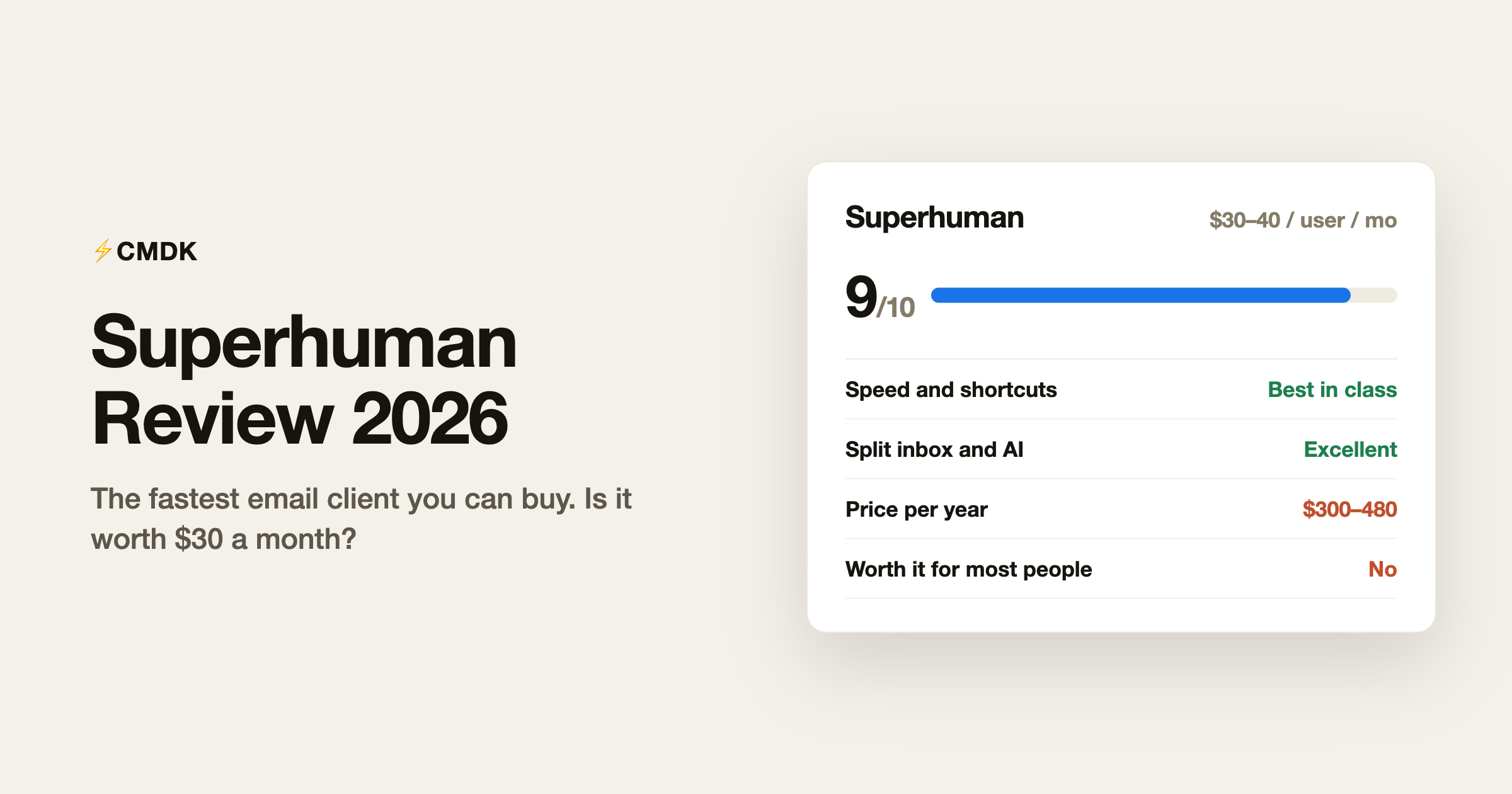
The short version: Superhuman is the fastest email client you can buy, the speed is real and not marketing, and most people still should not pay for it. It costs $300 to $396 per person per year on annual billing, requires abandoning the Gmail or Outlook interface you know, and its signature features (keyboard-first triage, split inbox, snippets, read statuses, follow-up reminders) are no longer exclusive.
Full disclosure before the details: we build CMDK, a browser extension for Chrome and Firefox that adds Superhuman-style features to Gmail, so we compete with Superhuman. We use it, we rate it honestly, and this review says clearly what it does better than us.
What Superhuman is
Superhuman is a premium email client that sits on top of your existing Gmail or Outlook account. You keep your address and your mail; you read and write it in Superhuman’s app instead of Gmail’s tab. It launched invite-only in 2017, became the poster child for “$30/month email”, and was acquired by Grammarly in 2025. It now sits inside the Superhuman Suite alongside Grammarly and Coda, with apps for Mac, iOS, Android, and the web (Windows users get the web app).
Pricing
- Starter: $30/month billed monthly, or $25/month on annual billing, which is $300/year. The core client, and it now includes Superhuman AI.
- Business: $40/month billed monthly, or $33/month on annual billing, which is $396/year. Adds the most capable AI, Auto Drafts, Ask AI, an MCP server, custom auto labels, and CRM integrations.
- Enterprise: custom, with SSO and admin controls.
There is no free tier. A 30-day trial exists, and students and nonprofits can email for discounted rates. Run your own numbers with our Superhuman cost calculator; a 5-person team on Business is about $2,000 a year.
What it does brilliantly
Speed, genuinely. Everything is pre-loaded and every action has a keystroke. Archive is E, snooze is H, the command palette (Cmd+K) does the rest. Processing 100 emails in Superhuman feels like 15 minutes of work; the same pile in stock Gmail feels like 40. This is the product, and it delivers.
It forces good habits. Superhuman is opinionated: it pushes you toward inbox zero, one email at a time, keyboard only. The onboarding (a live 30-minute session with a human) teaches a triage discipline most people never learn. Plenty of the benefit comes from those habits alone.
Split inbox done right. Mail is split into streams (team, VIPs, calendars, newsletters) that you process separately. It is the single best-designed feature in the app.
The AI is now table stakes but well executed. Instant summaries of long threads, drafted replies in your voice (Business plan), natural-language search. None of it is unique in 2026, but it is fast and unobtrusive.
Where it falls short
The price never stops. $300 to $396 per person per year on annual billing, forever, for email. The productivity math can work for founders and salespeople who live in their inbox; it rarely works for a whole team, and finance will eventually ask the question.
You have to move house. Superhuman replaces your email interface entirely. New shortcuts, new UI, new muscle memory, a real onboarding cost per employee. And it is rented muscle memory: cancel, and you are back in stock Gmail having forgotten its shortcuts.
Full inbox access is the deal. Like any email client, Superhuman’s servers process your mail. Most companies are fine with this; some compliance teams are not, and post-acquisition the data now lives with Grammarly’s infrastructure. Worth a question to your security team before rolling it out.
The exclusives are gone. In 2019 nothing else had read statuses, snippets, one-key triage, and split inbox in Gmail. In 2026, extensions add all of it to the Gmail you already use, and Gmail itself gained Gemini summaries and better search. Superhuman is still the most polished package; it is no longer the only way to get the contents.
Who should pay for it
- Founders, executives, and salespeople processing 150+ emails a day, where 30 minutes saved daily beats $300 a year without discussion
- People who want to be forced into better email habits and will actually attend the onboarding
- Teams already paying for Business-tier CRM workflows, where the HubSpot/Salesforce integration earns its keep
Who should not
- Anyone under roughly 50 emails a day; the speed advantage never amortizes
- Teams buying it for everyone because the CEO likes it (the long tail of seats goes unused)
- Anyone unwilling to relearn their email client, because the speed comes from the keyboard habits, and those take practice the subscription cannot buy
The alternative worth knowing about
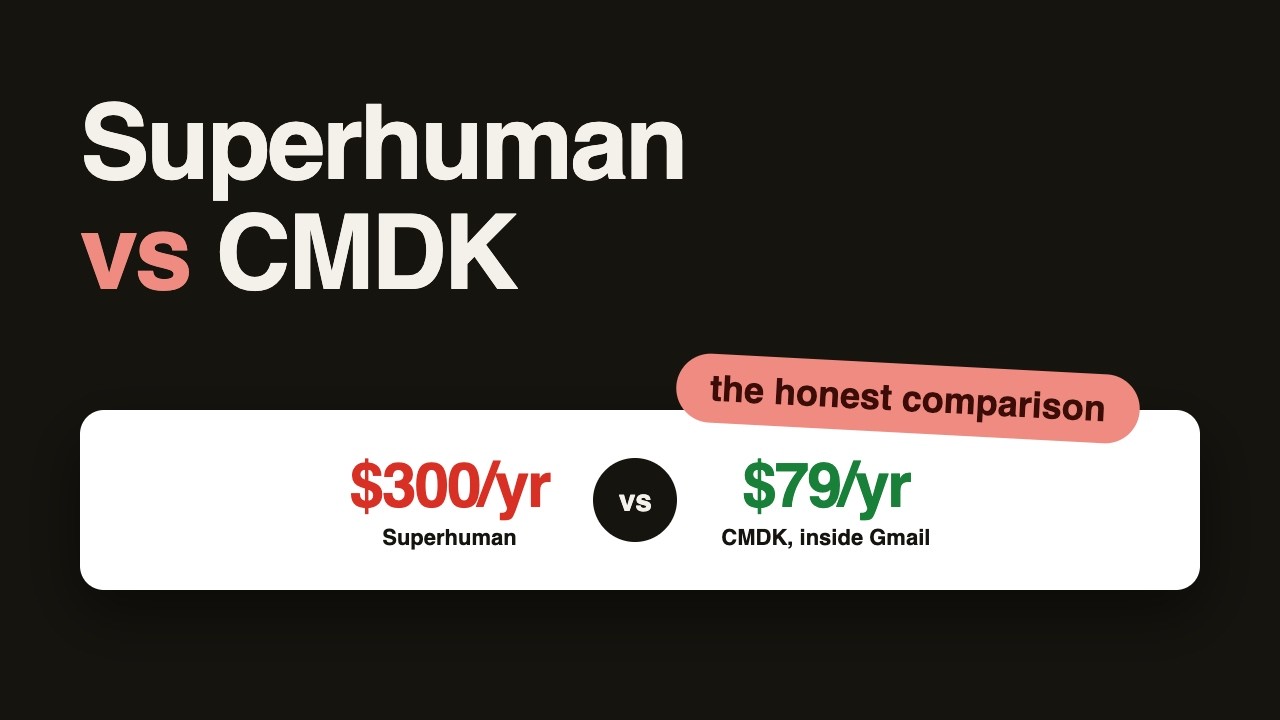
If what you want is the speed features inside Gmail rather than a new app, that is the gap CMDK fills: one-key archive and delete, a Cmd+K command bar, split inbox as tabs, snippets, read receipts, follow-up reminders, and sender nuking, as a Chrome extension on top of the Gmail interface you already know. It is $69 a year or $169 lifetime, about a fifth of Superhuman’s price, and there is nothing to migrate. The honest trade-off: CMDK is desktop-Chrome only, and Superhuman’s native apps, offline mode, and AI drafting are better. For the full feature-by-feature comparison, see CMDK vs Superhuman, and for the wider field, all seven Superhuman alternatives compared.
Verdict
Superhuman earns its reputation and, for a narrow slice of heavy email users, its price. It is a 9/10 product at a price that makes sense for maybe 5 percent of the people who admire it. If you are in that slice, take the trial and attend the onboarding. If you are not, get the features without the migration and the subscription, and put the $360 a year somewhere else.
Frequently asked questions
Is Superhuman worth it in 2026?
For founders, salespeople, and executives handling 150+ emails a day who will learn the keyboard workflow, yes, the time savings are real. For average email volumes the $300-480 per year rarely pays back, and extensions now add the same core features to Gmail for far less.
How much does Superhuman cost?
$30 per user per month (Starter) or $40 (Business), with annual billing at $300 and $396 per user respectively. There is no free plan.
Does Superhuman work with Outlook?
Yes. Superhuman supports both Gmail/Google Workspace and Microsoft Outlook accounts, including Outlook on Windows via the web app.
What happened after Grammarly acquired Superhuman?
Grammarly announced the acquisition in July 2025 and launched the Superhuman Suite in October 2025, bundling Superhuman Mail with Grammarly and Coda. The email product continues under the Superhuman name with the same plans.
Is there a cheaper alternative to Superhuman?
Several. CMDK adds the speed features (shortcuts, command bar, split inbox, snippets, read receipts) directly to Gmail for $69/year or $169 lifetime. Shortwave is an AI-focused Gmail client from ex-Google engineers with plans from $18/month.
Want the Superhuman workflow without the Superhuman invoice? Try CMDK free for 15 days, no credit card needed, and CMDK works inside the Gmail you already have open.
Weighing AI assistants instead of a faster client? Here is our Fyxer AI review for 2026.
Comparing it against a cheaper client? See Superhuman vs Spark, or read how a Superhuman Chrome extension replicates the workflow inside Gmail.
Watch the full comparison on video (someone who paid for both):