
Cora is an AI that reads your Gmail, hides what it decides is unimportant, and drafts replies in your voice. CMDK is the other bet: you stay in Gmail, and you get faster at the mail yourself.
If you want a chief of staff sitting on the inbox, Cora is built for that. If you want the inbox to stay yours, CMDK is the one that fits.
Your mail already has one company. Cora adds another.
Gmail means Google already holds the mailbox. Connecting Cora means a second company, Every, also reads it.
Cora says this in its own words. It reads your email history to learn who you reply to and how you write. It shares those emails with models from Google, Anthropic, and OpenAI. It says the emails are not used to train those models, and that Every staff cannot open your mailbox. The models still receive the contents. “No one can see your emails” means no person at Cora. It does not mean the mail stays with Google.
That is the whole product. Cora screens what lands in the inbox, leaves the messages it thinks you must answer, and files the rest into a Brief twice a day. When it has enough of your past mail, it writes a draft in your voice. You still press send. Cora says it cannot send or delete on its own.
If you still want a model on the thread, use Gemini inside Gmail. Gemini, ChatGPT, Claude, and Grok for email is the comparison. CMDK does not do any of that. It does not read the mailbox to sort it, summarize it, or write replies. Shortcuts, the command bar, snippets, split inbox, snooze, and reminders run in Gmail in the browser. If you turn read receipts on, a pixel on mail you send reports when someone opens it. That is a signal about one outgoing message, not a copy of your inbox going to an AI. The same idea is covered in the Gmail read receipts guide.
What each one is for
| CMDK | Cora | |
|---|---|---|
| Where it runs | Inside Gmail | Connected to Gmail, beside it |
| What it does | Shortcuts, command bar, snippets, split inbox, snooze, reminders, read receipts | Screens mail, files the rest into a Brief, drafts replies |
| Who reads the mail | You | Cora, then models from Google, Anthropic, and OpenAI |
| Sends mail for you | No | No. Drafts only, you send |
| Can hide a real email | No | Yes. Its own help page tells you how to pull a message back out of the Brief |
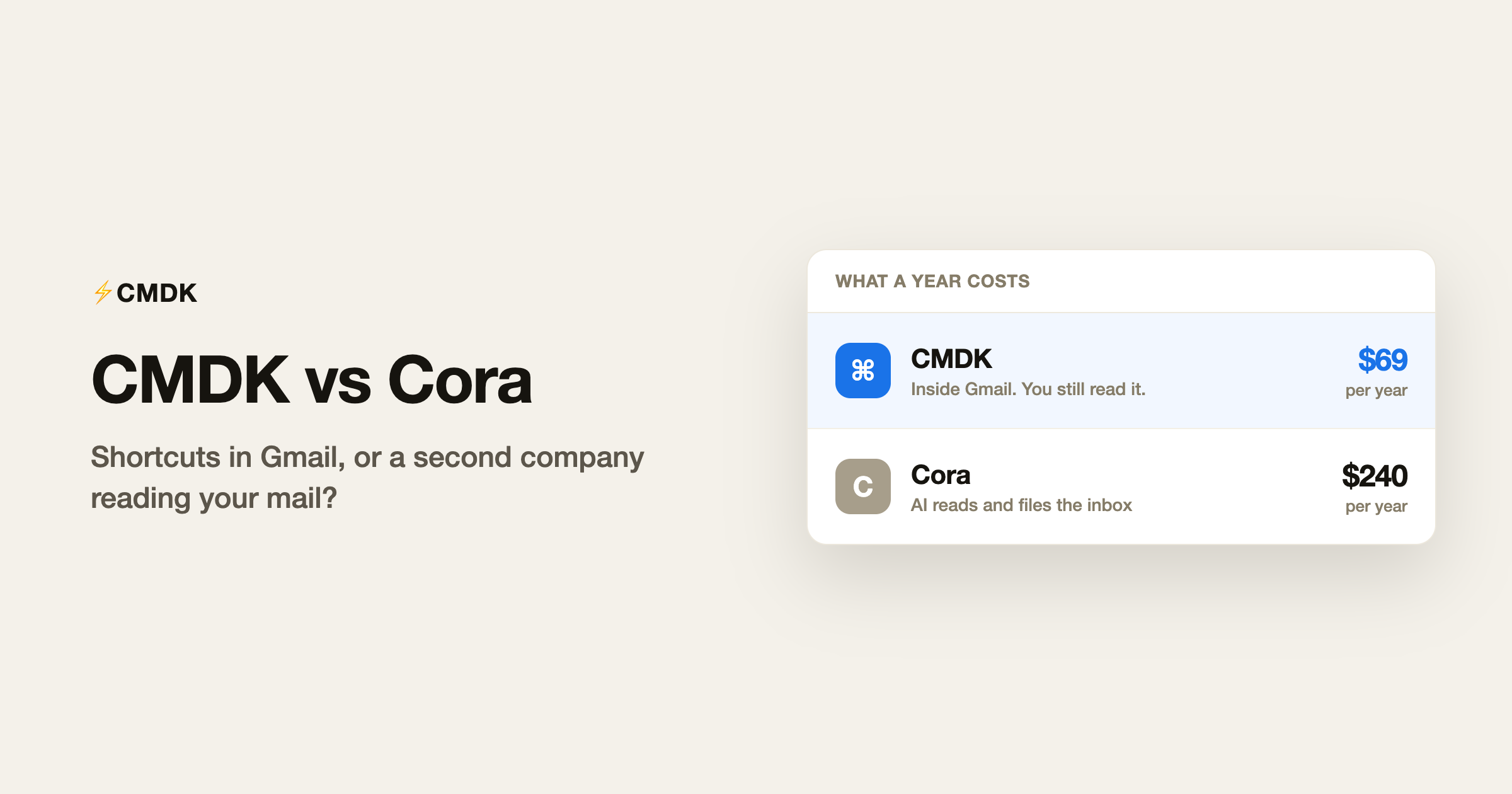
| Price | $9 a month, or $69 a year | $20 a month ($240 a year) on the Professional plan |
| Trial | 15 days, no card | 7 days |
| Accounts | Multiple inboxes | Two on Professional |
Where Cora is the better tool
Cora wins if you want the inbox handled for you. A twice-daily Brief of newsletters and FYIs, plus drafts waiting in Gmail, is the job it was built for. CMDK will not file your newsletters and will not write the reply.
Take that deal with your eyes open. You are paying $20 a month for an AI to decide what you see. Cora’s own help page covers the miss: an important email can land in the Brief instead of the inbox. You then go find it, and you tell Cora not to do that again. The speed comes from not reading the original. The risk is the same fact.
Where CMDK is the better tool
CMDK is for people who still want to see the mail. You get the speed from shortcuts and a command bar, not from an AI deciding the message can wait until the afternoon Brief. Labels, filters, and the Gmail you already know stay put. Nothing is migrated, and nothing new is invited into the mailbox.
It is also the cheaper habit. Cora Professional is $20 a month. CMDK is $9 a month, or $69 for the year, with a 15-day trial and no card. The yearly price is on the pricing page.
The skills stay with you. A Superhuman-style workflow inside Gmail is shortcuts, splits, and snippets you can still use if you cancel. Cora’s skill is the model. Turn Cora off and the Briefs stop, the drafts stop, and you are back to the full inbox with no new muscle memory. The same tradeoff is why CMDK vs Superhuman comes out the same way: rent the client, or get faster in the one you already have.
Frequently asked questions
Does Cora replace Gmail?
No. Cora connects to Gmail and Google Workspace and works beside them. Outlook is not supported. You keep using Gmail, with fewer messages left in the inbox.
Does Cora send email on its own?
No. Cora drafts a reply and leaves it for you. You review it and you send it. Cora says it does not have permission to send or delete.
Who else sees my email if I connect Cora?
Google already has it. Every, the company behind Cora, then reads it. Cora says those emails are shared with models from Google, Anthropic, and OpenAI, and that they are not used to train the models. Staff at Cora cannot open the mailbox. The model providers still process the contents.
Does CMDK read my inbox?
No. CMDK does not summarize your mail or draft replies. It adds shortcuts and a few Gmail tools in the browser. Read receipts, if you turn them on, report when a message you sent was opened.
How much does Cora cost compared with CMDK?
Cora Professional is $20 a month, with a 7-day trial. CMDK is $9 a month or $69 a year, with 15 days free and no card. Cora also has a higher plan for unlimited accounts. That price is not listed on the public site, so this comparison uses the $20 plan.
Install CMDK and try the shortcuts on the Gmail you already use.
Related: CMDK vs Mailman and CMDK vs SaneBox.




