
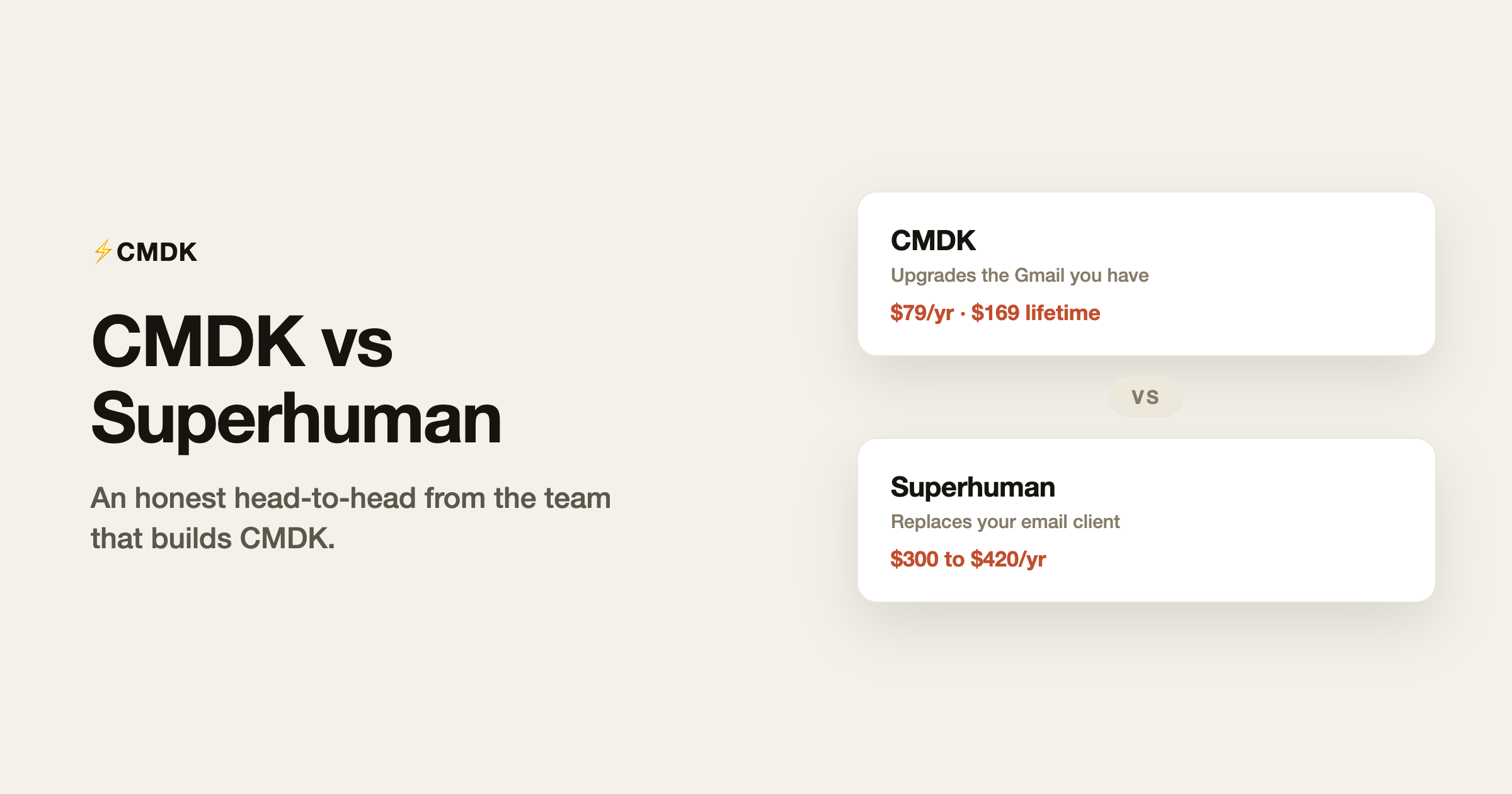
We build CMDK, so you should expect this page to conclude that CMDK is right for everyone. It will not, because it is not. Superhuman is a genuinely excellent product that is worth its price for a specific kind of user, and pretending otherwise would tell you nothing useful. What follows is the comparison we would want if we were choosing: what is identical, what is different, and exactly where the $220-a-year gap between the two products does and does not buy something.
Watch the full comparison on video (someone who paid for both):
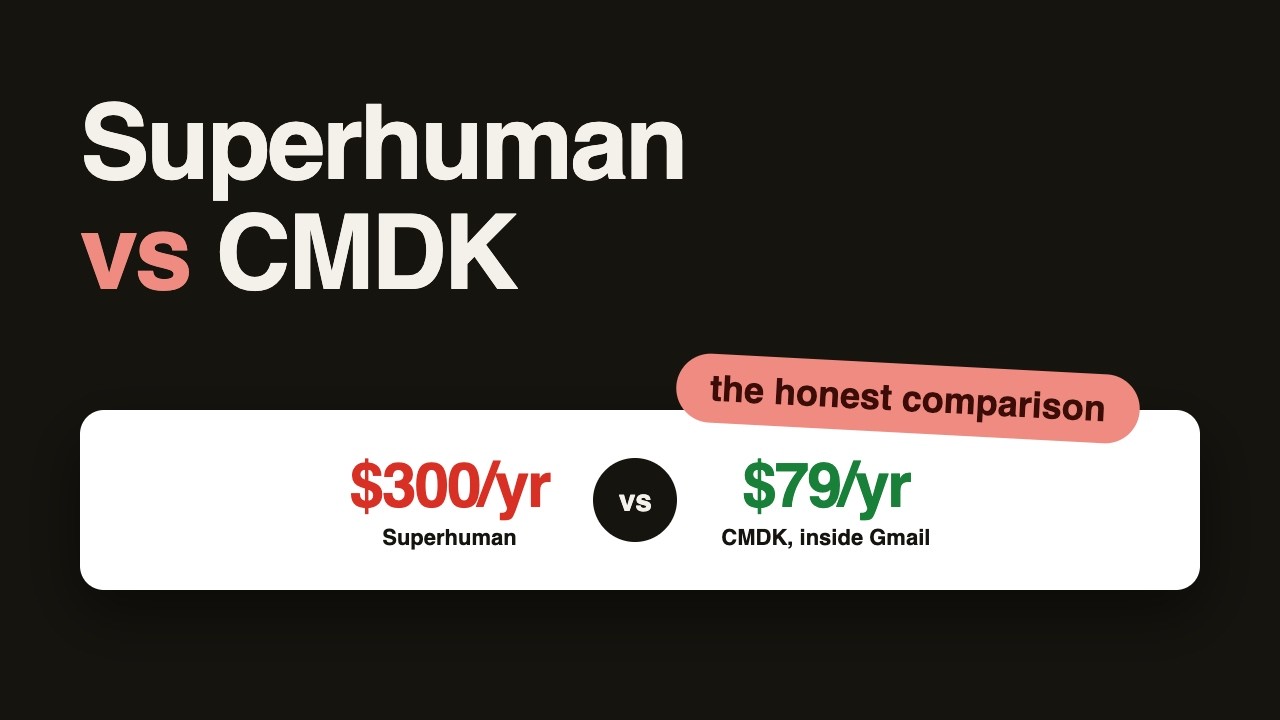
The fundamental difference
Superhuman replaces your email interface. It is a standalone client (Mac, iOS, Android, web) that connects to your Gmail or Outlook account and gives you a new, faster front end with onboarding, native apps, and AI built in. From $25/month.
CMDK upgrades the interface you already have. It is a Chrome extension that adds features directly into Gmail in the browser: nothing to migrate, no new app to learn, nothing changes for anyone you email. $69/year, or $169 once for a lifetime license, with a 15-day free trial.
Everything else follows from that difference.
Feature by feature
| CMDK | Superhuman | |
|---|---|---|
| Command palette | Cmd+K in Gmail | Cmd+K |
| One-key triage (archive, navigate) | Yes | Yes |
| Split inbox / focused tabs | Yes | Yes |
| Snippets / templates with variables | Yes | Yes |
| Read receipts / statuses | Yes | Yes |
| Send later | Yes | Yes |
| Follow-up reminders | Yes | Yes |
| Bulk inbox cleanup | Yes | No |
| AI drafting and summaries | Via Gmail’s built-in Gemini (free) | Yes |
| Native mobile apps | No (Gmail app carries on mobile) | iOS + Android |
| Outlook support | No, Gmail only | Yes |
| Works inside standard Gmail | Yes | No, separate client |
| Price | $69/yr or $169 lifetime | $300 to $396/yr |
What Superhuman genuinely does better
Being honest about the gap:
Native apps and mobile. Superhuman’s iOS and Android apps carry the full workflow to your phone. CMDK lives in desktop browsers; on mobile you are in the regular Gmail app.
Outlook. Superhuman supports Outlook accounts. CMDK is built for Gmail only.
AI. Superhuman drafts, summarizes, and triages with AI woven into its own client. CMDK deliberately ships no AI of its own, because Gmail already includes Gemini: AI Overviews summarize threads, Help me write drafts, and Suggested Replies answer routine mail at no cost, with deeper inbox questions on paid Google AI plans. The practical gap is Superhuman’s tighter integration, not the presence of AI.
Total polish. Superhuman controls its entire interface, so every animation and interaction is tuned. CMDK operates inside Gmail’s interface, which puts a ceiling on how different the experience can feel.
If two or more of those four matter to you, buy Superhuman. That is the honest line.
What CMDK does better
Price, by roughly 4x. $69/year against $300 to $396. The lifetime option ($169) means a two-person team can be covered forever for less than one person’s five months of Superhuman. The cost calculator runs any team size.
No migration, no lock-in. Your Gmail stays exactly as it is. Filters, labels, and muscle memory survive. If you cancel CMDK, you lose the speed layer; if you cancel Superhuman, you change email clients again.
Gmail-native behavior. Because CMDK operates on real Gmail, everything Google ships (new features, security, search) keeps working underneath. There is no sync layer, no separate index, and no second place your email lives.
Bulk cleanup. CMDK includes inbox cleanup tooling for mass-archiving and unsubscribing that Superhuman does not attempt.
How to switch from Superhuman to CMDK
Superhuman syncs with Gmail, so your mail, labels and filters are already in Gmail. Only what lives in Superhuman’s own layer needs attention:
- Let scheduled sends complete or cancel them, and clear pending snoozes and reminders inside Superhuman.
- Copy your Superhuman snippets out; you will paste them into CMDK snippets, variables included.
- Cancel the subscription, uninstall the apps, and revoke Superhuman’s access under Google account security.
- Install CMDK in Chrome and open Gmail. The keystroke is the same Cmd+K; rebuild your splits as split inbox tabs, and read statuses, send later and follow-up reminders are all included.
- On mobile you are in the regular Gmail app, and for AI, Gmail’s built-in Gemini handles summaries and drafting.
The decision in one table
| You | Pick |
|---|---|
| Gmail user who wants the speed workflow at a sane price | CMDK |
| Outlook account | Superhuman |
| Heavy mobile email, need the workflow on your phone | Superhuman |
| Want AI drafting built into the client | Superhuman (or Shortwave) |
| Skeptical of subscriptions | CMDK ($169 lifetime) |
| Trying before committing | CMDK’s 15-day trial, then Superhuman’s 30-day if unconvinced |
Frequently asked questions
Is CMDK a Superhuman clone?
CMDK rebuilds the parts of Superhuman’s workflow that research says people actually pay for (command bar, split inbox, one-key triage, snippets, read receipts, reminders) as a Gmail extension rather than a separate client. The architecture is deliberately different: CMDK upgrades Gmail in place instead of replacing it.
Why is CMDK so much cheaper than Superhuman?
No native apps to build for four platforms, no white-glove onboarding team, and no AI inference costs, since Gmail’s built-in Gemini handles summaries and drafting natively. A browser extension on top of Gmail is structurally cheaper to build and run, and the price reflects the cost, at $69/year or $169 once.
Can I use CMDK and Superhuman together?
There is no point: Superhuman replaces the Gmail interface where CMDK lives. Choose based on the table above; both offer trials (15 days for CMDK, 30 for Superhuman), and trying CMDK first costs nothing and requires no migration.
Does CMDK work with Google Workspace accounts?
Yes. CMDK works with both personal Gmail and Google Workspace accounts in Chrome, Firefox, and Chromium-based browsers (Edge, Brave, Arc). It does not support Outlook, iCloud, or other providers.
Try the cheaper path first: CMDK installs in a minute, changes nothing about your Gmail, and gives you 15 days free to feel the difference, then $69 a year.




