
Verdict: Shortwave is the best AI email client for Gmail and the closest thing to Google Inbox today, worth it for AI-curious users ready to switch apps at $18 a month or Workspace teams on a $30-per-seat budget. Skip it if you need Outlook, or you would rather stay inside Gmail than move to a new app.
Also comparing AI inbox assistants? For an AI inbox assistant angle, see our Fyxer AI review.
Shortwave is what happened when the people who built Google Inbox refused to let it die. It is a full replacement email client for Gmail with the best AI assistant in the category bolted on: it summarizes threads, answers questions about your email history, writes in your voice, and files your mail with AI-powered filters. The catch in 2026 is the bill. What began as a scrappy free Inbox revival now runs $18 a month for individuals and $30 to $120 per seat for teams, and the free plan has been squeezed down to a demo with a forced signature.
We build CMDK, a Gmail extension that competes for the same “make email faster” budget, so read this as an informed competitor’s review. Facts checked against Shortwave’s own pricing page in July 2026.
What Shortwave is
Shortwave (shortwave.com, founded 2020) is a standalone email app started by Firebase co-founder Andrew Lee with a team of ex-Google engineers, widely described as the spiritual successor to Inbox by Gmail. It connects to your Gmail or Google Workspace account and replaces the Gmail interface entirely: you read and write email in Shortwave’s apps on the web, Mac, Windows, iPhone, and Android.
Three ideas define it:
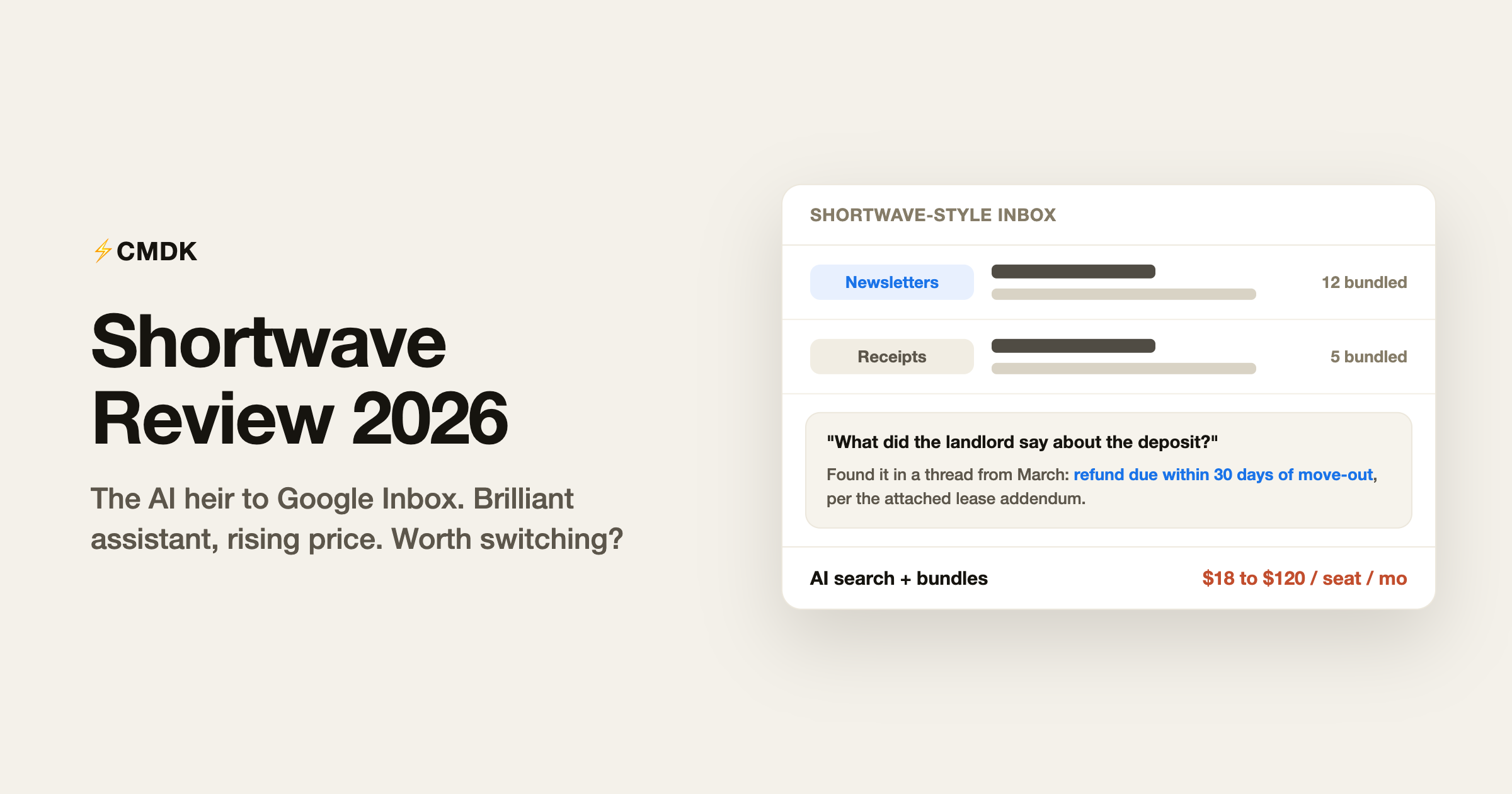
- Bundles and splits. Related emails (newsletters, promotions, receipts) get grouped into bundles you triage as one unit, and the inbox divides into tabs by sender, label, or query. This is the Google Inbox DNA, and it remains the best implementation of that idea anywhere.
- An AI assistant that actually knows your email. Ask it “what did the landlord say about the deposit” and it searches years of history and answers with citations. It also summarizes threads, analyzes attachments, schedules from your calendar, and browses the web.
- Ghostwriter. Shortwave’s AI writing learns tone, phrasing, and sign-offs from your sent mail, so drafts and autocomplete suggestions sound like you rather than a press release.
Shortwave pricing in 2026
Prices from the official pricing page, per seat per month:
- Free: basic AI with a limited quota, 90 days of search history, a maximum of 15 threads per AI search, and a “Sent with Shortwave” signature stamped on every email you send.
- Pro (individuals): $18. Standard AI, full standard search history, 3 years of AI search history, 50 threads per AI search, AI web browsing, and personalized AI writing.
- Business: $30. Adds 5 years of AI search history, 3 AI filters, and the professional toolkit: read statuses, link tracking, and snippets.
- Premier: $45. Advanced AI with double the usage, unlimited AI search history, and 10 AI filters.
- Max: $120. Expert-tier AI, six times the usage, and 50 AI filters.
Every paid plan starts with a 14-day free trial, and the trial drops you back to the free plan when it ends rather than auto-charging, which is friendlier than some rivals. The AI tiers map to named Anthropic models on the pricing page, from Claude Haiku on the free plan up to Claude Opus with adaptive thinking on Max.
Two pricing details deserve attention. First, the free plan’s forced signature turns your outgoing email into an ad, which reads fine on a hobby account and unprofessional on anything client-facing. Second, read statuses and snippets, features that cost nothing in a Gmail extension, sit behind the $30 Business tier.
What it does well
The AI assistant is the best in email. Nothing else in the category comes close to Shortwave’s AI search. Asking a question in plain English and getting an answer sourced from a thread you half-remember from 2023 feels like the future of email, and on the higher tiers with more context and better models it handles genuinely complex questions (“summarize every invoice from this vendor this year”) that would take twenty minutes of manual search.
Bundles beat Gmail’s categories. Gmail sorts promotions into a tab you ignore. Shortwave bundles them into a single inbox row you archive in one tap. For inbox-zero types drowning in automated mail, bundles alone halve the triage time.
Polish born from four years of iteration. Bundles, splits, todos, delivery schedules, and the AI assistant all interlock cleanly, and the model tiers stay current (the February 2026 release moved the paid tiers to the newest Claude generation). The core product is mature and mostly free of rough edges.
Where it disappoints
You have to leave Gmail. Shortwave replaces the interface entirely. Every workflow you have built (labels muscle memory, other extensions, the way search operators behave) resets on day one. Teams cannot adopt it half-way either: the collaboration features only work with colleagues who also switched. The switching cost is the single biggest reason trials fail.
Gmail only. No Outlook, no Yahoo, no IMAP. If your company runs Microsoft, Shortwave is off the table entirely, and mixed households need a second email app.
The price keeps climbing and the free plan keeps shrinking. Early adopters remember a generous free tier and a personal plan under $10. In 2026 the free plan caps search history at 90 days, throttles the AI, and stamps its ad on your signature, while the individual paid plan costs $18 a month, roughly double its old price. The direction of travel is clear: Shortwave wants business seats, and individuals are along for the ride.
Your mail flows through their servers. AI search over years of history requires Shortwave to index your mailbox on its infrastructure. The company documents its security posture (CASA Tier 2) and has a clean record, but a full-mailbox cloud index is a bigger trust decision than a client-side extension, and some security teams will veto it.
The founders’ attention has moved on. Shortwave’s founding team launched Tasklet, a general AI-agent product, in 2025 and joined Y Combinator’s 2026 batch with it after Tasklet’s revenue outgrew Shortwave’s. The email app keeps getting updates (the Claude 4.6 upgrade shipped in February 2026), but the changelog cadence has slowed from weekly to roughly quarterly. Before committing a team to a $30-per-seat plan, factor in that the company’s center of gravity is now a different product.
Shortwave vs Superhuman
The comparison everyone asks about. Superhuman is a $25-and-up speed-focused client with legendary keyboard shortcuts and Gmail plus Outlook support; Shortwave is an AI-focused client at a similar price that only does Gmail. Pick Superhuman if raw processing speed and polish matter most; pick Shortwave if AI search and summaries would save you more time than shortcuts. Our full Superhuman review covers that side of the fence, and the Superhuman cost calculator puts numbers on a team subscription.
Shortwave vs CMDK
Different bets on the same problem. Shortwave bets you will move into a new AI-powered app; CMDK bets you would rather stay in Gmail and make it faster.
- Shortwave replaces Gmail with a smarter client: AI search, bundles, Ghostwriter, for $18 to $120 per seat per month. You learn a new app and bring your team with you.
- CMDK layers speed onto the Gmail you already use: split inbox tabs, a Cmd+K command bar, one-key triage, snippets, read receipts, follow-up reminders, and bulk cleanup for $69 a year or $169 lifetime. Nothing about your Gmail changes except the speed.
The snippets and read receipts Shortwave gates behind its $30 Business plan are included in CMDK’s $69 year. On the other hand, CMDK has no AI assistant that answers questions from your archive; if that capability is the draw, Shortwave is the product to trial. Staying in Gmail no longer means going without AI at all, though: Gmail’s built-in Gemini now summarizes threads and drafts replies at no cost, so Shortwave’s edge is specifically the deep archive question-answering, not everyday AI. People who want both sometimes run Shortwave on mobile for bundles and keep desktop Gmail with CMDK for heads-down processing.
Verdict
Shortwave earns its reputation as the best AI email client for Gmail and the truest heir to Google Inbox. The AI assistant is a step ahead of everything else, bundles remain brilliant, and the core product is polished. Recommend it to AI-curious Gmail users who are ready to switch apps and pay $18 a month, and to teams on Google Workspace with a $30-per-seat budget, with one eye on how much energy the company keeps putting into email now that Tasklet is its growth story. Pass if you need Outlook, if a cloud index of your mailbox will not clear security review, or if the thing you actually want is a faster Gmail rather than a different app. And treat the free plan as a two-week evaluation, since the 90-day history cap and signature ad make it a poor permanent home. Deciding between the two premium clients? Our Superhuman vs Shortwave comparison settles it by use case.
Frequently asked questions
What is Shortwave email?
Shortwave is an AI-powered email client for Gmail and Google Workspace, built by ex-Google engineers as a successor to Inbox by Gmail. It replaces the Gmail interface with its own apps for web, Mac, Windows, iPhone, and Android, and adds AI search, thread summaries, bundles, and AI-drafted replies.
Is Shortwave free?
There is a free plan, and it is deliberately limited: basic AI with a small quota, 90 days of search history, 15 threads per AI search, and a mandatory “Sent with Shortwave” signature on every email you send. Serious use starts at the Pro plan, $18 per month.
How much does Shortwave cost in 2026?
Pro for individuals is $18 per seat per month. Team plans are Business at $30, Premier at $45, and Max at $120 per seat per month, mainly differing in AI model quality, AI usage quota, search history depth, and the number of AI filters. All paid plans have a 14-day free trial.
Does Shortwave work with Outlook?
No. Shortwave supports Gmail and Google Workspace accounts only. There is no Outlook, Exchange, Yahoo, or IMAP support, so Microsoft-based companies need a different tool, such as Superhuman, which covers both.
Is Shortwave safe to use?
Shortwave indexes your mailbox on its servers to power AI search, which makes it a bigger data-access decision than a browser extension. The company holds CASA Tier 2 certification and states customer data is not used to train shared models. Whether a cloud-hosted copy of your email history passes review is a question for your security team before the trial.
What is the best Shortwave alternative?
For speed-focused email with Outlook support, Superhuman at $25 to $33 per month. For staying inside Gmail and getting the professional toolkit (snippets, read receipts, split inbox, shortcuts) without a new app, CMDK at $69 per year. For a free Gmail upgrade, Gmail’s own keyboard shortcuts plus filters cover more than most people expect.
Rather make the Gmail you already know faster instead of switching apps? CMDK adds Superhuman-style speed, snippets, and read receipts to Gmail for $69 a year, with a 15-day free trial and nothing to migrate.
Torn between a replacement client and staying in Gmail? Our CMDK vs Shortwave comparison puts the two models side by side.




