
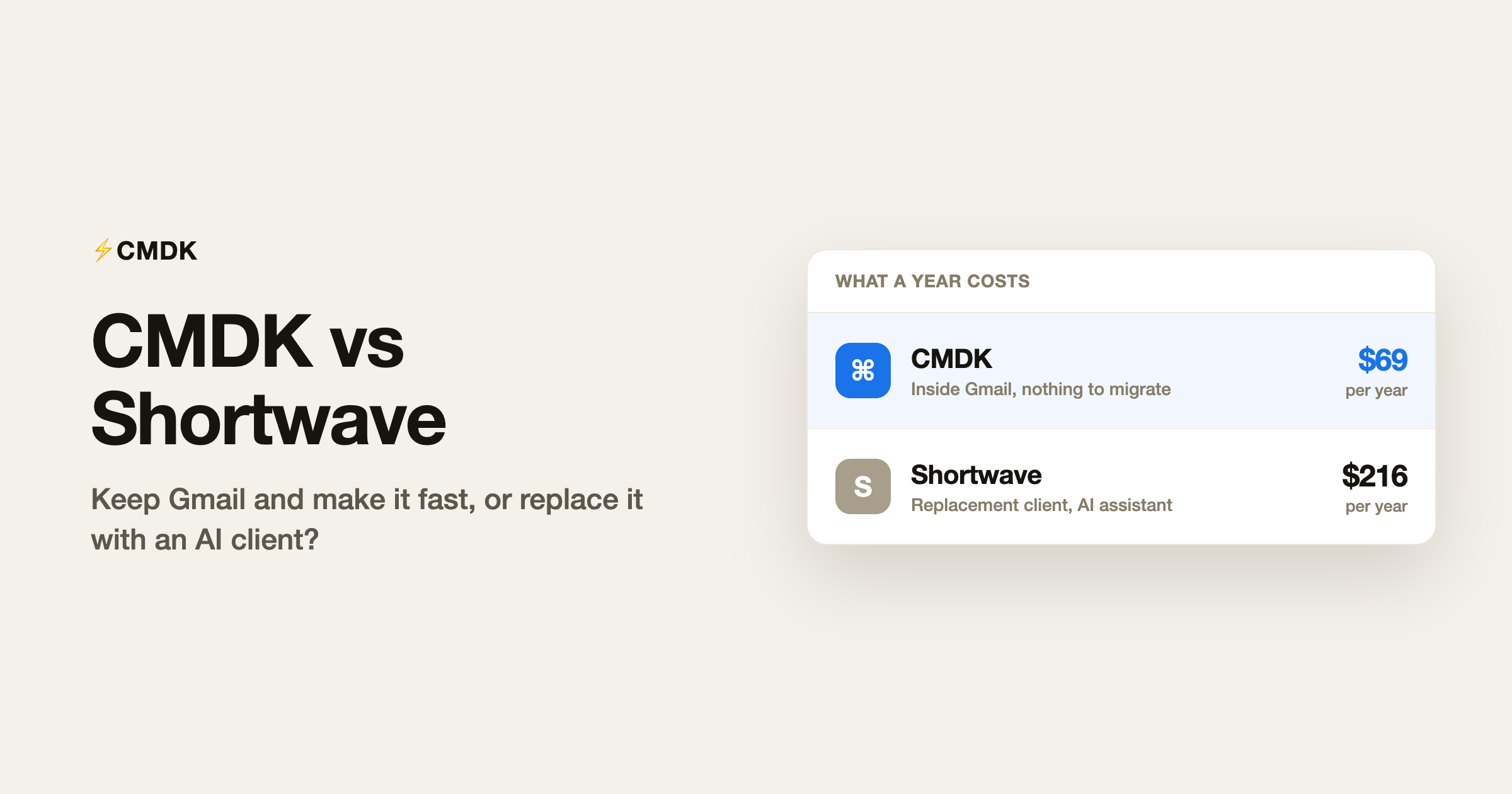
Verdict: Stay inside Gmail and just move faster, and CMDK is the pick at $69 a year, with read receipts, snippets and reminders built in. Leave Gmail for the best AI assistant in email and pay $18 a month, and Shortwave is the better choice.
CMDK and Shortwave attack the same problem, slow email, from opposite directions. Shortwave is a full replacement email client: you leave the Gmail interface and do everything inside Shortwave’s app, with an AI assistant that can search and reason over your email history. CMDK is a browser extension for Chrome and Firefox that speeds up Gmail itself: a Cmd+K command bar, one-key triage, split inbox tabs, snippets, read receipts and follow-up reminders, with Gmail unchanged underneath. Shortwave Pro costs $18 a month; CMDK costs $69 a year. If you want an AI that reads your email for you, pick Shortwave. If you want speed inside the Gmail you already know, pick CMDK.
The fundamental difference
Shortwave asks you to move. It connects to your Gmail account but replaces the interface completely, with its own layout, its own shortcuts and its own AI layer. That is where its power comes from, and also its cost: you retrain your habits, and features Gmail users take for granted live in different places.
CMDK asks you to change nothing. It installs in Chrome, adds a command bar and speed features on top of Gmail, and if you uninstall it tomorrow your inbox is exactly as it was. Your mail stays in Gmail the whole time.
Feature by feature
| Feature | CMDK | Shortwave |
|---|---|---|
| Works inside Gmail | Yes | No, replaces it |
| Command palette | Cmd+K in Gmail | Yes, in its own app |
| One-key triage | Yes | Yes |
| Split inbox / focused tabs | Yes | Yes (bundles) |
| Snippets / templates | Yes, all plans | Business tier ($30/mo) |
| Read receipts | Yes, all plans | Business tier ($30/mo) |
| AI assistant over email history | Via Gmail’s built-in Gemini (summaries, drafting) | Yes, its strongest feature |
| Follow-up reminders | Yes | Yes |
| Price | $69/year | $18/month ($216/year) |
What Shortwave genuinely does better
The AI assistant. Shortwave’s assistant can search your entire email history, summarize threads, and answer questions like “what did the landlord say about the deposit” with real answers. Nothing in CMDK does that, and Gmail’s built-in Gemini only answers inbox-wide questions like it on paid Google AI plans. Shortwave also ships its own mobile apps, so the full experience follows you to your phone, and its team plans add shared labels and collaborative email for groups that live in one inbox.
What CMDK does better
Price and placement. CMDK’s entire feature set, command bar, one-key triage, split inbox, snippets with variables, read receipts, follow-up reminders and bulk sender cleanup, costs $69 a year, less than four months of Shortwave Pro. The two features Shortwave gates behind its $30 Business tier, read statuses and snippets, are in every CMDK plan. And because CMDK runs inside Gmail, there is nothing to migrate, no new app to learn, and no risk: our Shortwave review covers what happens when a replacement client changes its pricing under you, which Shortwave has done more than once.
One more thing this comparison used to get wrong: choosing CMDK does not mean going without AI. Gmail now ships Gemini built in, with AI Overviews that summarize long threads, Help me write for drafting and rewriting, and Suggested Replies for routine answers, at no cost. It is Google’s own model working inside the account that already holds your mail, not a third-party app you grant mailbox access to. Shortwave’s remaining AI edge is the deep question-answering over your archive, not summaries or drafting.
How to switch from Shortwave to CMDK
Your mail never left Gmail, Shortwave syncs with it, so there is no export step. The whole move takes about ten minutes:
- Send or cancel anything scheduled in Shortwave, and unsnooze pending threads. Those live in Shortwave’s layer and will not carry over.
- Check your labels in Gmail. Shortwave syncs label changes back, so the bundle and AI-filter labels you want to keep are already there.
- Cancel your Shortwave plan, then revoke its access under Google account security so it stops indexing your mailbox on its servers.
- Install CMDK in Chrome and open Gmail. The Cmd+K habit transfers directly.
- Rebuild your splits as split inbox tabs, move your saved replies into snippets, and turn on read receipts and follow-up reminders, the features that needed Shortwave’s $30 Business tier.
What you give up is the archive question-answering. Gmail’s built-in Gemini covers summaries and drafting at no cost; deep inbox questions need a paid Google AI plan.
The decision in one table
| You | Pick |
|---|---|
| Want AI search and summaries over your email history | Shortwave |
| Want Superhuman-style speed without leaving Gmail | CMDK |
| Need snippets and read receipts at the lowest price | CMDK |
| Team living in a shared inbox | Shortwave |
| Not sure you want to leave Gmail at all | CMDK |
Frequently asked questions
Is CMDK better than Shortwave?
For most Gmail users, yes, because it delivers the speed features people actually use, one-key triage, split inbox, snippets, read receipts, for $69 a year without replacing Gmail. Shortwave is better if your priority is an AI assistant that can answer questions over years of email history. For thread summaries and drafting, Gmail’s own built-in Gemini already covers that at no cost in the Gmail that CMDK speeds up.
Can I use CMDK and Shortwave together?
Not meaningfully. Shortwave replaces the Gmail interface, and CMDK lives inside the Gmail interface, so using Shortwave means you never see the tab where CMDK works. Pick the model you want: a new client, or a faster Gmail.
Is Shortwave free to use?
Shortwave’s free plan has been reduced to a limited demo with a forced signature. Individual paid plans start at $18 a month, and team plans run $30 to $120 per seat per month. CMDK has a 15-day free trial, then costs $69 a year.
Do read receipts cost extra in either tool?
In Shortwave, read statuses sit on the $30 a month Business tier. In CMDK, read receipts are included in the standard $69 a year plan, alongside snippets and follow-up reminders.
Keep Gmail and make it fast: install CMDK and try every feature free for 15 days.




