
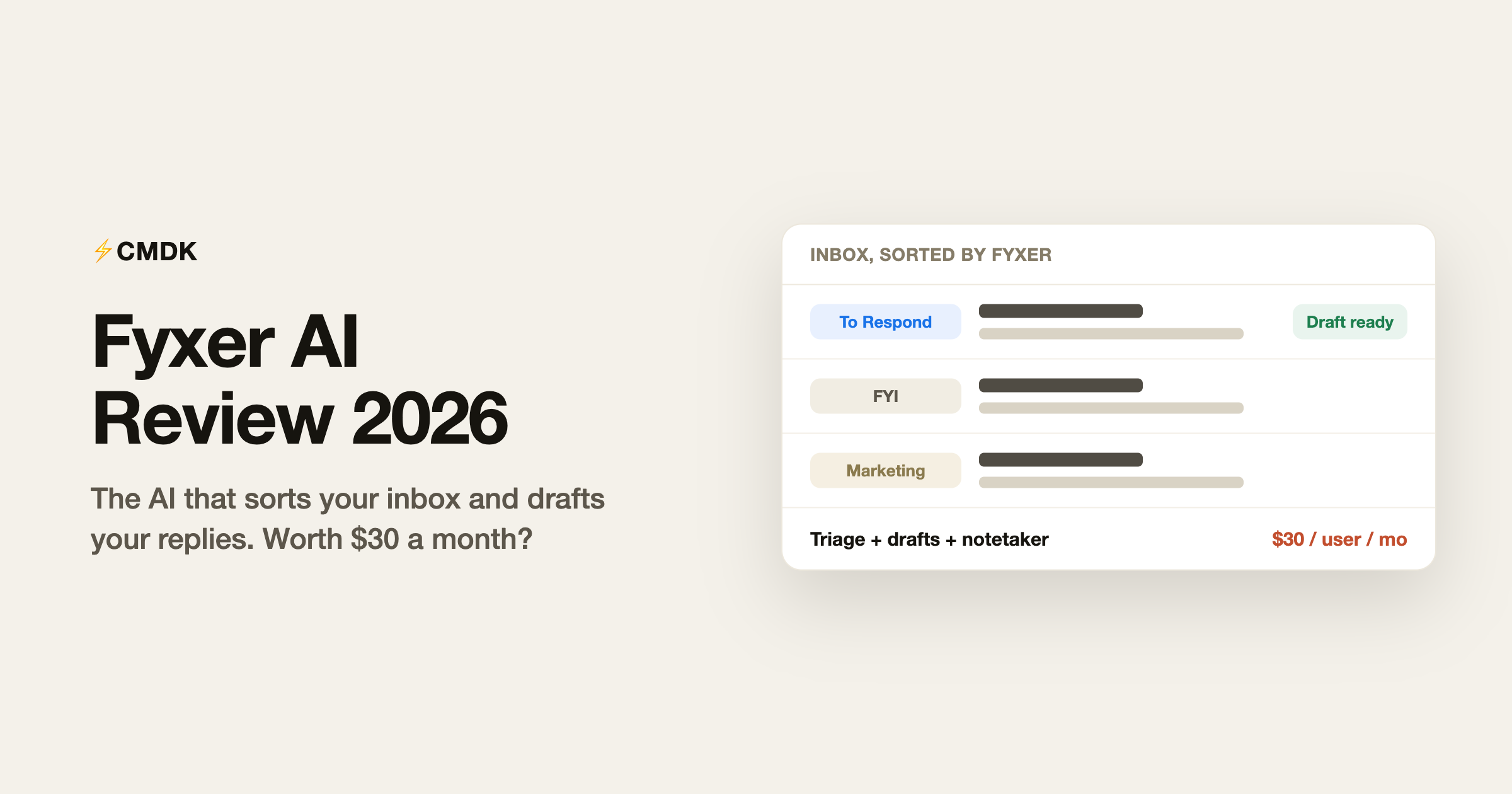
Verdict: Fyxer is worth it for founders and client-facing people doing 80-plus emails a day with heavy meeting loads, where out-of-the-box triage and drafted replies justify the $30 to $50 per user per month. Skip it if you get under about 50 emails a day or your problem is processing speed rather than volume, and watch the 7-day trial that auto-charges every seat.
Fyxer AI is an email assistant that works your inbox in the background. It sorts incoming mail into categories, writes draft replies in your voice, and sends a notetaker into your meetings. It starts at $30 per user per month, it never sends anything without you, and the thing most people get wrong about it is the billing rather than the product.
We build CMDK, a Gmail extension chasing the same “spend less time on email” budget, so read this as an informed competitor’s review rather than a neutral one. Everything below is checked against Fyxer’s own pricing and help pages as of August 2026, with user sentiment drawn from published review sites rather than our own trial.
Verdict up front
| Best for | Founders, executives and client-facing people doing 80 or more emails a day with a heavy meeting load |
| Skip it if | You get under about 50 emails a day, or your problem is processing speed rather than volume |
| Price | $30 per user per month, or $22.50 billed annually. $50 for multiple inboxes |
| Trial | 7 days, converts to paid automatically, with no reminder email |
| Biggest strength | Triage that works out of the box and needs no behaviour change |
| Biggest risk | Every seat sitting in your workspace when the trial ends gets billed |
What Fyxer actually does
Fyxer (fyxer.com, a UK company founded in 2023) connects to Gmail or Outlook at the account level. There is no app to open and no panel added to your screen, which is the whole design idea: your inbox looks the same, it just contains less. Five things run once you connect it.
- Inbox triage. Mail is sorted into categories such as To Respond, FYI, Marketing and Notifications. You choose which categories stay in the inbox and which get moved into folders, and you can recategorise anything it gets wrong so it learns your preferences.
- Draft replies. For mail that needs an answer, Fyxer writes a draft in your tone, learned from your sent mail, and leaves it in your drafts folder. Fyxer’s help pages are explicit that it cannot send email on your behalf, only draft it.
- Meeting notes. A notetaker joins your video calls, on all meetings or only the ones you host, and the host has to admit it like any other attendee. Afterwards the follow-up email is waiting in your drafts and attendees get a link to the recording and notes.
- Fyxer Chat. Ask questions across your email and meeting notes. Professional plan only.
- Scheduling. Meeting scheduling across teams and time zones, also Professional only.
Fyxer pricing in 2026
| Plan | Monthly | Billed annually | What you get |
|---|---|---|---|
| Starter | $30 per user | $22.50 per user | One inbox and calendar, triage, drafts, notetaker |
| Professional | $50 per user | $37.50 per user | Multiple inboxes, team scheduling, Fyxer Chat, HubSpot, file uploads to train it, an onboarding session |
| Enterprise | Bespoke, 50 seats minimum | SSO and SCIM, custom security controls, dedicated account manager | |
Annual billing saves 25 percent. A seat is one person no matter how many inboxes they connect, so linking Gmail and Outlook to the same login does not double the bill.
The one-inbox limit on Starter is the pricing decision that matters. Anyone running a work address and a personal address, which is most people, is pushed onto Professional at $50 a month, or $450 a year on annual billing. Judge Fyxer at that number rather than the $30 on the pricing page.
The trial-to-billing trap, and how to avoid it
This is the most common complaint about Fyxer and the one thing worth reading before you sign up. It is not hidden: Fyxer’s own help centre documents all of it. It is just easy to walk into.
- The 7-day trial converts to a paid plan automatically at the end. Cancelling is the only way to stop it.
- There is no reminder before it ends. Fyxer’s help page says your trial status is visible in the dashboard and advises you to set your own reminder.
- Every seat in your workspace when the trial ends is included in the first charge. This is why the surprise bills people describe run into the hundreds: they invited a team to try it, then got charged for all of them at once.
So, three rules if you trial it. Set a calendar reminder for day six yourself. Start with one seat and add the team only after you have decided to buy. Cancel in Dashboard, then Settings, then Billing, using Cancel subscription.
If you are charged and did not mean to be, Fyxer asks you to email [email protected] with your account email and the date of the charge, and it reviews the request against its refund policy. Reviewers report that support is heavily automated, so be specific in the first message rather than expecting a conversation.
What it does well
The triage is the real product. Sorting is accurate enough out of the box to change how the morning feels, and it improves as you correct it. Opening an inbox where six of forty emails need attention is a genuine quality-of-life change, and it asks nothing of you. That last part is why it lands with people who are never going to learn a keyboard shortcut.
Drafts sound like you, for routine mail. Because the model learns from your sent folder, the drafts read closer to your voice than a generic AI reply. On scheduling, confirmations, intros and short answers, the draft is often sendable after light editing. The gain is not writing quality, it is that replying turns into editing.
Setup is close to nothing. Connect the account and it works. No new client, no migration, no rules to write. If you decide against it, deleting the account reverts the inbox to how it was.
The notetaker is a real second product. For anyone in back-to-back calls, notes plus a drafted follow-up removes a chore that usually eats the ten minutes between meetings. Priced alone, a dedicated notetaker costs about as much as the Starter plan does for everything.
Where it falls short
Mislabelling is the top complaint. Across published reviews the single most common gripe is categorisation putting something that mattered into a folder you were not watching. Triage that is 95 percent right is still a system where you occasionally miss the 5 percent, and the anxiety of that is the reason some users turn it off.
Drafts fall apart on anything sensitive. Negotiations, bad news and emotionally loaded threads produce drafts you delete and rewrite. Expect to use somewhere between a third and half of what it writes, which is fine as long as you price it on that basis rather than the marketing.
You hand over the whole mailbox. Reading everything is how it sorts and drafts. Fyxer states SOC 2 Type II and ISO/IEC 27001 certification, GDPR compliance, HIPAA availability for enterprise, and that your data is not used to train models for anyone else. That is a strong posture, and it is still a bigger trust decision than a browser extension that never sees your mail on a server. Some security teams will say no on the principle rather than the paperwork.
It does not make you faster inside email. Fyxer reduces what reaches you and pre-writes some of it. It adds no shortcuts, no command bar, no bulk cleanup and no send-time control. It automates around Gmail instead of improving Gmail.
Outlook trails Gmail. Reviewers consistently describe the Outlook experience as the weaker of the two. If Outlook is your main account, weight the trial accordingly.
What users actually say
Fyxer sits at roughly 4.1 out of 5 on Trustpilot across several hundred reviews, which is a decent score for a category where people arrive annoyed. Its G2 sample is too thin to draw much from. Reading through them, the same five themes repeat: triage and tone matching earn the praise, while mislabelling, draft quality on hard emails, automated support, and post-trial charges account for most of the complaints. The product criticism is about accuracy. The angry reviews are about billing.
Fyxer vs the alternatives
| Tool | Price | What it is for |
|---|---|---|
| Fyxer | $30 to $50 per user per month | AI triage, drafted replies and meeting notes, running in the background |
| Shortwave | From about $18 per month | A full replacement email client with AI search, summaries and drafting |
| Superhuman | From $30 per month | Speed and keyboard control in a separate client, with AI drafting added |
| CMDK | $69 a year or $169 once | Speed inside Gmail: command bar, one-key triage, split inbox, read receipts |
| A dedicated notetaker | Roughly $20 to $30 per month | Meeting notes only, without the email subscription |
The useful way to split the field is by what you are buying. Fyxer and the notetakers sell you less work. Shortwave and Superhuman sell you a different email client. CMDK sells you a faster version of the Gmail you already use. Only the first category asks you to hand over the mailbox, and only the middle one asks you to move house.
Fyxer vs CMDK
These two barely overlap, which is why we are comfortable writing this section. Fyxer is automation: it sorts your mail and writes drafts for $270 to $600 a year, and you change nothing about how you work. CMDK is speed: a Cmd+K command bar, one-key triage, split inbox tabs, snippets, read receipts, follow-up reminders and bulk sender cleanup for $69 a year, and you work the inbox yourself, several times faster.
Pick by which sentence describes your week. “Too much email arrives” is Fyxer’s problem to solve. “Email takes too long to get through” is ours. The split inbox makes the difference concrete: Fyxer sorts mail into folders that an AI chose after reading it, while CMDK gives you tabs by rules you set, instantly, with nothing reading your mail on a server. People at the very top of the volume curve sometimes run both, using Fyxer to shrink the pile and CMDK to clear it.
Is Fyxer AI worth it?
At the top of the volume curve, yes. If you are doing 80 or more emails a day around a calendar full of calls, triage plus drafted replies plus meeting notes for $450 a year is less than a few hours of your time, and Fyxer is the best execution of that idea we have looked at.
Below that it gets hard to justify. At 30 or 40 emails a day you are paying assistant wages for sorting that Gmail filters do free and drafts you will rewrite anyway, especially now that Gmail’s built-in Gemini drafts and suggests replies at no cost. And if your honest complaint is that email takes too long rather than that too much of it arrives, no amount of AI triage fixes that, because the emails you still have to handle are handled at exactly the same speed as before.
If you do trial it: one seat, a reminder on day six, and check what got filed into Marketing before you decide the triage is accurate.
Frequently asked questions
What does Fyxer AI actually do?
Fyxer connects to your Gmail or Outlook account and works in the background. It sorts incoming email into categories such as To Respond, FYI and Marketing, writes draft replies in your tone for anything needing an answer, and sends a notetaker to your video meetings that produces notes and a drafted follow-up email. Nothing is sent without you.
How much does Fyxer AI cost?
Starter is $30 per user per month, or $22.50 billed annually, and covers one inbox. Professional is $50 per user per month, or $37.50 annually, and adds multiple inboxes, Fyxer Chat, team scheduling and HubSpot. Enterprise is bespoke with a 50-seat minimum. Most people who have a work and a personal address end up on Professional.
Does the Fyxer free trial charge you automatically?
Yes. The 7-day trial converts to a paid plan when it ends unless you cancel, and Fyxer does not send a reminder beforehand. Every seat in your workspace at that moment is included in the first charge, which is why people who invited a team during the trial report bills in the hundreds. Set your own reminder for day six.
How do I cancel Fyxer?
Go to Dashboard, then Settings, then Billing, and choose Cancel subscription. Do it before the trial ends and you are not charged. If you were charged already, email [email protected] with your account email and the date of the charge and ask for a review under the refund policy.
Is Fyxer AI safe? Does it read my email?
It reads your mailbox, because that is how it sorts and drafts. Fyxer states SOC 2 Type II and ISO/IEC 27001 certification, GDPR compliance and HIPAA availability for enterprise customers, and says your data is not used to train models for anyone else. Whether a background service with full mailbox access clears your company’s security review is a question for your IT team before the trial, not after.
Does Fyxer work with Gmail?
Yes, with Gmail, Google Workspace and Microsoft Outlook. Reviewers generally rate the Gmail experience as the stronger of the two, so if Outlook is your main account, test it properly during the trial.
Can Fyxer send emails for me?
No. Fyxer writes drafts and leaves them in your drafts folder, and its help pages state plainly that it never sends on your behalf. Every reply still goes out only when you send it.
What is the best Fyxer AI alternative?
It depends what you are replacing. For AI drafting inside a full email client, Shortwave from about $18 a month. For speed rather than automation, meaning shortcuts, split inbox, snippets, read receipts and bulk cleanup, CMDK at $69 a year. For the meeting notes alone, a dedicated notetaker costs less than the whole Fyxer subscription.
Would you rather clear your inbox than outsource it? CMDK puts Superhuman-style speed into the Gmail you already use for $69 a year, with a 15-day free trial and no service reading your mailbox in the background.
Weighing automation against speed tooling? The CMDK vs Fyxer comparison maps which model fits which inbox. Cora is the other AI-inbox pitch: CMDK vs Cora. For the model itself, Gemini is the one to use inside Gmail. Filtering the inbox instead of reading it is CMDK vs SaneBox and the unmaintained version is CMDK vs Mailman.




