
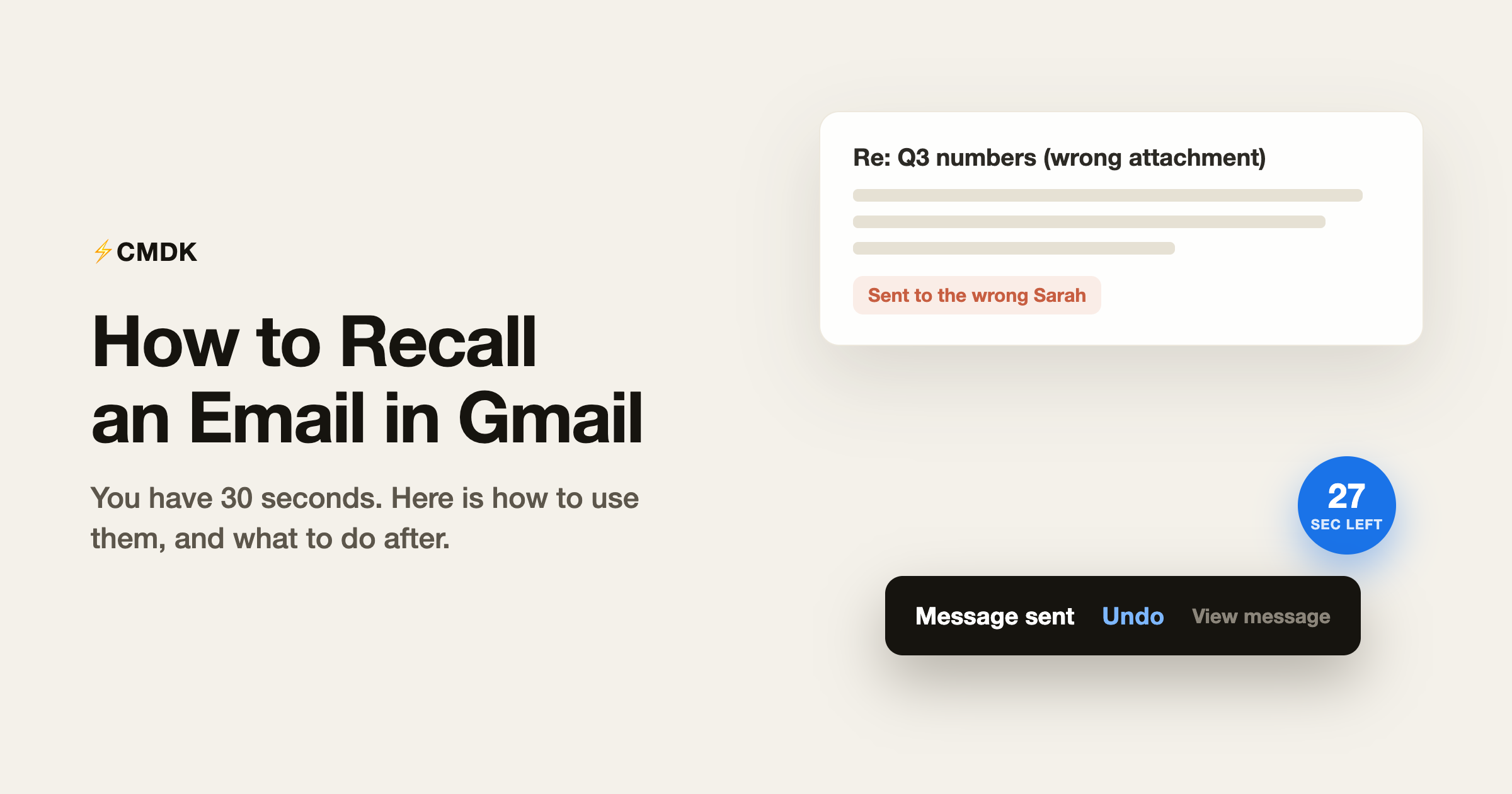
Quick answer: Gmail lets you recall (unsend) an email for up to 30 seconds after you hit Send. Click Undo in the “Message sent” bar at the bottom-left before the timer runs out. After that, the message is delivered and Gmail cannot pull it back.
You can unsend a Gmail message for up to 30 seconds after hitting send. Click Undo in the “Message sent” box at the bottom-left of the screen and the email comes back as a draft, never delivered. After that window closes, the email is in the recipient’s inbox and no feature will pull it back.
Here is how the recall works, how to stretch the window to its maximum, and what actually helps once it is too late.
How to unsend an email in Gmail
- Send the email.
- Look for the “Message sent” box at the bottom-left of the screen. It shows two links: Undo and View message.
- Click Undo before the box disappears.
- The compose window reopens with your email as a draft. Nothing was delivered.
Two things break the recall: clicking anywhere that dismisses the notification (like opening another email) can end it early on some platforms, and closing the tab ends it immediately. Decide fast.
Extend the window to 30 seconds
Gmail defaults to only 5 seconds. Make the maximum the default:
- Click the gear icon, then See all settings.
- On the General tab, find “Undo Send”.
- Set the cancellation period to 30 seconds.
- Scroll down and click Save Changes.
There is no option beyond 30 seconds. What the setting really does is hold your email back for that many seconds before handing it to the recipient’s server, which is why the recall is absolute within the window and impossible after it.
Unsend on iPhone and Android
The Gmail app shows a black “Sent” bar at the bottom of the screen with an Undo button. Tap it before the bar slides away. The app honors the same cancellation period you set on desktop, so set it to 30 seconds there once and mobile inherits it.
Why Gmail cannot recall delivered email
Outlook users know a “recall this message” feature that reaches into the recipient’s mailbox. It works only because both people sit on the same Exchange server, and even there it fails if the email was read or forwarded. Email between organizations has no take-back protocol: once Gmail hands your message to another mail server, it is that server’s property. Gmail’s honest design is the delay window; Outlook’s recall is the same idea with worse odds dressed as a feature.
Sent the wrong thing and missed the window?
The realistic playbook, in order of how often it is the right move:
- Send the correction immediately. Reply to your own email: “Correction: the meeting is Thursday, not Tuesday. Sorry for the confusion.” Fast, boring, and it beats hoping nobody noticed. For a wrong-attachment email, send the right file with “Please use this version.”
- Call, for the serious ones. If the email went to the wrong client or contains something confidential, a phone call before they open it beats any written follow-up.
- For Workspace admins only: in narrow cases (wrong recipient inside your own domain), an admin can pull a message from a coworker’s mailbox with the email log search tools. Between companies, nobody can.
Prevent the next one
- Set Undo Send to 30 seconds today. The 5-second default is worthless; you spend that long realizing something is wrong.
- Use Schedule send for anything delicate. Click the arrow next to Send and pick a time even ten minutes out. You get a real review window, and scheduled emails can be cancelled any time before they go.
- Add the recipient last. Write the email, attach the file, then fill in the To field. An email without a recipient cannot be sent early.
- Stop retyping risky emails. Half of “I need to unsend this” moments are hand-typed emails with a wrong name or a stale detail. For emails you send often, use snippets that fill in the name and details correctly every time.
Frequently asked questions
Can I recall an email in Gmail after 1 hour?
No. Gmail’s Undo Send works for at most 30 seconds after sending. After that the email is delivered to the recipient’s server and cannot be retracted. Your options are a correction email or, for confidential content, a direct call.
Does the recipient know when I unsend an email in Gmail?
No. Undo Send cancels the email before it leaves Google’s servers, so the recipient never receives anything and gets no notification.
How do I change the Undo Send time in Gmail?
Settings, See all settings, General tab, “Undo Send”, choose 5, 10, 20, or 30 seconds, then save. The setting syncs to the Gmail mobile apps.
Can I unsend an email sent to a wrong address?
Only within the 30-second window, same as any other email. After that, if the address does not exist you will get a bounce and nothing was read; if it does exist, send a brief note asking them to disregard and delete it.
Does Gmail confidential mode let me recall an email?
Not exactly, but it is the closest thing. Confidential-mode emails can have access revoked at any time after sending, which locks the recipient out of the content. It has to be chosen before sending and recipients can still see the subject line and screenshot content while it is open.
The 30-second save is for typos; the real fix is sending it right the first time. CMDK adds snippets, read receipts, and a command bar to Gmail so fewer emails go out half-baked.




