
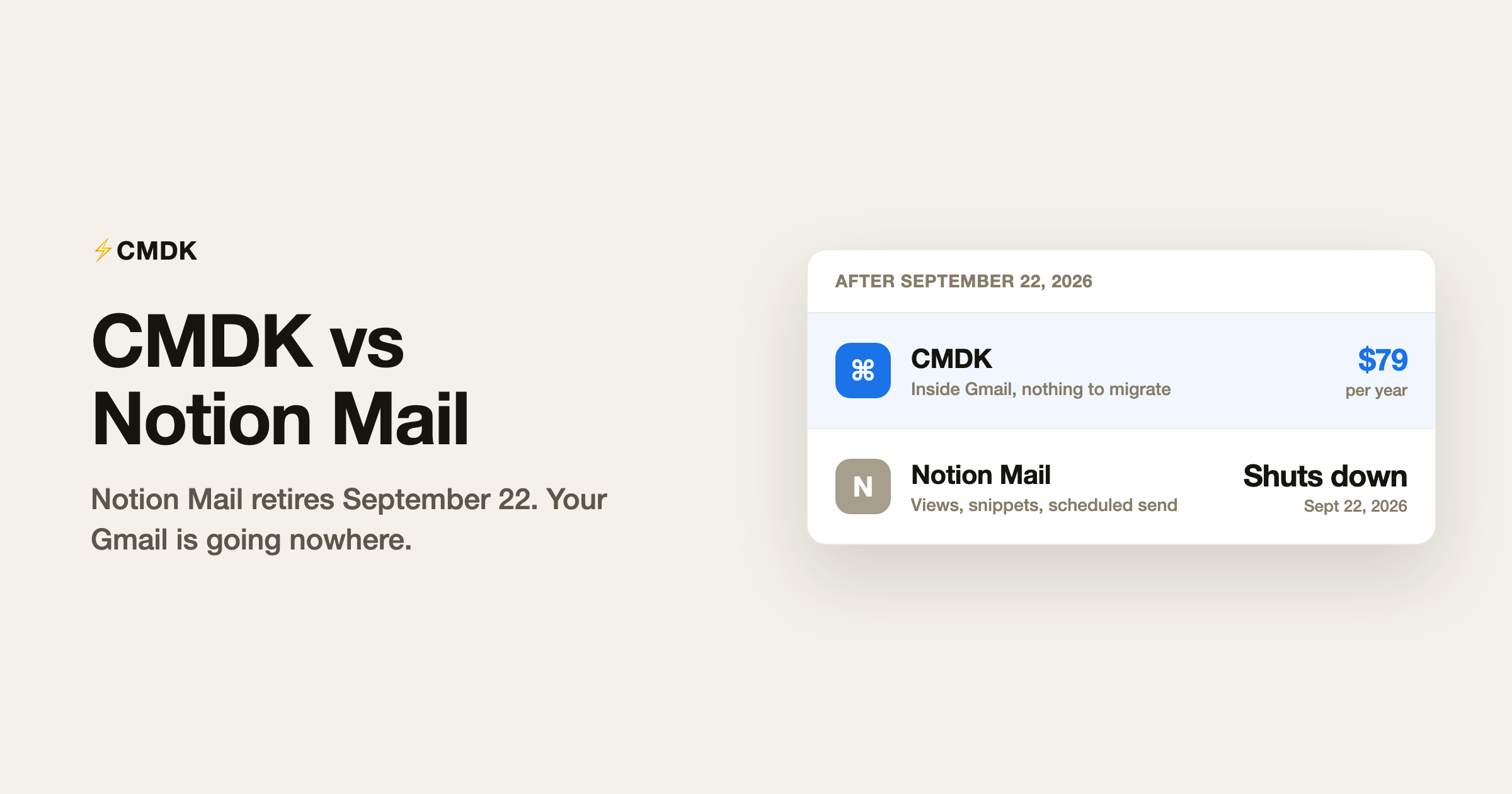
Verdict: Notion Mail shut down on September 22, 2026. This page is the migration map, and your mail stays in Gmail either way. To keep the fast, keyboard-driven feel where your mail already lives, CMDK is the closest landing spot at $79 a year. For AI sorting in a full client, Shortwave is the stronger move.
Notion Mail shut down on September 22, 2026, per its help center. September 21 was the last day to export Mail-only data. The question now is where a Notion Mail user should land. Notion Mail was a free client that sat on top of Gmail and added custom views, snippets and scheduled sends. CMDK is a Chrome extension that adds the same jobs to Gmail itself: split inbox tabs instead of views, snippets with variables, plus read receipts, follow-up reminders and a Cmd+K command bar, for $79 a year. Your mail never moved out of Gmail in either case, so the move is a layer swap, with the mailbox left in place.
The fundamental difference
Notion Mail replaced Gmail’s interface with a Notion-flavoured one. Its views were the headline: inbox layouts you could slice by label, sender or status, in the familiar Notion database style. The client was free, and the AI features, auto-labeling and drafting, required a Notion plan with Notion AI, in practice the Business tier at about $20 per user per month.
CMDK keeps Gmail’s interface and speeds it up. There is no new layout to learn and nothing to migrate into; the extension adds its features to the Gmail tab you already have. When a layer on top of Gmail disappears, as Notion Mail now is, your email is untouched. That is the structural lesson of this shutdown, and it applies to every replacement client.
Feature by feature
| Feature | CMDK | Notion Mail |
|---|---|---|
| Status | Active | Shut down September 22, 2026 |
| Works inside Gmail | Yes | No, replaced the interface |
| Custom inbox views | Split inbox tabs | Views (database-style) |
| Snippets / templates | Yes, with variables | Yes |
| Scheduled send | Native Gmail (free) | Yes |
| AI auto-labeling | No (Gmail filters instead) | Yes, needed Notion AI (~$20/mo) |
| Read receipts | Yes | No |
| Follow-up reminders | Yes | No |
| Command palette | Cmd+K in Gmail | Cmd+K |
| Price | $79/year, 15-day trial | Free (AI gated) |
What you needed to export before September 22
Notion’s help center set September 21, 2026 as the last day to save anything that lived only in Notion Mail:
- Drafts written in Notion Mail that had not been sent, migrated into Gmail
- Scheduled emails set to send after the shutdown, also migrated into Gmail
- Snippet text, plus any files attached to those snippets (downloaded from Settings, then Snippets)
- Auto-label instructions, which you rebuild by hand as Gmail filters
- Custom views and email reminders, which Notion said do not transfer at all
Received mail, sent mail, labels on threads, and your Gmail settings were already in Gmail and needed nothing. If the export window closed before you used it, that mailbox is still intact. The Notion Mail layer is not. The shutdown details are in our Notion Mail review.
How the workflow maps to CMDK
The two features Notion Mail users actually organized their day around have direct equivalents. Views become split inbox tabs: slice your inbox into focused sections by sender, label or category, and move between them with the keyboard. Snippets carry over as snippets: reusable templates with variables, inserted in a keystroke. The Cmd+K command palette habit transfers directly, CMDK uses the same keystroke inside Gmail. What CMDK adds that Notion Mail never had: read receipts on sent email, follow-up reminders when nobody replies, one-key triage and bulk sender cleanup. What it does not replace: Notion Mail’s AI auto-labeling, whose job in Gmail belongs to filters, and our complete guide to Gmail filters covers rebuilding those rules. Notion Mail’s AI drafting, which needed a paid Notion AI seat, maps to Gmail’s built-in Gemini: Help me write and Suggested Replies come with Gmail at no cost, from Google’s own model inside the account that already holds your mail. The full story of the product is in our Notion Mail review.
The decision in one table
| You | Pick |
|---|---|
| Organized your inbox with Notion Mail views | CMDK split inbox tabs |
| Built a snippet library in Notion Mail | CMDK snippets |
| Used Notion Mail mainly for scheduled send | Native Gmail, free |
| Wanted the AI auto-labeling | Gmail filters (free) or an AI triage tool |
| Used Notion AI for email drafting | Gmail’s built-in Gemini (free) |
| Want tracking and follow-ups Notion Mail never had | CMDK |
Frequently asked questions
When is Notion Mail shutting down?
It shut down on September 22, 2026, per Notion’s help center. September 21 was the last day to save Mail-only data. Your Gmail account and all your mail are unaffected, because Notion Mail was a layer on top of Gmail rather than a separate mailbox.
What should I use instead of Notion Mail?
If you liked Notion Mail because it made Gmail faster and more organized, CMDK is the closest fit: split inbox tabs replace views, snippets replace snippets, and the Cmd+K palette works inside Gmail itself for $79 a year. If what you wanted was AI auto-labeling, rebuild your rules as free Gmail filters or look at an AI triage tool. For AI drafting, Gmail’s built-in Gemini covers it at no cost.
Will I lose my emails when Notion Mail shuts down?
Received and sent messages stay in Gmail. Notion Mail connected to your existing account, so the mailbox was never stored inside Notion. The layer that needed a save by September 21 was unsent drafts, scheduled emails, snippets and their attachments, auto-label instructions, reminders, and custom views. Unsaved copies of that layer are deleted with the shutdown.
Is CMDK free like Notion Mail was?
CMDK has a 15-day free trial, then costs $79 a year. Notion Mail’s client was free, but its headline AI features required a Notion plan at roughly $20 per user per month, so a fully-featured Notion Mail setup cost more than three times CMDK’s price.
Rebuild your Notion Mail workflow inside the Gmail that is not going anywhere: install CMDK and try it free for 15 days.




