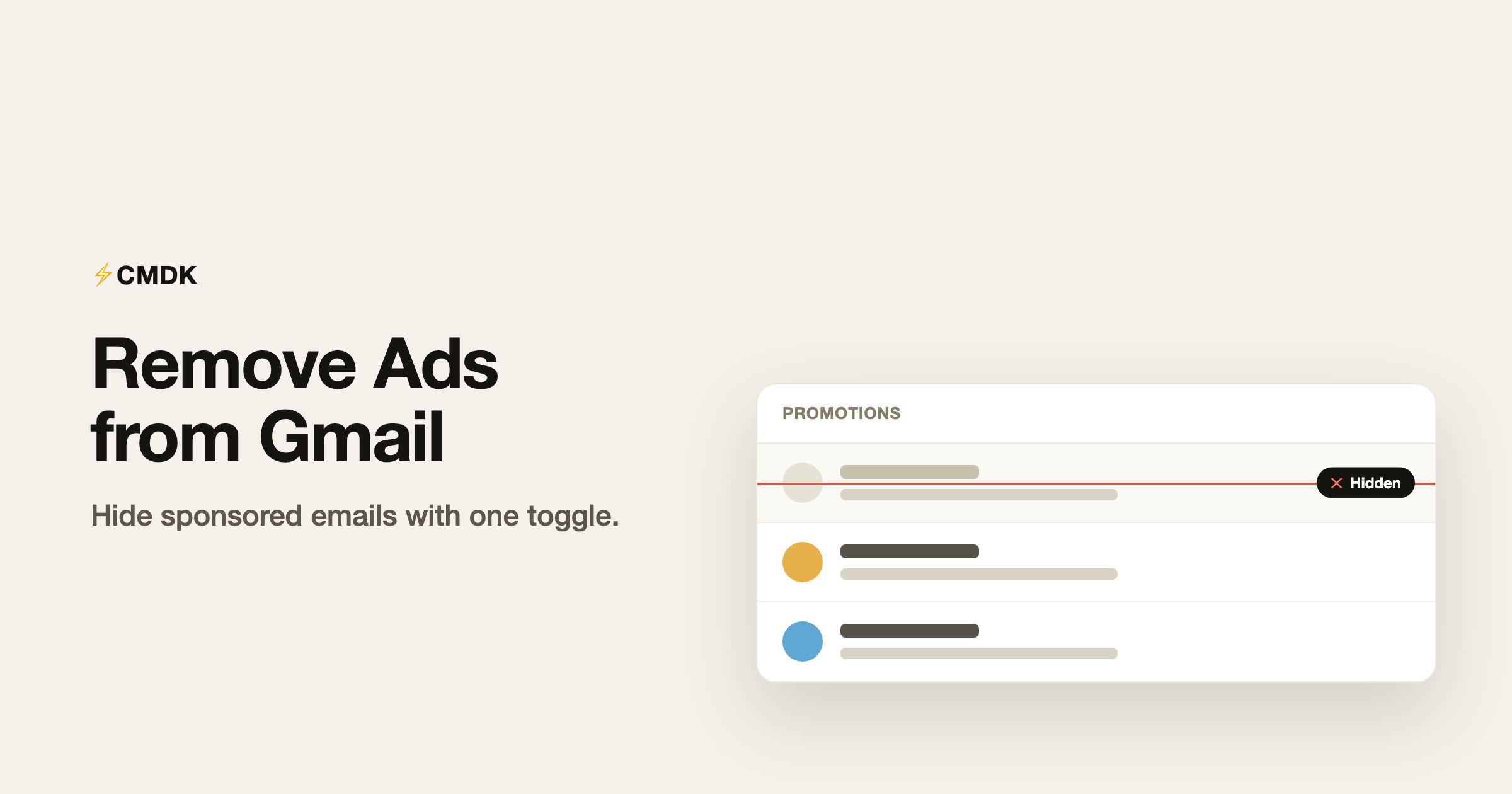
Open the Promotions or Social tab in Gmail and the first thing you see is often not an email at all. It is an ad dressed up to look like one, with a little green “Ad” label where the date should be. They sit at the top of the list, they look clickable, and they are easy to tap by mistake. Gmail gives you no setting to turn them off.
CMDK does. One toggle hides those sponsored emails, so your inbox tabs show real mail and nothing else.
What these ads actually are
The ads in Gmail are not banners off to the side. They are sponsored rows that appear inside your email list, mostly at the top of the Promotions and Social tabs. They mimic the look of a normal email, which is exactly why they catch your eye and your accidental clicks.
They are only shown on free, personal @gmail.com accounts. Google Workspace accounts do not show them at all.
Why they are worth hiding
- They look like real email. The disguise is the point, so you scan or click them before you realize they are ads.
- They clutter the top of your tabs. The space that should show your newest mail shows a promotion instead.
- There is no native off switch. Gmail does not let you disable them, short of paying for Workspace.
How CMDK hides them
CMDK hides the sponsored rows with a single setting. Turn it on and the “Ad” emails disappear from your list. Turn it off and they come back. That is the whole interaction.
A few things worth knowing about how it works:
- It only hides the sponsored rows. Your real emails, labels, and everything else are untouched.
- It does not read your mail. Hiding ads is a display change in your own browser. No email content is read or sent anywhere.
- It is lightweight. There is no heavy filtering engine running in the background, just a clean rule that keeps the ad rows out of sight.
How to turn it on
- Open CMDK settings.
- Find the Hide ads toggle and switch it on.
- Go back to Gmail. The sponsored emails at the top of your Promotions and Social tabs are gone.
The setting syncs with your CMDK preferences, so it stays on the way you left it.
What it does and does not do
To set expectations honestly: this hides the sponsored emails Gmail injects into your inbox tabs. It is not a full website ad blocker, and it does not change anything about the real promotional emails that brands send you (those are normal mail you can unsubscribe from). If your goal is a cleaner inbox without Google’s own injected ads, that is exactly what this is for.
A few common questions
Where do these ads show up?
Mostly at the top of the Promotions and Social tabs, as rows that look like emails but carry a small “Ad” label.
Will this remove ads on a Google Workspace account?
Workspace accounts do not show these ads in the first place. This is most useful on a free, personal @gmail.com account.
Does hiding ads affect my real emails?
No. It only hides Gmail’s sponsored rows. Your actual mail, including legitimate promotional emails from brands, is left exactly as it is.
Does CMDK read my emails to do this?
No. Hiding ads is a display setting applied in your own browser. No email content is read or stored.
Is hiding ads part of the free plan?
Hiding ads is part of CMDK’s paid plan. You can try CMDK and use the full feature set before you decide.
Give your inbox back to your inbox
Your email list should be email, not advertising. Flip one toggle and the sponsored rows are gone for good.
Install CMDK, open settings, and turn on Hide ads. Your Promotions tab will never try to sell you something again.
Related reading
- Split inbox for Gmail: multiple inboxes as tabs
- Auto-archive or auto-delete emails from a sender
- How to turn off Gemini in Gmail