
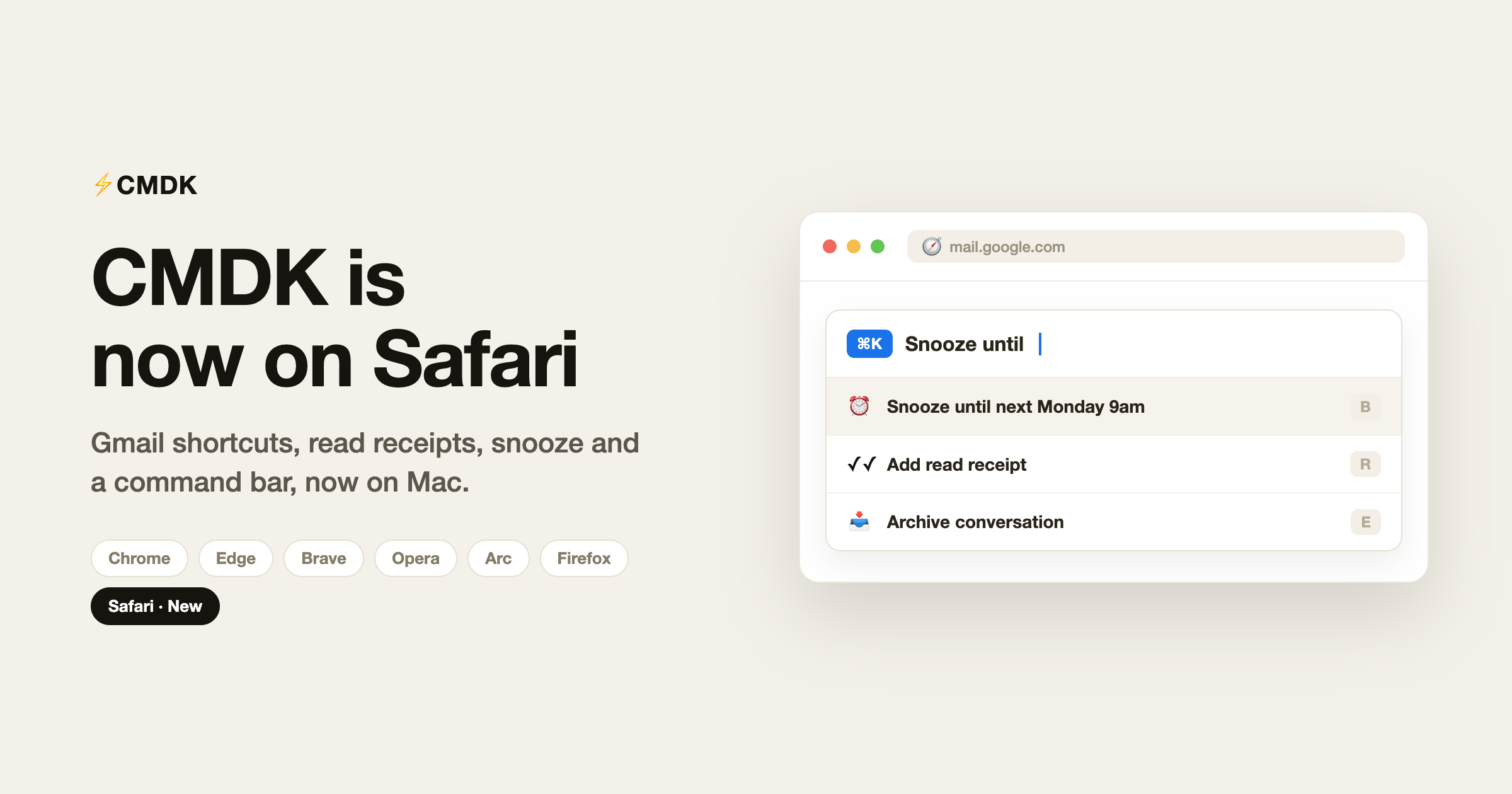
CMDK is now available on Safari. If you run Gmail in Safari on your Mac, you can install it from the Mac App Store and get the same Gmail productivity features that Chrome and Firefox users already have: keyboard shortcuts, read receipts, snooze, snippets and a command bar, all inside Gmail.
Until now these features ran on Chrome, the Chromium browsers like Edge, Brave, Opera and Arc, and Firefox. Safari users had to switch browsers or go without. That gap is closed.
What you get in Safari
The Safari build ships with the full feature set, not a cut-down version:
- Command bar with Cmd+K for every email action without touching the mouse
- 25+ keyboard shortcuts for reply, archive, delete, label, snooze and more
- Read receipts that show when your sent emails are opened
- Natural language snooze, so you can type “next Monday 9am” instead of clicking a date picker
- Snippets, reusable templates you insert by typing a semicolon while composing
- Split inbox tabs to separate work, personal and project email
- Appearance controls to hide the Gemini buttons, side panels and top-bar clutter
- One-click bulk unsubscribe to clear marketing email in a single action
- Auto CC/BCC rules and fast account switching across your inboxes
How to install CMDK on Safari
- Open the CMDK listing on the Mac App Store and click Get.
- Launch the CMDK app once it downloads. It walks you through the next steps.
- Open Safari, go to Settings, Extensions, and turn CMDK on.
- When Safari asks, allow CMDK on mail.google.com.
- Open Gmail, press Cmd+K to open the command bar, then sign in to connect your account.
Your 15-day free trial starts the moment you sign in. No credit card is needed.
Does everything work the same as Chrome?
Yes. The command bar, shortcuts, read receipts, snippets, snooze and split inbox all behave the same way they do on Chrome. Your account, settings and inboxes carry across, so if you already use CMDK on Chrome you can add Safari and pick up where you left off.
Two small differences on Safari. First, plans are billed through Apple In-App Purchase in the CMDK app instead of on the web, so you can manage or cancel from your App Store account like any other Mac app. Second, on Chrome a read-receipt open can trigger a desktop notification. On Safari that extra desktop popup is not available yet, so opens show inside Gmail instead. Everything else is identical.
Why we brought CMDK to Safari
Fast, keyboard-driven Gmail should not depend on which browser you picked. Safari is the default browser on every Mac, and plenty of people who live in Gmail have never wanted to leave it. Bringing CMDK to Safari, through a native Mac app that hosts the extension, was the obvious next step, and the whole feature set came with it.
Frequently asked questions
Is CMDK free on Safari?
CMDK has a 15-day free trial with no credit card required. After the trial, paid plans are available through the Mac App Store, with monthly, yearly and lifetime options. The trial is the same across every browser.
Which version of Safari and macOS is supported?
CMDK supports Safari 18 and later on macOS. It installs as a Mac app from the App Store, then runs as an extension inside Safari.
Do read receipts work on Safari?
Yes. CMDK tracks opens and re-opens of the emails you send and shows them inside Gmail, the same as on Chrome. The only difference is that desktop notifications for opens are still Chrome-only.
Is my email data safe?
CMDK does not read or store the content of your emails. The only information it needs is your email address and name, used to create your account.
Can I use CMDK on Chrome, Firefox and Safari with the same account?
Yes. One account works across browsers and across unlimited inboxes, so you can move between Chrome, Firefox and Safari without losing your settings.
Ready to make Gmail faster in Safari? Install CMDK and press Cmd+K.




