
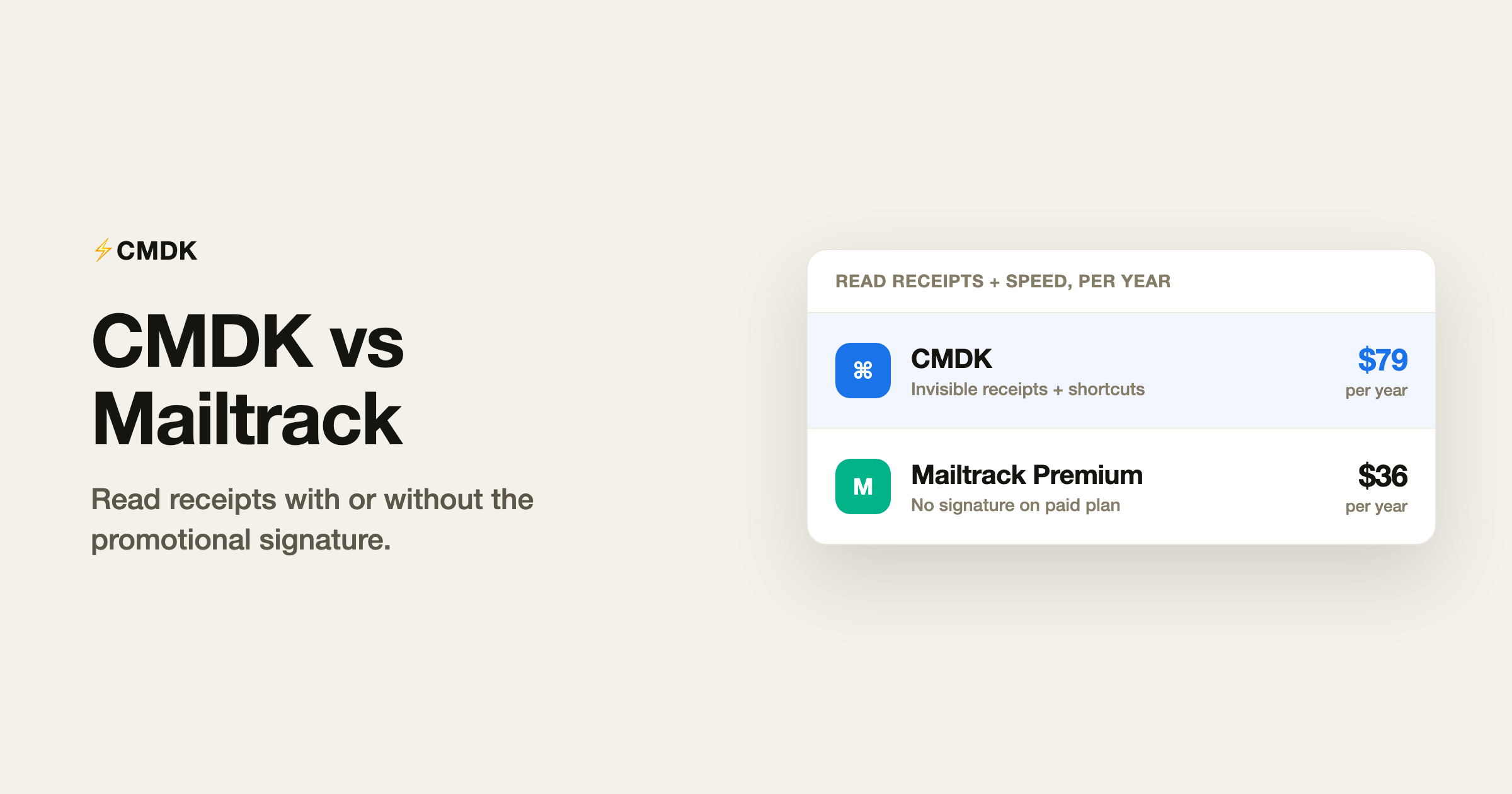
Verdict: Mailtrack and CMDK both show you when Gmail messages get opened, but they stop at different points. Mailtrack is a dedicated email tracker: free unlimited opens on the free plan, with a visible “Sent with Mailsuite” signature unless you pay for Premium ($2.99/month billed annually, or about $36/year). CMDK includes read receipts inside a full Gmail speed toolkit (command bar, shortcuts, snippets, split inbox, follow-up reminders) for $79/year with no promotional footer on your emails. Pick Mailtrack if you only need open tracking and the free signature is fine. Pick CMDK if you want receipts plus a faster inbox in one install.
For Gmail read receipts without a separate dashboard, see read receipts for Gmail.
What Mailtrack is
Mailtrack (now part of Mailsuite) is the best-known Gmail read-receipt extension: millions of installs, strong brand search volume, and a free tier that tracks unlimited emails. The trade-off on free is visibility: recipients often see that the message was sent with Mailtrack unless you upgrade. Paid Premium removes the signature, adds tracking history, and unlocks link tracking and campaigns on higher Mailsuite tiers.
Feature comparison
| Feature | CMDK | Mailtrack (free) | Mailtrack Premium |
|---|---|---|---|
| Read receipts in Gmail | Yes | Yes | Yes |
| Visible “Sent with Mailtrack” signature | No | Yes | No (paid) |
| Follow-up reminders | Yes | Limited / paid tiers | Yes |
| Command bar (Cmd+K) | Yes | No | No |
| Keyboard shortcuts | 25+ | No | No |
| Snippets / templates | Yes | No | No |
| Split inbox tabs | Yes | No | No |
| Link click tracking | No | Paid upgrade path | Yes (Mailsuite) |
| Cold email campaigns | No | Mailsuite add-on | Mailsuite add-on |
| Price | $79/year | $0 (with signature) | ~$36/year (Premium annual) |
What Mailtrack does better
- Free tracking at scale. If you only need to know opened vs unopened and you do not mind the signature, Mailtrack’s free plan is hard to beat on price.
- Link and document tracking on Mailsuite paid tiers, for sales teams that live in pipeline metrics.
- Mobile app parity for checking opens on iOS/Android (CMDK is desktop Gmail in the browser).
What CMDK does better
- No promotional signature on any plan. Your email looks like your email.
- Productivity beyond tracking: one-key triage, split inbox, snippets, bulk unsubscribe, and appearance controls in the same extension.
- One bill for the whole job. Mailtrack free solves opens only; a sales stack that adds campaigns and link tracking climbs into Mailsuite pricing well above CMDK’s $79/year for users who never send campaigns.
Pricing snapshot (2026)
| CMDK | Mailtrack | |
|---|---|---|
| Free tier | 15-day trial, then paid | Unlimited tracking with signature |
| Paid entry | $79/year (all features) | Premium ~$2.99/mo annual (~$36/yr) |
| Lifetime option | $169 one-time | ~$99.99 one-time (Mailtrack listing) |
| Best for | Receipts + inbox speed | Opens only, signature acceptable |
Who should pick Mailtrack
- You want free open tracking and the signature does not bother you.
- You already run Mailsuite campaigns and want one vendor for tracking plus outbound.
- You check opens primarily on phone, not desktop Gmail.
Who should pick CMDK
- You want read receipts without branding your emails as tracked.
- You need shortcuts, snippets, and split inbox alongside tracking.
- You are comparing against noisy multi-extension suites like cloudHQ and want one clean install instead.
Frequently asked questions
Is CMDK better than Mailtrack?
For most Gmail users who want both visibility and speed, yes. Mailtrack wins on a pure free tracking use case. CMDK wins when you want invisible receipts and a full productivity layer without stacking extensions.
Does Mailtrack work with Google Workspace?
Yes. Mailtrack supports personal Gmail and Workspace accounts on its Chrome extension and Workspace Marketplace listing.
Can I switch from Mailtrack to CMDK?
Yes. Uninstall Mailtrack, install CMDK, and sign in. Your Gmail labels and native mail stay put; only the tracking pixel moves to CMDK.
Does CMDK show double checkmarks like Mailtrack?
CMDK shows read status inside Gmail on sent mail and in the read-receipts UI rather than copying Mailtrack’s checkmark pattern. The job is the same: know when your message was opened.
Install CMDK for read receipts plus inbox speed, with a 15-day free trial.




