
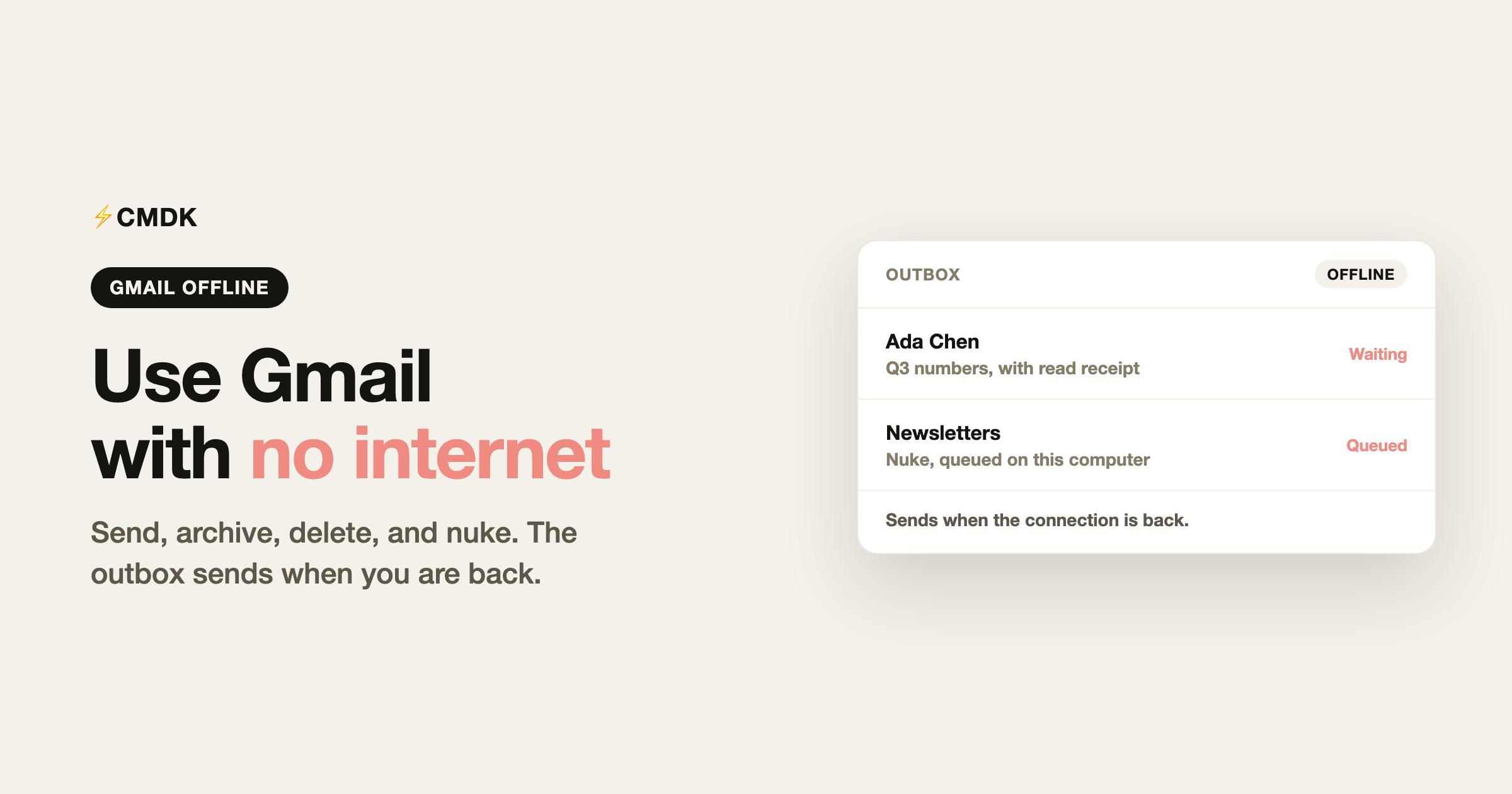
Gmail can keep working in Chrome after the connection drops. You turn it on once, while you still have internet, and the mail you already have stays on the computer. Replies you write go to the outbox and leave when you are back online.
That covers a flight, a train through a tunnel, a ferry, or a cafe whose wifi just died. People rarely search for those situations by name. They search for Gmail offline, and this is the setup.
Turn on offline mail
Offline mail is a Chrome feature. Firefox and Safari do not get the same Gmail offline shell.
- Open Gmail in Chrome, signed in, on a normal window. Incognito and Guest do not keep offline mail.
- Click the gear, then See all settings.
- Open the Offline tab.
- Select Enable offline mail.
- Choose how many days of mail to keep on this computer. More days means more mail available, and more disk used.
- Choose whether to download attachments. Leave this off if you are short on space. Turn it on if you need those files with no connection.
- Click Save changes.
Leave Gmail open in one Chrome tab while it syncs. One tab is enough. Several Gmail tabs fight over the offline copy. After the first sync, you can open Gmail in Chrome with no connection. You cannot turn this on mid-flight. The first download needs the internet.
If Chrome is set to clear cookies when it closes, offline mail will not stick. Keep cookies for mail.google.com.
What you can do with no internet
Once the copy is on the computer:
- Read the mail that already synced, including the days you chose to keep.
- Search that same mail.
- Compose, reply, and forward. Gmail holds those in the outbox and sends them when the connection returns.
- Archive, delete, star, and label. Those changes sync later.
- Open attachments you chose to download.
New mail does not arrive until you are online. Chat, Meet, and most settings pages need a connection. A message with a huge attachment may sit in the outbox until it can upload.
On a plane, a train, or a boat
The setup is the same in all three. Enable offline mail before you leave, let it finish syncing, and keep a single Gmail tab. When the wifi drops, stay in that tab or reopen Gmail from Chrome. Do not switch browsers.
Airplane mode is fine. Gmail is reading the copy on the laptop, not the network. The same is true on a train with no signal and on a crossing with no satellite link. The limit is what finished syncing before you left, not the vehicle.
What CMDK does while Gmail is offline
CMDK runs inside that same Gmail tab, so the keyboard actions keep working after the connection drops.
You can still send, archive, delete, and nuke. A send is a normal Gmail outbox message. It leaves when Gmail sends it. Nuke and delete queue the same way archive does: the change is stored locally and syncs later.
Read receipts still attach. Gmail itself does not show whether someone opened a message. CMDK adds that tracking to the message while you compose it. If you send while offline, the message waits in the outbox with the receipt already on it. When Gmail delivers it, an open is recorded after the recipient actually opens it. Nothing is recorded for a message that is still sitting in the outbox.
Two limits. You need to be signed in to CMDK before you lose the connection, because sign-in and checkout need the network. And this is the Chrome offline shell. The same commands in Firefox or Safari still need Gmail to be online.
The rest of the keyboard set is the same one covered in the Gmail shortcuts cheat sheet. Esc still leaves a conversation and returns to the list. It no longer reloads Gmail into the offline shell while you are online.
If Gmail says offline and you are online
That is a different problem. The Offline tab can be on, and Gmail can still show offline because the tab failed to sync, cookies were cleared, or more than one Gmail tab is open. Turn offline mail off, save, turn it on again, and leave one tab open until the sync finishes. If the account is a work account, an admin can also disable offline mail for the whole organization.
Frequently asked questions
How do I turn on Gmail offline?
In Chrome, open Gmail settings, go to the Offline tab, enable offline mail, pick how many days to keep, and save. Let one Gmail tab finish syncing before you need it.
Does Gmail work on a plane?
Yes, in Chrome, if you enabled offline mail and let it sync before boarding. You can read the synced mail and write replies. Those replies send after you land. Mail that never synced is not on the laptop.
What does not work in Gmail offline?
New mail does not arrive, and Chat, Meet, and settings need a connection. Messages you write wait in the outbox until the network is back.
Does CMDK work when Gmail is offline?
Yes, in Chrome, if you are already signed in. Send, archive, delete, and nuke keep working. Read receipts stay on the outbox message and go out with it.




