
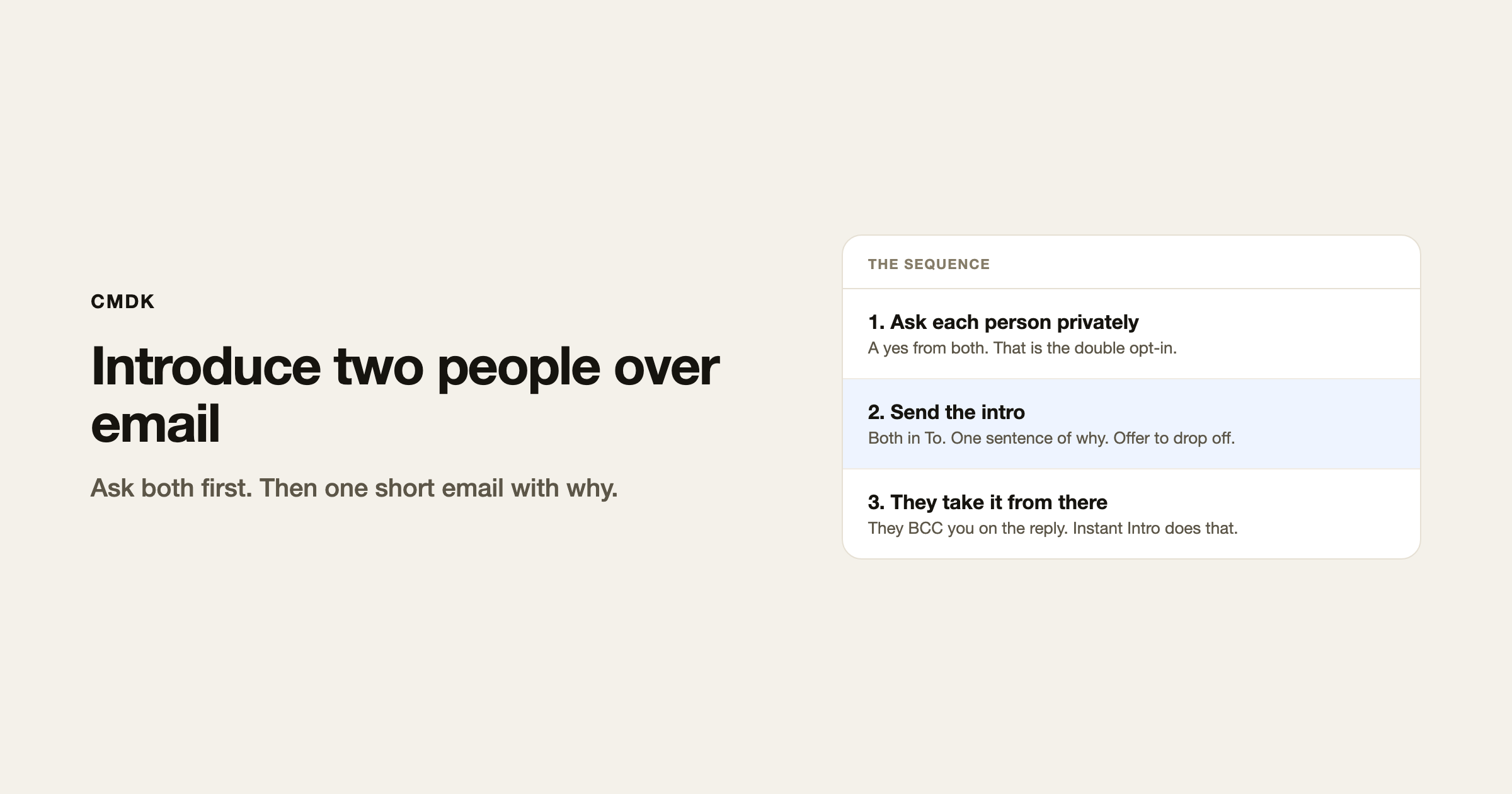
Ask each person privately first. When both say yes, send one email with both of them on To, one sentence of why they should talk, and an offer to get out of the thread.
That private yes is the double opt-in. Skip it and you dump two strangers into a thread that one of them did not want.
This is the send side. If someone already introduced you, reply and move the introducer to BCC. That is a different command.
Ask both people first
Two short private notes. Not a group thread.
Would you want an intro to Priya? She runs ops at a 40-person shop and is looking for a bookkeeper who has done that size. No pressure if the timing is off.
Name the other person, say why, and make no a real option. If either person hesitates, do not send the intro.
Save that ask as a snippet if you make intros often. One trigger, fill in the name and the why, send.
Send the intro
- New email. Both people in To. You stay on To or CC so they can see you are still in it for the first hop.
- Subject that names both people, or names the reason:
Priya / Alex, bookkeeping intro. - One or two sentences on why you thought of each of them. Specific beats flattering.
- One line that they can take it from here, and that you will drop off.
Priya, Alex. Priya runs ops at Northline and is hiring a bookkeeper who has done a 40-person close. Alex has done that twice. I’ll let you two take it. Moving myself out after this.
Send. Do not attach their full bios. Do not write a paragraph about how great they both are.
After you send
They reply, thank you, and move you to BCC. If they leave you on To, you can mute the thread.
If nobody replies in a few days, one bump is enough: forward your own intro to both with a single line. Then stop.
What not to do
- Do not CC a third person “for visibility.”
- Do not intro someone who asked you to keep a job search quiet.
- Do not write “you two should grab coffee” when they are in different cities. Say a 20-minute call.
- Do not use BCC for the intro itself. Both people should see who else is on the email.
Frequently asked questions
How do you introduce two people over email?
Ask each of them privately. If both agree, send one email with both on To, a specific why, and an offer to drop off.
What is a double opt-in intro?
You get a yes from both people before they see each other on a thread. It is the default for professional intros.
Should the introducer stay on the thread?
For the first reply, yes, so they know it landed. Then they BCC you. Instant Intro does that in one keystroke.
Can I use a template?
Yes. Keep two snippets: the private ask, and the intro itself. Fill in names and the why. Do not send a generic “you two should meet.”
If you send the same intro shape every week, put it in a snippet and stop rewriting it. CMDK is the Gmail extension that inserts those snippets from the keyboard.




