
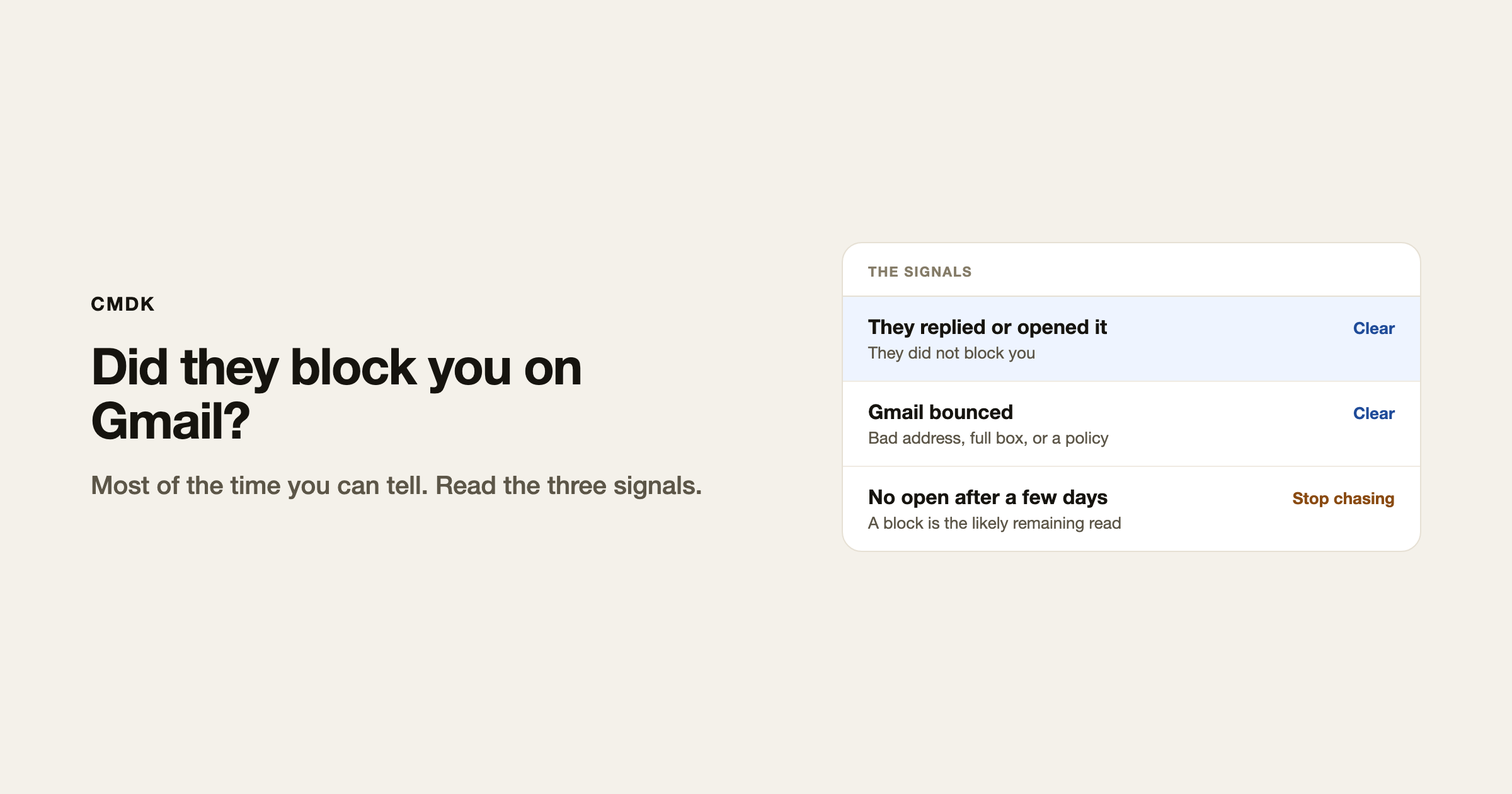
In most cases you can tell. They replied. They opened the email. Or Gmail bounced it back. Those three cover almost every real outcome.
Gmail will not show a “blocked” badge. You read the signals instead. If none of them show up after a few days, especially if this person used to reply the same day, a block is the likely remaining explanation. You can stop chasing.
They replied
The cleanest yes. A reply, even a short one, means they got the message and they have not blocked you.
They opened it
Read receipts tell you the message was opened. An open means it reached their mailbox. They did not block you.
Apple Mail Privacy Protection can mark an open when the message was only fetched, not read by a person. Treat a later reply or a second open as the confirmation. A single instant open from an Apple address is weaker.
If you sent without a receipt, you do not have this signal. Turn receipts on for the next send.
Gmail bounced it
A bounce is a delivery failure, not a polite ignore. Open the bounce. The useful lines are:
5.1.1/ user unknown: the address is wrong, or the account is gone.- Mailbox full: they exist. They have not blocked you.
- Message rejected / policy: Workspace or a spam filter bounced it. That can look like a block. It is often a company rule, not a personal Block click.
A Gmail Block usually does not bounce. The mail lands in their spam. No bounce plus no open is the pattern to watch.
If they have not opened it
Wait two or three days, then look again.
No reply, no bounce, no open: a block is likely enough to stop. The other explanations are still real (Promotions tab, they never looked, their client strips tracking pixels). One bump in the same thread is fair. After that, leave it.
If they used to answer you the same day and this one went dark, trust that. You do not need a badge from Gmail.
What Gmail Block actually does
When someone clicks Block on your address, later mail from you goes to spam. They do not get a prompt. You do not get a notice. That is why the open is the useful tell: spam still exists, but people who blocked you are not opening it.
You cannot see their Block list. You cannot ask Gmail to confirm it. Read the three signals and move on.
Frequently asked questions
Can you tell if someone blocked you on Gmail?
Yes, in most cases. A reply or an open means they did not. A bounce means the address failed. No reply, no bounce, and no open after a few days is when a block is the likely remaining explanation.
Does a blocked email bounce in Gmail?
Usually no. Blocked mail goes to spam. A bounce is a different failure: bad address, full mailbox, or a policy reject.
If they never opened my email, did they block me?
It is the most useful reading once a few days have passed, especially if they used to reply fast. It is not a courtroom fact. One follow-up, then stop.
Can a read receipt prove I was not blocked?
An open means the message reached a mailbox they can see. That is the proof you were not blocked. No open does not, by itself, name the cause.
If you want the open signal on the next send, CMDK is the Gmail extension that adds read receipts so you can see whether the message was opened.




