
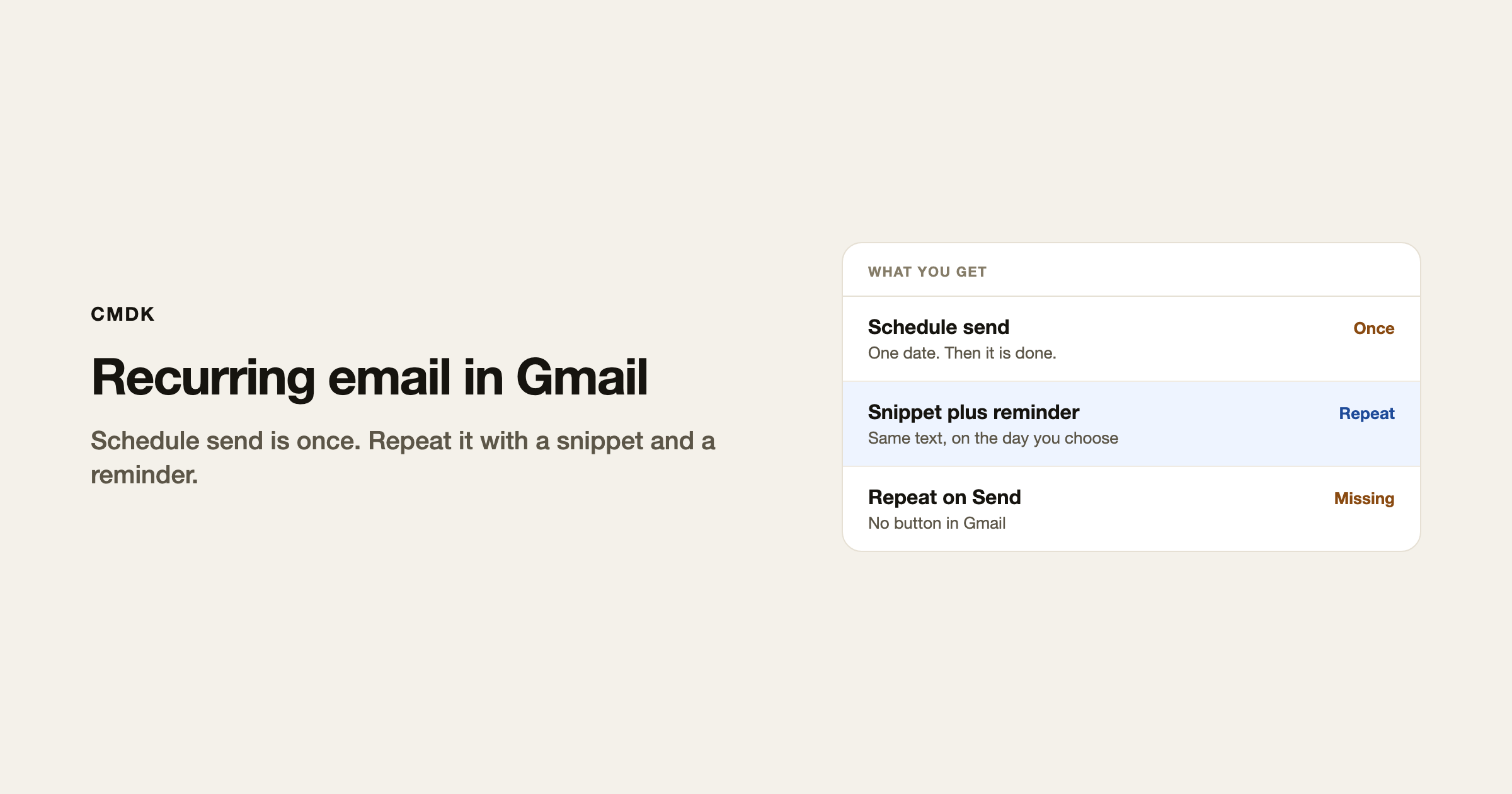
Gmail can send an email later. It cannot send the same email every Monday on its own. There is no Repeat on Schedule send.
For a weekly status, a monthly invoice nudge, or a reminder you write yourself, you pick a workaround: schedule each copy, or keep the text in a snippet and get pinged when it is time.
This is not mail merge. Mail merge is one send to many people. Recurring is the same person, again, on a clock.
What Gmail will do
Schedule send is one shot. Compose, click the arrow next to Send, pick a date. The mail waits in Scheduled. You can cancel it there. When it goes out, that is the end. Gmail will not queue the next one.
Snooze brings a thread back to you. It does not send anything.
The snippet-and-reminder way
This is the one that holds up if you send the same note every week.
- Write the email once. Save it as a snippet.
- Put a repeating event on Google Calendar for the send day. Or set a Gmail reminder that brings the thread back.
- When it fires, open compose, drop the snippet, send. Change a number or a date if this week is different.
You stay in control of each send. That matters for anything with a dollar amount or a name.
Calendar, if you do not want a snippet
Google Calendar can email you when an event starts. Create a repeating event, turn on email notifications, and use that ping as the cue to send. The calendar mail is not the message your client sees. You still open Gmail and send it yourself.
If you need the mail to go out with no hands on it
Gmail will not do that. Some add-ons add a recurring-send control. They need mailbox access to fire while you are away. For a weekly status to one person, the snippet plus a reminder is enough and you see it before it leaves.
Frequently asked questions
Does Gmail have recurring emails?
No. Schedule send is once. There is no weekly or monthly repeat on that control.
How do I send the same email every week in Gmail?
Save the text as a snippet. Put a repeating calendar event or a reminder on the send day. Insert the snippet and send.
Is snooze the same as a recurring email?
No. Snooze returns a thread to your inbox. It does not send a message.
Can I recurring-send to a list?
That is a campaign, not a recurring one-to-one. Gmail’s own mail merge is a different tool. Do not use BCC on a list as a substitute.
If the body is the same every week, put it in a snippet and stop rewriting it. CMDK is the Gmail extension that inserts snippets from the keyboard and can remind you when the send day comes.




