
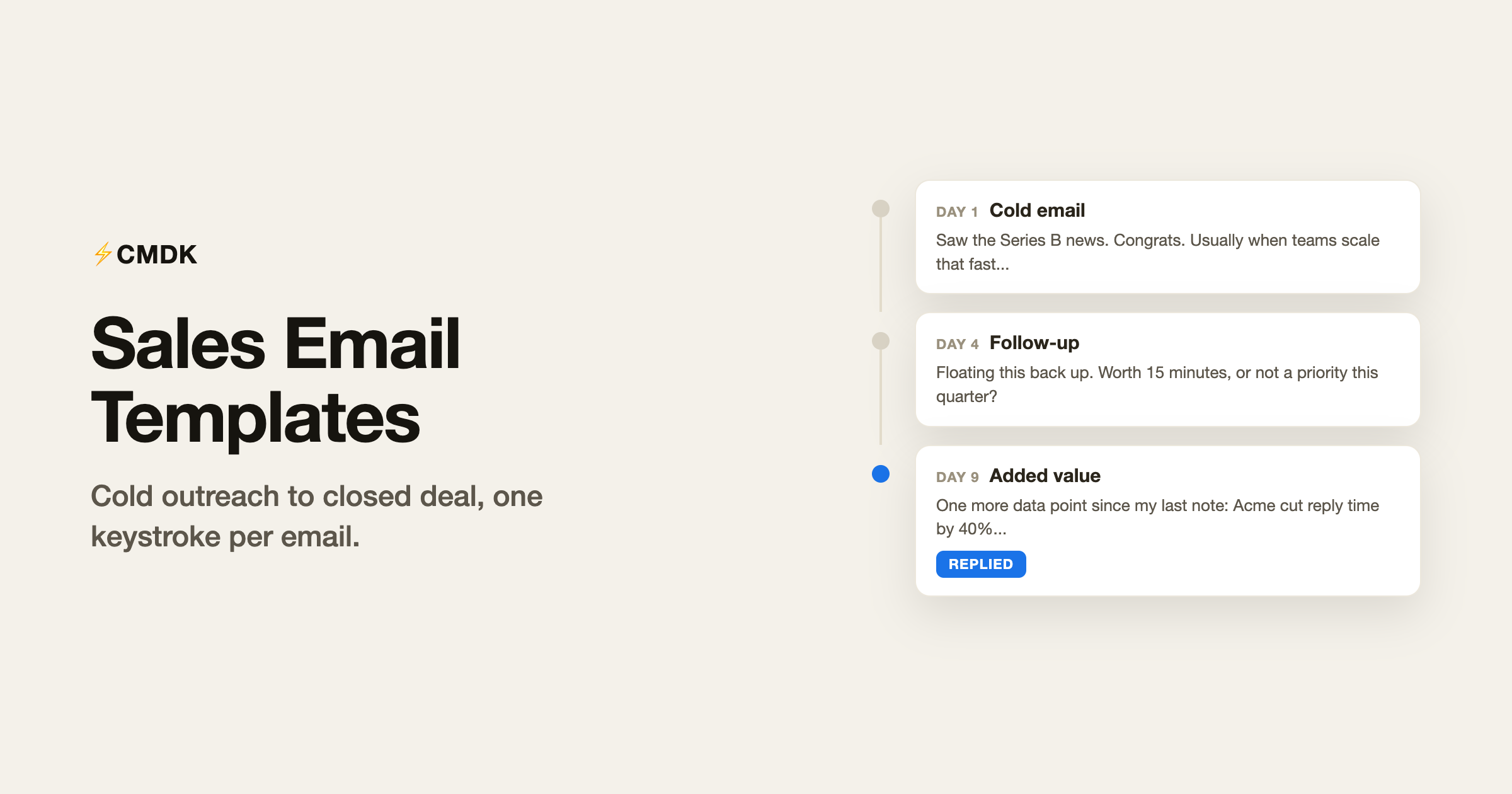
Most sales email advice is about writing better. This page is about writing less: 14 templates covering the whole arc of a deal, from the first cold email to the break-up email that somehow revives dead threads. Copy them straight into Gmail, personalize the {braces}, and send.
Everything here follows the same three rules. Keep it under 120 words, because prospects read on phones. Make the first line about them, not you. And ask for exactly one thing.
This library is part of a set: the canned responses hub has the universal templates every inbox needs, and the customer service library covers support. For the money side of closed deals, the invoice email templates take over where the sale ends.
Cold email templates
1. The relevant-trigger cold email
Use it when something actually happened: funding, a launch, a hire, a post they wrote. Highest reply rate of any cold format.
Subject: {trigger} and a question
Hi {first_name},
Saw {specific_trigger}. Congrats.
Usually when {situation_that_follows_the_trigger}, {pain_point} shows up within a quarter. We help teams like {similar_customer} handle it by {one_line_value}.
Worth a 15-minute look? If not, tell me to buzz off and I will.
2. The competitor-comparison cold email
Use it when the prospect uses a tool or approach you beat on a specific axis.
Subject: {competitor} question
Hi {first_name},
Teams switching to us from {competitor} usually name the same reason: {specific_differentiator}.
If that pain rings a bell, I can show you the difference in 15 minutes. If {competitor} is working great for you, ignore me, honestly.
3. The short-and-blunt cold email
Use it for senior people who delete anything over three sentences.
Subject: {company} + {your_company}
Hi {first_name},
We do {one_line_what_you_do} for companies like {similar_customer}. They got {concrete_result}.
Want the two-line version of how?
4. The referral-ask cold email
Use it when you cannot find the right person. Asking for directions gets replies that pitches do not.
Subject: right person at {company}?
Hi {first_name},
I am trying to reach whoever owns {area} at {company}, and you seemed like the person who would know.
Is that you, or could you point me to the right name? Happy to send one short paragraph on why it is worth their time.
Follow-up email templates
The money is here. Most replies come from follow-up two onward, and most senders stop at one.
5. Follow-up after no response, first nudge
Use it three or four business days after the cold email. Do not apologize for existing.
Subject: re: {original_subject}
Hi {first_name},
Floating this back up. The short version: {one_line_value} for {company}.
Worth 15 minutes, or not a priority this quarter?
6. Follow-up with added value
Use it for the second nudge. New information, not “just checking in”.
Subject: re: {original_subject}
Hi {first_name},
One more data point since my last note: {new_proof_point_or_resource}.
That is the result {similar_customer} saw in {timeframe}. If you want the same walkthrough they got, my calendar is here: {calendar_link}.
7. Follow-up after a meeting
Use it the same day as the demo or call, while it is warm.
Subject: {company} next steps
Hi {first_name},
Thanks for the time today. What I heard: you need {need_1} and {need_2}, and {blocker} is the main concern.
Recap and pricing are attached. Proposed next step: {next_step} by {date+1w}. Does that work?
8. Follow-up after no response to a proposal
Use it when the proposal has been quiet for a week. Surface the objection instead of asking “any update”.
Subject: re: {company} proposal
Hi {first_name},
When a proposal goes quiet it usually means the price is off, the timing slipped, or something in it missed the mark.
Which one is it here? Whatever the answer, it is useful for me to know, and if it is fixable I would rather fix it than guess.
9. The break-up email
Use it as the final follow-up. It closes loops and, oddly, revives more deals than any nudge.
Subject: closing the file on {company}
Hi {first_name},
I have not heard back, so I will assume this is not a priority and stop emailing.
If {pain_point} climbs the list later, this thread will still be here. Wishing you a quiet inbox either way.
Pricing and closing templates
10. The pricing email
Use it when they ask for numbers. Never send a bare figure; anchor it.
Subject: {your_company} pricing for {company}
Hi {first_name},
For {team_size} people on the {plan} plan: {price}.
For context, {similar_customer} makes that back through {value_mechanism} in about {timeframe}. Happy to walk through the math on a short call if useful.
One question so I can sharpen the quote: {qualifying_question}?
11. The discount-request reply
Use it to trade concessions instead of just dropping the price.
Hi {first_name},
I can work with you on price. Here is the shape of it: at {commitment}, I can do {discounted_price}.
Would that structure work on your side? If the commitment is the hard part, tell me what is realistic and I will see what fits.
12. The contract-chase email
Use it when the deal is verbally done but the signature is stuck.
Hi {first_name},
Everything is signed off on our side and the agreement is with you. Anything blocking it that I can help clear: legal questions, a security review, another stakeholder?
If it is just a busy week, no stress. I will check back on {date+1w}.
Relationship templates
13. The re-engagement email
Use it on closed-lost deals two quarters later. Situations change; lists do not know that.
Subject: {company}, take two
Hi {first_name},
When we spoke in {month}, {reason_deal_stalled}. Since then we shipped {relevant_change}, which addresses exactly that.
Worth a fresh 15 minutes, or is the timing still off?
14. The customer referral ask
Use it 60 to 90 days after a customer goes live and is visibly happy.
Hi {first_name},
Glad {product} is working well for the team. A small ask: is there one person in your network wrestling with {pain_point} who should see this?
An intro or a forwarded note is plenty. And if that is awkward, no worries at all.
Make these one keystroke instead of one search
A template library only pays off if it is closer than your sent folder. Saved as CMDK snippets, each of these inserts into Gmail when you type a semicolon and a couple of letters, with {first_name} and {date} filled in from the actual recipient and the actual day. Snippets carry subject lines too, so the whole email lands at once, and an auto follow-up reminder can nudge you if the prospect goes quiet, which pairs nicely with templates 5 through 9.
Add read receipts and you also know whether the silence means “never opened it” or “opened it four times and is deciding”, which changes which follow-up you send.
Common questions
How many follow-up emails should I send in sales?
Four to six touches over three to four weeks is the common pattern: nudge, added value, a different angle, then a break-up email. Most replies arrive after the second touch, so stopping at one follow-up leaves the majority of responses uncollected.
How do I follow up after no response without being annoying?
Space the emails three to five business days apart, add something new each time instead of repeating “just checking in”, and offer an easy out. Templates 5, 6, and 9 above follow that pattern, and the explicit “tell me no” consistently earns goodwill replies.
How long should a cold email be?
Under 120 words. The first line should be about the prospect, the middle should be one concrete proof point, and the end should ask exactly one question. If a sentence does not help the reader decide, cut it.
Should sales emails use templates at all?
Yes, for structure, never for the whole email. The templates above deliberately leave {braces} for the specifics only you know: the trigger, the metric, the objection. Personalizing two details takes 30 seconds and is the difference between a fast reply and a deleted email.
Send the next one in five seconds
Copy the templates you will use this week, then make them instant: install CMDK, save them as snippets, and your follow-up sequence becomes a semicolon and two letters. The rep who follows up fastest usually wins, and you are about to be very fast.
The close matters as much as the pitch: here is how to end an email so the next step is unambiguous.




