
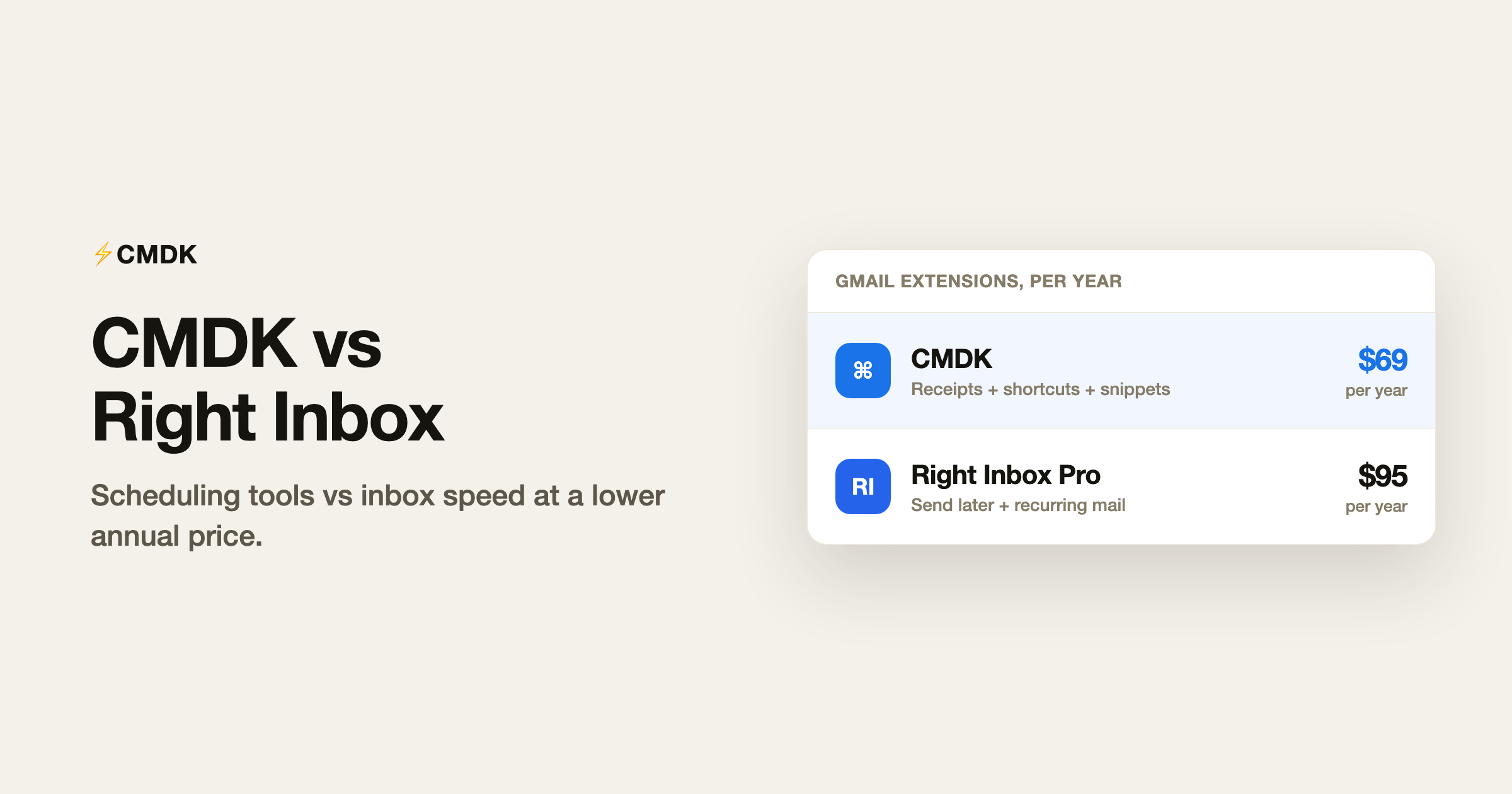
Verdict: Right Inbox and CMDK both extend Gmail inside the browser, but they optimize for different jobs. Right Inbox focuses on send later, reminders, recurring emails, and templates, with a free tier capped at five tracked or scheduled messages per month and Professional at $95.40/year (billed as $7.95/month annually). CMDK focuses on inbox speed and visibility: read receipts, follow-up reminders, command bar, shortcuts, snippets, and split inbox for $69/year. Pick Right Inbox if scheduled sends and recurring messages are your daily workflow and you will use them heavily. Pick CMDK if Gmail already schedules natively and you want tracking plus triage tools for less money.
For Gmail read receipts without a separate dashboard, see read receipts for Gmail.
What Right Inbox is
Right Inbox is a long-running Gmail extension (12,000+ Chrome Web Store reviews cited on their site) built around Send Later, email reminders, recurring emails, and templates/signatures. It runs in Chrome, Safari, and Firefox. The free plan allows five emails per month across its core actions, which is enough to try the product but not enough for daily professional use.
Feature comparison
| Feature | CMDK | Right Inbox (free) | Right Inbox Pro |
|---|---|---|---|
| Schedule send | Native Gmail + CMDK shortcuts | Yes | Unlimited |
| Email reminders | Yes (follow-ups on sent mail) | Yes | Unlimited |
| Recurring emails | No | Yes | Unlimited |
| Read receipts | Yes | Limited / paid | Yes |
| Templates | Snippets (; in compose) | 5 max (free) | Unlimited |
| Command bar | Cmd+K | No | No |
| Keyboard triage shortcuts | 25+ | No | No |
| Split inbox tabs | Yes | No | No |
| Bulk unsubscribe | Yes | No | No |
| Price | $69/year | $0 (5/mo cap) | $95.40/year |
What Right Inbox does better
- Recurring emails for invoices, stand-ups, and repeating client updates. CMDK does not automate recurring sends.
- Mature send-later UX that predates Gmail’s native scheduler; some users still prefer Right Inbox’s picker and recurring rules.
- Cross-browser support including Safari and Firefox add-ons (CMDK ships on Chrome, Edge, Firefox, and Safari via separate builds).
What CMDK does better
- Lower annual price ($69 vs $95.40) while covering read receipts and a broader speed toolkit.
- Native Gmail schedule send now covers the basic “send later” job for many users, shrinking Right Inbox’s unique value.
- Split inbox, command bar, and one-key triage for people who live in email volume, not just timed sends.
Who should pick Right Inbox
- You send recurring messages weekly or monthly from Gmail.
- You hit the free cap quickly and want a scheduling-first tool with templates baked in.
- You need the same extension on Safari and Firefox with identical scheduling features.
Who should pick CMDK
- Gmail’s built-in schedule send already covers your “send later” needs.
- You want read receipts and follow-up reminders without paying more than CMDK’s $69/year.
- You process high email volume and need shortcuts, snippets, and split inbox more than recurring sends.
Frequently asked questions
Is CMDK better than Right Inbox?
If scheduling is 90% of your job, Right Inbox may still win. If you want read receipts, triage speed, and snippets at the lower price, CMDK is the better buy in 2026.
Does Right Inbox work with Google Workspace?
Yes. Right Inbox supports Gmail and Google Workspace accounts on its paid plans.
Can I use CMDK and Right Inbox together?
You can, but both add compose-bar UI and reminder logic. Most users pick one stack to keep Gmail clean.
How does CMDK compare to Boomerang?
For the scheduling and follow-up overlap, see our CMDK vs Boomerang page. Right Inbox sits in the same category as Boomerang with a lower annual price but a smaller free cap.
Try CMDK free for 15 days if scheduling alone is not enough and you want receipts plus speed.




