
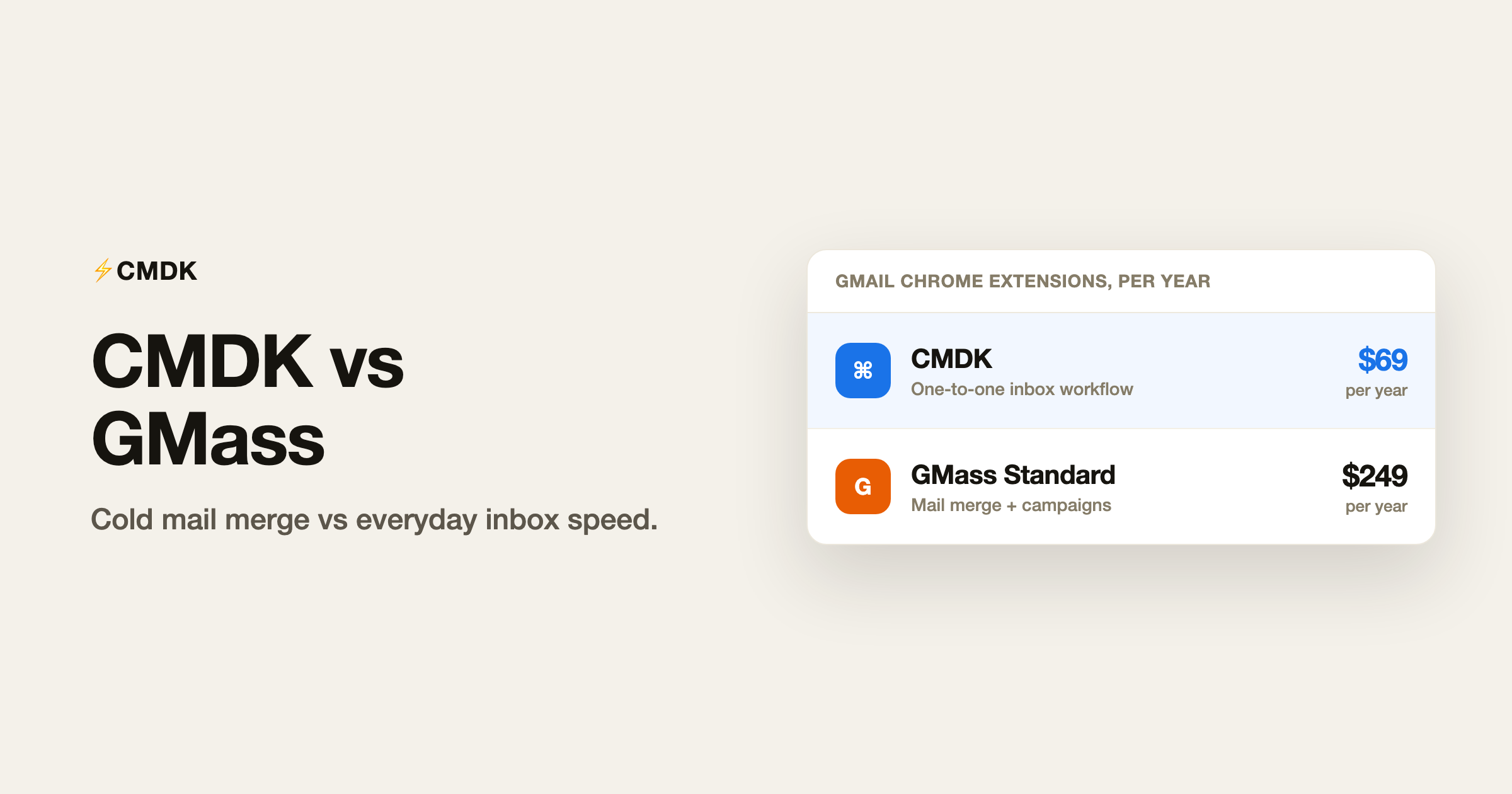
Verdict: GMass and CMDK both install as Gmail Chrome extensions, but they are not substitutes. GMass is a mail-merge and cold-outreach engine: personalized campaigns from Google Sheets, open/click tracking, sequences, and A/B tests, starting at $249/year on Standard (January 2026 pricing) with follow-up sequences on Premium at $349/year. CMDK is an everyday productivity layer for people who work inside Gmail all day: read receipts, follow-up reminders, command bar, shortcuts, snippets, and split inbox for $69/year. Pick GMass if you run outbound campaigns at volume from Gmail. Pick CMDK if you want to process your existing inbox faster and know when one-to-one emails get opened.
For Gmail read receipts without a separate dashboard, see read receipts for Gmail.
What GMass is
GMass turns Gmail into a lightweight outbound platform. You connect a Google Sheet of recipients, write one template with merge fields, and send hundreds or thousands of personalized messages without leaving Gmail. It adds campaign analytics, automated follow-ups, Spam Solver, and optional inbox rotation on higher tiers. Google’s own sending caps still apply (500/day on personal Gmail, 2,000/day on Workspace), regardless of GMass plan.
Feature comparison
| Feature | CMDK | GMass Standard | GMass Premium |
|---|---|---|---|
| Mail merge from Sheets | No | Yes | Yes |
| Automated follow-up sequences | Reminders on sent mail | No (Standard) | Yes |
| Open / click tracking | Read receipts | Yes | Yes |
| A/B testing | No | Yes | Yes |
| Command bar + shortcuts | Yes | No | No |
| Snippets for one-to-one mail | Yes | No | No |
| Split inbox tabs | Yes | No | No |
| Inbox rotation (MultiSend) | No | No | Yes (Professional) |
| Price (annual) | $69/year | $249/year | $349/year |
What GMass does better
- Cold email at scale from Gmail with merge fields, sequences, and campaign reporting.
- Spam Solver and deliverability tooling aimed at outbound teams.
- Sheet-driven workflows for sales and recruiting lists.
What CMDK does better
- One-to-one email speed for operators, founders, and support teams who are not running daily campaigns.
- Read receipts and follow-ups without paying four times CMDK’s price for a mail-merge platform you will never open.
- Inbox triage (shortcuts, split tabs, bulk unsubscribe) that GMass does not attempt.
Who should pick GMass
- You send personalized bulk email from Gmail weekly and measure opens/clicks/replies as a pipeline.
- You need multi-step sequences and accept $349/year or more for Premium.
- Your team already lives in Google Sheets for prospect lists.
Who should pick CMDK
- You send normal Gmail volume and want to know when important messages get read.
- You tried GMass and realized you do not run campaigns, you run an inbox.
- You want keyboard-driven triage and snippets for replies, not merge tags for 500 contacts.
Frequently asked questions
Is CMDK a GMass alternative?
Only if you misread the category. CMDK replaces the feeling of a faster Gmail, not a mail-merge sender. For cold outreach, GMass (or a dedicated sequencer) is the right tool class.
Can GMass track single emails like CMDK?
GMass tracks opens on campaigns and one-off sends sent through its UI, but the product is priced and built for bulk senders. CMDK is tuned for day-to-day sent mail inside normal Gmail compose.
What does GMass cost in 2026?
GMass raised prices in January 2026. Standard is $29.95/month or $249/year; Premium (sequences) is $39.95/month or $349/year; Professional is $59.95/month or $599/year. Verify on gmass.co/pricing before buying.
Does CMDK send mail merge?
No. CMDK does not mail-merge from Sheets or run cold sequences. Use GMass or a dedicated outbound tool for that job.
For everyday Gmail with read receipts and speed, install CMDK and try it free for 15 days.




