
The Fastest Way to Snooze Emails in Gmail
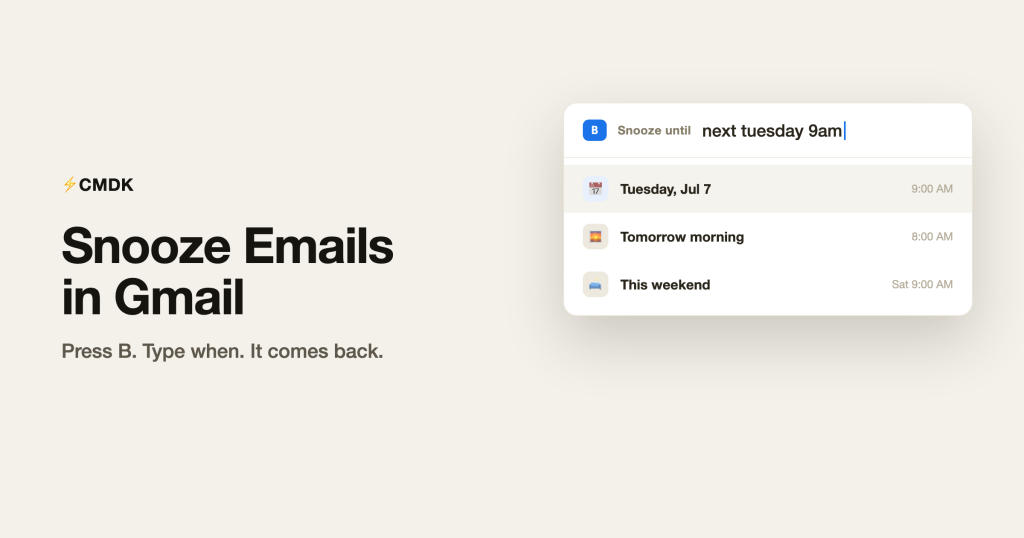
Snooze Gmail emails without the mouse. CMDK adds a keyboard snooze shortcut and reads natural-language times like “next tuesday 9am”, so you skip the menu and preset buttons.
How to Remove Ads from Gmail (Hide Sponsored Emails)
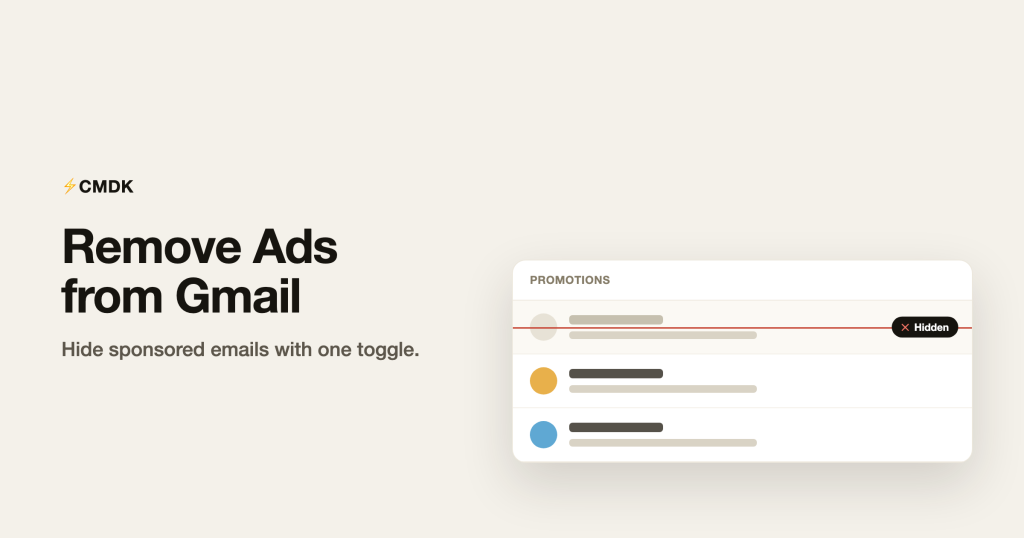
Tired of “Ad” emails cluttering your inbox? CMDK hides Gmail’s sponsored emails with a single toggle, so the Promotions and Social tabs show real mail only.
A Command Bar for Gmail: Run Any Action with Cmd+K
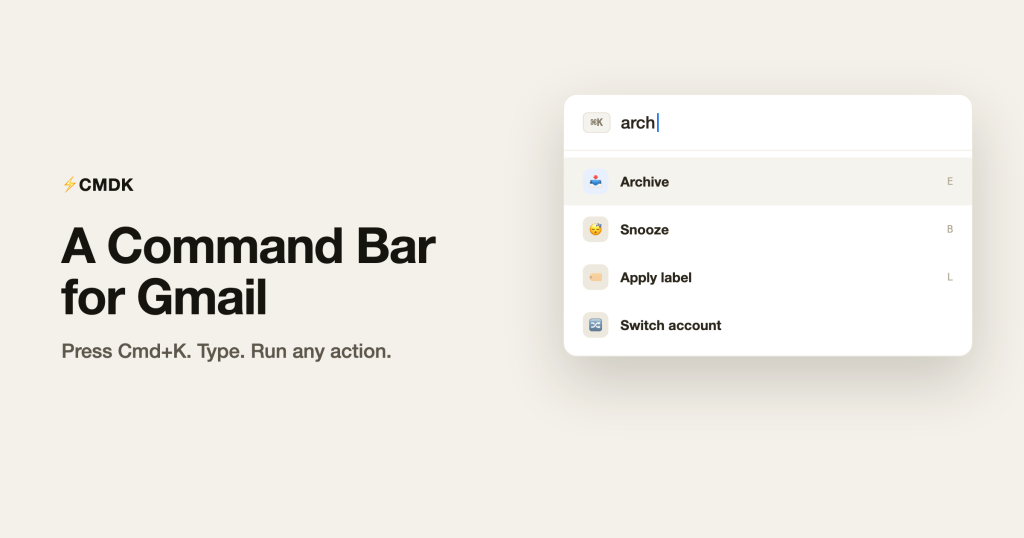
Add a Cmd+K command bar to Gmail with CMDK. Search for any action, archive, label, snooze, switch accounts, and run it from the keyboard without hunting through menus.
Gmail Email Templates: Reusable Snippets That Fill Themselves In
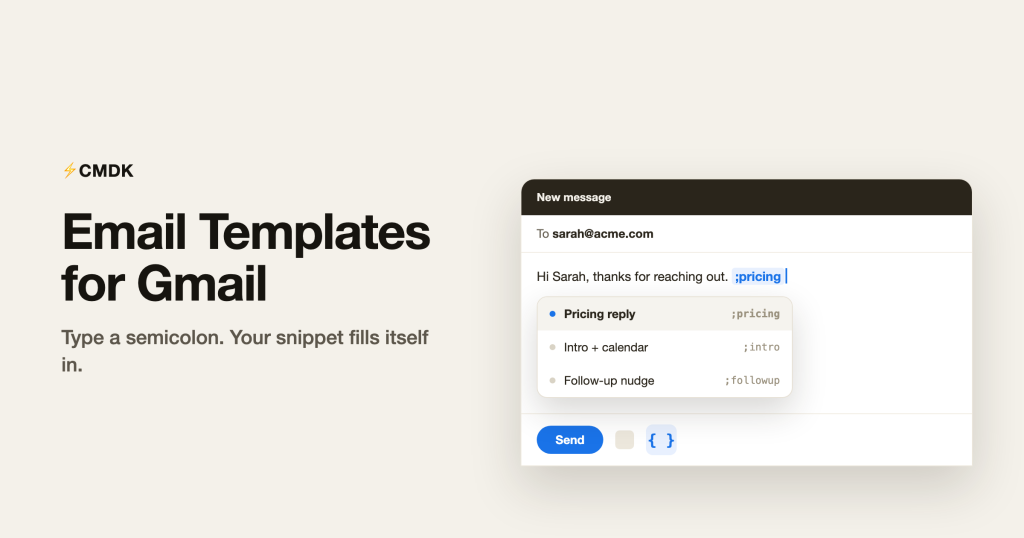
Stop retyping the same emails. CMDK adds text snippets to Gmail you can drop in with a semicolon, complete with auto-filled names, dates, and subject lines.