
When Gmail storage is full, free space in this order: see what is using it at one.google.com/storage, delete emails larger than 10 MB (search larger:10M), bulk-delete old promotions and social mail, empty Trash and Spam, then clear large files in Google Drive and Google Photos. Your free 15 GB is shared by all three, so Gmail can be full because of Drive or Photos.
Updated November 18, 2026.
What happens when Gmail storage is full
Gmail stops sending and receiving. People who email you get a bounce saying your inbox is full. Nothing is deleted, but nothing new arrives until you are back under the limit or buy more storage.
1. See what is using the space
Open one.google.com/storage while signed in. Google shows how much of the 15 GB each of Gmail, Drive and Photos is using. Start with whichever is biggest: if Drive holds 11 GB, deleting emails will not fix it.
2. Delete the biggest emails first
Attachments take most of the space. In the Gmail search bar, type larger:10M and press Enter to list every email over 10 MB. Select the ones you do not need and delete them. Then repeat with larger:5M and larger:2M. Add has:attachment older_than:2y to find old files you have long since saved elsewhere. The full walkthrough is in how to find and delete large Gmail attachments.
3. Bulk-delete old promotions and social mail
- Search
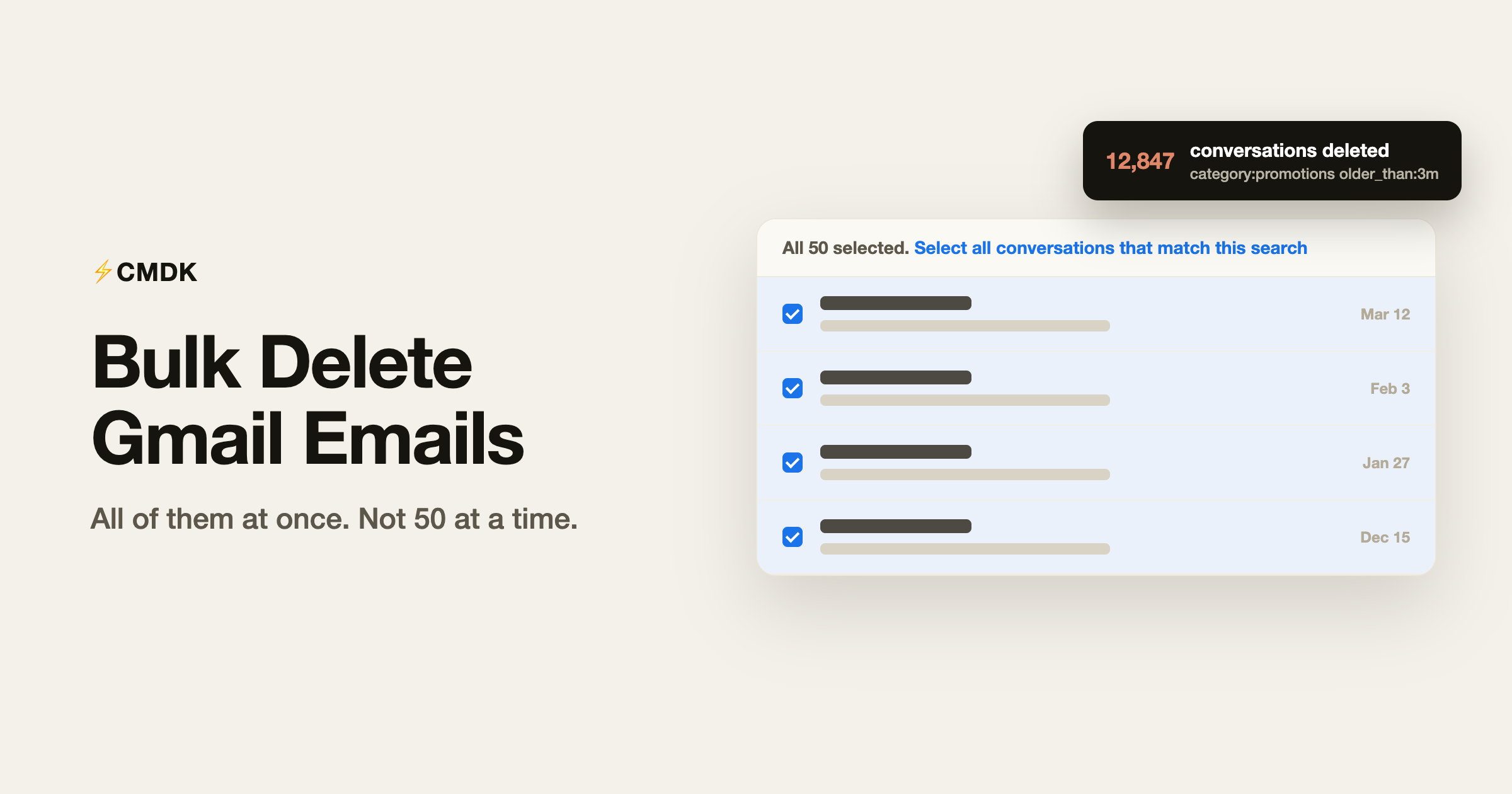
category:promotions older_than:1y. - Click the select-all checkbox above the list.
- Click “Select all conversations that match this search” in the banner that appears.
- Click Delete.
Do the same with category:social older_than:1y and category:updates older_than:1y. Each email is small, but years of them add up.
4. Empty Trash and Spam
Deleted email sits in Trash for 30 days and still counts against your storage. Open Trash, click “Empty Trash now”, then do the same in Spam. This is the step people miss when storage stays full after a cleanup.
5. Clear the senders that fill your inbox
Some senders account for thousands of emails. In Gmail, search from:sender@example.com, select all matching conversations, and delete. With CMDK’s Nuke, you do it from any email from that sender: Nuke blocks the sender and deletes every email they have sent you in one step, so the next batch never arrives. For newsletters you still want less of, unsubscribe in bulk.
6. Check Google Drive and Google Photos
In Drive, open drive.google.com/drive/quota to list files by size, delete what you do not need, and empty Drive’s trash. In Google Photos, open Settings, then Manage storage, to review large videos and blurry shots. Both count against the same 15 GB as Gmail.
If you still need more room
Google sells extra storage through Google One, shared across Gmail, Drive and Photos. Try steps 2 to 4 before you pay for more.
Frequently asked questions
Why is my Gmail storage full even after deleting emails?
Two usual reasons: deleted emails stay in Trash for 30 days and still count against storage until you empty it, and the 15GB quota is shared with Google Drive and Google Photos, so the space may be used there. Check the split at one.google.com.
What happens when Gmail storage is full?
Gmail stops receiving new email. Senders get a bounce message saying your inbox is full, and you cannot send or receive until you free space or buy more storage.
How do I find the biggest emails in Gmail?
Search larger:10M to see every email over 10MB, then work down with larger:5M and larger:2M. Attachments are almost always where the storage went.
Do Spam and Trash count against Gmail storage?
Yes. Both folders count until Gmail auto-clears them after 30 days. Emptying them manually frees the space immediately.