
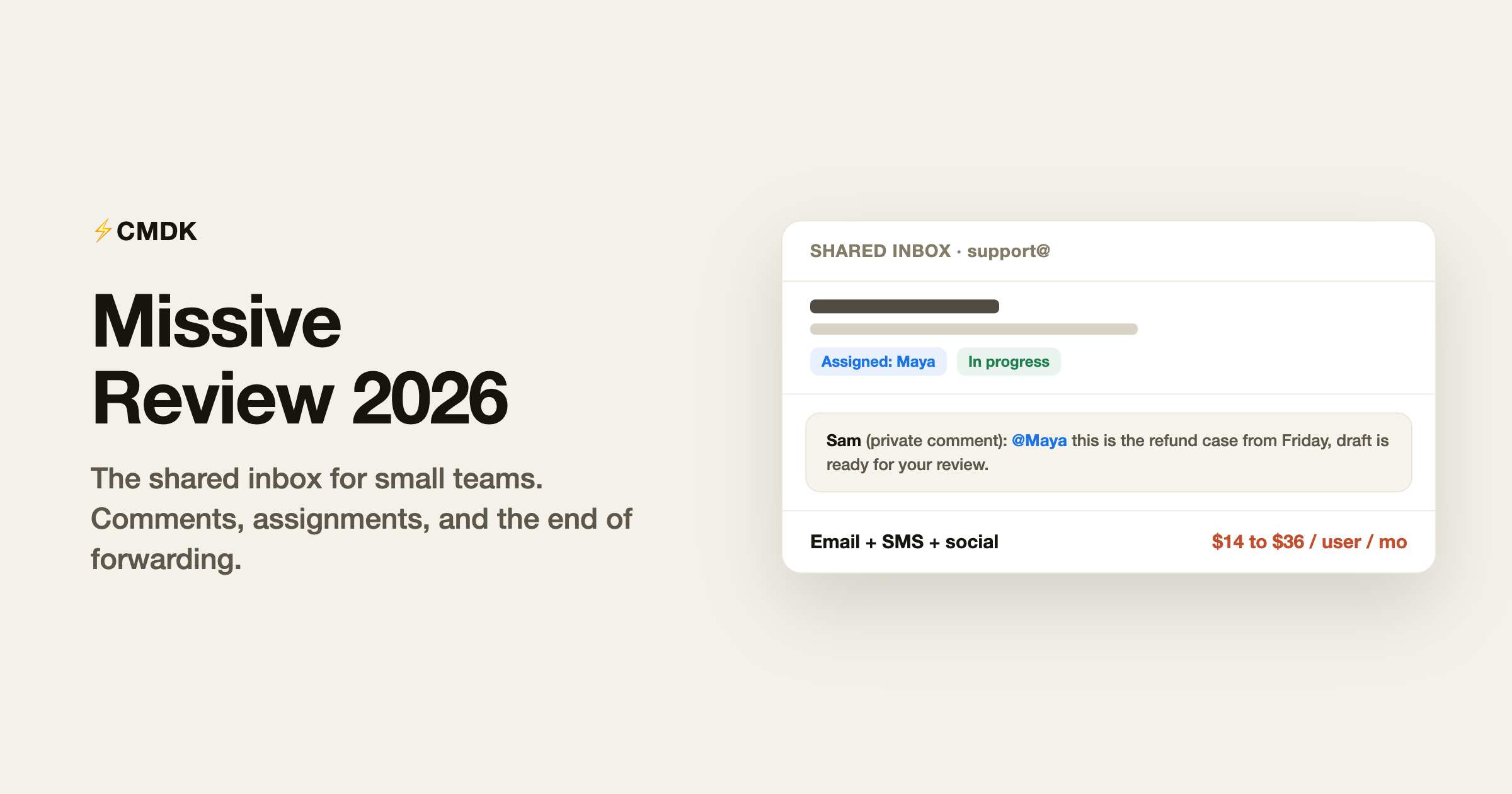
Verdict: For teams of roughly 3 to 50 who live in a shared inbox, Missive is the best value in the category, and the 30-day no-card trial makes it risk-free to test. Individuals should skip it, since every standout feature assumes teammates, and enterprises with formal ticketing will outgrow its reporting.
Missive is the team inbox app that people describe the same way in a hundred reviews: “we stopped forwarding emails to each other.” It merges email, SMS, and social messages into shared inboxes where teammates comment on threads privately, assign conversations, and draft replies together in real time. It is also one of the last bootstrapped, personality-driven products in this category, which shows up in both the pricing and the pace of development. The question worth answering in 2026 is whether you are the team it was built for, because individuals and big helpdesks both fit it badly.
We build CMDK, a Gmail extension that competes for a slice of the same email-productivity budget, so read this as an informed competitor’s review. Facts checked against Missive’s official pricing page in July 2026.
What Missive is
Missive (missiveapp.com, launched 2015 by a small team in Quebec City) is a shared-communication client for teams. Everyone installs the Missive app (Mac, Windows, iOS, Android, or web), connects their own email plus the team’s shared addresses, and works from one place:
- Shared inboxes. info@, support@, and sales@ become inboxes the whole team sees. Every conversation shows who is handling it, and nothing gets double-answered or dropped.
- Comments instead of forwards. Teammates discuss a thread in a private sidebar next to the actual email, @-mentioning each other. The customer never sees it, and the context never leaves the conversation.
- Assignments and statuses. Conversations get an owner and a state, which turns the inbox into a lightweight ticketing system without the helpdesk feel.
- Rules and integrations. Auto-route by sender or keyword, connect Pipedrive, Trello, or ChatGPT, and post to the API on the higher plans.
Personal email lives alongside the shared inboxes but stays private, so people can genuinely replace their email client with Missive rather than run it as a second app.
Missive pricing in 2026
Per user per month, billed yearly (monthly billing runs about 20% higher):
- Starter: $14. Up to 5 users. Email, SMS, and social accounts, team inboxes, conversations, tasks, and SOC 2 Type II compliance.
- Productive: $24. Up to 50 users. Adds rules and automations (up to 1,000), integrations with external tools, basic analytics, and API access.
- Business: $36. Unlimited users, SAML SSO, IP restrictions, advanced analytics, and personalized onboarding.
Every plan starts with a 30-day free trial, no credit card required, which is the longest trial in the category. There is no permanent free plan on the current pricing page. One quirk to know: Missive’s AI automations require you to bring your own OpenAI API key, so AI costs are metered by OpenAI rather than baked into the subscription.
What it does well
Team email actually works. The comment-and-assign model removes the forwarding chains and “did anyone reply to this?” Slack messages that plague shared addresses. Teams of 3 to 30 in agencies, law firms, property management, and e-commerce report response times dropping measurably. This is the core product and it is excellent.
One app for every channel. Email, SMS lines, Messenger, Instagram, and WhatsApp conversations all land in the same triage flow. Businesses whose customers text as often as they email (trades, clinics, shops) get unusual value here.
Honest software. Missive is bootstrapped, priced plainly, and updated steadily, and the founders answer support themselves often enough that customers mention it in reviews. The 30-day trial with no card reflects the same posture. In a category where Front starts at $29 per seat and pushes annual contracts, Missive undercutting it at $14 to $36 matters.
Where it disappoints
Solo users are paying for the wrong product. Without teammates, the differentiating features (comments, assignments, shared inboxes) do nothing. As a personal email client, Missive is decent but unremarkable, and $168 a year buys collaboration you are not using.
AI is bring-your-own-key. There is no built-in assistant tier. If you want AI drafting or automations, you wire in an OpenAI key and pay OpenAI per use. That is transparent and flexible, and also clunkier than the one-toggle AI in Shortwave or Spark.
No free plan anymore. Earlier years had a limited free tier; the current pricing page starts everyone at $14 per user after the trial. Two-person teams testing the waters now hit a $336-per-year decision quickly.
It is a client switch. Like every replacement app, Missive means leaving Gmail’s interface, retraining habits, and moving the whole team at once. Half-adopted, it degrades into yet another place to check.
Missive vs CMDK
These tools solve different problems and mostly do not compete; the honest comparison is about which problem you have.
- Missive is for the shared address. If several people answer info@ or support@, it replaces forwarding chaos with assignments and comments, at $14 to $36 per seat per month.
- CMDK is for your own inbox. It layers speed onto personal Gmail: split inbox tabs, a Cmd+K command bar, one-key triage, snippets, read receipts, follow-up reminders, and bulk cleanup for $79 a year.
A team can sensibly run both: Missive for the shared support inbox, CMDK for each person’s own Gmail. If you are choosing between them, the question is simply whether the pain is collective (a shared address nobody owns) or personal (your own inbox eats too much of your day).
Verdict
For teams of roughly 3 to 50 who live in a shared inbox, Missive is the best value in the category: cheaper than Front, warmer than a helpdesk, and genuinely pleasant to use across email, SMS, and social. The 30-day no-card trial makes evaluating it free of risk. Individuals should skip it, since every distinctive feature assumes teammates, and enterprises with formal ticketing needs will outgrow its reporting. Budget for the Productive tier rather than Starter if you want rules and integrations, and factor the OpenAI key cost into any AI plans.
Frequently asked questions
What is Missive used for?
Missive gives teams shared inboxes for addresses like info@ and support@, with private comments on threads, conversation assignments, and rules, across email, SMS, and social channels. It replaces forwarding and reply-all chains with a single place where the team answers together.
How much does Missive cost in 2026?
Billed yearly: Starter $14 per user per month (up to 5 users), Productive $24 (up to 50 users, rules, integrations, API), Business $36 (unlimited users, SSO, advanced analytics). Monthly billing costs about 20% more. All plans start with a 30-day free trial, no credit card required.
Does Missive have a free plan?
Not anymore. The current pricing starts at Starter ($14 per user per month billed yearly) after the 30-day trial. The trial is full-featured and does not require a card.
Is Missive better than Front?
For small teams, usually yes on value: Missive starts at $14 per seat against Front’s $29, covers the same shared-inbox fundamentals, and adds SMS and social channels cheaply. Front pulls ahead for larger support organizations needing deeper analytics, SLAs, and admin controls.
Does Missive work with Gmail?
Yes. Missive connects Gmail and Google Workspace accounts (alongside Outlook, IMAP, SMS, and social) and becomes the interface you work in. Your Gmail account stays the underlying mailbox; Missive syncs with it.
What is the best Missive alternative?
For a bigger support operation, Front or Help Scout. For team email inside Gmail without switching apps, Google’s own delegated inboxes plus collaboration are workable but thin. For personal inbox speed rather than team workflows (shortcuts, snippets, read receipts, split inbox), CMDK at $79 per year solves the individual half of the problem.
Is your own inbox the bottleneck rather than the team’s? CMDK adds Superhuman-style speed, snippets, and read receipts to your Gmail for $79 a year, with a 15-day free trial.




