
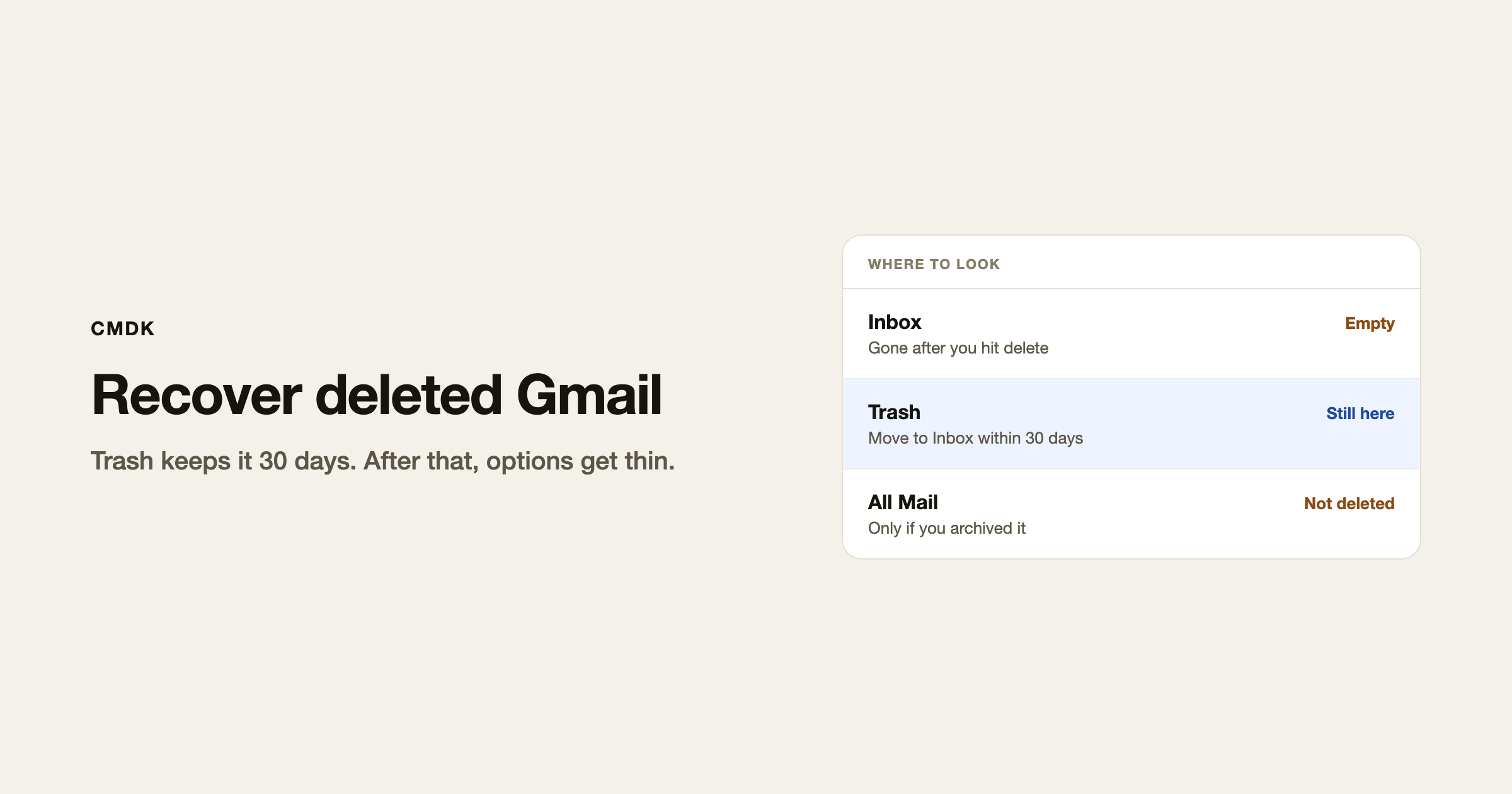
Deleted Gmail sits in Trash for 30 days. Open Trash, select the conversation, and click Move to Inbox. After 30 days, or after you empty Trash, a personal Gmail account cannot bring it back.
A lot of “deleted” mail was only archived. It never went to Trash. Search All Mail first, or read how to find archived emails.
Recover emails from Trash
- Open Gmail in a desktop browser.
- In the left sidebar, click More, then Trash.
- Search inside Trash if the list is long (
in:trash from:[email protected]). - Tick the conversations you want.
- Click Move to, then Inbox (or another label).
Gmail search from the top bar skips Trash unless you add in:trash or in:anywhere. If a search of Inbox comes up empty, that is expected.
Mail in Trash still counts against storage until it is gone. Emptying Trash is what frees space. That is the storage-full tradeoff: you get the gigabytes back, and you lose the 30-day undo.
It might not be deleted
Before you assume it is gone:
- Archived. Inbox is empty. All Mail still has it. Archive vs delete is the difference.
- Spam. Check Spam the same way you check Trash.
- Filters. A filter can skip the inbox or send matching mail to Trash as it arrives. Look at Settings, See all settings, Filters and Blocked Addresses. The filters guide covers how those rules are built.
- Wrong account. The avatar at the top right is the account you are searching. A work address and a Gmail.com address do not share Trash.
Restore permanently deleted mail (personal Gmail)
Google’s published rule: once Trash has emptied, a consumer account cannot restore the message. There is no support ticket that reverses Empty Trash now.
Google also has a Message Recovery Tool aimed at mail removed because someone else used the account. It is not an undelete for mail you threw out on purpose last quarter. File it if the account was compromised. Do not expect it to recover a newsletter you bulk-deleted in June.
Third-party “Gmail recovery” sites ask you to sign in and then charge for a scan. Skip them.
Workspace: ask an admin
On a work or school account, the user still has 30 days in Trash. After Trash is emptied, an admin has about 25 more days to restore Gmail data from the Admin console (Directory, Users, the person, Restore data). Restores can take hours or days. Admins cannot pull mail that is still sitting in Trash; the user has to Move to Inbox themselves.
If the company uses Google Vault, older mail might exist in an export. Vault does not drop it back into the inbox. That is an IT job.
If you bulk-deleted by mistake
Bulk delete sends everything to Trash, including “Select all conversations that match this search.” You have the same 30 days. Search in:trash, select all that match, Move to Inbox. Do not empty Trash while you are still checking.
Frequently asked questions
How long does Gmail keep deleted emails?
30 days in Trash. Then they are permanently deleted from a personal account.
How do I restore permanently deleted emails in Gmail?
On Gmail.com, you usually cannot. On Google Workspace, an admin can restore mail that was permanently deleted in the last 25 days. Vault may hold older copies.
Does Gmail’s Message Recovery Tool undelete Trash?
It is for unauthorized access, not a general undo. Use Trash first.
I searched and nothing showed up. Is it gone?
Search in:anywhere plus a sender or subject word. Then open Trash and Spam. Then check the account avatar. Empty search of Inbox is not proof of deletion.
Does deleting emails free storage immediately?
No. Empty Trash, or wait out the 30 days.
If you delete in volume on purpose, do it from desktop search so you can reverse a mistake for a month. CMDK is the Gmail extension that adds a command bar and sender cleanup on top of that.




