
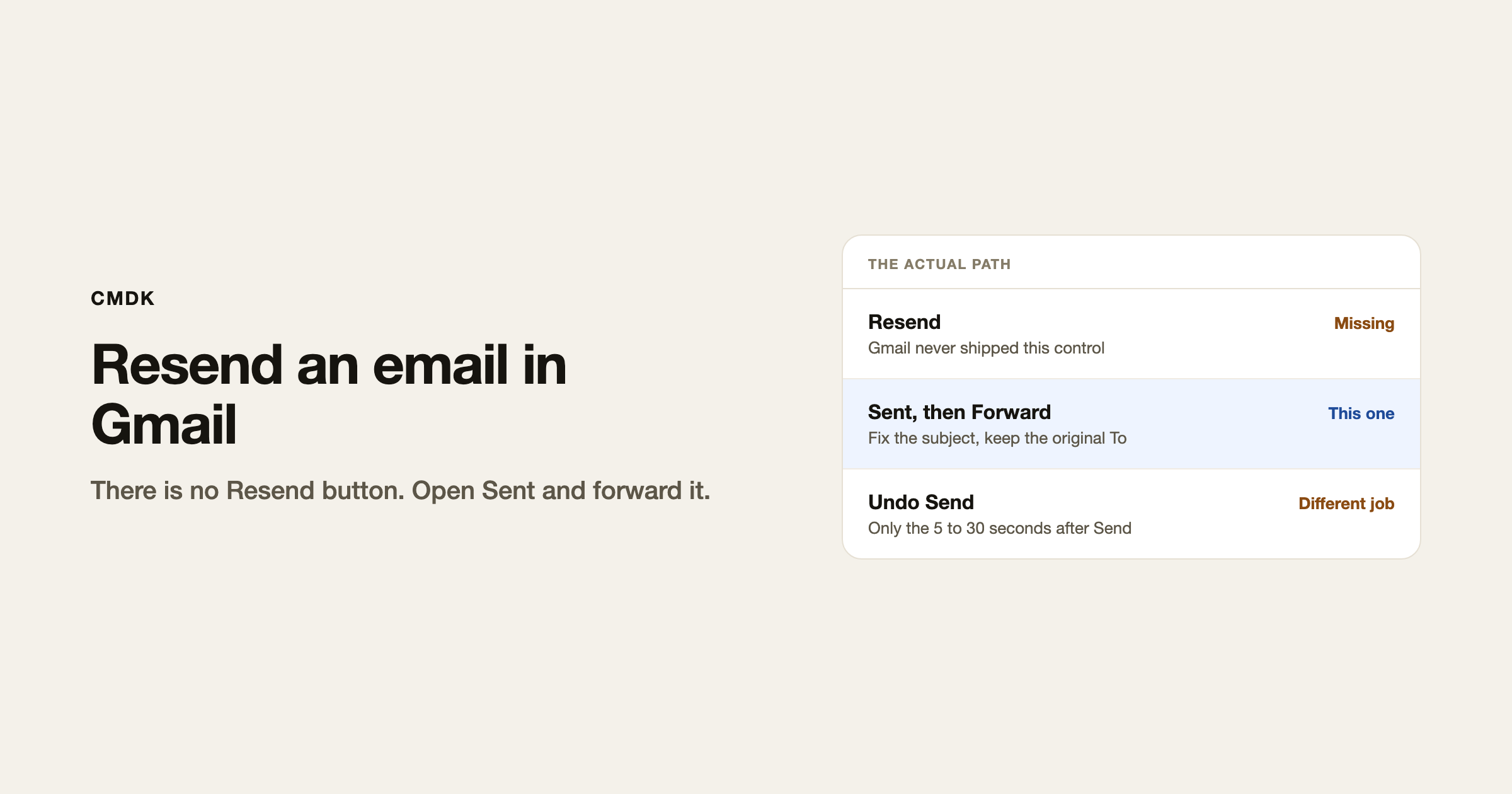
Gmail has no Resend button. To send the same message again, open it in Sent and forward it to the original recipients, or copy the body into a new compose.
That is also how you send a corrected copy after Undo Send has already expired. Unsend is 5 to 30 seconds. Resend is for everything after that.
Resend from Sent (forward)
- Open Gmail in a desktop browser.
- Click Sent in the left sidebar.
- Open the message.
- Click Forward (the right-pointing arrow).
- Put the original recipients in To. Gmail does not fill them in for you.
- Edit the subject. Forward prepends
Fwd:. Delete that if you want the thread to look like the original. - Delete the forwarded header block at the top of the body if you do not want the Forwarded message banner in the new copy.
- Send.
This is the reliable path for one message. If you need several sent emails as one packet, that is forwarding multiple emails, which is a different job.
Copy into a new message
Open the sent email, select the body, copy, click Compose, paste, fill in To and Subject. Use this when Forward’s Fwd: and quoted header would confuse the recipient, or when you want a clean new thread.
Gmail does not offer Send again on the three-dot menu.
Resend vs Undo Send
| You want | Use |
|---|---|
| Cancel before anyone receives it | Undo Send, 5, 10, 20, or 30 seconds |
| Same text, same people, later | Forward from Sent |
| Fix a typo after delivery | New email that says what changed |
| Lock the body after they already have it | Only if you sent with confidential mode |
Undo Send holds the message on Google’s servers. When the timer ends, it is on the recipient’s server. Resend does not pull the first copy back. Both copies exist unless the recipient deletes the first one.
If confidential mode expired
A confidential message the recipient can no longer open is not recoverable from their inbox. Open Sent and resend it, or click to extend access on the original if the control is still there. Confidential mode has to have been on before the first Send. You cannot add it after the fact.
Make the next resend less painful
If you send the same note often (a rate card, a status update, an intro), keep it as a snippet. Then you are not reconstructing it from Sent. Type a short trigger, insert the text, send.
Add the recipient last. Write the body, attach the file, then fill in To. A blank To field cannot go to the wrong person while you are still editing.
Frequently asked questions
Does Gmail have a resend button?
No. Open Sent and forward the message, or copy it into a new compose.
How do I resend an email in Gmail to the same person?
Sent, open it, Forward, put that address in To, clean up Fwd: if you want, Send.
Can I resend an email on the Gmail app?
Yes. Open Sent, open the message, tap Forward. The same subject and header cleanup applies.
Is resend the same as recall?
No. Recall in Gmail is Undo Send, and only for up to 30 seconds. After that you send a new copy. The original stays delivered.
Will the recipient see that I forwarded it?
If you leave Fwd: and the forwarded header in place, yes. Delete those before you send if you want it to read as a new message.
CMDK is the Gmail extension that keeps those snippets a keystroke away so a resend is not a rebuild from Sent.




