Does Gmail have read receipts?
No, not on personal Gmail. Free @gmail.com accounts have zero read status. Google Workspace can offer optional read receipts only when an admin turns them on, and recipients can still decline. If you want to know whether someone opened your mail on a normal Gmail account, you need a tracking extension that adds an invisible pixel to outgoing messages.
Gmail read receipt tools compared
| Tool | Best for | Visible to recipient? | Typical cost | Deep dive |
|---|---|---|---|---|
| CMDK | Read receipts plus Gmail speed (Cmd+K, snippets, split inbox) | No branding on emails | $69/year, 15-day trial | You are here |
| Mailtrack | Open tracking only | Free tier adds a “Sent with Mailtrack” line | Free tier / paid plans | CMDK vs Mailtrack |
| Boomerang | Scheduling plus read-receipt credits | No Mailtrack-style footer | Credit-based add-on | Boomerang review · CMDK vs Boomerang |
| cloudHQ Email Tracker | One app in a 90-extension suite | Labels, SMS/email alerts; trial paywalls reported | ~$8–10/mo cited in store reviews | CMDK vs cloudHQ |
| Streak | CRM pipelines inside Gmail | CRM-focused, not a simple receipt | Free CRM tier / paid seats | Overkill if you only wanted opens |
For scheduling and templates rather than tracking alone, see CMDK vs Right Inbox and CMDK vs GMass.
You send an important email and then the waiting starts. Did they read it? Did it land in spam? Are they ignoring you, or did they just not see it yet? Gmail leaves you guessing, and that guessing is where follow-ups go to die.
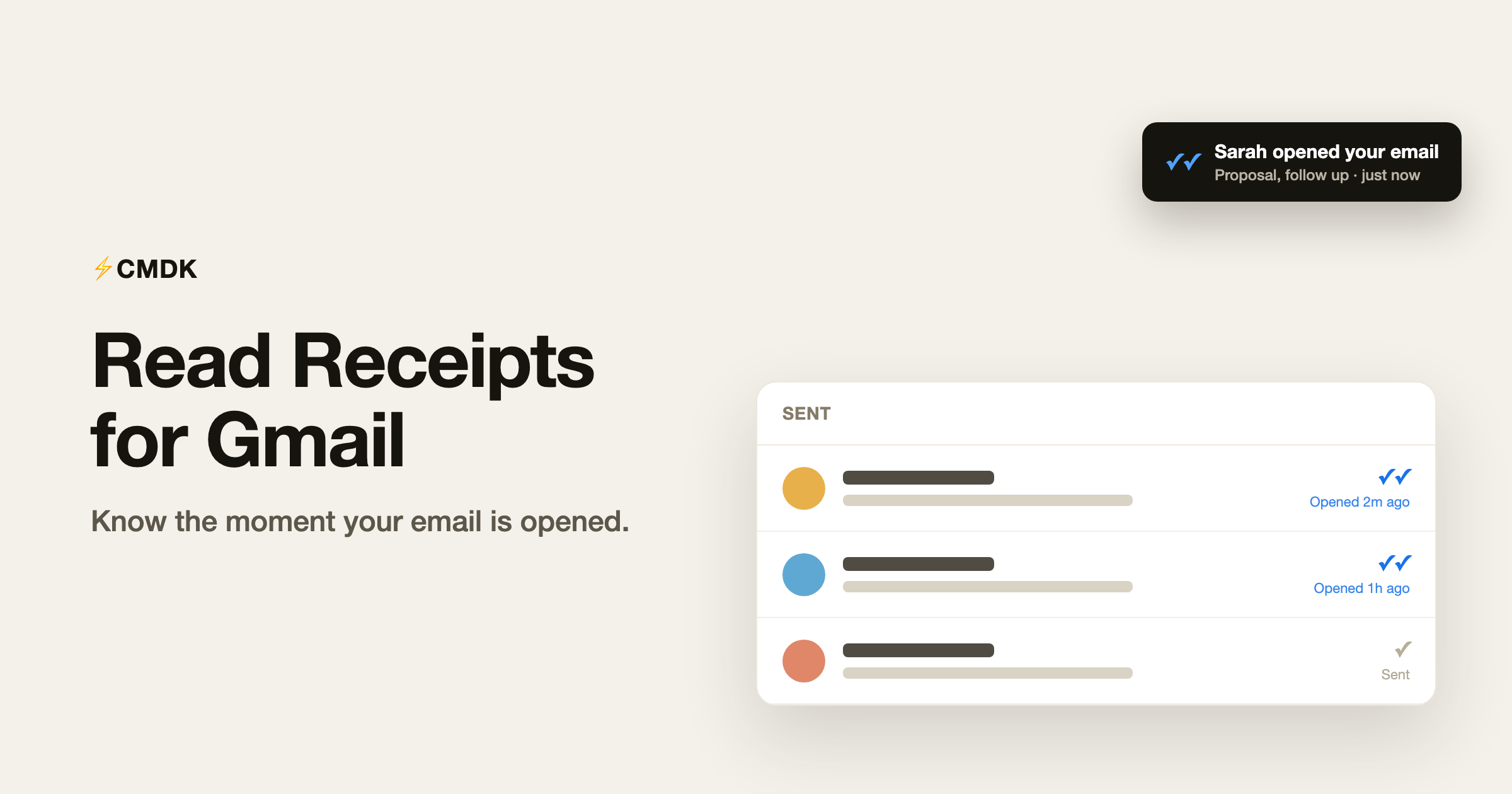
CMDK adds proper read receipts to Gmail. You get a quiet checkmark next to each email you send, a notification the moment it gets opened, and none of it requires a separate tracking app.
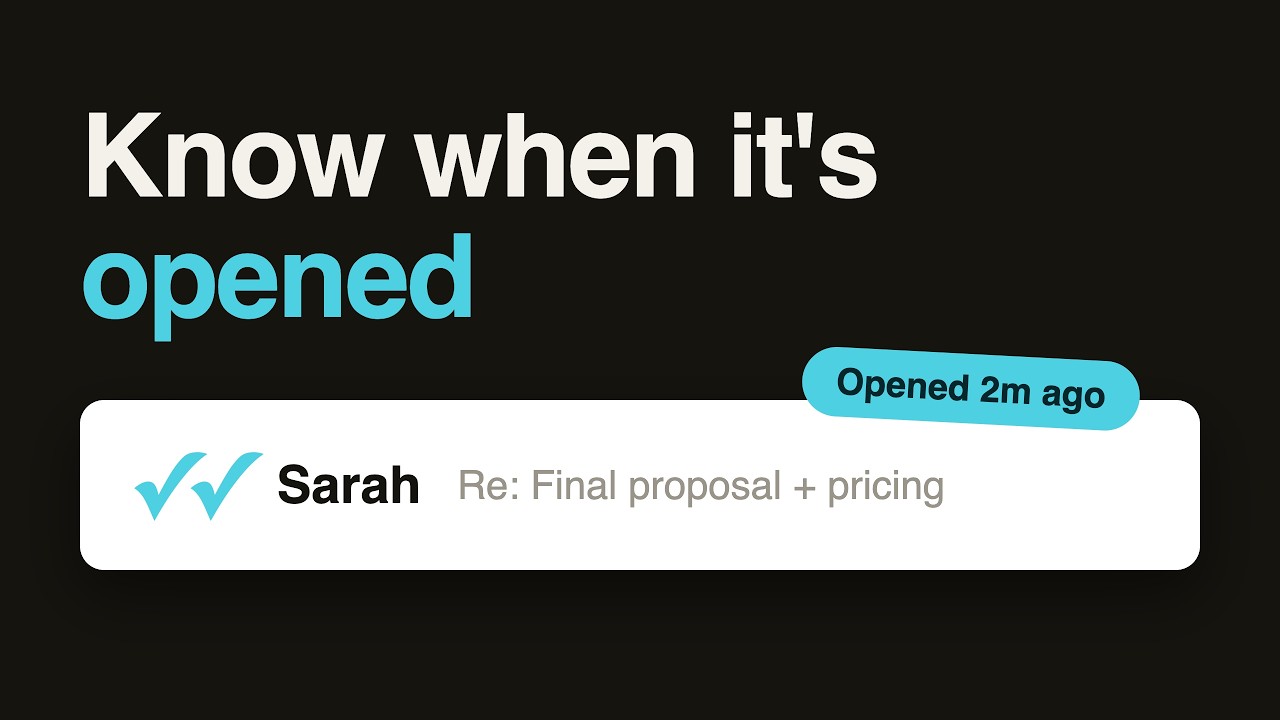
Here is the whole thing, from install to first blue checks:
What a read receipt actually is
A read receipt tells you when the person you emailed has opened your message. It works through a tiny invisible image in the email, often called a tracking pixel. When the recipient opens the email and their app loads images, that pixel quietly loads too, and CMDK records the open: when it happened and how many times.
Nothing pops up on the recipient’s side. There is no “sender wants a read receipt” box for them to accept or decline. They read your email exactly like any other, and you get to know that they did.
Why Gmail leaves you guessing
Out of the box, Gmail tells you nothing about what happens after you hit send. There is no read status, no checkmarks, no “seen” indicator. Whether you are on a personal @gmail.com address or a Workspace account, once your email leaves the outbox you are blind to whether it was opened, ignored, or buried under a hundred others.
That is the gap CMDK fills.
Email tracking for Gmail, without a separate tool
Read receipts and email tracking are the same idea: knowing whether the message you sent was actually opened. Most people reach for a standalone email tracking tool for Gmail, then juggle another login, another badge stamped on their emails, and another subscription. CMDK builds the tracking straight into Gmail, so the open data shows up next to your sent mail instead of in a separate dashboard. If you have searched for email tracking for Gmail, this is that, minus the extra app.
How CMDK read receipts work
Once it is on, read receipts blend into the inbox you already use.
- WhatsApp-style checkmarks. A single gray check means sent. Double blue checks mean opened. The status sits right next to the email in your list, so you can scan your sent mail and instantly see what landed.
- Real-time notifications. You get a desktop notification the moment someone opens your email, even if Gmail is not the active tab. Click it to jump straight to that thread.
- It does not track you. CMDK ignores your own opens, so previewing your sent email does not trigger a false “read” on your side.
- It is invisible to the recipient. The pixel is a hidden 1×1 image. No popup, no notice, nothing for them to approve.
- Privacy-first. CMDK does not read or store the content of your emails. The only thing recorded is the open event itself: a timestamp and a count.
How to turn it on
- Open a compose window in Gmail with CMDK installed.
- Click the read receipt button in the compose toolbar to track that specific email. You will see it switch on before you send.
- Send as normal. Watch for the status to move from one gray check to double blue checks once it is opened.
Prefer to track everything? Turn read receipts on globally in CMDK settings, and every email you send is tracked by default. You can still flip it off per email when you do not need it. Read receipts work in new emails, replies, and forwards, so you can track a whole thread, not just the first send.
Smarter notifications, not just noise
Not every open matters the same way. A reply you are waiting on is not the same as someone reopening a three-month-old thread. CMDK splits opens into four types so you can choose what is worth a ping:
- First Open: the email is opened within 7 days of sending. The everyday “they saw it” signal.
- Cold Revival: a first open after 7 or more days. Useful for catching a cold lead coming back to life.
- Re-engagement: a reopen after a day or more of silence. Often a sign they are reconsidering.
- Old Email Reopened: someone reopens a thread that is 30+ days old.
Turn on the ones you care about and mute the rest, so your notifications stay meaningful.
Coming from Superhuman or Mailtrack?
If you have used Superhuman, read statuses were probably part of your daily flow, and the idea of losing them is a big reason people hesitate to leave. CMDK gives you the same signal, with the checkmarks living right in your Gmail list instead of a separate app you have to migrate into.
If you have used Mailtrack, the difference is mostly about polish and scope. Mailtrack’s free tier stamps a “Sent with Mailtrack” line onto your emails. CMDK is silent by default, the checkmarks show in your inbox, and tracking is one feature inside a full Gmail toolkit (command bar, snippets, reminders, shortcuts) rather than a standalone add-on. Full comparison: CMDK vs Mailtrack. It also does not read or store your email content.
A few common questions
Does Gmail have read receipts?
Personal Gmail accounts (the free gmail.com kind) have no read receipts at all. Read receipts exist only on Google Workspace accounts, and only when an administrator has turned the feature on, and even then the recipient is usually asked whether to send one. If you are on a normal Gmail account and want to know whether your message was opened, you need a tracking tool such as CMDK’s read receipts, which adds open tracking to the emails you send.
Can the recipient tell I am tracking the email?
No. The tracking pixel is invisible and triggers no confirmation popup. They read your email like any other.
Is this the same as email tracking for Gmail?
Yes. Read receipts are email tracking: CMDK records when your sent email is opened and how many times. The difference from a typical email tracking tool is that it lives inside Gmail, stays invisible to the recipient, and does not read or store your email content.
Does this work on a regular @gmail.com account?
Yes. Gmail gives you no read status on its own, whether you are on a personal @gmail.com address or a Workspace account. CMDK read receipts work silently on any Gmail account.
Does CMDK read my emails to do this?
No. CMDK does not read or store your email content. It records only whether a message was opened, when, and how many times.
Will it show false opens when I look at my own sent email?
No. CMDK filters out your own opens, so checking your sent mail does not mark it as read.
Can I track replies and forwards too?
Yes. The toggle appears in every compose window, so replies and forwards get tracked just like new emails.
See when your emails get read
Read receipts turn “I think they saw it” into “I know they opened it twice this morning,” which is exactly what you want before you decide whether to nudge.
Install CMDK, open Gmail, and turn on the read receipt toggle on your next important email. The next time you send something that matters, you will not be left guessing.
Related reading
- Best Chrome extensions for Gmail
- CMDK vs Mailtrack
- CMDK vs cloudHQ
- CMDK vs Boomerang
- Boomerang for Gmail review
- Gmail email templates and snippets
- How to set reminders in Gmail
- CMDK read receipts product page
Boomerang also sells read receipts, on a credit system: see our full Boomerang for Gmail review.