
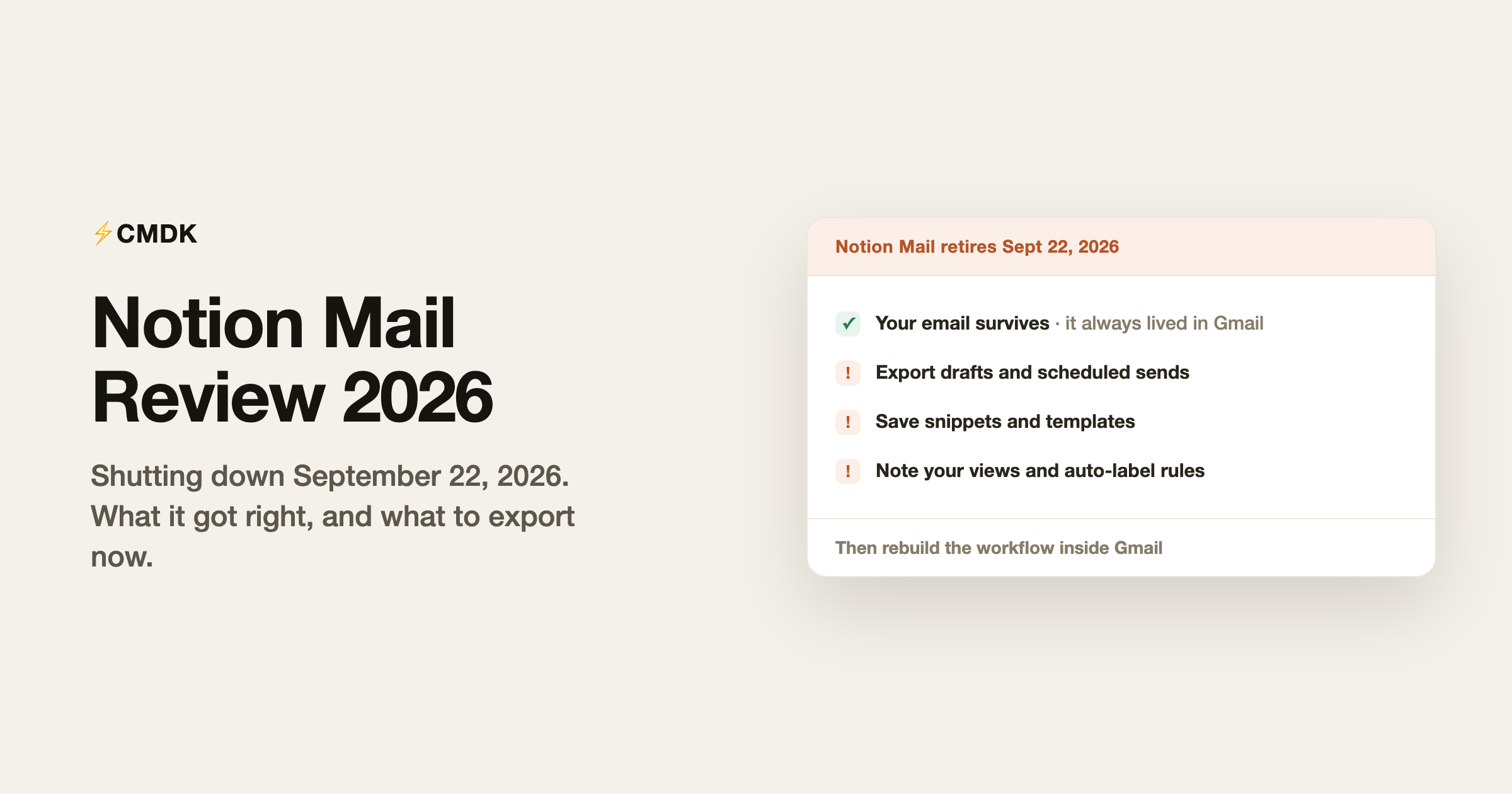
Verdict: Notion Mail shut down on September 22, 2026. Received and sent mail stays in Gmail. Drafts, scheduled sends, snippets, auto-label instructions, reminders, and custom views are gone if you did not save them by September 21. For AI sorting in a full client, Shortwave is the strongest option. To keep a fast, keyboard-driven Gmail, CMDK covers most of what you will miss at $79 a year.
Notion Mail shut down on September 22, 2026. Notion’s help center set September 21 as the last day to save Mail-only data, and said anything left unsaved is permanently deleted. The app launched in April 2025, about seventeen months before the shutdown. Below is our review of what it got right and wrong, then what survived in Gmail and how to rebuild the workflow.
We build CMDK, a Gmail extension that overlaps with several of Notion Mail’s features, so read this as an informed competitor’s review with an interest in where its users land. Facts checked against Notion’s help center on September 22, 2026.
What Notion Mail was
Notion Mail was a free email client that sat on top of Gmail. You signed in with a Google account, and it synced with Gmail in real time: same labels, same contacts, same mail, different interface. It ran on the web and iOS (Android never arrived), required a Gmail or Google Workspace address, and supported one email address per account.
Its ideas were good ones:
- Custom views. Instead of one inbox, you split mail into views by sender, topic, or label: one for the team, one for customers, one for newsletters. The inbox became a set of focused queues.
- AI auto-labeling. Describe what counts as important in plain English and Notion AI labeled and sorted incoming mail to match. This required a Notion plan with Notion AI, which in practice meant the Business tier at around $20 per user per month.
- Notion-style composing. Slash commands, templates, snippets, and @-mentions of Notion pages inside emails. For Notion-native teams, drafting email felt like writing in their existing tool.
- A minimal, keyboard-friendly interface. The Verge called it “minimalist but powerful,” and that was accurate. It was calm in a way Gmail’s default interface is not.
What the shutdown means for your data
Your email was never trapped. Notion Mail was a view over Gmail, so every received and sent message already lives in your Gmail account.
Notion said the Mail-only layer had to be saved by September 21, 2026. On September 22, unsaved copies are permanently deleted. From the help center, that list is:
- Drafts written in Notion Mail and not yet sent. The export path was to migrate them into Gmail.
- Scheduled emails set to send after the shutdown. Those also had to be migrated into Gmail.
- Snippets. The text could be exported. Files attached to a snippet had to be downloaded by hand from Notion Mail, then Settings, then Snippets.
- Auto-label instructions. Export the text if you still want the rules. They do not become Gmail filters on their own.
- Custom views and email reminders. Notion said these do not transfer. Recreate views as Gmail labels or split inbox tabs, and recreate reminders in Gmail.
If you finished that pass yesterday, open Gmail and confirm the drafts and scheduled messages landed. If you missed it, the mailbox itself is still there. The Notion Mail layer is not.
The review, for the record
What it got right. The custom-views model was the best mainstream implementation of “your inbox should be several small queues” since Google Inbox’s bundles. The composer was genuinely pleasant. And the price was right: the client was free, with only the AI gated behind a Notion subscription.
What it got wrong. Gmail-only ruled out every Microsoft shop before the first demo. One address per account made multi-account life clumsy. Android never shipped, which halved the mobile audience. And the AI pricing model (free app, but auto-labeling needs a $20-per-month Notion Business seat) meant the headline feature was invisible to most of the people who tried it.
Why it likely ended. Notion never charged for Mail itself, the differentiating features required a subscription most individuals do not carry, and email clients are brutally expensive to maintain against a moving Gmail API. Seventeen months is a short life, but the pattern is familiar: Mailbox, Inbox by Gmail, Sparrow, and now Notion Mail. The lesson its users keep re-learning is that an email client can be discontinued out from under you, but Gmail itself stays.
Where Notion Mail users should go now
Every Notion Mail user is, by definition, a Gmail user, because the app required a Gmail account. That makes the migration question specific: which parts of the workflow do you want to keep, and what provides them on top of Gmail?
- Custom views: Gmail’s multiple-inbox and label system can rebuild a rough version. A split inbox built on tabs gets you the several-small-queues model directly inside Gmail, with rules you control.
- Snippets and templates: Gmail has basic canned responses; a snippets tool with a text trigger is closer to Notion Mail’s composer speed.
- Keyboard-first triage: Gmail’s native shortcuts cover the basics (our shortcuts guide lists them), and a command-bar extension recreates the everything-from-the-keyboard feel.
- AI auto-labeling: the closest equivalents are Shortwave’s AI filters (see our Shortwave review) if you want another full client, or Gmail filters tuned by hand if you are done trusting apps that can disappear. For the drafting side of Notion AI, Gmail’s built-in Gemini now handles Help me write and Suggested Replies at no cost.
The safest lesson from the shutdown is architectural: features layered onto Gmail through an extension degrade gracefully (worst case, you uninstall and Gmail is exactly as before), while replacement clients take your workflow with them when they go.
Frequently asked questions
Is Notion Mail shutting down?
It already did. Notion shut Notion Mail down on September 22, 2026. September 21 was the last day to save Mail-only data. Received and sent email stays in Gmail, because Notion Mail synced with Gmail rather than storing mail itself. Unsaved drafts, scheduled sends, snippets, snippet attachments, auto-label instructions, reminders, and custom views are permanently deleted.
Was Notion Mail free?
The client itself was free with any Notion account. The AI features (auto-labeling, AI drafting) required Notion AI, which is bundled with Notion’s Business plan at roughly $20 per user per month. Free and Plus tiers got a limited AI trial.
Did Notion Mail work with Outlook?
No. Notion Mail supported Gmail and Google Workspace accounts only, one address per account, on web and iOS. Android and Outlook support never shipped.
What is the best Notion Mail alternative?
It depends on which feature you are replacing. For custom inbox views, snippets, and keyboard-first speed inside Gmail itself, a Gmail extension like CMDK rebuilds the workflow without another replaceable client. For AI-powered sorting in a full email app, Shortwave is the strongest option. For plain reliability, Gmail’s own filters, labels, and multiple-inbox settings cover a surprising amount.
Do I lose my email when Notion Mail shuts down?
Your received and sent mail stays. It always lived in Gmail, and Notion Mail was an interface over it. Open gmail.com and the mailbox is there. The Mail-only layer is the part that needed a save by September 21: drafts, scheduled sends, snippets and their file attachments, auto-label instructions, reminders, and custom views.
Rebuilding your Notion Mail workflow inside Gmail? CMDK adds split inbox views, snippets, a command bar, and read receipts to the Gmail that is not going anywhere, for $79 a year with a 15-day free trial.
Looking for a feature map? Our Notion Mail alternatives guide maps views, snippets, and auto-labels onto Gmail and CMDK.




