
Gmail does not hide unread mail. It mixes it with what you already opened. The unread ones are bold. You can pull only those with a search, a tab, or a select command.
Search for unread
In the Gmail search box:
is:unread
That is every unread conversation Gmail still has, including archived unread mail. To stay in Inbox:
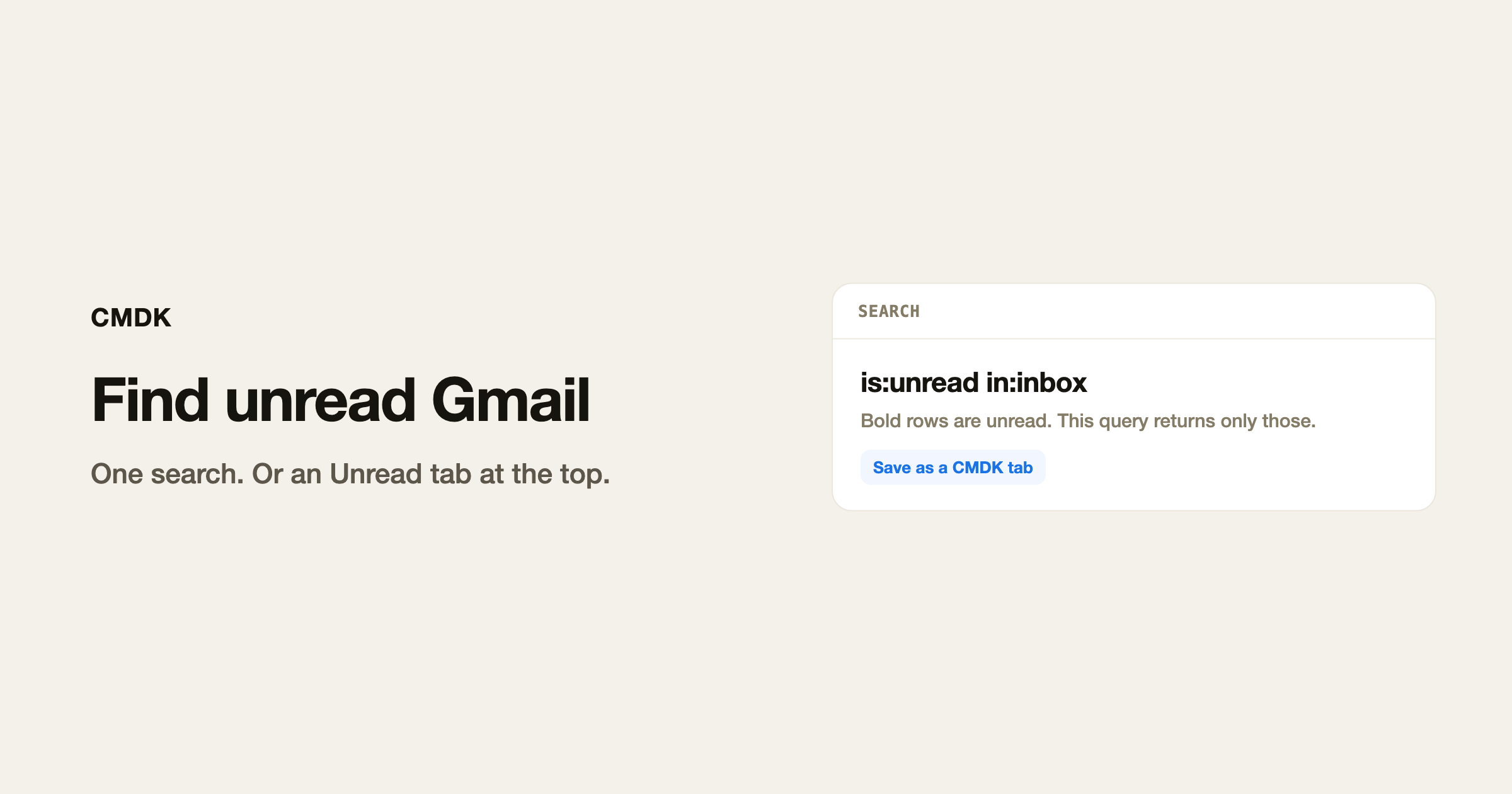
is:unread in:inbox
Add a sender or a label when the pile is large:
is:unread from:[email protected] is:unread label:work
The rest of the operators are in the search operators cheat sheet.
Make an Unread tab
Gmail’s default tabs (Primary, Promotions, Social) are not an unread filter. They are categories.
CMDK split inbox is a saved search across the top of Gmail. Add a tab whose query is is:unread in:inbox. That tab only shows unread Inbox mail. Setup is in Gmail multiple inboxes.
Select only the unread ones
Gmail keyboard shortcuts have to be on (CMDK turns them on at setup).
- Click somewhere in the list, not in the search box.
- Press
*thenU.
That selects unread conversations on the current page. * then A selects everything on the page. More ways to grab a range are in how to select multiple emails.
From there you can archive (E), mark as read (Shift+I), or mark the whole view as read.
If unread mail is missing
- You are in a label or a category tab. Search
is:unread in:anywhere. - Filters skip Inbox and apply a label. Search that label plus
is:unread. - Multiple accounts. Check the avatar in the top right.
- A filter marks mail as read on arrival. Settings, See all settings, Filters and Blocked Addresses.
Frequently asked questions
How do I find unread emails in Gmail?
Type is:unread in search. Add in:inbox if you only want Inbox.
How do I select unread emails in Gmail?
With keyboard shortcuts on, press * then U.
How do I filter unread emails in Gmail?
The search is:unread is the filter. Save it as a CMDK tab if you want it at the top of the inbox.
Does is:unread include archived mail?
Yes, unless you add in:inbox.
CMDK is the Gmail extension that adds Unread as a tab and a command to mark the current view as read.




