
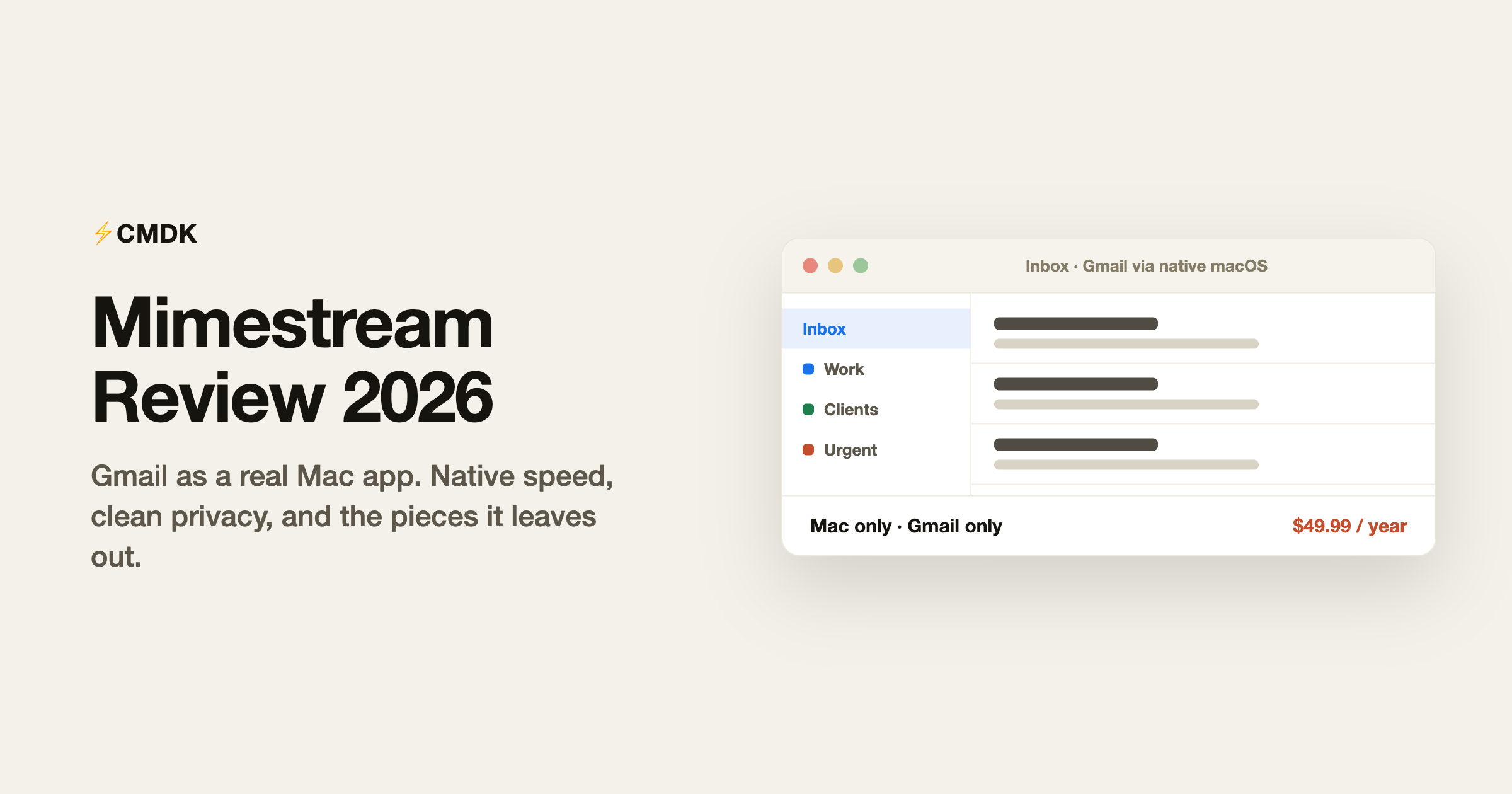
Verdict: If you live on macOS, run Google accounts only, and want email to feel like a first-class Mac app, Mimestream is the best client money can buy at $49.99 a year. Skip it if you need phone and laptop to share one workflow, use any non-Google account, or mainly want speed features rather than a nicer window.
Mimestream answers a narrow question extremely well: what would Gmail feel like as a real Mac app? Built by a former Apple Mail engineering manager, it talks to the Gmail API directly, renders everything in native macOS interface code, and handles labels, filters, aliases, and search the way Gmail actually works rather than the way IMAP pretends it does. It costs $4.99 a month or $49.99 a year, runs only on the Mac, and connects only to Google accounts. Whether it is worth it comes down to how squarely you sit in that intersection.
We build CMDK, a Gmail extension that competes for the same “make Gmail nicer” budget, so read this as an informed competitor’s review. Facts checked against mimestream.com in July 2026.
What Mimestream is
Mimestream (mimestream.com) is a native macOS email client for Gmail and Google Workspace, created by Neil Jhaveri after years running engineering on Apple Mail. The pitch has two halves:
- Native Mac speed. No Electron shell, no embedded browser. It launches instantly, scrolls like a system app, supports multiple windows, Focus filters, menu bar access, and system notifications, and sips memory compared with a Gmail tab.
- Real Gmail underneath. Because it uses the Gmail API instead of IMAP, Gmail’s actual model comes through: labels with colors and visibility settings, server-side filters you can edit in the app, aliases, categories, and Gmail’s own search syntax. Archiving in Mimestream does exactly what archiving in Gmail does, without the folder-move approximation IMAP clients settle for.
It also blocks trackers from 75+ services, responds to calendar invites inline, supports templates with fillable variables, undo send, send-and-archive, and profiles that separate work and personal accounts with independent notification schedules.
The privacy architecture deserves a sentence: Mimestream connects your Mac directly to the Gmail API and stores tokens on your device. There is no intermediary sync server holding your credentials, which puts it on the short list of clients that pass strict security reviews easily.
Mimestream pricing in 2026
- Individual: $49.99 per year, or $4.99 per month. All your Google accounts, up to 5 devices, and free sharing with immediate family.
- Group: the same per-seat price with centralized billing and seat management for teams; past 50 seats you talk to sales.
There is a 14-day free trial with no credit card, and there is no lifetime license: the developer states plainly that the app depends on Google’s API pricing and availability, so lifetime promises are off the table. Sales are direct from the website rather than the App Store, which keeps the price lower.
At $49.99 a year, Mimestream costs a fraction of the AI clients ($18 to $30 a month) while doing a completely different job.
What it does well
It is the fastest way to do Gmail on a Mac. Reviewers converge on the same finding: the app is quick, stable, and correct. Search behaves like Gmail search, labels behave like labels, and multi-account setups with profiles and unified inbox are handled better than in Apple Mail or the Gmail web interface.
Restraint as a feature. No AI assistant, no built-in calendar app, no team chat, no CRM. Mimestream does email and stops, which is exactly what a segment of professionals wants after watching every other client absorb three product categories.
Trustworthy shape. Direct API connection, on-device tokens, tracker blocking by default, and a developer with an email pedigree who ships steady updates. For the privacy-conscious Gmail user, this is the cleanest architecture available in a client.
Where it disappoints
Mac only, still. No iPhone app (the FAQ says “if/when”), no Windows, no web. Your phone falls back to the Gmail app, and your workflow splits across two interfaces with different shortcuts and features. For a product several years old, the missing iOS app is the loudest complaint in its community.
Gmail only. No Outlook, iCloud, Yahoo, or IMAP. Mixed-account households need a second client, which partly defeats the purpose of a unified native app.
No power toolkit. There are no read receipts, no send-later scheduling comparable to Gmail’s own, no snippets beyond basic templates, no follow-up reminders, and deliberately no AI. Mimestream makes Gmail feel native; it does not make you meaningfully faster at working the inbox than a well-configured Gmail tab with keyboard shortcuts.
Snooze is labeled “Labs.” A core triage feature for many people still carries an experimental tag, and its edge cases show up in user reports.
Mimestream vs CMDK
The overlap is smaller than it looks. Both serve Gmail power users; they upgrade different layers.
- Mimestream replaces the interface: a native Mac app over your Gmail account for $49.99 a year. Beautiful rendering, correct Gmail semantics, no workflow additions.
- CMDK upgrades the workflow inside the Gmail interface you already have: split inbox tabs, a Cmd+K command bar, one-key triage, snippets, read receipts, follow-up reminders, and bulk cleanup for $79 a year, in any browser on any OS.
Choose by what bothers you. If the Gmail web interface itself is the irritation (heavy tab, non-native feel), Mimestream fixes that and CMDK cannot. If your speed and follow-through are the problem (templates, tracking, reminders, triage), CMDK covers ground Mimestream deliberately leaves open. Running both is coherent for a Mac user who wants a native reading experience plus a fast browser setup, though most people pick the layer that hurts more.
Verdict
Within its chosen box (Gmail, on a Mac, email only) Mimestream is the best client money can buy, and $49.99 a year is fair for software this well made. Buy it if you live on macOS, run Google accounts exclusively, and want email to feel like a first-class Mac app with clean privacy architecture. Skip it if you need your phone and laptop to share one workflow, if any of your accounts live outside Google, or if what you actually want from an email tool is speed features rather than a nicer window. And watch the roadmap: the day an iOS app ships, the biggest asterisk on this review disappears.
Frequently asked questions
What is Mimestream?
Mimestream is a native macOS email client for Gmail and Google Workspace, built by a former Apple Mail engineering manager. It connects directly to the Gmail API, so Gmail’s labels, filters, aliases, and search work correctly, with the speed and system integration of a real Mac app.
How much does Mimestream cost?
$49.99 per year or $4.99 per month for the Individual plan, which covers all your Google accounts, up to 5 devices, and family sharing. Group plans cost the same per seat with centralized billing. There is a 14-day free trial without a credit card, and no lifetime license is offered.
Does Mimestream work on iPhone or Windows?
No. Mimestream is Mac-only (macOS 12 Monterey or newer). There is no iOS, Windows, or web version; the developer has said an iPhone app may come but has not committed to a date. On other devices you use Gmail’s own apps.
Is Mimestream safe?
Its architecture is the strongest part of the privacy story: your Mac connects directly to Google’s Gmail API and tokens stay on your device, with no intermediary server storing credentials. It also blocks tracking pixels from 75+ services by default.
Does Mimestream support Outlook or iCloud accounts?
No. Mimestream is built specifically on the Gmail API and supports Google accounts only. For mixed providers on a Mac, Apple Mail or Spark are the practical alternatives.
What is the best Mimestream alternative?
For cross-platform, multi-provider email, Spark (see our Spark Mail review). For AI-first Gmail, Shortwave (our Shortwave review covers it). For keeping the Gmail interface and adding the speed toolkit Mimestream omits (snippets, read receipts, split inbox, command bar), CMDK at $79 per year.
Want the workflow upgrades Mimestream leaves out, right inside Gmail? CMDK adds snippets, read receipts, follow-up reminders, and a command bar to Gmail for $79 a year, with a 15-day free trial, on any OS.




