
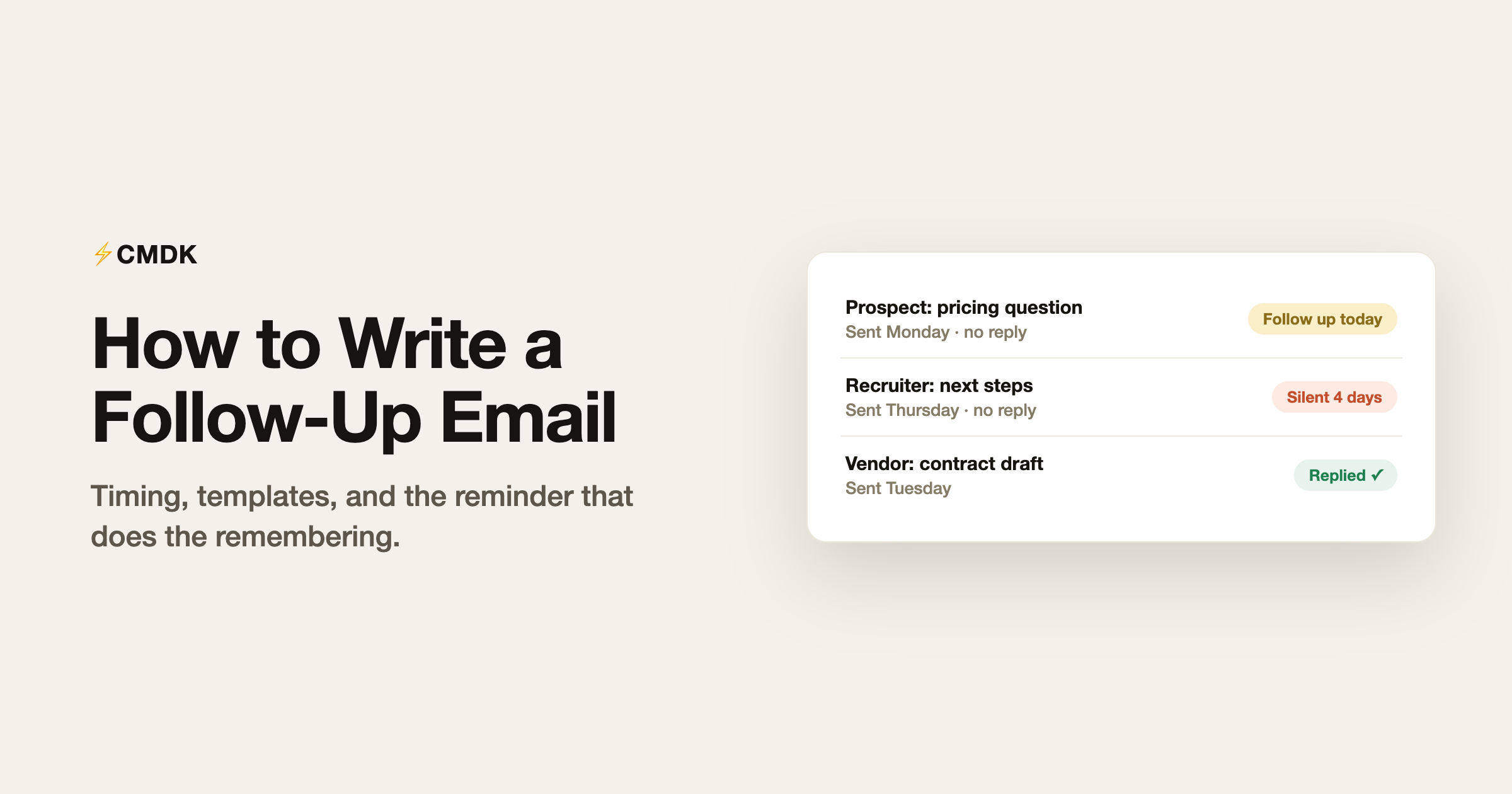
Most emails that get no reply were not rejected; they were buried. The average professional inbox gets over a hundred messages a day, so silence usually means “scrolled past on a busy morning,” not “no.” A follow-up email is how you resurface, and done right it is not nagging: studies of cold outreach consistently show the first follow-up lifts reply rates by around 40 percent.
Done wrong, it is “just bumping this to the top of your inbox,” which adds nothing and mildly annoys everyone. Here is how to do it right.
The three rules
Wait the right amount of time. Two to three business days for most professional email. Same week for sales prospects. For job applications, wait until the stated timeline passes, plus two days. Following up within 24 hours reads as impatient everywhere except genuine emergencies.
Add something new. The cardinal rule. Every follow-up should give the reader a new reason to reply: a piece of information, a shorter version of the ask, a deadline that approached, a relevant result. If your follow-up is only “did you see my last email?”, you have given them nothing to respond to that they did not already ignore once.
Make the ask smaller. If the original email asked for a meeting, the follow-up asks for a yes/no. If it asked for feedback on a document, the follow-up asks about one section. Shrinking the ask lowers the cost of replying, and low-cost asks get answered.
Reply in the same thread, or start fresh?
Same thread, almost always. The thread carries the context, so the reader does not have to remember who you are. Start a fresh email only when the original subject line was weak or the thread has grown so long it looks like work to open. If you do start fresh, write a subject line that carries the ask rather than “Following up”.
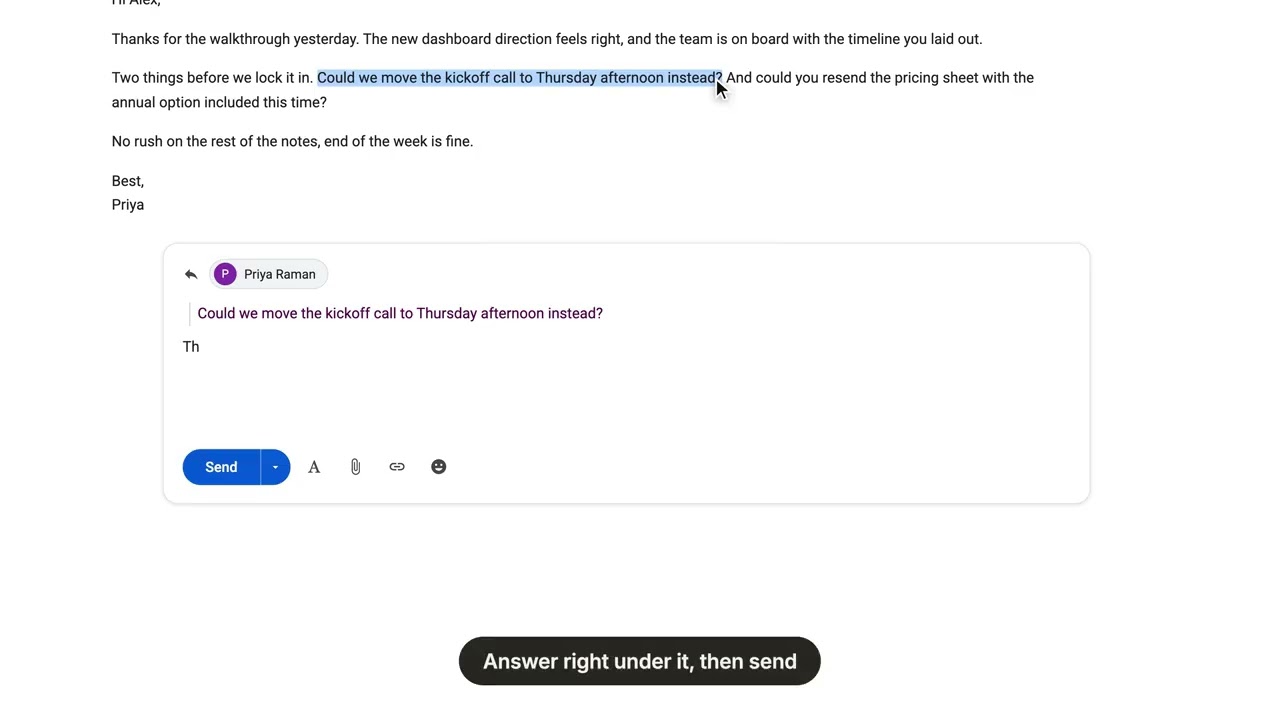
One more thread trick: quote the exact line you are following up on instead of restating it. In Gmail that normally means fiddly select-copy-indent work; CMDK’s Quick Quote does it in one keystroke, as this short demo shows:
Template 1: the general no-response follow-up
Hi [Name],
Following up on my note from [day] about [topic, three words max]. The short version: [one-sentence restatement of the ask].
If now is a bad time, a one-line “not now” is a perfectly good answer.
Best,
[Your name]
The “not now is fine” line converts surprisingly well, because it gives a guilt-free exit that often turns into a real answer.
Template 2: the sales follow-up
Hi [Name],
When we last spoke you mentioned [pain point]. Since then, [new thing: a relevant result, feature, or customer story in one sentence].
Worth a 15-minute call this week, or should I check back next quarter?
Best,
[Your name]
The either/or close beats an open question: “next quarter” is a real answer you can act on, and it keeps the door open without another follow-up cycle.
Template 3: after a job application
Hi [Name],
I applied for the [role] position on [date] and wanted to confirm my application arrived. I am very interested: [one sentence connecting your strongest credential to the role].
Happy to share anything else that would be useful.
Best,
[Your name]
After an interview, the follow-up is a different animal with its own etiquette; that playbook, including the thank-you note itself, is in our interview thank-you email guide.
Template 4: the internal nudge to a colleague
Hi [Name],
Checking in on [task or decision]: [current status in one sentence]. I need [the specific thing] by [date] to keep [downstream thing] on track.
Anything blocking it I can help with?
Best,
[Your name]
Template 5: the deadline-driven follow-up
Hi [Name],
A quick heads-up that [deadline or event] is on [date]. To make it, I would need [the thing] by [earlier date].
If that is not realistic, let me know and I will adjust the plan.
Best,
[Your name]
Template 6: the second follow-up
If the first follow-up also got silence, wait about a week, then send one more with the smallest possible ask:
Hi [Name],
Last note on this, promise. If [the ask] is not a priority right now, no problem at all; a one-word reply (“later” works) and I will stop cluttering your inbox.
Best,
[Your name]
Template 7: the break-up email
After two or three unanswered follow-ups, the break-up email closes the loop, and it gets more replies than any nudge because it introduces an ending:
Hi [Name],
I have not heard back, so I will assume the timing is not right and stop following up on this.
If things change, my earlier notes have the details, and I am easy to reach.
Best,
[Your name]
The part everyone gets wrong: remembering to follow up
Writing the follow-up is easy. Remembering that Thursday’s email to a prospect has now been silent for four days, across dozens of open threads, is the hard part, and no template fixes it.
This is a workflow problem. CMDK’s follow-up reminders let you mark an email “remind me if no reply in 3 days” as you send it, right inside Gmail. If the reply comes, the reminder dissolves; if not, the thread resurfaces at the top of your inbox exactly when your follow-up is due. Pair it with snippets holding the templates above and the entire follow-up loop, remembering plus writing, takes seconds per thread.
FAQ
How long should I wait before sending a follow-up email?
Two to three business days for general professional email, up to a week for busy executives or a second follow-up. For job applications, wait until the employer’s stated timeline passes plus two days. Under 24 hours reads as impatient.
How do I politely follow up on an email with no response?
Reply in the same thread, restate the ask in one sentence, add one new piece of information, and offer an easy out (“if now is a bad time, a quick ‘not now’ is fine”). Never open with “per my last email.”
How many times should I follow up?
Three touches is the practical ceiling for most contexts: the original, a follow-up, and a final note. In sales, sequences run longer, but each message must still add something new. After that, a break-up email closes the loop cleanly.
What should the subject line of a follow-up email be?
If you reply in-thread, keep the existing subject. For a fresh email, put the ask in the subject line: “Decision needed: Q3 vendor contract” beats “Following up” in every reply-rate test we have seen.
The templates get you the words; the discipline is remembering. CMDK adds follow-up reminders, snippets, and read receipts to Gmail, so you know who opened, who went silent, and which thread needs the nudge today. Install it free.




