
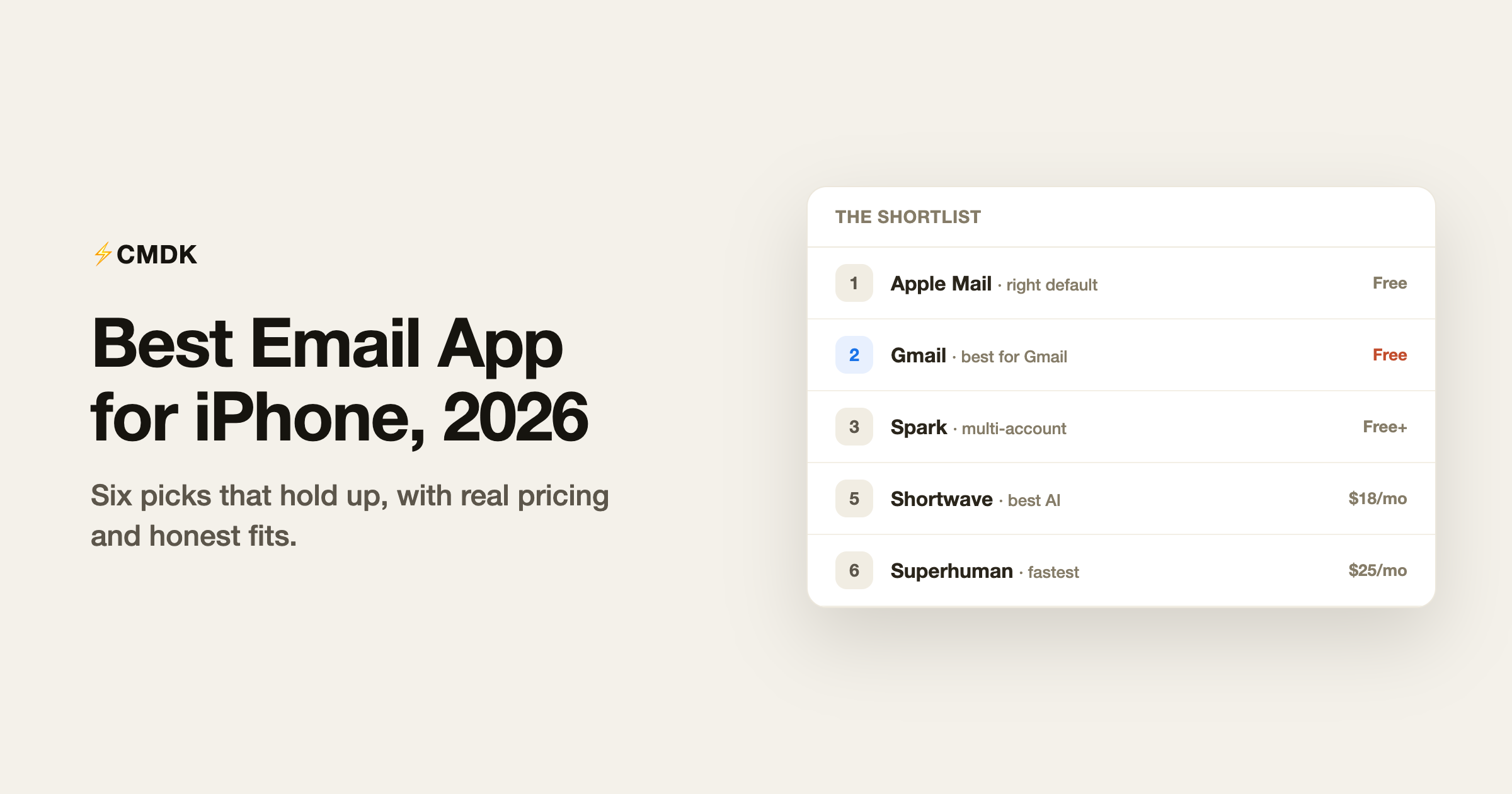
The iPhone email market has thinned out. Notion Mail is shutting down in September 2026, several indie darlings of the 2010s are gone or coasting, and what remains splits into two camps: free apps from giants (Apple, Google, Microsoft) and subscription apps that justify a monthly fee with AI or speed. Here are the six worth putting on your home screen, by the job they do best, with pricing verified in July 2026.
One disclosure up front: we build CMDK, a Gmail extension for desktop browsers. It has no iPhone app, so it is absent from this list, and we say what we would pair it with at the end.
This list is iPhone-specific. For the cross-platform picture, see our pick of the best email apps in 2026.
1. Apple Mail: the right default for most people
Free, preinstalled.
Apple Mail in 2026 is better than its reputation: mail categorization sorts promotions and transactions out of your primary view, priority messages surface time-sensitive email, and scheduled send, undo send, and full system integration (Focus modes, Siri, Contacts) all work without an account handed to a third party. Every provider connects. Its limits are workflow depth: search is mediocre, Gmail labels translate clumsily, and there is no serious triage tooling. If you read more email than you process, keep the default.
2. Gmail: best for Gmail accounts
Free.
If your email lives on Gmail, Google’s own app is the path of least surprise: labels, filters, and search behave exactly as they should, notifications can be limited to important mail only, and the app gets Google’s newest features first. Package tracking, summary cards, and Gemini-powered summaries have landed here ahead of any third-party client. The interface is busier than Apple Mail’s and it will occasionally promote other Google products at you, but fidelity to how Gmail actually works is unmatched on iOS.
3. Spark: best free upgrade and multi-account inbox
Free; Plus $10/month; Pro $20/month.
Spark’s free tier gives an iPhone user more than any competitor: unlimited accounts from any provider in one Smart Inbox that separates people-mail from newsletters and receipts, plus snooze, scheduled send, and follow-up reminders. Paid tiers add the AI assistant and team features. The recurring criticism is that Spark’s cloud stores account credentials to power its sync, which privacy-sensitive users and some employers reject. Our Spark Mail review weighs that trade.
4. Outlook: best for work email on a personal phone
Free.
Outlook on iOS is quietly one of Microsoft’s best apps: the Focused inbox is effective, calendar and mail live in one app, and it is the sanctioned way to reach a corporate Microsoft 365 mailbox from a personal device. It also handles Gmail and iCloud accounts, making it a workable single app for work-plus-personal. Ads appear in the free consumer experience, and Gmail power users will find labels handled as an afterthought.
5. Shortwave: best AI email on iPhone
Pro $18/month; team plans from $30/seat. Gmail only.
Shortwave’s iPhone app carries its full AI assistant: ask questions against years of email history, get thread summaries, and fire off AI drafts written in your voice, with Google Inbox-style bundles making mobile triage genuinely fast. It requires a Gmail or Google Workspace account and a subscription for serious use. If AI in email is the point, this is the strongest mobile expression of it; details in our Shortwave review.
6. Superhuman: fastest, for a price
From $25/month. Gmail and Outlook.
Superhuman’s iOS app brings the split inbox, snippets, read statuses, follow-up reminders, and AI drafting of the desktop experience to the phone, and swiping through a hundred emails in it is as quick as mobile email gets. The subscription is the entire question: $300+ a year makes sense for people whose calendar is worth defending at that price and rarely for anyone else. Our Superhuman review draws that line more precisely.
Which one should you pick?
| You are | Pick | Cost |
|---|---|---|
| A light or mixed-provider user | Apple Mail | Free |
| All-in on Gmail | Gmail app | Free |
| Juggling several accounts | Spark | Free, Plus $10/mo |
| Reaching a corporate Microsoft mailbox | Outlook | Free |
| Sold on AI email | Shortwave | $18+/mo |
| A speed-obsessed high-volume sender | Superhuman | $25+/mo |
The half most lists skip: your phone is only half your inbox
Most email time still happens at a desk, and the honest setup for a Gmail user is a pairing: a light app on the phone for reading and quick replies (Gmail or Apple Mail cover it free), and a fast, tooled-up Gmail in the desktop browser for real processing. That second half is where CMDK lives: a Cmd+K command bar, split inbox tabs, one-key triage, snippets, read receipts, and follow-up reminders, at $79 a year. Read on the phone; process at the desk.
Frequently asked questions
What is the best free email app for iPhone?
Apple Mail for simplicity and privacy, the Gmail app for Gmail fidelity, and Spark for features (unlimited accounts, Smart Inbox, snooze, scheduled send, free). All three are genuinely free rather than trial-limited.
Is the Gmail app better than Apple Mail for Gmail accounts?
For anyone who uses labels, filters, or Gmail search seriously, yes: Apple Mail connects to Gmail over protocols that approximate those features, while the Gmail app implements them natively. For casual reading, Apple Mail is fine and more private.
What happened to Notion Mail on iPhone?
Notion announced it is shutting down Notion Mail on September 22, 2026. Mail synced with Gmail stays safe in your Gmail account, but drafts, snippets, and settings need exporting before the deadline. Our Notion Mail review covers the migration.
Is Superhuman worth it on iPhone?
The app is excellent, but nobody should buy Superhuman for the phone alone; the subscription’s value is the whole workflow across desktop and mobile. Below roughly 100 emails a day, cheaper setups (a free mobile app plus a desktop speed layer) cover most of the same ground.
Handle the desk half of your Gmail faster: CMDK adds a command bar, snippets, read receipts, and split inbox to Gmail in your desktop browser, for $79 a year with a 15-day free trial.




