
Verdict: Choose Superhuman if you process 150+ emails a day by keyboard or live in Outlook, and the $300-plus a year buys back the time. Choose Shortwave if you want an AI assistant that works over your whole history, or Windows is your main machine, at a lower $216 a year.
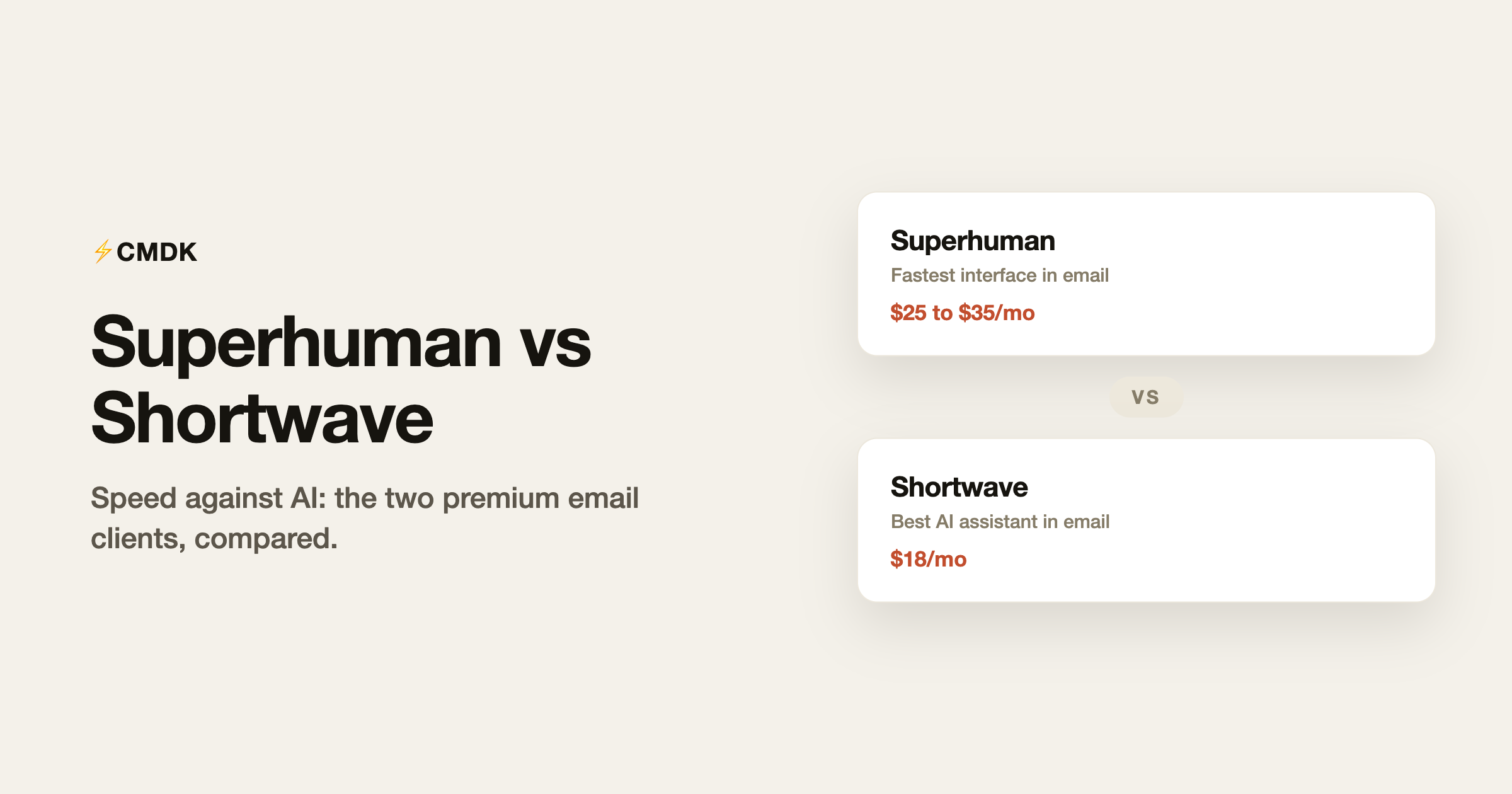
Superhuman and Shortwave are the two serious answers to “premium email client” in 2026, and they disagree about what email’s problem is. Superhuman thinks email is too slow, so it built the fastest interface in the category. Shortwave thinks email is too dumb, so it built the best AI assistant in the category. Both charge accordingly. Here is the honest comparison, with July 2026 pricing, and a disclosure: we build CMDK, a cheaper Gmail extension that shows up briefly at the end.
The philosophies
Superhuman is a speed instrument: sub-100ms interactions, a command palette for everything, one-key triage, split inbox, snippets, read statuses, and follow-up reminders, with AI drafting added on top in recent years. Its model user processes 150+ emails a day and treats the inbox like a cockpit.
Shortwave is an AI assistant wearing an email client: ask it anything from years of your email history, get thread summaries, have it draft in your voice, and let Google Inbox-style bundles group the noise for one-tap triage. Its model user wants email handled more than email accelerated.
Pricing
| Superhuman | Shortwave | |
|---|---|---|
| Entry price | $25/month | Free tier (limited AI) |
| Serious individual use | $25 to $33/month | Pro, $18/month |
| Teams | $30+/seat | $30 to $120/seat |
| Annual cost, one person | $300 to $396 | $216 |
| Trial | 30 days | Free tier + trials |
Shortwave is meaningfully cheaper at every tier, and its free tier (with limited AI credits) gives a real preview. Superhuman has no free tier.
Accounts and platforms
Superhuman supports Gmail and Outlook accounts, with native apps on Mac, iOS, and Android plus web. Shortwave is Gmail and Google Workspace only, with apps on Mac, Windows, iOS, and Android. An Outlook user’s decision ends here: Superhuman or nothing (from this pair). A Windows user leaning Superhuman should note there is no native Windows app; it is web-only there, while Shortwave ships a Windows client.
Speed and triage
Superhuman wins, and it is supposed to: the interface is faster, the keyboard coverage is total, and features like auto-advance after archiving make hundreds of daily emails processable. Shortwave’s bundles are a genuinely good triage idea (archive a whole newsletter bundle in one tap), but the app is built around asking and reading rather than blazing through. High-volume processors notice the difference within a day.
AI
Shortwave wins, comfortably. Its assistant runs searches across your entire history and reasons over the results (“what did the contractor quote in March, and did we approve it?”), which is a different class of capability from Superhuman’s summarize-and-draft AI. Both draft competently in your voice; only Shortwave functions as something like a research assistant over your mailbox. If AI is why you are paying for email at all, this category decides it.
Search
Shortwave’s conversational search is the headline, but its traditional search is also Gmail-grade since it sits on Gmail’s index. Superhuman’s search is fast but has long been its weakest feature relative to the polish elsewhere. Power searchers lean Shortwave.
The verdict
| You | Pick |
|---|---|
| Process 150+ emails/day, live by the keyboard | Superhuman |
| Use Outlook | Superhuman |
| Want AI that genuinely works over your history | Shortwave |
| Windows desktop is your main machine | Shortwave |
| Watching the budget | Shortwave ($216/yr vs $300+) |
The third option both comparisons skip
Both products replace Gmail’s interface. If what you want is Superhuman-style speed rather than AI, there is a cheaper path that replaces nothing: CMDK (our product) adds the command bar, split inbox, one-key triage, snippets, read receipts, and follow-up reminders directly to Gmail in your browser for $69 a year: roughly a quarter of Superhuman, a third of Shortwave, with no new app to learn. It has no AI assistant; for that, Shortwave stands alone.
Frequently asked questions
Is Shortwave cheaper than Superhuman?
Yes. Shortwave Pro is $18/month ($216/year) against Superhuman’s $25 to $33/month ($300 to $396/year), and Shortwave has a free tier while Superhuman does not.
Does Superhuman work with Outlook?
Yes, Superhuman supports both Gmail and Outlook accounts. Shortwave is Gmail and Google Workspace only, which settles the comparison for Outlook users.
Which is better for AI, Superhuman or Shortwave?
Shortwave. Its assistant can search and reason across your full email history, while Superhuman’s AI focuses on summarizing and drafting. Superhuman is catching up but Shortwave’s AI remains the category leader as of mid-2026.
Can I get Superhuman’s features without paying $300 a year?
Most of the workflow, yes: Gmail’s built-in shortcuts plus an extension like CMDK ($69/year) covers the command bar, split inbox, snippets, read receipts, and one-key triage. The parts that require Superhuman itself are its native mobile apps, Outlook support, and its specific polish. Full breakdowns: Superhuman review and Shortwave review.
Want the speed without the subscription math? CMDK adds the Superhuman-style workflow to Gmail for $69 a year, with a 15-day free trial.
Weighing a cheaper option than either? We also compared Superhuman vs Spark.




