
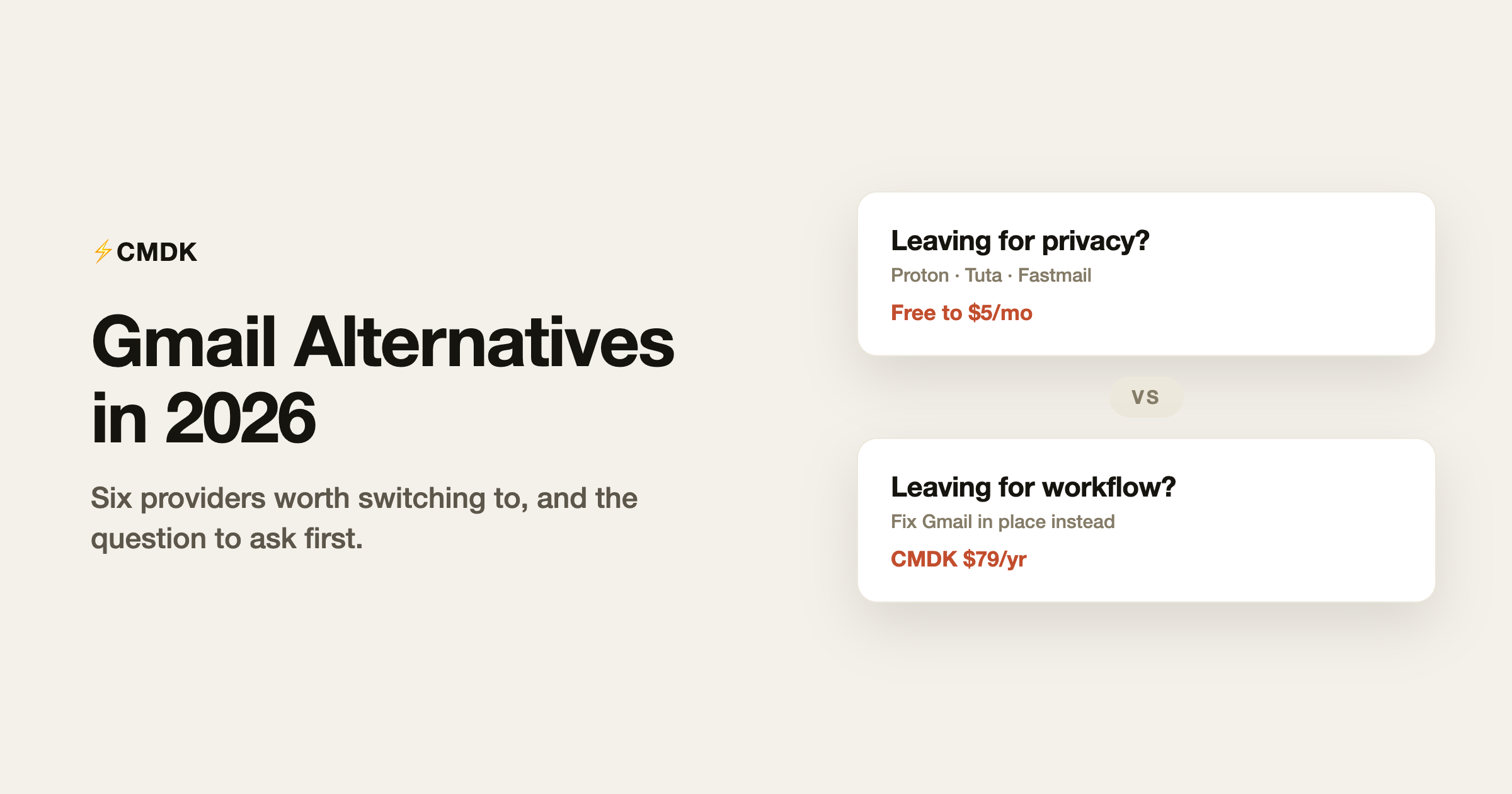
People search for Gmail alternatives for two very different reasons. Some want out of Google: privacy, ads, data concerns, or de-Googling on principle. Others just hate their inbox: the clutter, the slowness of doing everything by mouse, the sense of drowning. The first problem means changing providers, and this guide compares the six worth considering. The second problem is cheaper to fix, and we cover that at the end, with the disclosure that we build a tool in that category.
Switching email providers is a real project: years of history to migrate, hundreds of logins pointing at the old address, and new habits. Before committing, be sure which problem you have.
1. Proton Mail: best for privacy
Free plan: 1 GB, one address, 150 messages/day. Mail Plus from $3.99/month. Encrypted end to end.
Proton is the default answer to “I want Google out of my email.” Messages between Proton users are end-to-end encrypted, everything at rest is encrypted so Proton itself cannot read your mail, and the company operates under Swiss privacy law. The ecosystem now includes calendar, drive, VPN, and a password manager. The costs of that architecture: search inside message bodies is limited by encryption, IMAP requires a paid plan plus the Proton Mail Bridge app, and third-party integrations are deliberately scarce. You are trading convenience for privacy, which is exactly the deal privacy buyers want.
2. Fastmail: best Gmail replacement for power users
No free tier; Individual plan around $5/month on annual billing, 30-day trial.
Fastmail is what email looks like when the user is the customer: fast webmail and apps, superb keyboard shortcuts, real IMAP, custom domains, and masked email addresses for signups. It is the choice for people who liked Gmail’s speed but want a company whose business model is subscriptions rather than data. It offers no free plan and its interface is plainer than Gmail’s, but after twenty-plus years in business it is the safest independent bet in email.
3. Zoho Mail: best budget custom-domain email
Free for up to 5 users on one custom domain (web and mobile app only). Mail Lite $1/user/month, annual billing.
Zoho’s free plan is quietly one of the best deals in email: a custom-domain mailbox for a five-person team at zero cost. The catch is protocol access: free accounts are web-and-app only, with IMAP, POP, and desktop clients reserved for paid tiers, which start at just $1 per user per month. The interface is functional rather than beautiful, and Zoho will keep offering you the rest of its enormous app suite. For a bootstrapped business that wants professional email for nearly nothing, this is the pick.
4. iCloud+ Mail: best for Apple households
Included with iCloud+ from $0.99/month, including custom domain support.
Apple users already have this one: iCloud Mail with a custom domain costs less than a dollar a month as part of iCloud+, integrates natively with every Apple device, and inherits Apple’s privacy posture (Hide My Email aliases included). It is a light-duty provider: filtering and search are basic, storage shares with your photos, and there is no serious business tooling. As the family-domain email for people who live in Apple Mail anyway, it is almost free money.
5. Tuta: strongest encryption stance
Free plan: 1 GB. Paid from around 3 euros/month.
Tuta (formerly Tutanota) encrypts more than Proton does, including subject lines and calendar entries, and runs on green energy in Germany under GDPR. The trade-offs are steeper: no IMAP at all (their apps or nothing), which means no third-party email clients, ever. For maximum-privacy users who accept living entirely inside Tuta’s apps, it is the purest option. For anyone who wants flexibility, Proton is the more practical privacy pick.
6. Outlook.com: the mainstream alternative
Free with ads; ad-free from $1.99/month with Microsoft 365 Basic.
Switching from Google to Microsoft is less a privacy move than an ecosystem move, but for people whose complaint is Gmail’s interface or Google fatigue specifically, Outlook.com is a full-service free provider with a good calendar and tight Office integration. Our full Gmail vs Outlook comparison covers that decision properly.
Which one should you pick?
| Your reason for leaving | Pick | Cost |
|---|---|---|
| Privacy, on principle | Proton Mail | Free, $3.99+/mo |
| Maximum encryption | Tuta | Free, ~3 EUR/mo |
| Power user, wants independence | Fastmail | ~$5/mo |
| Custom domain on a budget | Zoho Mail | Free to $1/user/mo |
| Apple household | iCloud+ | $0.99/mo |
| Prefer Microsoft’s world | Outlook.com | Free |
Before you switch: which problem do you actually have?
Here is the pattern we see constantly: the complaint is “I hate Gmail,” but the specifics are a cluttered inbox, everything taking too many clicks, newsletters burying real mail, and no way to know if anyone read your message. None of that is Google’s data policy. That is workflow, and it follows you to any provider you migrate to.
Workflow is fixable in place. CMDK (our product) adds the missing speed layer to Gmail itself: a Cmd+K command bar, split inbox tabs that separate newsletters and notifications from real mail, one-key triage, snippets, read receipts, follow-up reminders, and bulk inbox cleanup. It costs $79 a year against the multi-day project of migrating a decade of email. If your grievance is privacy, switch providers, and take the table above. If your grievance is the daily experience, fix the experience.
Frequently asked questions
What is the best free Gmail alternative?
Proton Mail’s free plan for privacy (1 GB, one address), Zoho Mail’s free plan for a custom domain (up to 5 users, web-only), and Outlook.com for a full-featured mainstream mailbox. Fastmail, often the best overall alternative, has no free tier.
Can I keep my Gmail address if I switch providers?
You cannot move the @gmail.com address itself, but you can forward Gmail to your new provider and send from the new address during a transition. Most people run both in parallel for months while updating logins. Using your own custom domain at the new provider means never being locked to a provider again.
Is switching from Gmail worth it?
For privacy reasons, yes, and Proton or Tuta deliver something Google structurally will not. For workflow reasons, usually no: inbox clutter and slow triage follow you to any provider, and are cheaper to fix inside Gmail with better filters, labels, and an extension layer than with a migration.
How do I migrate years of Gmail history?
Most paid providers (Proton, Fastmail, Zoho) offer one-click Gmail importers that pull mail over IMAP or the Gmail API, preserving folders and labels. Google Takeout also exports everything as an MBOX file as a backup. Expect a large mailbox to take hours to days to transfer, and keep the Gmail account alive as a forwarder afterward.
Decided the workflow is your real problem? CMDK adds a command bar, split inbox, snippets, and read receipts to the Gmail you already have, for $79 a year with a 15-day free trial.


