
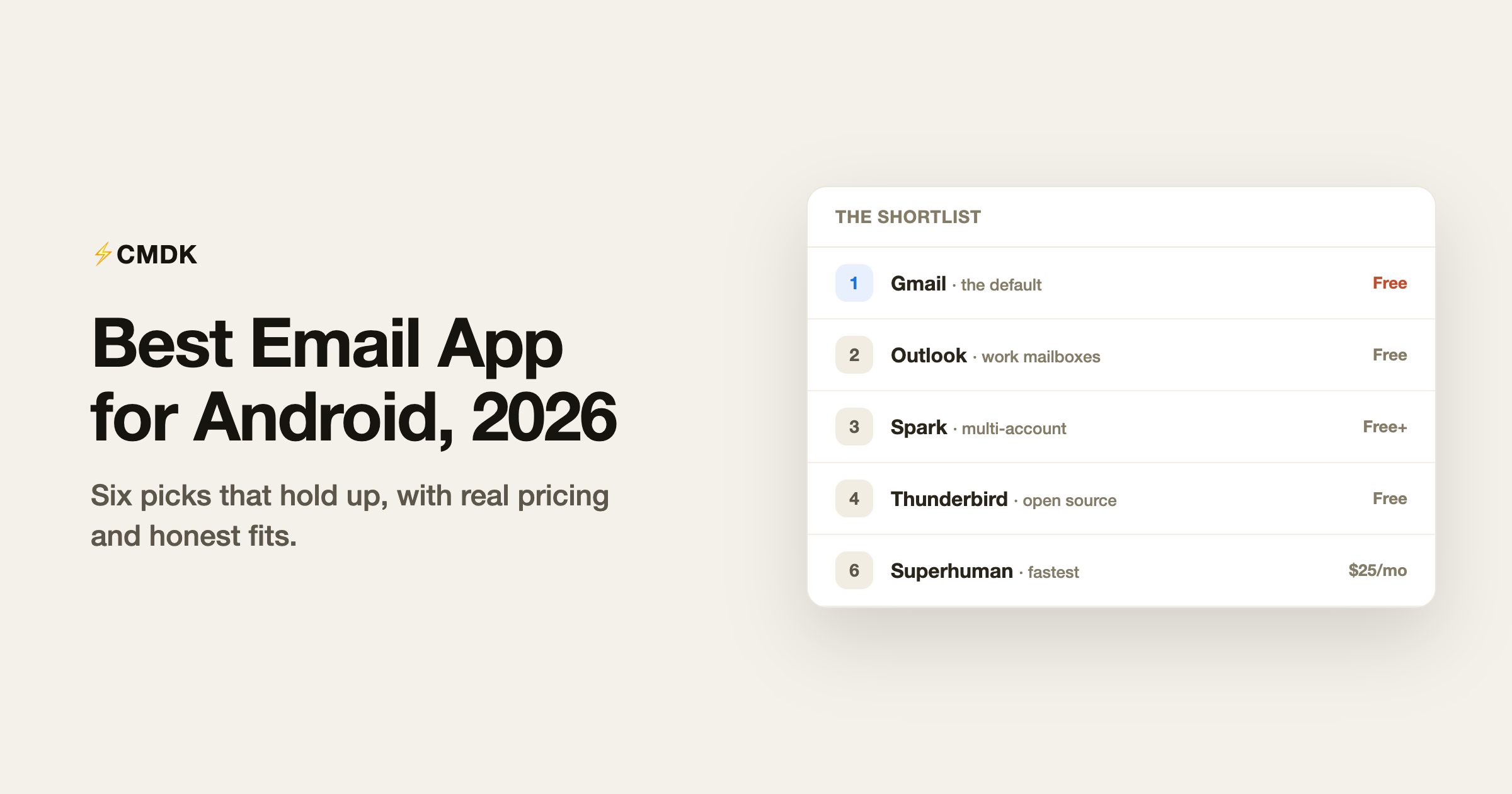
Android email has consolidated around a few serious options. The 2010s wave of indie clients has mostly folded or gone stale, Thunderbird absorbed K-9 Mail and became the open-source standard, and the interesting new entrants (Shortwave, Superhuman) charge subscriptions for AI and speed. Here are the six apps worth installing in 2026, by the job they do best, with pricing verified in July.
One disclosure up front: we build CMDK, a Gmail extension for desktop browsers. It has no Android app, so it is absent from the list itself, and we say what we would pair it with at the end.
This list is Android-specific. For the cross-platform picture, see our pick of the best email apps in 2026.
1. Gmail: the default for a reason
Free, preinstalled on most phones.
The Gmail app is where Google ships email features first: full label and filter fidelity, the best mobile email search, package tracking, summary cards for flights and orders, and Gemini summaries on long threads. It also handles Outlook, Yahoo, and IMAP accounts these days, making it a passable unified client. The costs are cosmetic and philosophical: a busy interface, occasional self-promotion, and Google. For most Android users with Gmail accounts, it remains the correct answer.
2. Outlook: best for Microsoft mailboxes
Free.
Outlook for Android is the sanctioned route to a corporate Microsoft 365 mailbox on a personal phone, and a good app besides: the Focused inbox filters noise well, calendar and email share one app, and Gmail or iCloud accounts can ride along. Consumer accounts see ads in the free experience, and Gmail labels get second-class treatment, but for the work-phone-is-my-phone crowd it is the practical pick.
3. Spark: best multi-account inbox
Free; Plus $10/month; Pro $20/month.
Spark’s free plan puts every account (Gmail, Outlook, iCloud, Yahoo, IMAP) into one Smart Inbox that separates mail from humans out of the newsletter and notification noise, with snooze, scheduled send, and reminders included. Settings sync to its Mac and Windows apps, so one setup covers all your devices. The trade-off to know: Spark’s cloud stores account credentials to power its sync features, which some workplaces disallow. More in our Spark Mail review.
4. Thunderbird: best free and open source
Free, open source, no ads ever.
Thunderbird for Android is K-9 Mail’s successor, run by Mozilla’s Thunderbird team, and since its stable release it has become the default recommendation for anyone who wants email without a company in the loop: every IMAP/POP provider, a unified inbox, OpenPGP encryption support, granular sync control, and QR-code migration from desktop Thunderbird. No AI, no cloud features, no tracking, funded by donations. The interface is plainer than the commercial apps and calendar integration is still missing, but nothing else on this list respects your data as thoroughly.
5. Shortwave: best AI email on Android
Pro $18/month; team plans from $30/seat. Gmail only.
Shortwave’s Android app carries the best AI assistant in email: ask questions across years of your history, summarize threads, and send AI drafts written in your voice, with Google Inbox-style bundles that make phone triage fast. It needs a Gmail or Google Workspace account and a subscription for real use, and the price has climbed as the company courts business seats. Our Shortwave review covers whether $216 a year earns its keep.
6. Superhuman: fastest, for a price
From $25/month. Gmail and Outlook.
Superhuman’s Android app arrived years after iOS but now delivers the same experience: split inbox, one-key triage, snippets, read statuses, follow-up reminders, and AI drafting, all tuned for speed. The calculus is unchanged: $300+ a year is rational for high-volume senders whose time prices accordingly and hard to defend below that. Our Superhuman review draws the line.
Which one should you pick?
| You are | Pick | Cost |
|---|---|---|
| A Gmail user without strong complaints | Gmail app | Free |
| Reaching a corporate Microsoft mailbox | Outlook | Free |
| Juggling several providers | Spark | Free, Plus $10/mo |
| Privacy-first, anti-subscription | Thunderbird | Free |
| Sold on AI email | Shortwave | $18+/mo |
| A speed-obsessed high-volume sender | Superhuman | $25+/mo |
The half most lists skip: your phone is only half your inbox
Serious email processing still happens at a desk, and the honest Android setup for a Gmail user is a pairing: the free Gmail app on the phone for reading and quick replies, and a tooled-up Gmail in the desktop browser for the real work. That desktop half is where CMDK operates: a Ctrl+K command bar, split inbox tabs, one-key triage, snippets, read receipts, and follow-up reminders for $79 a year. Read on the phone; process at the desk.
Frequently asked questions
What is the best free email app for Android?
The Gmail app for Gmail accounts, Spark for juggling multiple providers in one Smart Inbox, and Thunderbird for open-source privacy with no ads or data collection. All three are permanently free rather than trials.
What replaced K-9 Mail?
Thunderbird for Android. K-9 Mail joined the Thunderbird project in 2022 and became the foundation for Thunderbird’s Android app, which shipped its first stable release in late 2024 and now updates regularly. K-9 Mail itself still exists on the Play Store, built from the same code.
Is there a Superhuman for Android?
Yes. Superhuman shipped its Android app after years of iOS exclusivity, and it now covers Gmail and Outlook accounts with the same speed-focused feature set as desktop, from $25 per month.
Do any Android email apps have good AI?
Shortwave is the strongest: its assistant answers questions from your email history, summarizes threads, and drafts in your voice, on Android as well as desktop. Gmail’s own Gemini summaries are catching up for basic summarization at no cost.
Handle the desk half of your Gmail faster: CMDK adds a command bar, snippets, read receipts, and split inbox to Gmail in your desktop browser, for $79 a year with a 15-day free trial.
On an iPhone instead? See our pick for the best email app for iPhone.




