
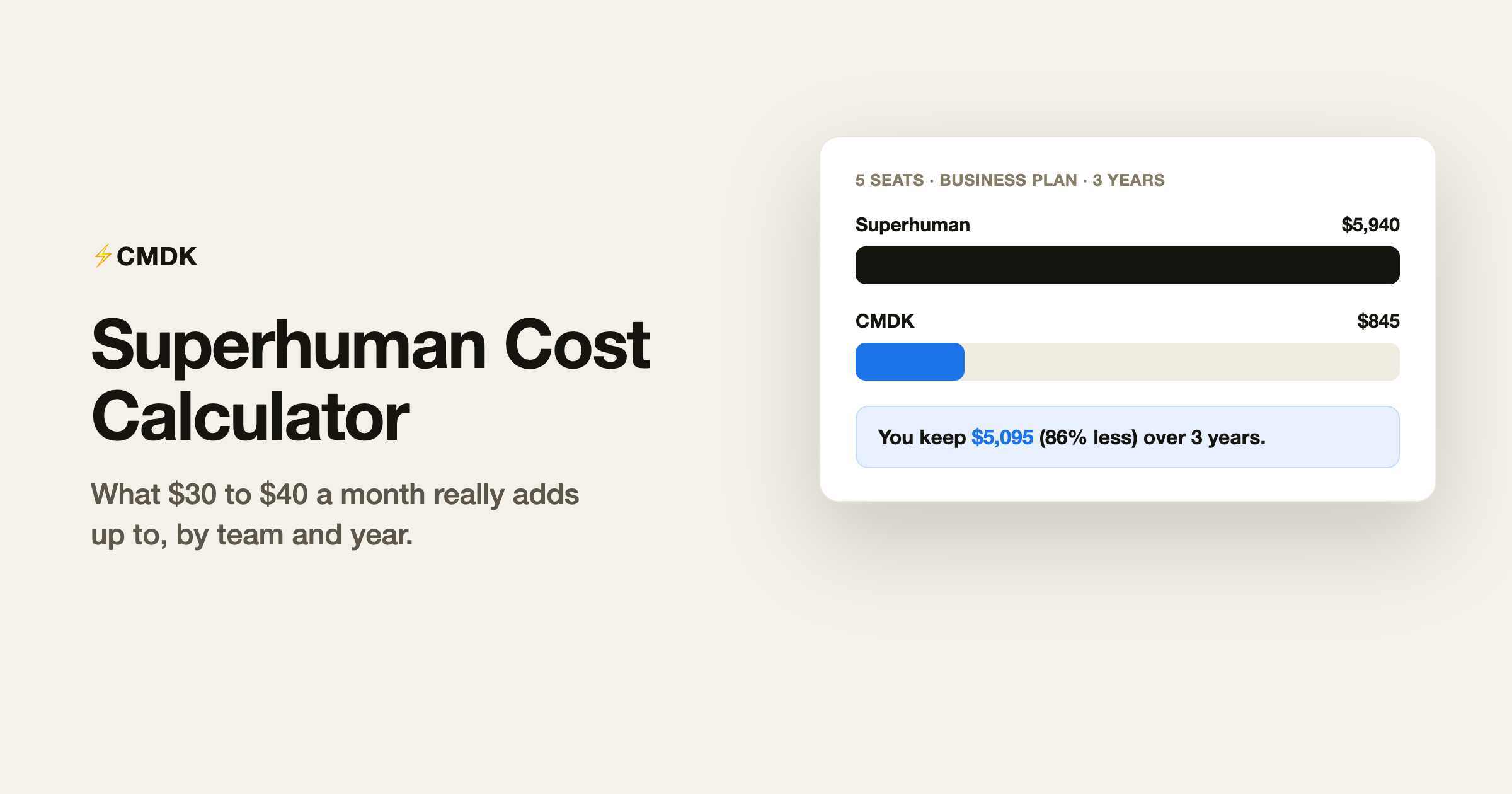
Superhuman Mail costs $30 per user per month on the Starter plan and $40 on Business, with annual billing bringing those to $300 and $396 per user per year. There is no free tier. Those numbers sound manageable until you multiply by seats and years, which is exactly what this calculator does.
Calculate your cost
Pick your team size, plan, and how far out to look.
Superhuman pricing, briefly
As of July 2026, Superhuman Mail has three plans:
- Starter: $30/month or $300/year per user. The core product: the fast keyboard-driven inbox, most AI features, share availability, team comments.
- Business: $40/month or $396/year per user. Adds Auto Drafts, Ask AI, custom auto labels, and HubSpot/Salesforce integration. Aimed at sales teams.
- Enterprise: custom pricing, with SSO and admin controls.
The 30-day trial requires a card on some signup paths, and there is no free plan to fall back to. Once the trial ends, you pay or you leave.
Where the money goes
What you are paying for is a rebuilt email client: new app, new shortcuts, new habits, with your Gmail account underneath. That is also the cost nobody puts on the pricing page. Every person on the team has to move to a new client and relearn their workflow, and if they leave the tool, they move back.
The calculator’s comparison column is CMDK, which takes the opposite approach: a Chrome extension that adds the Superhuman-style features (command bar, one-key shortcuts, snippets, read receipts, split inbox) to the Gmail you already use. It is $69 per user per year, or $169 once for lifetime, which is why the gap in the calculator grows with every seat and year.
For a feature-by-feature comparison rather than a cost one, see CMDK vs Superhuman.
Frequently asked questions
How much does Superhuman cost per month?
Superhuman Mail costs $30 per user per month on the Starter plan and $40 per user per month on Business. Annual billing lowers the effective rate to $25 and $33 per month respectively.
Is there a free version of Superhuman?
No. Superhuman has no free tier. There is a 30-day trial, after which you need a paid plan to keep using it.
How much does Superhuman cost for a team?
Multiply the per-user price by seats: a 10-person team on Business annual is $3,960 per year, and $19,800 over five years. The calculator above does the math for any team size and time horizon.
What is the cheapest way to get Superhuman?
The Starter annual plan at $300 per user per year, which works out to $25 per month. Students and nonprofits can email Superhuman to ask about discounted rates.
Is Superhuman worth the price?
If you live in email for hours a day and the speed gains hold up for you, the math can work. If what you want is the speed features, keyboard shortcuts, command bar, snippets, and read receipts inside Gmail, an extension like CMDK gets you there for about a fifth of the cost.
Run the numbers for your team above, then try CMDK free for 15 days, no credit card needed. CMDK works inside the Gmail tab you already have open.
Beyond the price, does the product deliver? Read our full Superhuman review for 2026.




