
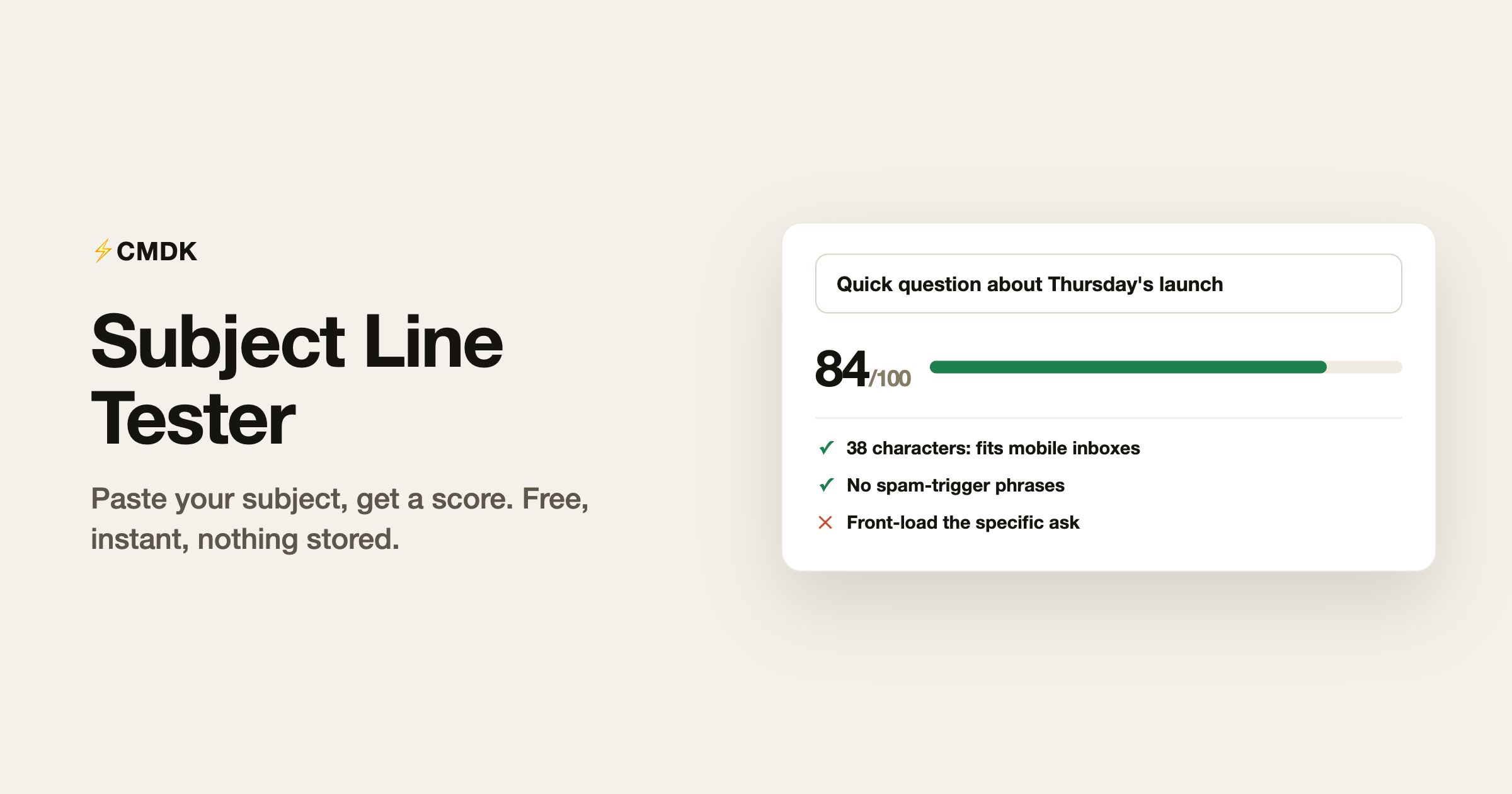
Paste your subject line below and get an instant score. The tester checks the things that measurably move open rates: length on mobile, spam-trigger phrases, shouting caps, punctuation, and word count, and shows exactly where your subject gets cut off on desktop and phone inboxes. It runs entirely in your browser; nothing you type is sent or stored.
Scores run on this page only. Nothing you type is sent or stored anywhere.
What the score is based on
Each check maps to something spam filters or human readers demonstrably react to:
- Length. 30 to 50 characters is the reliable zone. Mobile Gmail shows roughly 38 characters of subject; desktop shows about 70. A 90-character subject is a 38-character subject with the payoff hidden.
- Word count. Four to nine words scan in a single glance. One-word subjects read as vague; fifteen-word subjects read as work.
- Spam triggers. Phrases like “act now”, “risk-free”, “100% free”, and “click here” correlate with filtering and with Gmail’s Promotions tab. One is survivable; stacking them is not.
- All caps and punctuation. CAPS and repeated exclamation marks are the two oldest filter signals in email, and human readers penalize them harder than filters do.
- Fake thread prefixes. Starting a cold email with “Re:” when there is no thread earns the open and immediately spends the trust. The tester flags it as the worst offense on the list.
- Numbers. Specifics (“3 changes to Thursday’s agenda”) outperform abstractions (“Some updates”), so a digit earns a positive mark.
What a good subject line looks like
The pattern behind subjects that get opened is boring: say the specific thing the email is about, in the reader’s words, in under 50 characters. “Quick question about Thursday’s launch” beats “Touching base” because the reader can triage it without opening it. Curiosity-gap subjects (“You won’t believe what we found”) work exactly once per sender; after that they train the reader that your subjects hide the point.
A few strong shapes to steal:
- The specific ask: “Can you review the Q3 draft by Friday?”
- The concrete update: “Launch moved to March 4, one action needed”
- The number: “3 pricing options for the Acme renewal”
- The name drop: “Priya suggested I reach out about hiring”
- The plain answer: “Invoice #2041 attached”
Why testing the subject is worth 30 seconds
The subject line is most of the open decision, and the open decision is binary: everything else you wrote is invisible until it clears that bar. Thirty seconds in a tester will not turn a bad email good, but it reliably catches the three mechanical mistakes (truncation, triggers, shouting) that send good emails to Promotions or the trash unread.
If the email matters enough to test the subject, it matters enough to know whether it was opened. Read receipts for Gmail close that loop: you see when the email is opened, so a non-answer means “not interested” instead of “maybe it never arrived”.
Frequently asked questions
What is a good email subject line length?
30 to 50 characters. Mobile inboxes truncate around 38 characters and desktop around 70, so front-load the point: the first five words should carry the meaning even if everything after them is cut.
What words should I avoid in email subject lines?
The classic filter triggers: free, act now, urgent, guarantee, risk-free, click here, buy now, limited time, and money phrases like “earn cash”. Also avoid all-caps words, more than one exclamation mark, and fake “Re:” prefixes on first-contact emails.
Do emoji in subject lines hurt open rates?
Context decides. In consumer newsletters one emoji can lift visibility slightly. In business and cold email, emoji correlate with lower opens and higher spam placement, so the safe default for work email is zero.
Does this subject line tester store what I type?
No. The tester runs entirely in your browser with plain JavaScript. Nothing is transmitted, logged, or stored, which also means you can safely test subjects containing confidential details.
Why do my emails go to the Promotions tab?
Gmail classifies by sender reputation, formatting, and content signals together, and subject lines contribute: trigger phrases, caps, and heavy punctuation all push toward Promotions. A clean subject does not guarantee the Primary tab, but a spammy one nearly guarantees you miss it.
Test the subject, then track the open: CMDK adds read receipts, snippets, and follow-up reminders to Gmail, free for 15 days.




