
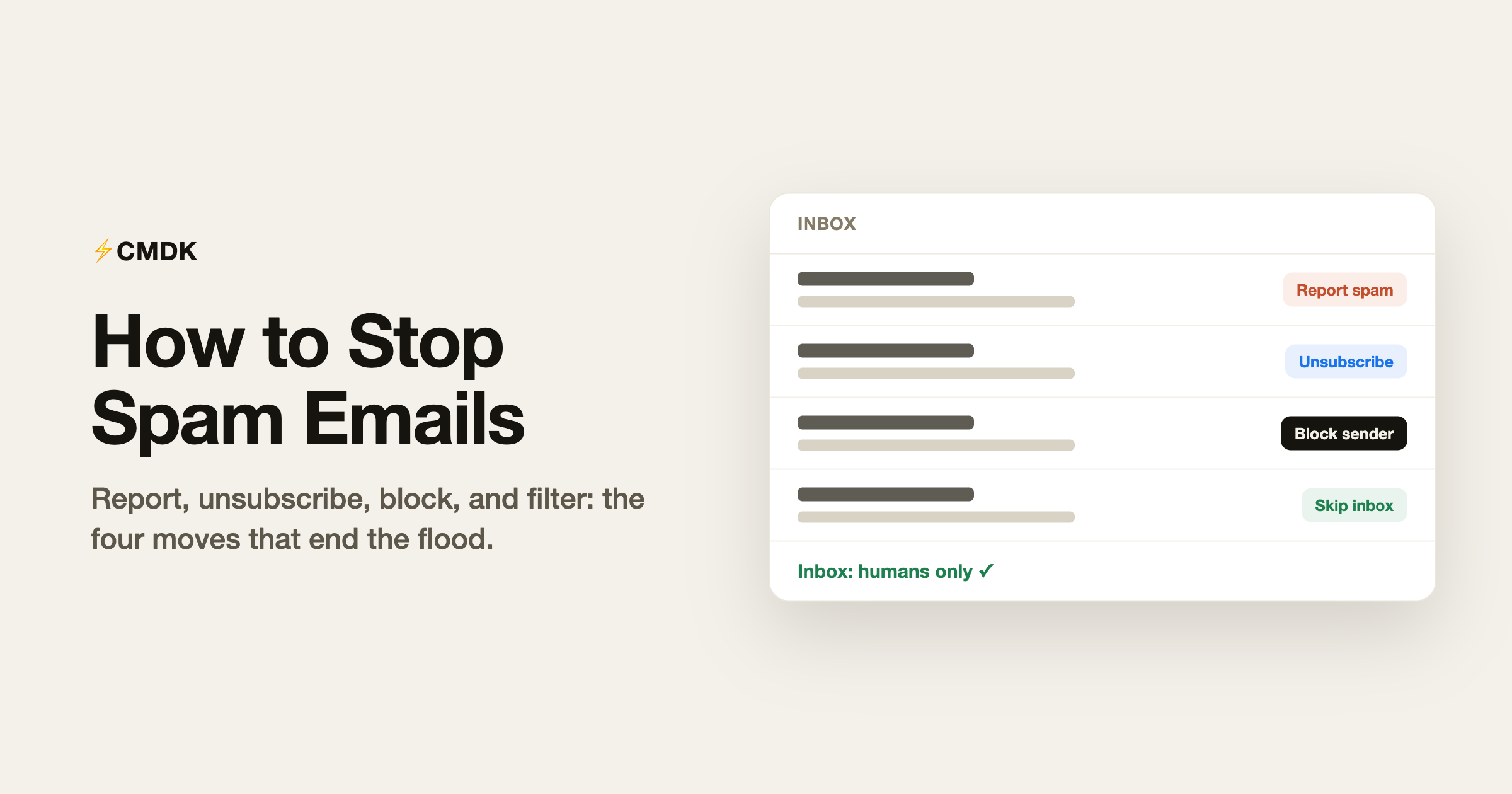
Spam has two sources, and they need different fixes. Real spam (scams, phishing, sketchy pharmacies) is a filtering problem: report it and let Gmail get better at catching it. Gray mail (newsletters, promotions, “updates” from every site you ever bought from) is a consent problem: you technically agreed to it, so filters will not save you and unsubscribing will. Most overflowing inboxes are 90 percent gray mail, which is good news, because gray mail is fixable in an afternoon.
Here are the seven fixes, in the order to apply them.
Quick answer: how to stop spam emails in Gmail
- Report real spam with the stop-sign icon (or the
!key), never just delete it. - Unsubscribe from gray mail using Gmail’s own unsubscribe link, in bulk where you can.
- Block senders who ignore unsubscribe requests.
- Build filters to skip the inbox for the mail you cannot unsubscribe from.
- Turn on category tabs so promotions and updates route out of Primary.
- Stop leaking your address with plus-addressing and a separate signup account.
- Clear the backlog so the inbox stays clean after the incoming flow slows.
The rest of this guide covers each step in detail.
1. Report actual spam, never just delete it
When a genuinely unsolicited email lands in your inbox, select it and click Report spam (the stop-sign icon), or press ! if you use keyboard shortcuts. Deleting tells Gmail nothing; reporting trains both your personal filter and Gmail’s global one. Sender addresses rotate constantly, so this feels futile per-message, but the signal aggregates: consistent reporters see measurably less spam within weeks.
The reverse matters too: never mark legitimate newsletters as spam just to make them stop. It hurts honest senders and does nothing to stop the next newsletter, because the subscription itself was the problem.
2. Unsubscribe from gray mail, the safe way
For mail from legitimate companies, unsubscribing works and is legally enforced in most countries. Two safe routes:
- Gmail’s own unsubscribe: open the email and click the “Unsubscribe” link Gmail shows next to the sender name at the top. Gmail only shows it for senders it trusts, so it is safe to click.
- The footer link, if the sender is a real company you recognize.
The exception: in obvious spam, never click “unsubscribe” links. For a spammer, your click confirms the address is live and read, and the link itself can be hostile. Report those instead.
Doing this one sender at a time is slow. Bulk unsubscribe in Gmail with CMDK lists every subscription in your mailbox and lets you kill them in batches, which turns an afternoon of footer-link hunting into a few minutes.
3. Block the senders that will not take the hint
For senders with no working unsubscribe (or exes of the newsletter world who re-add you), open one of their emails, click the three-dot menu, and choose “Block”. Their future mail goes straight to spam. Blocking works on the sender address, so it is the right tool for individuals and small senders, and the wrong tool for big companies that rotate sending addresses; unsubscribe handles those better.
If a sender deserves stronger measures than spam-folder exile, auto-archive or auto-delete everything from a sender removes them from sight permanently, including the backlog.
4. Build filters for the categories that remain
Some mail you cannot unsubscribe from (receipts, notifications, “your statement is ready”) but never need to see. Send it around your inbox with filters: click the search options arrow in Gmail’s search bar, define the match (sender, subject, keywords), then “Create filter” and choose Skip the Inbox plus a label. Gmail search operators let you define those matches precisely, and our builder on that page writes the query for you.
The one filter most people miss: unsubscribe in the body, skip inbox, label “Newsletters”. It sweeps nearly all gray mail into one reviewable pile.
5. Turn on Gmail’s category tabs
Settings, See all settings, Inbox tab, enable the Promotions and Updates categories. Gmail then routes most commercial mail into tabs you check on your terms. It is triage rather than cure (the mail still arrives), but it instantly cleans the Primary tab while your unsubscribe pass catches up.
6. Stop leaking your address
The long game is giving spammers less to work with:
- Use plus addressing for signups. Registering as
[email protected]still delivers to you, and when spam arrives at that alias you know exactly who sold your address, and can filter the alias wholesale. - Keep a second address for commerce. A separate free account for shopping and signups keeps your real inbox for humans.
- Never post your address in plain text publicly. Scrapers harvest forums, socials, and websites continuously. If you must publish it, spell it out (“name at domain dot com”).
- Skip the “sign in with” checkbox marketing consents. The pre-ticked “send me offers” box at checkout is where half of gray mail begins.
7. Clear the backlog so the inbox stays clean
Stopping incoming spam does not remove the ten thousand already sitting there. Search category:promotions older_than:6m, select all conversations matching the search, delete, and repeat for updates and social. The full method, including storage recovery, is in our guide to cleaning up Gmail.
What will not work
Two popular non-fixes, so you can skip them: replying to spam to demand removal (confirms your address is live, same as clicking unsubscribe in real spam), and third-party “unsubscribe services” that ask for full mailbox access and then monetize your data; check any such tool’s privacy record before granting it your mail. Everything in this guide works with Gmail’s own controls plus, optionally, a UI-level extension that never reads your mailbox from a server.
Frequently asked questions
Why am I suddenly getting so many spam emails?
Usually one of three things: your address appeared in a data breach, a company you gave it to sold or shared it, or a scraper harvested it from somewhere public. Check haveibeenpwned.com for breaches, then apply the fixes above; the flood usually subsides within a few weeks of consistent reporting and unsubscribing.
Does unsubscribing from spam make it worse?
For legitimate companies, no: unsubscribing works and is legally enforced. For actual spam, yes it can: the click confirms a live address. The rule is simple, unsubscribe from brands you recognize, report everything else.
How do I stop spam emails permanently?
No fix is literally permanent because spammers acquire new address lists continuously. But the combination of consistent reporting, a full unsubscribe pass, filters for gray mail, and not leaking your address keeps most inboxes effectively clean with a few seconds of maintenance a week.
Can I block all spam emails at once in Gmail?
Not in one click, because blocking works per sender. The closest equivalents are a bulk unsubscribe pass for subscription mail, a body-contains-unsubscribe filter that sweeps commercial mail out of the inbox, and Gmail’s category tabs for the rest.
Should I just get a new email address?
Almost never. Migrating is weeks of work, and the new address starts collecting spam the first time you use it anywhere. The fixes above recover almost any inbox faster than a migration, with the possible exception of addresses that are decades old and in every breach database on earth.
The fastest path through steps 2, 3, and 7 is CMDK: bulk unsubscribe, sender nuking, and one-key cleanup inside Gmail, free for 15 days.




