
How to set out of office in Gmail: Settings, See all settings, General, Vacation responder. First day, optional last day, subject, message, Save. Gmail calls it the vacation responder and sends it at most once every four days to the same person.
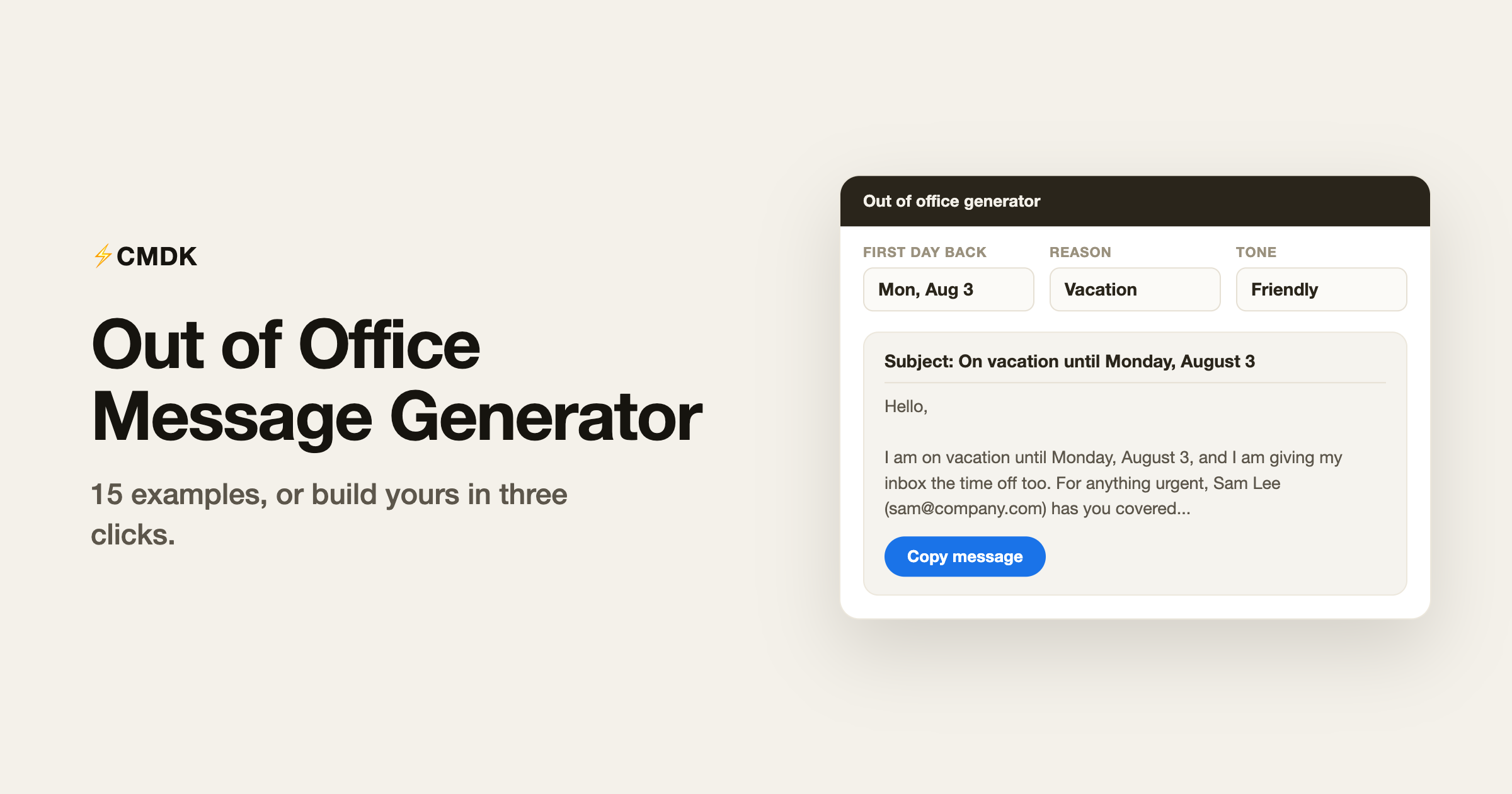
Write the message with the generator below, or copy one of the 23 ready-to-use templates. Paste it into that Vacation responder box.
Build yours with the generator
Pick the dates, the tone, and a backup contact, and copy the result.
How to set it in Gmail
Gmail calls this the vacation responder. Settings, then See all settings, scroll to Vacation responder on the General tab, set the first day and optional last day, paste your subject and message, and Save. Gmail sends it at most once every four days to the same person, so nobody gets spammed while you are gone.
Professional out of office examples
1. The standard
The default for most jobs. It answers everything and offends nobody.
Subject: Out of office until {return_date}
Hello,
Thank you for your email. I am out of the office until {return_date} with limited access to email.
For anything urgent, please contact {backup_name} at {backup_email}. Otherwise, I will reply when I am back.
Best regards, {your_name}
2. The no-backup version
Use it when nobody covers for you and expectations need setting.
Subject: Away until {return_date}
Hello,
I am out of the office until {return_date} and not checking email.
I will reply to your message after I return. If this is time-sensitive, resend it on {return_date} and it will land at the top of my pile.
Thanks for your patience, {your_name}
3. The checking-occasionally version
Use it when you will dip into email but want to protect your time.
Subject: Out of office, slow replies until {return_date}
Hello,
I am away until {return_date} and checking email once a day at most.
If your message is urgent, contact {backup_name} at {backup_email} and you will get a much faster answer. Everything else, I will get to as I can.
Thanks, {your_name}
4. The internal-only version
Use it for a company where outsiders never email you directly.
Subject: OOO until {return_date}
Hi team,
Away until {return_date}. {backup_name} has context on my projects and can unblock most things.
Anything that can wait, leave it in the thread and tag me. See you on the other side.
{your_name}
Vacation and travel examples
5. The honest vacation
Use it when your workplace does not require pretending vacations are sad.
Subject: On vacation until {return_date}
Hello,
I am on vacation until {return_date}, and in a rare act of self-discipline, I will not be checking email.
{backup_name} ({backup_email}) can help with anything that cannot wait. Everything else, I will happily handle when I am back.
{your_name}
6. The business trip
Use it when you are working, just not at your desk or in your time zone.
Subject: Traveling until {return_date}
Hello,
I am traveling for work until {return_date}. I am reading email but replies will be slower than usual, and meetings are difficult to schedule.
For urgent matters, contact {backup_name} at {backup_email}.
Best, {your_name}
7. The conference
Use it when you are at an event and might actually want to meet people there.
Subject: At {event_name} until {return_date}
Hello,
I am at {event_name} until {return_date}, so email replies will be slow.
If you are here too, come say hello. For anything urgent back at base, {backup_name} ({backup_email}) is your fastest route.
{your_name}
Leave examples
8. Parental leave
Use it for a long absence where email will not be read at all.
Subject: On parental leave, back {return_date}
Hello,
I am on parental leave until {return_date} and will not be reading or answering email during this time.
For all matters, please contact {backup_name} at {backup_email}, who is covering my responsibilities. Messages sent to this address will not be forwarded, so please resend anything still relevant after {return_date}.
{your_name}
9. Medical or personal leave
Use it when you need privacy about the reason and a hard boundary.
Subject: On leave until {return_date}
Hello,
I am on leave until {return_date} and unable to respond to email.
Please direct all requests to {backup_name} at {backup_email} in my absence.
Thank you for understanding, {your_name}
10. Sabbatical
Use it for months away, where auto-forwarding expectations matter most.
Subject: On sabbatical, back {return_date}
Hello,
I am on sabbatical until {return_date}, fully offline. This inbox is not being monitored or forwarded.
{backup_name} ({backup_email}) now owns everything I was working on. For anything still relevant when I return, please resend after {return_date}.
{your_name}
Short and holiday examples
11. The two-liner
Use it when brevity is the whole personality.
Subject: OOO until {return_date}
Away until {return_date}. For urgent matters: {backup_name}, {backup_email}. Everything else, I will reply on my return.
12. The long weekend
Use it for one or two days, where a full message feels like overkill.
Subject: Back {return_date}
Hello,
I am out today and back on {return_date}. I will reply then.
If it truly cannot wait, {backup_name} at {backup_email} can help.
{your_name}
13. The company holiday closure
Use it when the whole office is closed and nobody covers anything.
Subject: {company} closed until {return_date}
Hello,
Our offices are closed for the holidays until {return_date}, and nobody is monitoring this inbox until then.
We will respond to all messages when we reopen. Thank you for your patience, and happy holidays!
The {company} team
14. The end-of-year
Use it for the December stretch when replies before January are a polite fiction.
Subject: Out until {return_date}, happy new year
Hello,
I am out of the office until {return_date}. Like most inboxes in late December, mine is hibernating.
If this is urgent, contact {backup_name} at {backup_email}. Otherwise, I will reply in the new year. Wishing you a great start to it.
{your_name}
15. The friendly personality version
Use it where your team culture rewards being human. Calibrate to taste.
Subject: Gone until {return_date} (the inbox survives without me)
Hello,
Right now I am somewhere with much better scenery than my inbox, and I am back {return_date}.
While I am gone, {backup_name} ({backup_email}) is the person to ask; they are excellent and occasionally faster than me anyway. Your email is safe and I will answer it when I return.
{your_name}
More situations
16. Working remotely for the day
Use it when you are working but away from the desk and slower to reach.
Subject: Working remotely today, replies may be slow
Hello,
I am working remotely today and checking email between other tasks, so replies may take a few hours.
For anything urgent, {backup_name} at {backup_email} can help, or mark your message urgent and I will prioritize it.
Best, {your_name}
17. The unexpected sick day
Use it when you are out at short notice and do not know your exact return.
Subject: Out sick today
Hello,
I am out sick and away from email today. I will catch up on messages as soon as I am back at my desk.
If something cannot wait, please contact {backup_name} at {backup_email}.
Thank you, {your_name}
18. You have left the company
Use it as a permanent responder after a role change, so senders reach the right person.
Subject: I have moved on from {company}
Hello,
I am no longer with {company}, and this inbox is no longer monitored.
For anything related to my former role, please contact {backup_name} at {backup_email}, who is now the right point of contact. Thank you, and all the best.
19. Reduced or part-time schedule
Use it when you work set days and want to set steady expectations year round.
Subject: Part-time schedule, replies on {work_days}
Hello,
I work {work_days} and reply to email on those days. If you have written outside them, I will get to your message on my next working day.
For anything urgent in the meantime, {backup_name} at {backup_email} can help.
Best, {your_name}
20. Freelancer or contractor availability
Use it when you are mid-project and protecting focus time for current clients.
Subject: Heads-down on client work until {return_date}
Hello,
Thank you for reaching out. I am focused on current client work until {return_date} and checking email once a day.
If you are contacting me about new work, I will reply with availability after that date. For anything time-sensitive on an active project, mark it urgent and I will see it same day.
Best, {your_name}
21. A heads-down focus day
Use it when you block a day for deep work and want to mute the ping-pong.
Subject: Focus day, replying tomorrow
Hello,
I am heading down on focused work today and away from my inbox. I will reply to your message tomorrow.
If it truly cannot wait, {backup_name} at {backup_email} can help right away.
{your_name}
22. A shared team inbox is unattended
Use it for a support or team address when the whole team is out for an event or holiday.
Subject: Our team is away until {return_date}
Hello,
Thank you for writing. Our team is away until {return_date}, so replies to this address are paused until we return.
We will work through messages in order when we are back. For account emergencies, please use {backup_email}.
The {company} team
23. Bereavement leave
Use it when you need space and a firm, private boundary. Keep it brief.
Subject: Away until {return_date}
Hello,
I am away from work until {return_date} and not checking email during this time.
For anything that needs attention before then, please contact {backup_name} at {backup_email}. Thank you for your understanding.
{your_name}
What makes a good out of office message
Every good OOO answers three questions in the first three lines: how long you are gone, whether you are reachable, and who to contact instead. Beyond that, a few rules keep you out of trouble:
- Give a return date, not a duration. “Back January 6” survives forwarding and time zones; “back in two weeks” does not.
- Only promise what you will do. If you say “limited access to email”, people expect replies. If you will not read anything, say so plainly; it sets better expectations and buys you a real break.
- Name one backup, with their email. “Contact my team” sends nobody anywhere. One name, one address.
- Skip the sensitive details. No flight numbers, no medical reasons, no “the whole family is away all month”. Auto-replies go to strangers too.
- Set an end date in Gmail. The responder switches itself off and you avoid the classic “still telling people you are away three days after returning”.
Coming back to your inbox
The message is the easy half. The hard half is the 40 unanswered emails waiting when you get back, with no memory of which ones still matter.
A trick that works well with CMDK: before you leave, snooze anything you are mid-conversation on to your return date, so your first morning back is a tidy stack instead of archaeology. And if you send “I will reply when I am back” emails to specific people, an auto follow-up reminder makes sure you actually do.
If you write OOO-adjacent emails often, handoffs before leaving, “catching up, give me a day” notes after, save them once as snippets and insert them with a keystroke. The canned responses library has ready-made starting points.
Common questions
What should an out of office message say?
Three things: that you are away, the date you return, and who to contact for urgent matters. Add whether you are checking email at all, so senders know what to expect. Anything beyond that is tone and personality, which the examples above cover.
How do I set an out of office message in Gmail?
Open Settings, then See all settings, and scroll to Vacation responder at the bottom of the General tab. Set the first day, an optional last day, your subject and message, then Save. Gmail turns it off automatically after the last day.
Should I put a reason in my out of office message?
A light reason like vacation or travel is fine and reads naturally. Skip anything sensitive or specific: medical details, family situations, or exact travel plans. The auto-reply goes to everyone who emails you, including strangers and mailing lists.
How do I write an out of office message for parental leave?
State the return month, make clear the inbox is not monitored or forwarded, and hand everything to a named backup. Example 8 above follows the pattern. For long leaves, asking people to resend after your return date works better than promising to dig through months of backlog.
Set it and actually log off
Generate your message above or copy the closest example, paste it into Gmail’s vacation responder, and set the end date so it switches itself off.
Then make the coming-back part painless too: install CMDK, snooze the open threads to your return date, and save your handoff emails as snippets. The best out of office message is the one backed by an inbox that will not punish you for using it.
Related reading
Free Gmail signature generator: build yours in 60 seconds
While you are polishing endings, see how to end an email for 60 sign-offs sorted by situation.




