
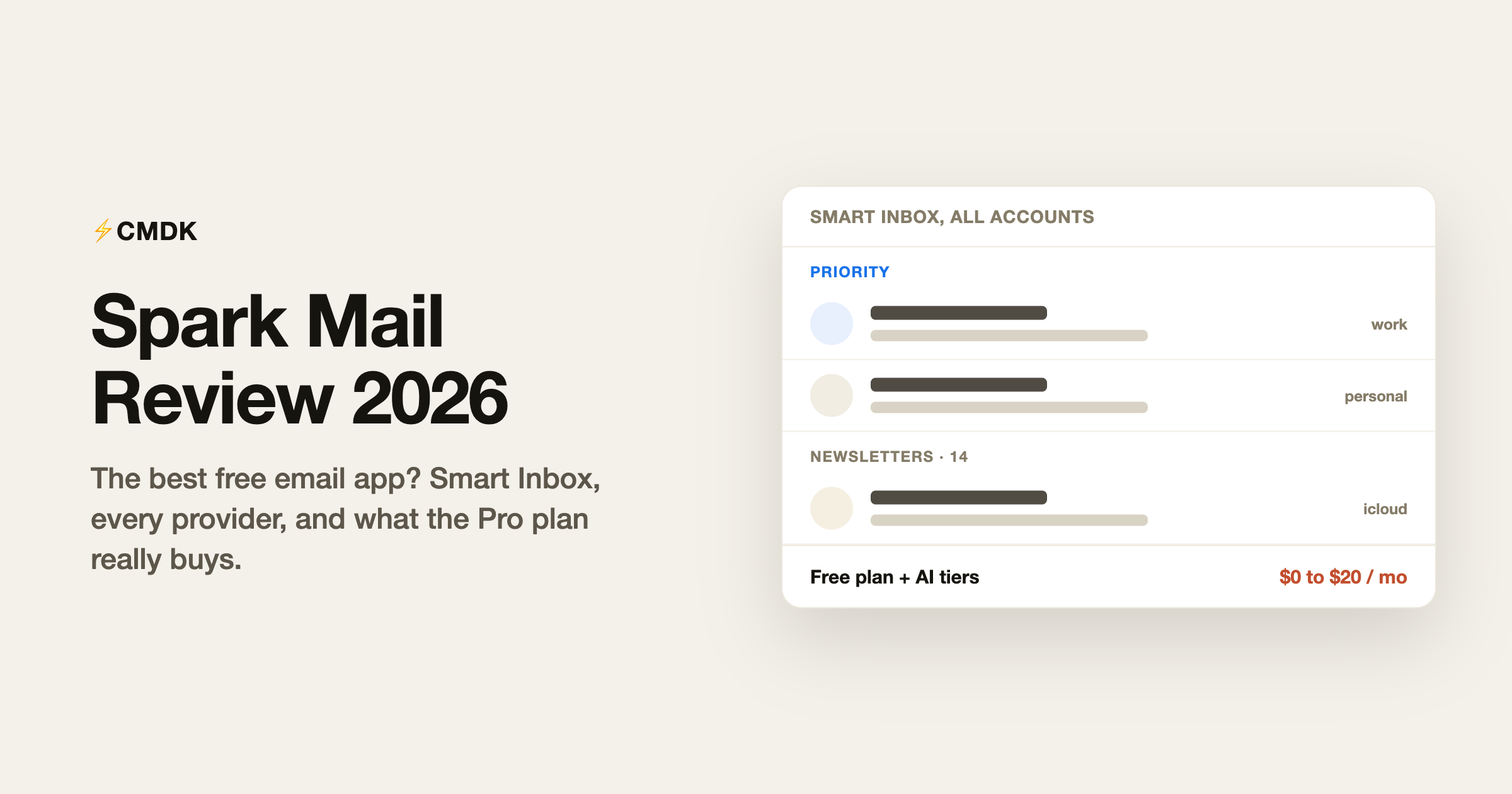
Verdict: Spark is the best free, cross-platform email app, and Plus at $99 a year is fair for the AI additions. Individuals should skip Pro at $199 a year just for read statuses, and anyone whose employer audits data storage should note Spark keeps credentials on its servers.
Also comparing AI inbox assistants? For an AI inbox assistant angle, see our Fyxer AI review.
Spark is the email app people land on when they want something nicer than the stock Mail app without paying Superhuman money. Built by Readdle, the Ukrainian company behind Documents and PDF Expert, it runs on Mac, Windows, iPhone, and Android, connects to practically any email account, and its free plan is the most generous of any premium email client. The 2026 version adds an AI assistant, meeting notes, and a growing pile of team features, and the interesting question has shifted from “is Spark good” to “which Spark features do you actually need to pay for.”
We build CMDK, a Gmail extension that competes for the same “make email faster” budget, so read this as an informed competitor’s review. Facts checked against Spark’s official pricing page and knowledge base in July 2026.
What Spark is
Spark (sparkmailapp.com, launched 2015) is a full email client that replaces Gmail’s interface, Apple Mail, or Outlook on your devices. Unlike Gmail-only rivals such as Shortwave or Mimestream, Spark connects to Gmail, Outlook, iCloud, Yahoo, and any IMAP account, and its unified inbox merges them all into one stream.
The signature features:
- Smart Inbox. Incoming mail is sorted into Priority, Notifications, and Newsletters sections, with people-mail surfaced above the automated noise. Spark’s version of this predates most competitors and remains one of the better implementations.
- Gatekeeper. New senders appear with an accept-or-block choice before they reach your inbox, which quietly kills a lot of future spam.
- Spark +AI. An assistant that drafts and rephrases email, summarizes threads, answers questions against your history, and takes meeting notes. Quota-limited by plan.
- Team collaboration. Shared inboxes, shared drafts, private comments on threads, and assignments turn Spark Pro into a lightweight Front alternative for small teams.
Spark pricing in 2026
From the official pricing page:
- Free: unlimited email accounts, Smart Inbox, unified inbox, smart notifications, snooze, scheduled send, reminders, and calendar. The AI is a limited preview with one month of assistant history.
- Plus: $10 per month, or $99 per year. Adds the full AI assistant with one year of history, 40 AI meeting notes a month, custom templates, Gatekeeper-style priority tools, smart folders, integrations, and basic team collaboration.
- Pro: $20 per month, or $199 per year. Everything in Plus, with unlimited AI meeting notes, full-history AI assistant, read statuses, shared inboxes, advanced team collaboration, and HubSpot integration.
- Enterprise: custom pricing with security controls and a dedicated success manager.
Paid plans have a 7-day trial. Longtime users on the old $59.99-per-year Premium plan keep it as a grandfathered legacy plan.
The notable line item: read statuses, the feature that tells you whether your email was opened, sits on the $20 Pro tier. That is $240 a year for a capability Gmail extensions provide for a fraction of the price.
What it does well
The free plan is genuinely useful. Unlimited accounts, the Smart Inbox, snooze, scheduled send, and reminders, all free, on every platform. Most competitors gate at least half of that list. If your problem is juggling three email accounts in a decent interface without paying anything, Spark ends the search.
Cross-platform for real. Mac, Windows, iPhone, and Android, with identical features and synced settings. Households and teams that mix providers and operating systems have very few polished options, and Spark is the best of them. It is our best-free-upgrade pick on the phone as well, in the roundup of the best email app for iPhone.
Team email without team-tool pricing. Shared inboxes, comments, and assignments at $20 per seat undercut dedicated shared-inbox products like Front by a wide margin. For a three-person support or sales team, Spark Pro is a legitimately cheap way to collaborate on email.
Where it disappoints
Your credentials live on Readdle’s servers. Features like send later, snooze sync, and notifications work through Spark’s cloud, which means the app stores your email tokens server-side. Readdle documents its security practices and has a long clean record, but this architecture is the standing criticism of Spark in every privacy-focused review, and corporate security teams regularly flag it. If server-side credential storage is a dealbreaker, a client like Mimestream (direct Gmail API, tokens on device) or a browser extension is the safer shape.
The AI is quota-metered and mid-tier. Spark +AI covers drafting, rephrasing, and summaries competently, and the meeting notes are a nice bonus at the price. It is a step behind Shortwave’s assistant on email-history search and reasoning depth, the quotas reset monthly, and the auto-label and auto-draft automations were still marked “coming soon” on the pricing page in July 2026. Gmail users should also note that Gmail itself now bundles Gemini at no cost, with thread summaries, Help me write and Suggested Replies, which covers a good share of what Spark meters by plan.
Feature creep is real. Calendar, meeting notes, CRM integration, an AI assistant, team channels: Spark keeps absorbing adjacent categories, and the app has grown heavier and busier than the clean 2019-era Spark people fell in love with. Settings sprawl across dozens of screens, and mobile occasionally lags under the weight.
Power processing is not the focus. Spark has keyboard shortcuts and swipe actions, but nothing like the command-driven speed of Superhuman or a keyboard layer on top of Gmail. Inbox-zero sprinters will feel the ceiling within a week.
Spark vs CMDK
Spark replaces your email apps everywhere; CMDK upgrades Gmail in the browser where you already work.
- Spark gives you a new client on every device, any email provider, Smart Inbox sorting, and team features, free to $20 per seat per month.
- CMDK keeps you in Gmail and adds the professional speed kit: split inbox tabs, a Cmd+K command bar, one-key triage, snippets, read receipts, follow-up reminders, and bulk cleanup for $79 a year or $169 lifetime.
The read statuses Spark reserves for its $240-per-year Pro plan are in CMDK’s $79 year, alongside snippets that Spark calls templates. On the other side, CMDK is Gmail-only and has no mobile app, so if you process serious email on your phone across several providers, Spark solves a problem CMDK does not try to. Gmail-first desktop workers who mostly want speed get more from the extension; multi-account, multi-device users get more from Spark.
Verdict
Spark remains the best default recommendation for a free, cross-platform email app, and the Plus plan at $99 a year is fair for the AI additions. The Pro tier makes sense for small teams using the shared inboxes, and mostly for them; individuals paying $240 a year for read statuses and unlimited meeting notes are overpaying for what a cheaper tool plus a $10 meeting-notes app could cover. Factor in the server-side credential architecture if your employer audits that sort of thing, and if your actual goal is moving through Gmail faster rather than getting a prettier client, a keyboard-first extension beats a new app.
Frequently asked questions
Is Spark Mail free?
Yes, and the free plan is unusually generous: unlimited email accounts, the Smart Inbox, snooze, scheduled send, reminders, and calendar on Mac, Windows, iOS, and Android. AI features are a limited preview on the free plan; the full assistant starts with Plus at $10 per month.
How much does Spark cost in 2026?
Plus is $10 per month or $99 per year. Pro is $20 per month or $199 per year, adding read statuses, shared inboxes, unlimited AI meeting notes, and HubSpot integration. Enterprise is custom. Paid plans include a 7-day free trial.
Is Spark Mail safe? Does Readdle read your email?
Spark’s cloud features (send later, cross-device sync, notifications) require storing account tokens on Readdle’s servers, which is the main criticism privacy reviewers raise. Readdle publishes its security practices and states it does not sell or mine email content. Whether server-side token storage passes your security review is worth settling before rolling it out at work.
What platforms does Spark support?
Mac, Windows, iPhone, and Android, with Gmail, Outlook, iCloud, Yahoo, and IMAP accounts. That makes it one of the few polished clients covering every mainstream provider and operating system at once.
Is Spark better than Gmail?
For multi-account users, Spark’s unified Smart Inbox is a clear upgrade over switching Gmail tabs. For a single Gmail account, the gap is smaller: Gmail’s own interface plus keyboard shortcuts covers most of it, and an extension can add the missing speed features (snippets, read receipts, split inbox) without changing apps.
What is the best Spark alternative?
For AI-first email on Gmail, Shortwave (see our Shortwave review). For a Mac-native Gmail client, Mimestream. For staying in Gmail and adding speed (shortcuts, snippets, read receipts, split inbox), CMDK at $79 per year. For team shared inboxes at bigger scale, Front or Missive.
Want the read receipts and templates without a $240-a-year plan or a new app? CMDK adds them to the Gmail you already use for $79 a year, with a 15-day free trial.
Weighing Spark against the premium option instead? Here is our Superhuman vs Spark comparison, with August 2026 pricing for both.
Deciding between a separate app and a faster Gmail? See the full CMDK vs Spark comparison.




