
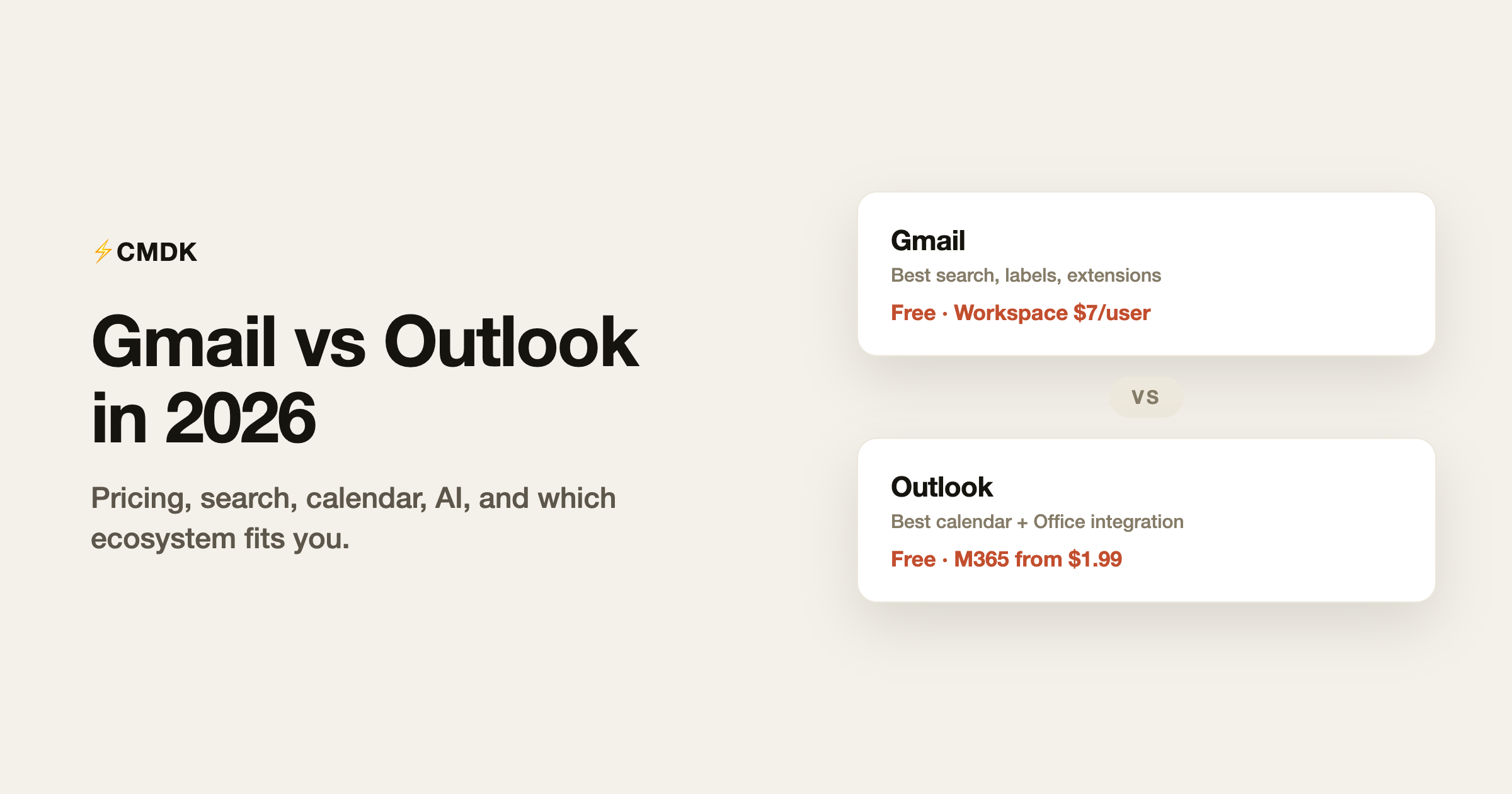
Gmail and Outlook are the two default answers to email, and for most people the choice was made by an employer or a signup form years ago. But the question keeps mattering: people change jobs, start companies, and pick platforms for teams. Here is the honest 2026 comparison, on the things that actually differ, with verified pricing.
The short version: Gmail wins on search, filtering, and its extension ecosystem. Outlook wins if your life already runs on Microsoft 365, and its calendar integration remains the tightest in the business. Both are excellent at the basics, so the decision comes down to the ecosystem you want to live in.
Pricing: nearly identical, by design
Personal use. Both are free. Gmail gives you 15 GB shared across Gmail, Drive, and Photos, with no ads inside the message list on the default tabs beyond the Promotions tab placements. Outlook.com also gives 15 GB of mail storage, but shows ads in the inbox unless you pay; the cheapest ad-free route is Microsoft 365 Basic at $1.99/month, which also adds 100 GB of storage.
Business use. Google Workspace Business Starter runs $7 per user per month on annual billing ($8.40 flexible) with 30 GB pooled storage. Microsoft 365 Business Basic is about $7 per user per month, with a 50 GB mailbox plus 1 TB of OneDrive. Standard tiers land at $14 (Workspace, 2 TB pooled) and around $12.50 (Microsoft, adds desktop Office apps). Neither platform wins on price; they have tracked each other for years.
Search and organization: Gmail’s home turf
Gmail search is the best in email, and it is not close. Operators like from:, has:attachment, older_than:1y, and label: combine into queries that find one message in a hundred thousand, and they double as filter criteria for automatic labeling. Labels themselves beat folders for anyone who thinks in more than one dimension: a message can be both “Client X” and “Invoices” without being copied.
Outlook counters with folders plus categories, which cover similar ground with more clicking, and its search has improved but still trails on precision and speed. If your workflow involves finding old email constantly, this category alone can settle the decision. Our guides to Gmail search operators and labels vs folders show how deep that rabbit hole goes.
Calendar and Office integration: Outlook’s home turf
Outlook is not really an email app; it is a work hub. Calendar, contacts, and tasks live in the same window, meeting scheduling with room booking and Teams links takes seconds, and attachments flow to and from OneDrive and SharePoint naturally. If your company runs on Excel, Teams, and SharePoint, Outlook is the connective tissue and fighting it is pointless.
Google’s equivalent stack (Calendar, Meet, Drive) is just as capable but lives in separate tabs. The integration is looser by design, which suits browser-native workers and annoys people who want one window for everything.
AI: Gemini vs Copilot, both unfinished
Both platforms now thread AI through email: Gemini summarizes threads and drafts replies in Gmail, Copilot does the same in Outlook. Both are useful for summarization, mediocre at drafting anything with stakes, and both push you toward their paid tiers for full features. Neither is currently a reason to switch platforms. If AI email is genuinely the priority, a dedicated client like Shortwave is ahead of both.
The extension ecosystem: Gmail’s quiet advantage
Because Gmail lives in the browser, it has the richest third-party ecosystem in email: thousands of extensions add scheduling, CRM sync, mail merge, tracking, and workflow tooling directly into the interface. Outlook has add-ins, but the catalog is thinner and the new Outlook’s add-in support is still catching up to the classic desktop app it replaced.
This matters because it changes what “Gmail” can be. Out of the box, Gmail is a good webmail client. With an extension layer like CMDK (which we build), it gains a command bar, split inbox tabs, snippets, read receipts, one-key triage, and follow-up reminders: the feature set people pay $300 a year for in premium clients, for $79 a year. Outlook has no equivalent upgrade path of comparable depth.
Reliability, security, and lock-in
Both are backed by the two most attacked and most defended infrastructures on the internet, and both offer strong two-factor authentication, phishing protection, and admin controls on business tiers. Privacy-minded users distrust both, for different reasons (advertising heritage at Google, telemetry at Microsoft); if that is your concern, the answer is neither, and our Gmail alternatives guide covers the providers built around privacy instead.
On lock-in: both export your mail (Google Takeout, Outlook PST/OLM), and both support IMAP access for migration. Moving between them is tedious but routine.
Which one should you pick?
| Your situation | Pick |
|---|---|
| Company runs on Microsoft 365, Teams, SharePoint | Outlook |
| Company runs on Google Workspace | Gmail |
| You search old email constantly | Gmail |
| Calendar-heavy schedule, back-to-back meetings | Outlook |
| You want to extend and customize your email | Gmail |
| Privacy is the deciding factor | Neither; see the alternatives |
Frequently asked questions
Is Gmail or Outlook better for business?
They cost the same (about $7 per user per month at entry) and both are excellent. Choose based on the rest of your stack: Microsoft 365 shops should use Outlook, Google Workspace shops should use Gmail. Mixing platforms creates friction that no email feature makes up for.
Can I use Gmail and Outlook together?
Yes. Outlook (desktop and mobile) can connect a Gmail account, and Gmail can fetch or forward Outlook mail. Plenty of people read a work Outlook account and a personal Gmail in one app. Full platform features (labels on the Gmail side, scheduling depth on the Outlook side) only work in their native interfaces, though.
Which has better storage on the free plan?
They match at 15 GB, with a difference in accounting: Outlook.com’s 15 GB is for mail alone, while Gmail’s 15 GB is shared with Google Drive and Photos, so heavy Drive users hit the cap sooner. Paid upgrades start at $1.99/month on both sides.
Is Outlook’s new desktop app worse than the old one?
For power users, currently yes: the new Outlook for Windows is a web app in a frame, with thinner offline support and fewer add-ins than classic Outlook. Microsoft is closing the gap, but the transition is a real annoyance for longtime desktop Outlook users and one reason some are reevaluating platforms. Our best email app for Windows guide covers the fallout.
Already on Gmail and staying there? CMDK adds a command bar, snippets, read receipts, and split inbox to the Gmail you already use, for $79 a year with a 15-day free trial.


